Finding the best budget ASUS gaming laptop is not simply a matter of choosing the cheapest model. A good value laptop should deliver smooth 1080p gaming, enough memory for modern titles, an SSD with reasonable capacity, and cooling that can sustain performance during long sessions.
ASUS offers several affordable gaming configurations under its TUF lineup, but similar product names can hide major differences in graphics power, memory, display size, and long-term value. This guide compares six Amazon-listed models and explains which one is best for competitive gaming, AAA titles, school, content creation, a large-screen setup, or the lowest possible upfront cost.
Our top recommendation: ASUS TUF Gaming F16 (RTX 4050) offers the best overall balance for most shoppers. Buyers who want a larger screen and more built-in storage should consider the ASUS TUF Gaming A17 (RTX 4050), while the ASUS TUF Gaming A15 (8GB, RTX 3050) is the most basic entry point for shoppers prepared to upgrade the RAM.
Disclosure: As an Amazon Associate, Game Insider Hub earns from qualifying purchases. Product availability, specifications, and prices may change. Always confirm the final configuration on Amazon before ordering.
Best Budget ASUS Gaming Laptops at a Glance
| ASUS Gaming Laptop | Best For | Processor | Graphics | Memory | Display | Amazon Link |
|---|---|---|---|---|---|---|
| ASUS TUF Gaming F16 (RTX 4050) | Best Overall Value | Intel Core 5 210H | NVIDIA GeForce RTX 4050 | 16GB DDR5 | 16-inch FHD+ 144Hz | Check Amazon |
| ASUS TUF Gaming F16 (RTX 5050) | Best Newer-GPU Pick | Intel Core i5-13450HX | NVIDIA GeForce RTX 5050 | 16GB DDR5 | 16-inch FHD+ 165Hz | Check Amazon |
| ASUS TUF Gaming A17 (RTX 4050) | Best Large-Screen Option | AMD Ryzen 7 7735HS | NVIDIA GeForce RTX 4050 | 16GB DDR5 | 17.3-inch FHD 144Hz | Check Amazon |
| ASUS TUF Gaming A15 (16GB, RTX 3050) | Best Entry-Level 16GB Pick | AMD Ryzen 5 7535HS | NVIDIA GeForce RTX 3050 | 16GB DDR5 | 15.6-inch FHD 144Hz | Check Amazon |
| ASUS TUF Gaming F15 (2022, RTX 3050) | Best Older-Generation Deal | Intel Core i5-12500H | NVIDIA GeForce RTX 3050 | 16GB DDR4 | 15.6-inch FHD 144Hz | Check Amazon |
| ASUS TUF Gaming A15 (8GB, RTX 3050) | Best for the Lowest Upfront Cost | AMD Ryzen 5 7535HS | NVIDIA GeForce RTX 3050 | 8GB DDR5 | 15.6-inch FHD 144Hz | Check Amazon |
How We Chose These Budget ASUS Gaming Laptops
These recommendations are based on listed hardware, gaming suitability, memory and storage capacity, display refresh rate, upgrade potential, and overall value positioning. We prioritized configurations that are listed on Amazon and avoided models with unclear or conflicting core specifications.
Because laptop prices can change daily, this guide does not use a fixed dollar cutoff. Instead, it compares the value of each machine relative to its GPU class and configuration. An older RTX 3050 laptop can still be a sensible purchase at a strong discount, but an RTX 4050 or newer model is usually the better long-term choice when the price difference is modest.
Best Budget ASUS Gaming Laptop Reviews
1. ASUS TUF Gaming F16 (RTX 4050)
Best for: Best Overall Value
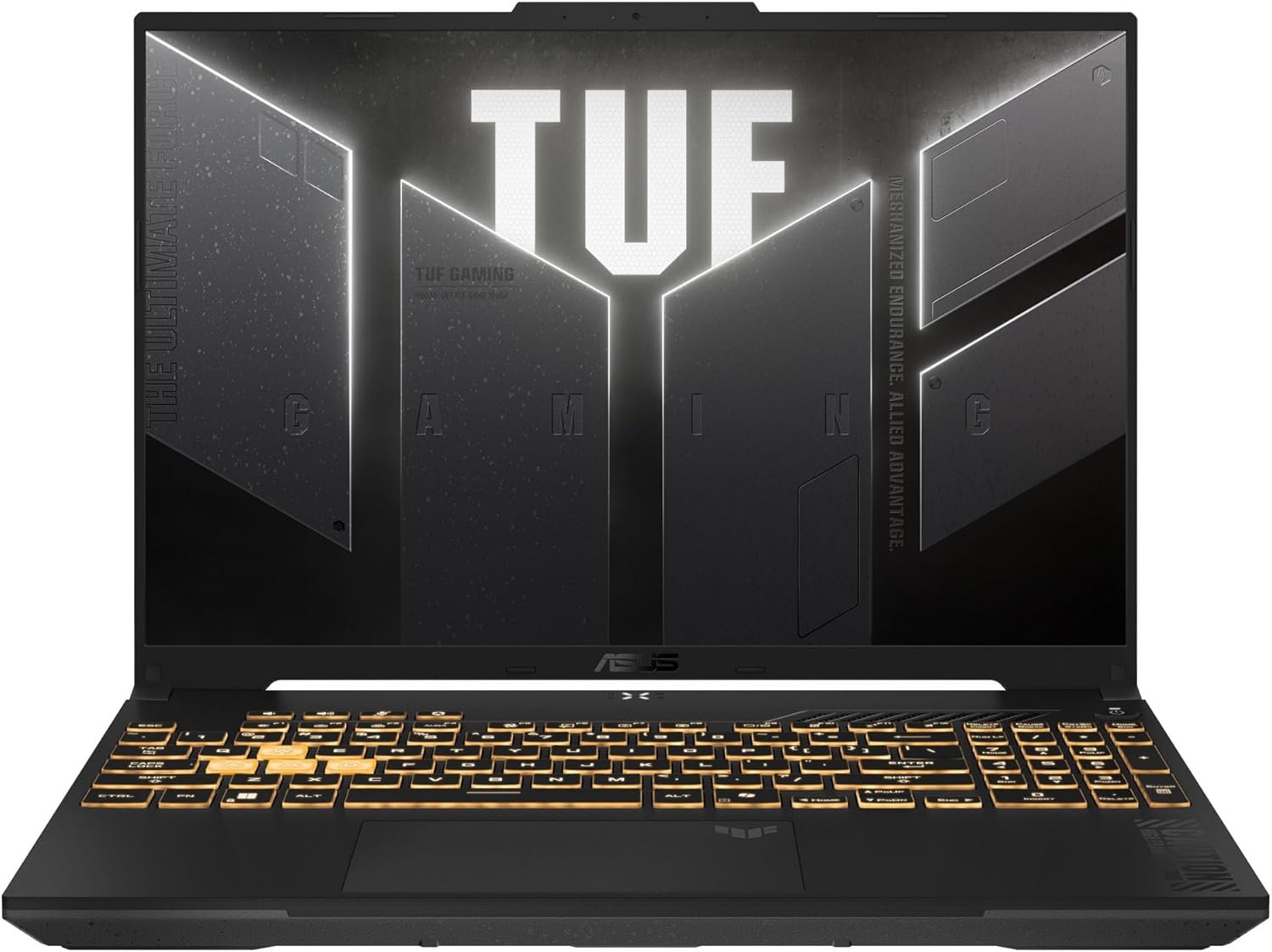
A balanced 16-inch gaming laptop with a modern 16:10 display, current-generation graphics features, and enough memory for gaming, school, work, and content creation.
Key Specifications
- Processor: Intel Core 5 210H
- Graphics: NVIDIA GeForce RTX 4050
- Display: 16-inch FHD+ 144Hz
- Memory: 16GB DDR5
- Storage: 512GB PCIe 4.0 SSD
Why It Stands Out
A balanced 16-inch gaming laptop with a modern 16:10 display, current-generation graphics features, and enough memory for gaming, school, work, and content creation. The specification mix makes it easier to match the laptop to a realistic budget instead of paying for premium features that many gamers do not need.
Pros
- RTX 4050 supports DLSS 3 and modern ray-tracing features
- 16GB DDR5 is a practical starting point for current games
- 16:10 display gives more vertical space for work and editing
- Strong balance of price, portability, and gaming performance
Cons
- 512GB storage can fill quickly with large game libraries
- Display color and brightness are aimed more at gaming than professional color work
- Fans can become noticeable during demanding games
My Honest Opinion
For most buyers searching for the best budget ASUS gaming laptop, this is the safest all-around choice. It avoids the biggest compromises of entry-level models while remaining more affordable than premium ROG machines.
Check the latest price for ASUS TUF Gaming F16 (RTX 4050) on Amazon
2. ASUS TUF Gaming F16 (RTX 5050)
Best for: Best Newer-GPU Pick
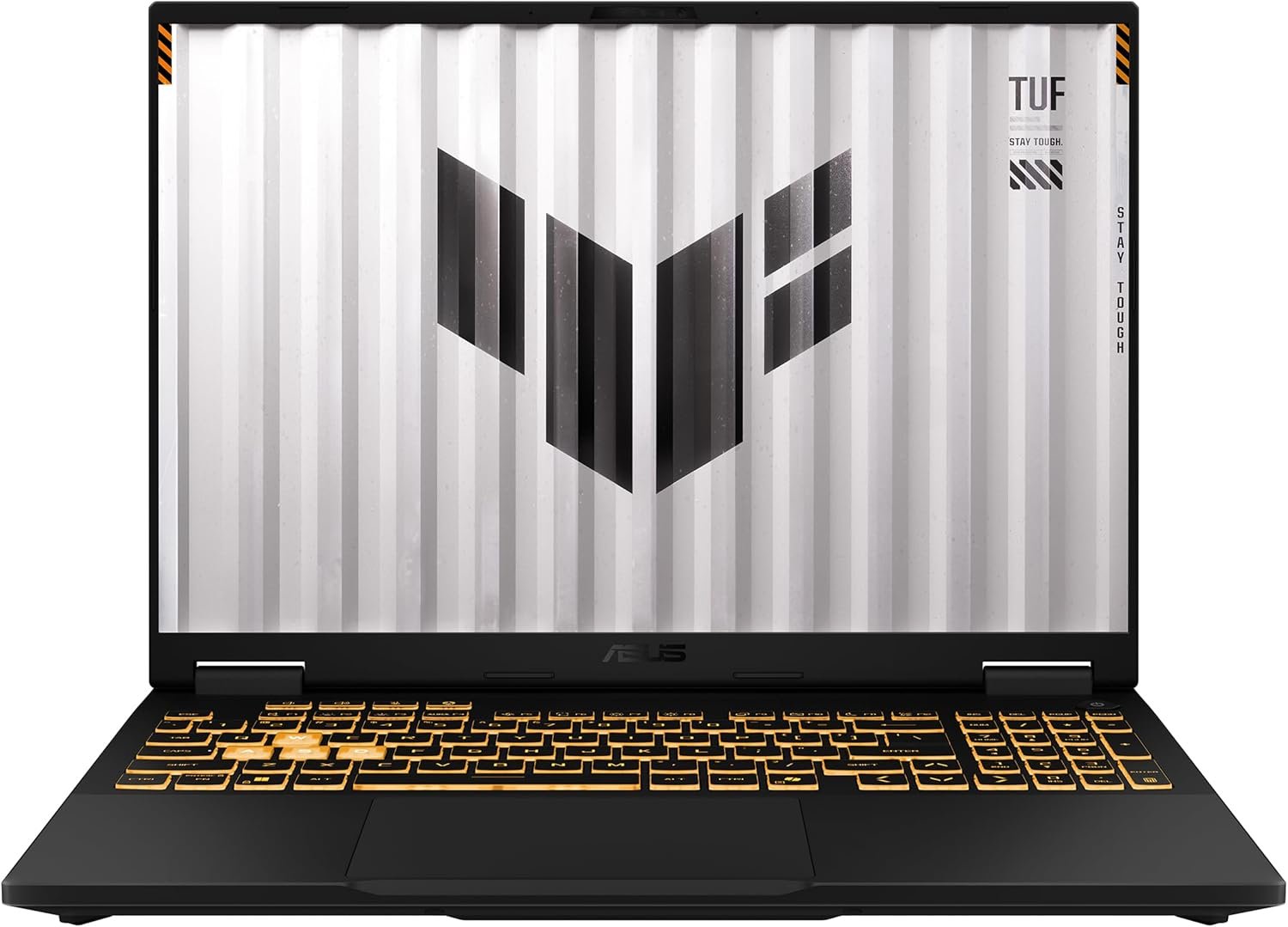
A newer TUF F16 configuration built for buyers who want a higher-refresh display and a more recent NVIDIA GPU without moving into expensive enthusiast territory.
Key Specifications
- Processor: Intel Core i5-13450HX
- Graphics: NVIDIA GeForce RTX 5050
- Display: 16-inch FHD+ 165Hz
- Memory: 16GB DDR5
- Storage: 512GB PCIe 4.0 SSD
Why It Stands Out
A newer TUF F16 configuration built for buyers who want a higher-refresh display and a more recent NVIDIA GPU without moving into expensive enthusiast territory. The specification mix makes it easier to match the laptop to a realistic budget instead of paying for premium features that many gamers do not need.
Pros
- Newer RTX 5050 graphics platform
- 165Hz screen is well suited to competitive gaming
- HX-series processor offers strong multi-core capability
- Wi-Fi 6E and DDR5 help keep the platform current
Cons
- Actual value depends heavily on the current Amazon price
- 512GB SSD is modest for a modern gaming collection
- The chassis is larger than a typical everyday notebook
My Honest Opinion
Choose this model when its price is reasonably close to the RTX 4050 version. The newer GPU and 165Hz panel make it more future-facing, but a large price premium would reduce its budget appeal.
Check the latest price for ASUS TUF Gaming F16 (RTX 5050) on Amazon
3. ASUS TUF Gaming A17 (RTX 4050)
Best for: Best Large-Screen Option
A roomy 17.3-inch model that combines an RTX 4050, a capable Ryzen 7 processor, and a much more useful 1TB SSD for buyers who mainly game at a desk.
Key Specifications
- Processor: AMD Ryzen 7 7735HS
- Graphics: NVIDIA GeForce RTX 4050
- Display: 17.3-inch FHD 144Hz
- Memory: 16GB DDR5
- Storage: 1TB PCIe 4.0 SSD
Why It Stands Out
A roomy 17.3-inch model that combines an RTX 4050, a capable Ryzen 7 processor, and a much more useful 1TB SSD for buyers who mainly game at a desk. The specification mix makes it easier to match the laptop to a realistic budget instead of paying for premium features that many gamers do not need.
Pros
- Large 17.3-inch display improves immersion
- 1TB SSD offers more room than most budget configurations
- Ryzen 7 processor is strong for gaming and productivity
- RTX 4050 is suitable for high-quality 1080p gaming
Cons
- Heavier and less convenient for daily travel
- Full HD resolution is practical but not especially sharp at 17.3 inches
- Large chassis requires more desk and bag space
My Honest Opinion
This is the strongest choice for buyers who value screen size and storage more than portability. It works especially well as a desktop-replacement gaming laptop.
Check the latest price for ASUS TUF Gaming A17 (RTX 4050) on Amazon
4. ASUS TUF Gaming A15 (16GB, RTX 3050)
Best for: Best Entry-Level 16GB Pick
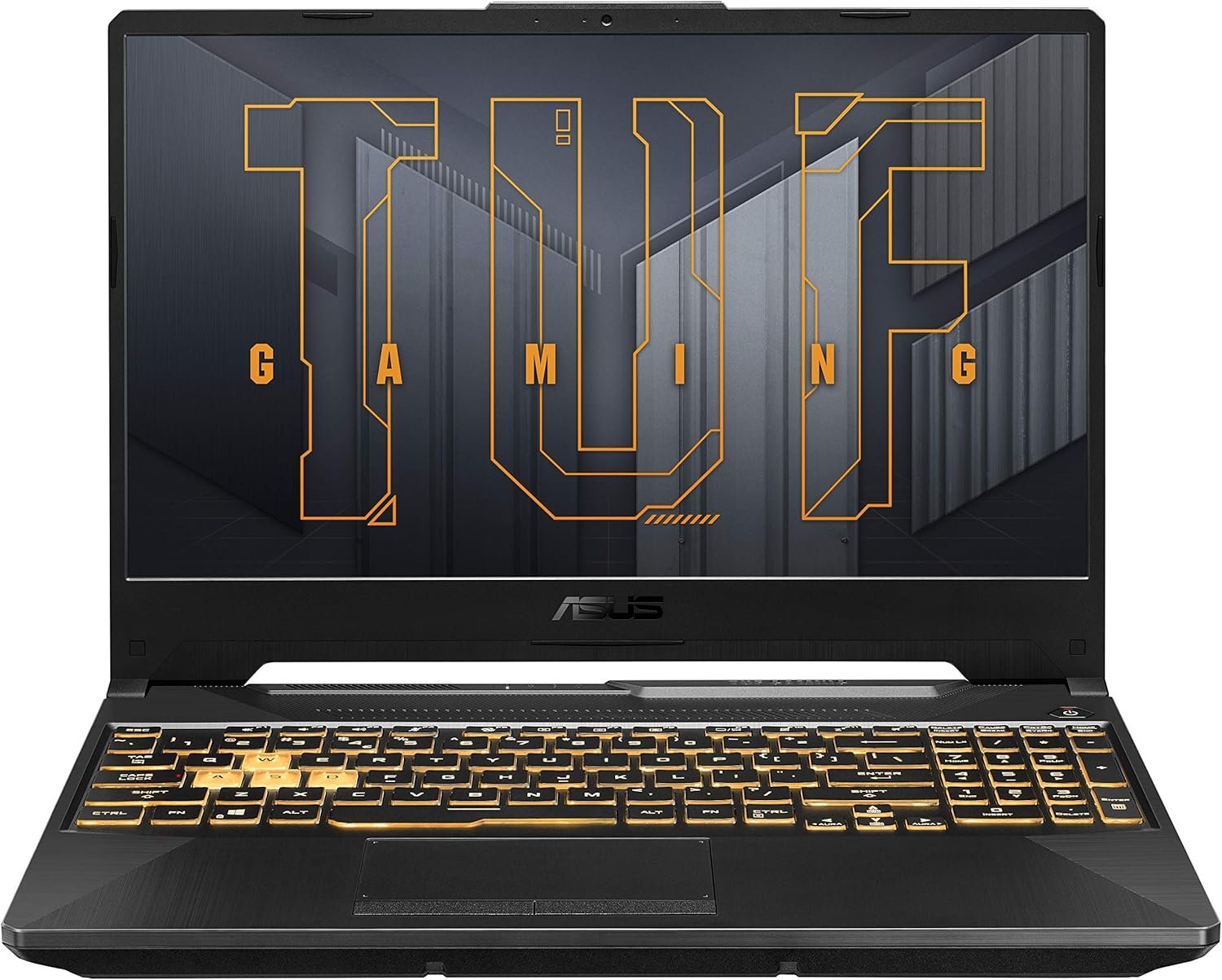
An entry-level gaming configuration with enough memory for smoother multitasking and a 144Hz screen for esports and mainstream games.
Key Specifications
- Processor: AMD Ryzen 5 7535HS
- Graphics: NVIDIA GeForce RTX 3050
- Display: 15.6-inch FHD 144Hz
- Memory: 16GB DDR5
- Storage: 512GB PCIe 4.0 SSD
Why It Stands Out
An entry-level gaming configuration with enough memory for smoother multitasking and a 144Hz screen for esports and mainstream games. The specification mix makes it easier to match the laptop to a realistic budget instead of paying for premium features that many gamers do not need.
Pros
- 16GB DDR5 is better than the common 8GB budget configuration
- 144Hz display improves motion clarity in competitive titles
- Ryzen 5 processor is efficient and capable for everyday use
- TUF chassis provides upgrade-friendly value
Cons
- RTX 3050 is significantly slower than RTX 4050-class options
- Newer AAA games may require medium or low settings
- 512GB storage is limited for several large games
My Honest Opinion
This model makes sense only when it is meaningfully cheaper than an RTX 4050 laptop. It is a good fit for Valorant, Fortnite, Rocket League, Minecraft, and lighter creative work, but it is not the most future-proof option.
Check the latest price for ASUS TUF Gaming A15 (16GB, RTX 3050) on Amazon
5. ASUS TUF Gaming F15 (2022, RTX 3050)
Best for: Best Older-Generation Deal
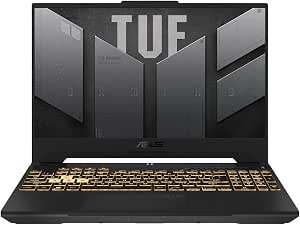
An older but still useful TUF configuration with a 12th-generation Intel processor, 16GB memory, and a dedicated RTX 3050 GPU.
Key Specifications
- Processor: Intel Core i5-12500H
- Graphics: NVIDIA GeForce RTX 3050
- Display: 15.6-inch FHD 144Hz
- Memory: 16GB DDR4
- Storage: 512GB PCIe SSD
Why It Stands Out
An older but still useful TUF configuration with a 12th-generation Intel processor, 16GB memory, and a dedicated RTX 3050 GPU. The specification mix makes it easier to match the laptop to a realistic budget instead of paying for premium features that many gamers do not need.
Pros
- Core i5-12500H remains capable for gaming and productivity
- 16GB RAM is ready for normal gaming workloads
- 144Hz panel is suitable for esports
- Can be attractive during clearance or sale pricing
Cons
- Older platform and DDR4 memory
- RTX 3050 has limited headroom in demanding new releases
- Battery life is not a major strength
- Value depends on receiving a substantial discount
My Honest Opinion
Treat this as a deal-hunting option rather than the default recommendation. It can deliver solid 1080p esports performance, but only buy it when the discount clearly separates it from newer RTX 4050 models.
Check the latest price for ASUS TUF Gaming F15 (2022, RTX 3050) on Amazon
6. ASUS TUF Gaming A15 (8GB, RTX 3050)
Best for: Best for the Lowest Upfront Cost
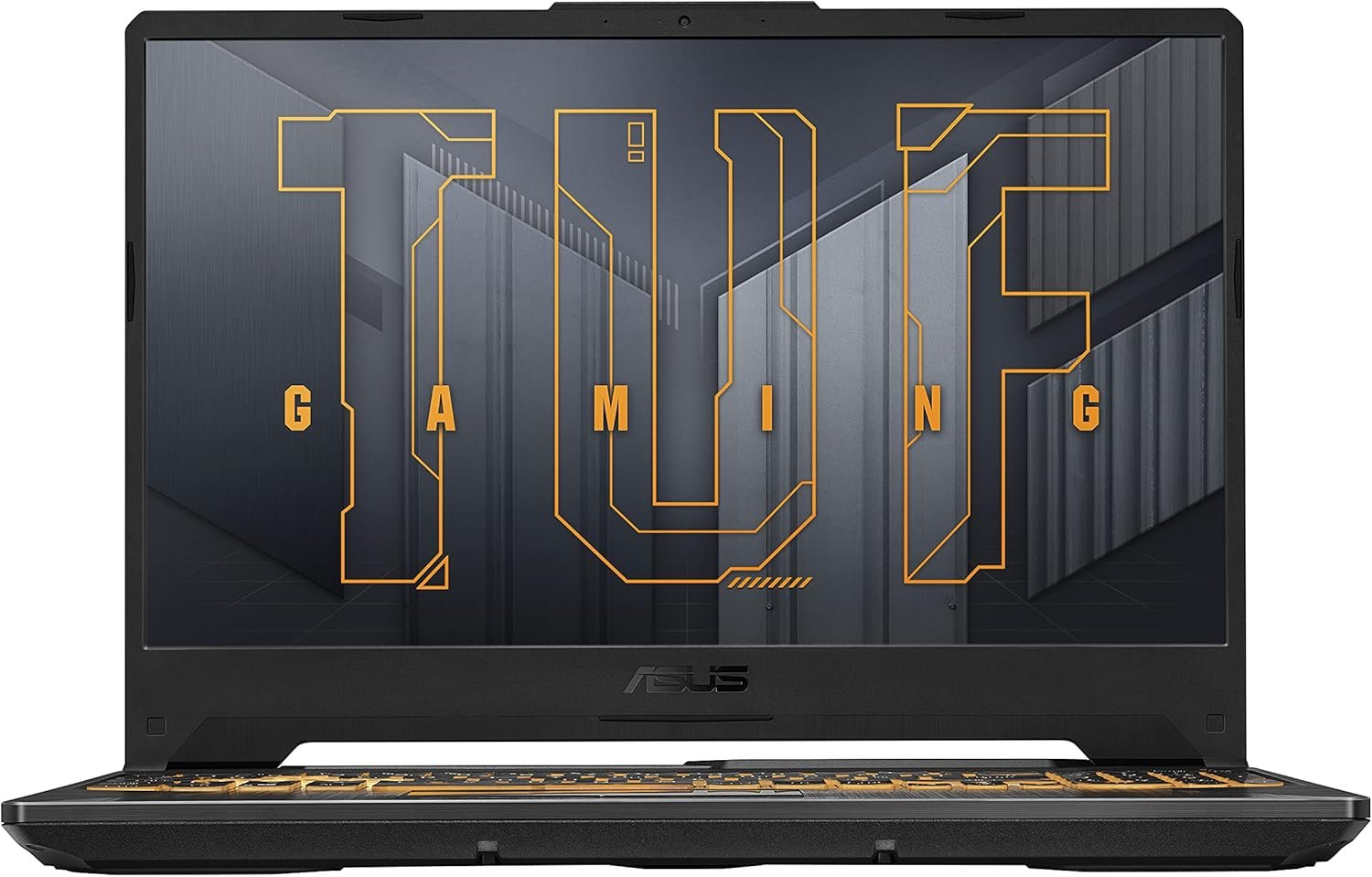
A basic entry point into dedicated-GPU PC gaming for buyers with a strict budget who are comfortable upgrading memory later.
Key Specifications
- Processor: AMD Ryzen 5 7535HS
- Graphics: NVIDIA GeForce RTX 3050
- Display: 15.6-inch FHD 144Hz
- Memory: 8GB DDR5
- Storage: 512GB PCIe 4.0 SSD
Why It Stands Out
A basic entry point into dedicated-GPU PC gaming for buyers with a strict budget who are comfortable upgrading memory later. The specification mix makes it easier to match the laptop to a realistic budget instead of paying for premium features that many gamers do not need.
Pros
- Usually positioned among the least expensive ASUS gaming options
- 144Hz display is useful for lightweight competitive games
- Dedicated RTX graphics support NVIDIA gaming features
- Memory and storage can be upgraded
Cons
- 8GB RAM is restrictive for current gaming and multitasking
- Memory upgrade should be treated as an early additional cost
- RTX 3050 requires more graphics-setting compromises
- Not ideal for demanding AAA gaming over several years
My Honest Opinion
Buy this only when your budget is strict and you plan to upgrade to at least 16GB RAM. The laptop itself is usable, but the stock memory configuration prevents it from reaching its full potential.
Check the latest price for ASUS TUF Gaming A15 (8GB, RTX 3050) on Amazon
How to Choose the Best Budget ASUS Gaming Laptop
1. Start With the GPU, Not the ASUS Model Name
The graphics processor has the largest impact on gaming performance. An RTX 4050-class laptop generally provides a more comfortable experience in modern games than an RTX 3050 model. It also gives you access to newer frame-generation features in supported games. For esports and older titles, an RTX 3050 can still work well, particularly at 1080p with optimized settings.
2. Aim for at Least 16GB of RAM
Eight gigabytes of memory is now a compromise for a gaming laptop. Windows, launchers, browser tabs, voice chat, and a modern game can quickly consume available memory. A laptop with 16GB is a safer starting point. An 8GB model is reasonable only when it is substantially cheaper and supports a straightforward memory upgrade.
3. Check the Exact Screen Specification
A 144Hz or 165Hz display can make games feel smoother than a basic 60Hz panel, especially in Valorant, Fortnite, Counter-Strike 2, Overwatch 2, and Rocket League. Screen size also affects portability. A 15.6-inch or 16-inch model is easier to carry, while a 17.3-inch laptop provides a more immersive desktop-style experience.
4. Do Not Underestimate Storage Needs
A 512GB SSD is adequate for Windows, applications, and a small collection of games, but it can fill quickly. Large titles can consume well over 100GB each. A 1TB configuration is more comfortable, although an affordable 512GB laptop can still be a good purchase when it includes an accessible second storage slot.
5. Compare Power Limits and Cooling
Two laptops with the same GPU name can perform differently because manufacturers configure graphics power and cooling differently. ASUS TUF models are designed as performance-focused gaming machines, but results still vary by chassis and configuration. Read the exact Amazon listing carefully and compare independent benchmark reviews of the same model number when possible.
6. Consider Portability and Battery Expectations
Gaming laptops are heavier than ordinary productivity laptops, and their best performance normally requires the charger. A 17.3-inch model is excellent for a desk but less convenient for daily commuting. Battery life also drops substantially during gaming, so consider battery performance mainly for web browsing, documents, and video playback.
7. Buy the Configuration, Not Just the Product Family
Names such as TUF Gaming A15, F15, F16, and A17 refer to product families, not one fixed specification. Amazon may list multiple processor, GPU, memory, or storage variants on the same page. Confirm the selected configuration before checkout so you do not accidentally purchase an 8GB model or a different graphics card.
RTX 3050 vs RTX 4050 vs RTX 5050 for Budget Gaming
RTX 3050: Best for esports, older games, and buyers shopping at the lowest price tier. Expect to adjust settings in demanding recent games.
RTX 4050: The strongest value target for many budget-conscious buyers. It is better suited to modern 1080p gaming and provides newer NVIDIA features than the RTX 3050 generation.
RTX 5050: A newer option that may offer a longer useful lifespan, but its value depends on the selling price. Compare it directly with RTX 4050 deals rather than assuming the newer model is automatically the better purchase.
Which ASUS TUF Size Is Right for You?
ASUS TUF A15 or F15: Choose these 15.6-inch models for familiar dimensions, broad bag compatibility, and competitive pricing.
ASUS TUF F16: The 16-inch 16:10 design provides extra vertical workspace and a more modern balance between screen area and portability.
ASUS TUF A17: Pick the 17.3-inch version when gaming immersion, larger text, and desktop-replacement use matter more than weight.
Frequently Asked Questions
What is the best budget ASUS gaming laptop overall?
The ASUS TUF Gaming F16 (RTX 4050) is the best overall choice in this comparison because it combines an RTX 4050, 16GB DDR5 memory, a 144Hz 16-inch screen, and a modern platform without moving into premium ROG pricing.
Is an ASUS TUF laptop good for gaming?
Yes. ASUS TUF laptops are built as mainstream gaming machines with dedicated graphics, high-refresh displays, upgradeable components on many models, and cooling designed for sustained workloads. The exact gaming experience depends on the selected processor and GPU.
Is 8GB RAM enough for a budget gaming laptop?
It can run lighter games, but 8GB is no longer ideal for a new gaming laptop. Sixteen gigabytes provides a smoother experience when gaming with background applications open. If you choose the ASUS TUF Gaming A15 (8GB, RTX 3050), plan to upgrade the memory.
Can an RTX 3050 laptop still play modern games?
Yes, but settings may need to be reduced in demanding titles. RTX 3050 laptops remain useful for esports, indie games, older AAA releases, and casual 1080p gaming. For better longevity, choose an RTX 4050 model when your budget allows.
Which budget ASUS gaming laptop has the biggest screen?
The ASUS TUF Gaming A17 (RTX 4050) has the largest display in this list at 17.3 inches. It is best suited to gamers who mainly use the laptop at a desk.
Which model is best for gaming and video editing?
The ASUS TUF Gaming F16 (RTX 4050) is the best balanced portable option, while the ASUS TUF Gaming A17 (RTX 4050) provides a larger screen and 1TB SSD. For serious color-sensitive editing, connect a calibrated external monitor because budget gaming displays are not always designed for professional color accuracy.
Should I choose ASUS TUF or ASUS ROG?
Choose TUF when value is the priority. Choose ROG when you are willing to pay more for premium display options, more powerful configurations, lighter designs in some series, or additional enthusiast features. For a budget-focused purchase, TUF is usually the more relevant family.
Are ASUS gaming laptops upgradeable?
Many ASUS TUF laptops allow memory and storage upgrades, but the exact layout varies by model. Check the product manual, warranty terms, and the precise configuration before purchasing components or opening the chassis.
When is the best time to buy a budget gaming laptop?
Major sales periods can produce strong discounts, but a good deal can appear at any time when a model is being replaced. Compare the current price of RTX 3050, RTX 4050, and RTX 5050 models. An older laptop is only a bargain when the discount is large enough to justify the performance gap.
Final Verdict
The ASUS TUF Gaming F16 (RTX 4050) is the best budget ASUS gaming laptop for most buyers because it offers the most convincing balance of modern gaming performance, 16GB memory, screen space, and everyday usability.
The ASUS TUF Gaming F16 (RTX 5050) is worth choosing when you want a newer GPU and a 165Hz display at a competitive price. The ASUS TUF Gaming A17 (RTX 4050) is the better desktop-replacement option because of its 17.3-inch screen and 1TB SSD.
For a lower-cost purchase, the ASUS TUF Gaming A15 (16GB, RTX 3050) is preferable to an 8GB configuration because it is ready for normal multitasking. The ASUS TUF Gaming F15 (2022, RTX 3050) can be worthwhile during a deep sale, while the ASUS TUF Gaming A15 (8GB, RTX 3050) should be considered only by shoppers who plan an early RAM upgrade.
Best overall: View the ASUS TUF Gaming F16 RTX 4050 on Amazon
Last reviewed: July 2026. Amazon inventory, seller, price, and selected configuration may change without notice.