If you are asking what is a silent gaming pc, the short answer is a gaming desktop tuned to stay quieter than the room around it. It is not truly silent in most homes. The goal is to push fan, pump, and vibration noise below your ambient noise floor.
That target changes by room. A quiet bedroom often sits near 30 dBA. Many quiet gaming systems aim for roughly 35 to 40 dBA under load at one meter.
That small gap is why part choice and tuning matter.
What "Silent" Really Means for a Gaming PC
A silent gaming PC is a gaming system whose noise is low enough that you stop noticing it during play. It still has moving parts, airflow, and heat. What changes is how those parts are chosen and controlled.
Manufacturer specs often quote idle noise, but gaming load is the real test. A system that is quiet at the desktop can still get loud in a long session. That is why we treat silence as a load condition, not a showroom number.
Noise is also relative. A PC that sounds quiet in a living room may sound loud in a bedroom at midnight. Your ambient noise floor sets the practical target.
If your room is already noisy, you have more freedom. If your room is very quiet, you need stricter limits on fan speed, pump noise, and vibration.
| Noise Level | Common Experience |
|---|---|
| 30 dBA | Very quiet bedroom at night |
| 35 dBA | Quiet gaming PC under light load |
| 40 dBA | Noticeable but controlled gaming load |
| 45 dBA | Typical gaming PC under heavy load |
The Real Noise Sources Inside a Gaming PC
Noise rarely comes from one part. It comes from several parts interacting. Fixing only the loudest part often reveals the next one.
Fans are the obvious source. CPU coolers, GPU fans, case fans, and PSU fans all move air. More airflow usually means more noise, especially at high RPM.
Liquid cooling helps in some builds, but it is not automatically quiet. An AIO pump can whine. A radiator fan can ramp up.
Tubing can gurgle if the pump is not mounted well.
Storage matters too. NVMe SSDs and SATA SSDs have no moving parts. Hard drives add spinning and seeking noise, which can be very noticeable in a quiet room.
Coil whine is harder to control. It can come from the GPU or PSU under certain loads. It is not always fixable with fan curves, so testing matters.
Vibration is often overlooked. Loose panels, cables, or drive mounts can rattle. Anti-vibration mounts and careful cable routing can remove noise that fans do not create.

Image source: Wikimedia Commons / P. Schwichtenberg (CC BY-SA)
If you are new to hardware, basic hardware knowledge helps before you start swapping parts. Fans, coolers, and power supplies interact more than their labels suggest.
Decision Variables That Change Your Build Path
The right quiet build depends on your situation. A budget build, a compact build, and a high-end build follow different rules.
Start with performance target. A 1080p esports system needs less cooling than a 4K ray-tracing system. Lower power draw usually means lower fan demand.
Then set your budget. Quiet parts can cost more. Large coolers, damped cases, and semi-passive PSUs often add cost.
You can still build quiet on a budget, but you may need to tune more.
Room noise matters a lot. A PC in a carpeted bedroom needs different damping than one on a hard desk in a living room. Placement near walls can also amplify vibration.
Case size changes your options. A large tower gives room for big air coolers and slow fans. A small case may force faster fans or liquid cooling.
Cooling type is a major branch. Air cooling is simple and reliable. Liquid cooling can move heat away from the CPU, but it adds a pump.
Neither is always quieter.
Storage choice is simple for most gaming builds. An SSD-only setup removes drive noise. If you need mass storage, place hard drives in vibration-damped mounts or use an external enclosure.
A balanced configuration often beats chasing the lowest noise number. If the system runs hot, fans will ramp up anyway. Good airflow and sensible power limits matter as much as quiet parts.
Decision Branches: Choosing Cooling, Storage, and Power
Use if and then logic. If your CPU power draw is moderate, a large tower air cooler with two slow fans is often the simplest quiet path. It has no pump and fewer failure points.
If your CPU runs hot or your case is small, an AIO may help. Choose one with a known quiet pump and tune the fan curve. Check pump noise before you assume it is silent.
If your GPU has coil whine, changing fan curves will not fully fix it. You can try power limiting, undervolting, or a different PSU. Sometimes the only fix is replacing the part.
If you stream or record audio, prioritize idle and low-load noise. Microphones pick up steady fan noise. A semi-passive PSU and zero-RPM case fans can help during quiet scenes.
If you game for long sessions, prioritize sustained load behavior. A cooler that is quiet for five minutes may get loud after an hour. Look for thermal headroom, not just peak specs.
If budget is tight, spend on airflow first. A mesh case with slow, quality fans can beat a fancy cooler in a choked case. Keep cables tidy so air moves cleanly.
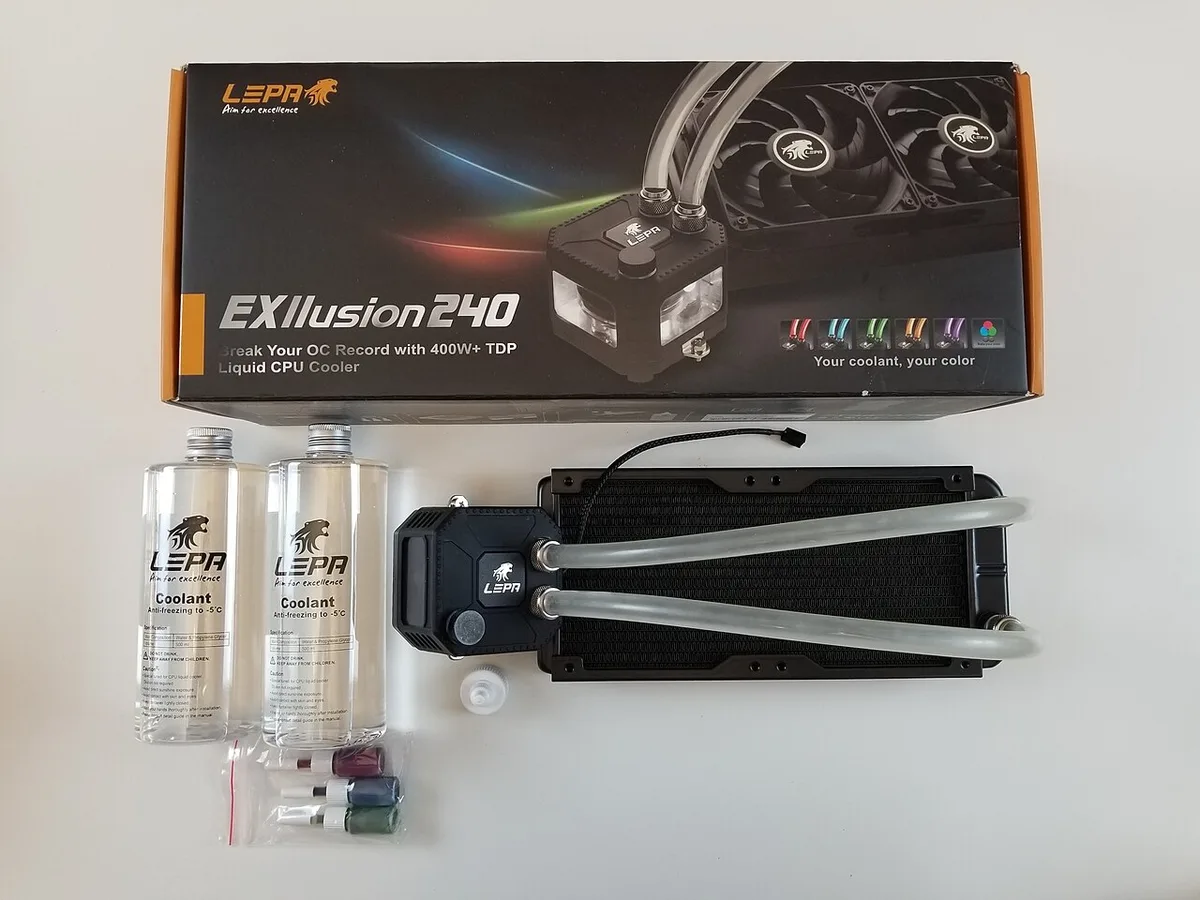
Image source: Wikimedia Commons / Александр Мотин (CC BY-SA)
Power supply choice should match your load. A semi-passive PSU stays fanless at low load and spins up when needed. That is often a good middle ground.
How to Build and Tune a Silent Gaming PC Step by Step
Step one: measure your room. Use a phone sound meter app as a rough guide. Note idle noise before you touch the PC.
Step two: identify the loudest part. Run a CPU stress test, then a GPU stress test, then a real game. Listen at one meter and close range.
Step three: set a target. A common target is staying under your ambient noise by a few dBA under gaming load. Write it down so tuning has a goal.
Step four: plan airflow before assembly. Map intake and exhaust. Positive pressure can reduce dust.
Avoid blocking vents with cables or solid panels.
Step five: mount parts with vibration control. Use rubber fan mounts where possible. Secure loose cables.
Add isolation feet if the case sits on a hard desk.
Step six: configure fan curves. Start with temperature-based curves, not fixed RPM. Let fans stay low at idle and rise only when needed.
Step seven: tune the GPU. Many GPUs allow power limits or undervolting. Lower power can reduce heat and fan speed with little performance loss.
Step eight: retest and remeasure. Run the same tests as before. Compare noise and temperature.
Adjust one variable at a time.
Step nine: clean and maintain. Dust raises fan speed over time. Clean filters and fans on a regular schedule.
Recheck curves after major hardware changes.
If you want to understand how components work together, that knowledge helps when tuning. A fan curve that ignores CPU and GPU heat together can chase its own tail.
Common Mistakes That Ruin a Quiet Build
The first mistake is chasing quiet parts without planning airflow. A large cooler in a sealed case can run hotter and louder. Air needs a clear path.
Another mistake is using one fan curve for every part. CPU and GPU heat rise at different times. Separate curves give smoother noise.
People also ignore vibration. Loose side panels and cable bundles can rattle. Tighten mounts and route cables away from fans.
Coil whine is another trap. It is not fan noise. If it appears under load, test with power limits or a different PSU.
Do not block vents. Desk cubbies and wall gaps trap heat. Leave space around intake and exhaust.
- Clean filters every few weeks.
- Re-seat fans if they click.
- Check pump orientation if liquid cooling gurgles.
A balanced configuration often avoids the hot spots that force fans to scream.
Costs, Noise Targets, and Realistic Specs
Quiet builds span budgets. A modest system may start around $900 to $1,200. Mid-range builds often land around $1,300 to $2,000.
Image source: Wikimedia Commons / Richard Giles (CC BY-SA)
| Noise Level | Common Experience |
|---|---|
| 30 dBA | Very quiet bedroom at night |
| 35 dBA | Quiet gaming PC under light load |
| 40 dBA | Noticeable but controlled gaming load |
| 45 dBA | Typical gaming PC under heavy load |
| Part | Quiet-Focused Choice |
| CPU cooler | Large tower or quality AIO |
| GPU | Efficient model with good cooler |
| PSU | Semi-passive unit |
| Storage | SSD only |
Noise testing should use a consistent method. Per ISO acoustics standards, measurements are usually taken at a set distance under controlled conditions. Mid-range specs can be a useful reference when setting your budget.
Who a Silent Gaming PC Is Right For
It fits bedroom gamers, apartment users, streamers, and households with shared spaces. It also suits people who record voice or music.
It is less ideal for overclockers and benchmark chasers. Those users often accept louder fans for peak performance.
Small budgets can still work, but expect more tuning. Large coolers and damped cases cost more.
If your main use goes beyond gaming, a quiet system can help there too.
Keeping It Quiet Long-Term
Dust is the enemy. It blocks airflow and raises fan speed. Clean filters and fans on a schedule.
Recheck curves after hardware or driver changes. A new GPU boost profile can change heat patterns.
Listen for new sounds. Clicking, grinding, or gurgling means something changed. Fix it early.
Stable temperatures support longer component lifespan. Basic hardware upkeep helps before you change curves.
Frequently Asked Questions
Can a gaming PC be completely silent?
A truly silent gaming PC is rare during gaming. Fans and airflow usually create some sound. The realistic goal is noise below your room's ambient level.
Is liquid cooling quieter than air cooling?
Not always. Liquid cooling moves heat well, but pumps and radiator fans add noise. A large air cooler can be just as quiet in many builds.
Does undervolting make a PC quieter?
It can. Lower power draw reduces heat, which can lower fan speed. Results vary by CPU, GPU, and cooling setup.
How much does a silent gaming PC cost?
Many quiet builds start around $900 to $1,200. Better cases, coolers, and PSUs can push mid-range builds toward $1,300 to $2,000.
Why is my quiet PC still loud?
Common causes include coil whine, vibration, dust, or aggressive fan curves. Test one component at a time to find the source.
Do SSDs reduce PC noise?
Yes. SSDs have no moving parts, so they remove hard drive seek and spin noise. They are a simple upgrade for quiet builds.