A compact gaming PC is a gaming desktop built into a much smaller case than a standard tower. It uses smaller parts like a mini-ITX motherboard and a short graphics card. You still get real desktop gaming power.
The main tradeoff is less room for upgrades and cooling.
Case sizes often range from about 10 to 25 liters. Many builds use a mini-ITX motherboard, which measures 170 by 170 millimeters per the mini-ITX standard. That small board is what makes the tight layout possible.
Let's look at what counts as compact and what does not.
what is a compact gaming pc
A compact gaming PC is a small desktop built for gaming. It uses a small case, often under 25 liters. It still uses desktop parts like a CPU and GPU.
Cooling and upgrades are more limited than in a larger tower. It fits small desks, rooms, and living-room setups.
What "Compact" Actually Means in PC Sizes
"Compact" is a range, not one exact size. A small-tower case may hold 20 to 30 liters. A true small form factor case may hold 10 to 20 liters.
Below that, you enter very tight mini-ITX territory.
| Size class | Typical case volume | Common motherboard | Best fit |
|---|---|---|---|
| Small tower | 20 to 30 liters | Micro-ATX or mini-ITX | Easier builds and upgrades |
| Small form factor | 10 to 20 liters | Mini-ITX | Balance of size and power |
| Very small SFF | Under 10 liters | Mini-ITX | Maximum space savings |
The case volume matters more than the marketing label. A 28-liter case can still feel compact on a small desk. A 12-liter case needs more careful part choices.
Always check GPU length, cooler height, and PSU form factor before buying.
How a Compact Gaming PC Fits Together
A compact build works by stacking parts closer together. The motherboard sits near the power supply. The graphics card often sits close to the side panel.
Air has less room to move, so fan placement matters.
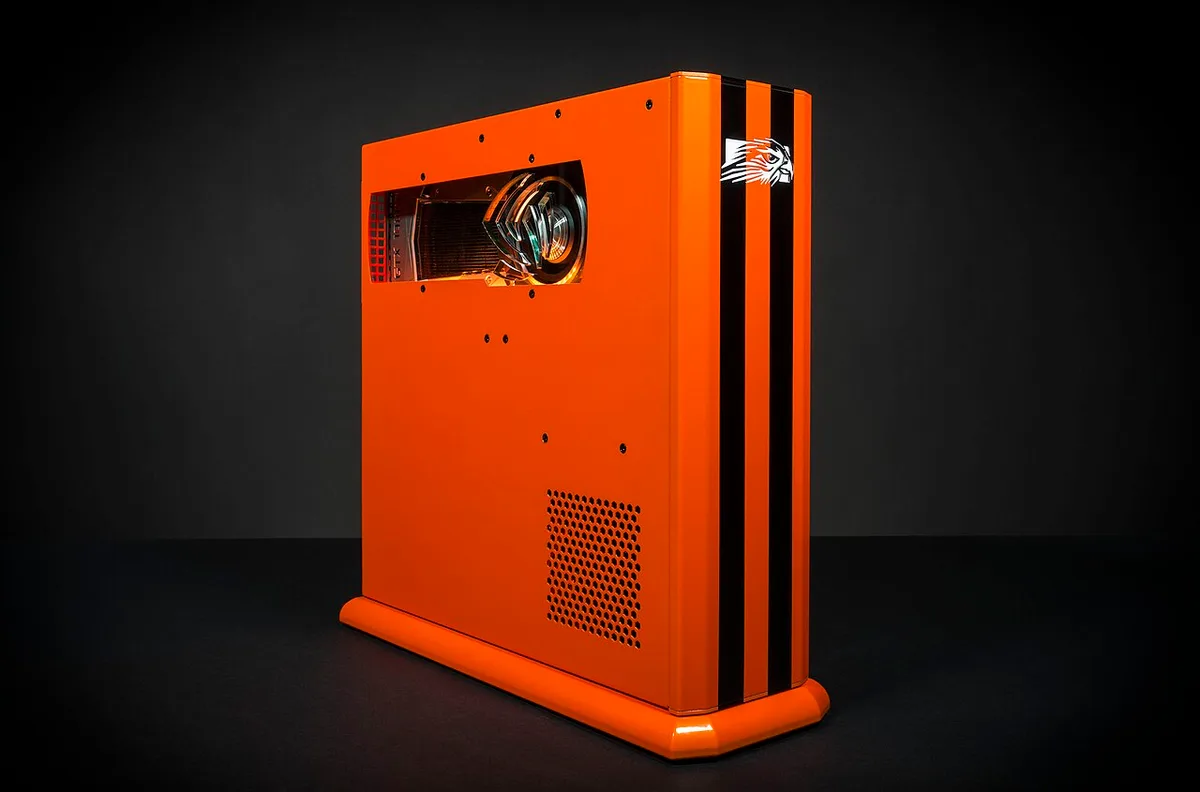
Image source: Wikimedia Commons / Falcon Northwest (CC BY-SA)
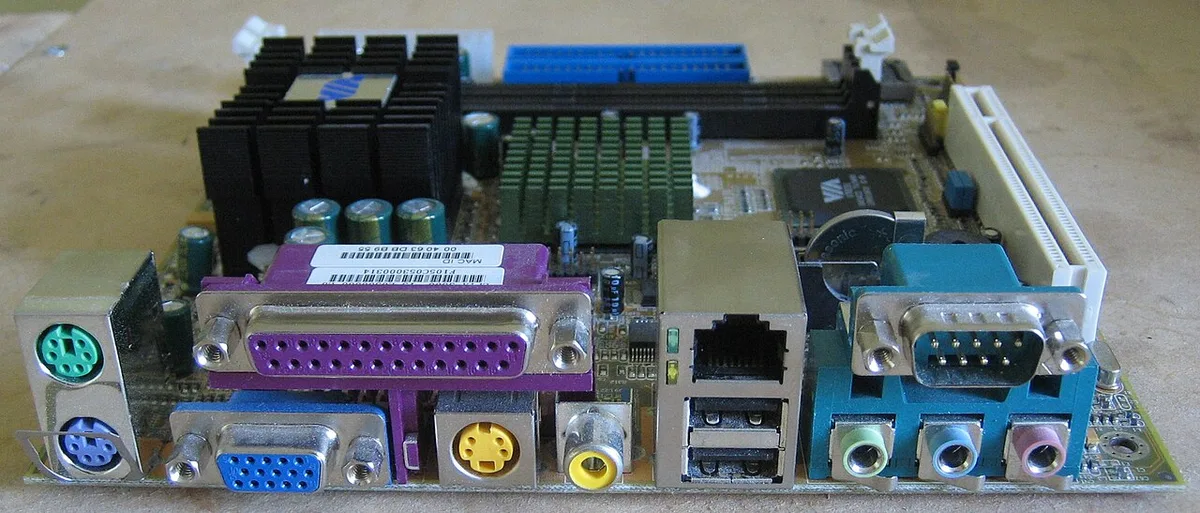
Image source: Wikimedia Commons / A Meaden (CC BY-SA)
Most compact gaming PCs use these parts:
- Mini-ITX motherboard
- Low-profile or tower CPU cooler
- Short or dual-fan GPU
- SFX or SFX-L power supply
- NVMe SSD storage
- Mesh or vented case panels
Cable routing is tighter too. A bulky power supply cable can block airflow. A large graphics card can sag in a vertical mount.
Measure every part against the case manual before ordering.
If you are new to PC parts, our guide on how the parts work together can help you picture the layout.
Compact Gaming PC vs. Mid-Tower Gaming PC
The biggest difference is space and flexibility. A mid-tower gives you more room for parts and cooling. A compact PC saves desk space and looks cleaner.
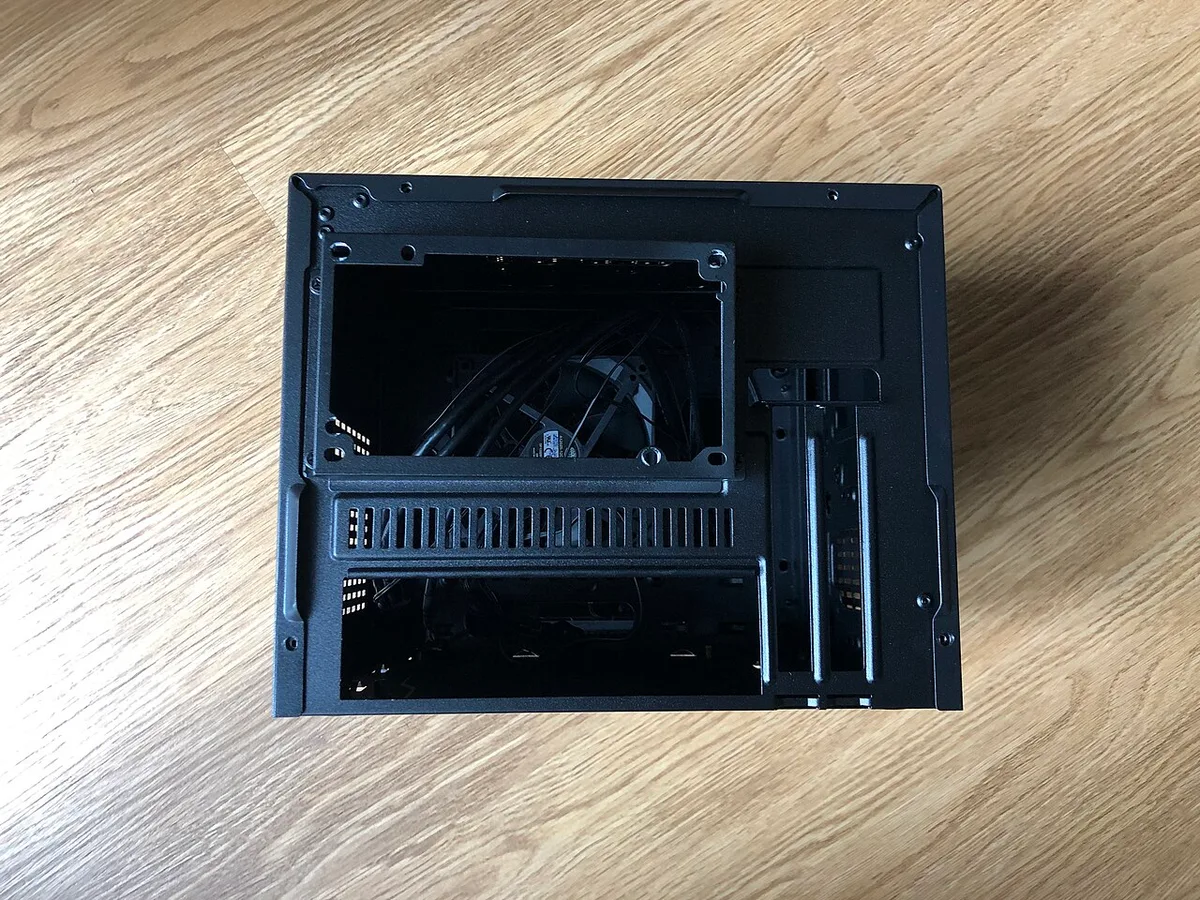
Image source: Wikimedia Commons / FASTILY (CC BY-SA)
| Feature | Compact gaming PC | Mid-tower gaming PC |
|---|---|---|
| Desk footprint | Smaller | Larger |
| Upgrade room | Limited | Better |
| Cooling headroom | Tighter | Easier |
| Build difficulty | Higher | Lower |
| Noise potential | Can be louder | Usually quieter |
| Portability | Easier | Harder |
A mid-tower is often the safer choice for a first build. A compact PC makes more sense when space is the main limit. You may pay more for an SFX power supply or a shorter GPU.
Those parts can raise the total cost.
For a broader size comparison, see our article on what a mid-range gaming pc looks like.
Compact Gaming PC vs. Gaming Laptop and Console
A compact gaming PC sits between a laptop and a console. It has more upgrade room than a laptop. It has more game and software freedom than a console.
A gaming laptop is easier to move. It also has a built-in screen and battery. A compact desktop needs a monitor, keyboard, and mouse.
It usually offers better sustained cooling and higher long-term performance.
A console is simpler to set up. It is also cheaper for basic gaming. A compact PC can run PC games, mods, creative apps, and productivity tools.
It can also last longer with part upgrades.
Choose a compact PC if you want desktop power in a small space. Choose a laptop if portability matters most. Choose a console if simplicity and lower cost matter most.
Best Use Cases for a Compact Gaming PC
A compact PC works best when space is limited but performance still matters. It fits small bedrooms, dorm rooms, and shared apartments. It also works well in living-room setups near a TV.
Common good fits include:
- Small desks with limited depth
- LAN events and travel setups
- Minimalist rooms with hidden cables
- Streamers who want a small rig
- Users who game and work on one PC
It is less ideal for heavy overclocking or large storage arrays. It is also less ideal if you upgrade parts often. In those cases, a mid-tower is usually easier to live with.
If you want to compare performance needs, our guide on what drives gaming PC performance is a useful next step. You can also check what makes a PC capable of running modern games.
For safety, use certified power supplies and follow manufacturer clearance rules. UL certification and 80 Plus labels can help you compare PSU quality. JEDEC memory standards also help confirm RAM compatibility.
See UL and JEDEC for official reference information.
Mistakes to Avoid When Building or Buying One
The most common mistake is buying parts before checking clearances. A graphics card can be too long by just a few millimeters. A CPU cooler can hit the side panel.
A power supply can have cables that are too stiff for tight routing.
Other common mistakes include:
- Choosing a glass-heavy case with weak airflow
- Buying a low-wattage SFX power supply with no upgrade room
- Ignoring GPU sag in vertical mounts
- Skipping BIOS and fan-curve setup
- Overlooking dust-filter cleaning
- Expecting easy future upgrades
A compact build rewards planning. Measure twice before ordering. If you are still comparing budget levels, our guide on entry-level gaming PC specs can help set realistic expectations.
Costs, Specs, and Real-World Performance
Compact gaming PCs can cost more than larger desktops at the same performance level. The reason is usually the case, power supply, and cooling parts. A smaller case may need a more expensive SFX PSU.
A shorter GPU may also cost more than a standard model.
| Tier | Typical cost as of 2026 | Target resolution | Common specs |
|---|---|---|---|
| Budget compact | $900 to $1,300 | 1080p | 6-core CPU, 12GB VRAM, 500W SFX PSU |
| Mid-range compact | $1,300 to $2,000 | 1440p | 8-core CPU, 16GB VRAM, 650W SFX PSU |
| High-end compact | $2,000+ | 4K | 8 to 16-core CPU, 16 to 24GB VRAM, 750W+ SFX PSU |
Real-world performance depends on the exact CPU, GPU, RAM, and settings. A compact PC with the same core parts as a mid-tower can deliver similar frame rates. The difference shows up more in sustained heat and fan noise.
Good airflow and a sensible power limit matter a lot.
Cooling, Noise, and Long-Term Maintenance
Small cases have less air volume. Heat can build up faster around the GPU and CPU. That is why cooling design matters more than raw part power.
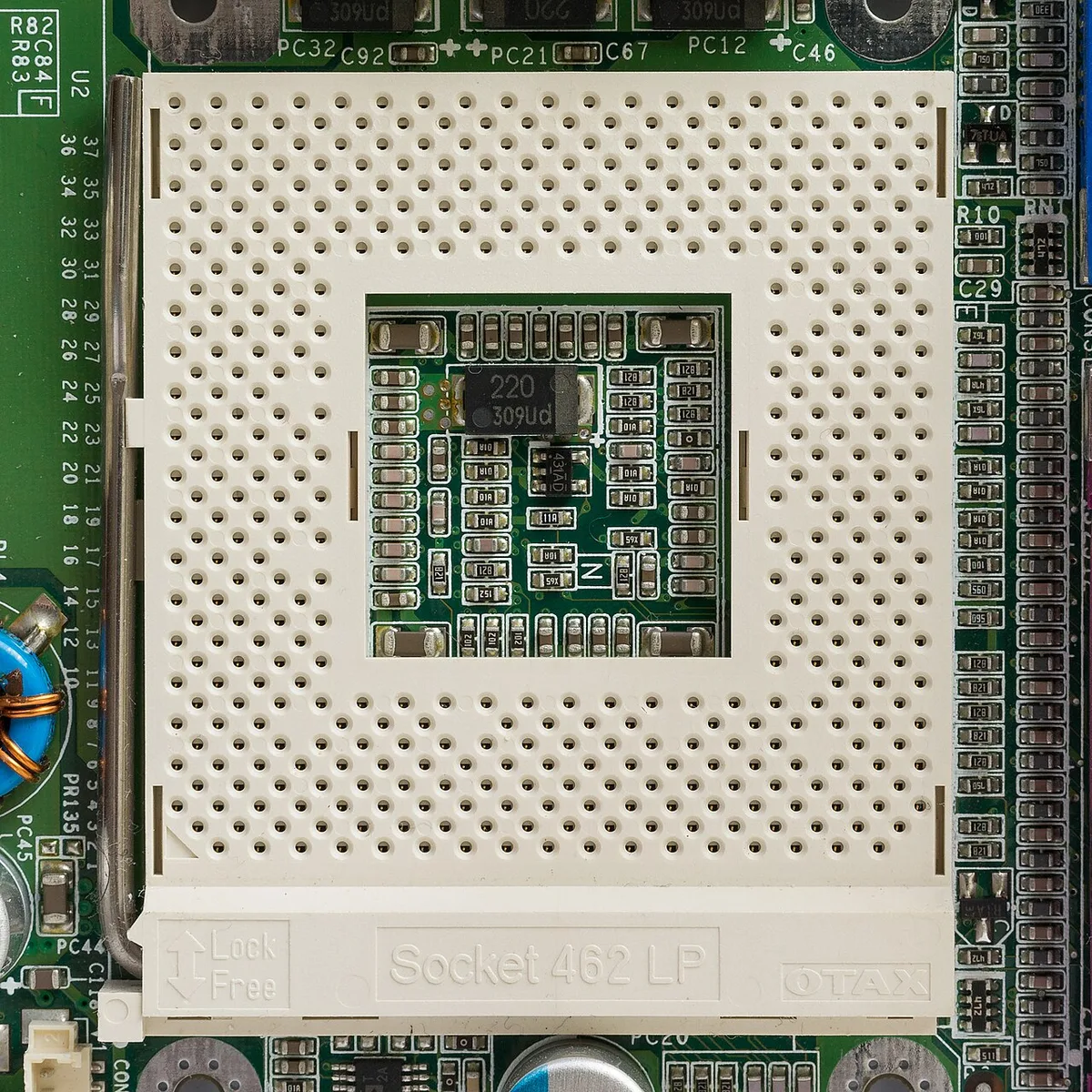
Image source: Wikimedia Commons / Kronach Fotos (CC BY-SA)
A mesh front panel helps. So does a low-profile or tower cooler that fits the case. Many builders use a 120mm or 240mm AIO for the CPU.
Fan curves should keep temperatures stable without making the system too loud.
| Maintenance task | Suggested interval | Why it matters |
|---|---|---|
| Clean dust filters | Every 1 to 3 months | Keeps airflow strong |
| Check fan curves | After major updates | Prevents heat spikes |
| Repaste CPU | Every 2 to 4 years | Restores cooling efficiency |
| Inspect GPU sag | Every 6 months | Protects PCIe slot and riser |
Undervolting can also help. It may reduce heat and noise with little performance loss. Keep CPU temperatures below the manufacturer's maximum.
Keep GPU temperatures in a comfortable range during long sessions.
Final Recommendation: Who Should Go Compact
A compact gaming PC is a strong choice if space is your main limit. It fits small rooms, dorms, and clean desk setups. It also travels better than a mid-tower.
You still get full desktop gaming performance.
It is less ideal if you upgrade often or want the quietest system. It is also less ideal if you need lots of storage or large cooling. In those cases, a mid-tower is usually easier and cheaper.
A compact rig can still last for years. Our guide on how long a gaming PC lasts explains what affects lifespan.
If you are unsure, start with a small-tower case. It gives more room for mistakes and upgrades. Move to a true SFF case once you know your part preferences.
Frequently Asked Questions
Is a compact gaming PC good for beginners?
It can be, but it is less forgiving than a larger case. Beginners should choose a small-tower model first. That gives more room for cable routing and cooling mistakes.
A true SFF build is better after you understand part compatibility.
How small is too small for a gaming PC?
Too small depends on the parts you want. A case under 10 liters can be very tight. It may limit GPU length, cooler height, and storage options.
Always check the case manual before buying parts.
Do compact gaming PCs overheat?
They can run warmer than larger systems. Poor airflow and cramped cables are common causes. Good fan placement, mesh panels, and clean filters help a lot.
Undervolting can also reduce heat.
Can you upgrade a compact gaming PC?
Yes, but upgrade room is limited. GPU length, cooler height, and PSU wattage matter most. Storage and RAM are usually easier to upgrade.
Plan your first build with future parts in mind.
Are compact gaming PCs louder than mid-towers?
They often are under heavy load. Smaller fans must spin faster to move the same air. Good fan curves can reduce noise.
A quieter SFX PSU also helps.
Does a compact gaming PC cost more?
Often yes, especially at the same performance level. SFX power supplies and shorter GPUs can cost more. Small cases may also add design costs.
The tradeoff is space savings and portability.
2 thoughts on “What Is a Compact Gaming PC? Small Size, Big Power”
Comments are closed.