Your gaming laptop suddenly acts like it only has integrated graphics. When you open Device Manager, the dedicated GPU is missing. Searches for how to fix dedicated GPU missing from Device Manager on a gaming laptop usually point to a driver or firmware hand-off.
Games are chugging on the weak chip instead. This is not always a dead GPU.
In our research, most cases trace back to a failed Windows update. A corrupted NVIDIA or AMD driver is also common. A toggled MUX switch in the BIOS can cause the same issue.
Manufacturer specifications indicate that many gaming laptops use hybrid graphics. A discrete GPU and an integrated processor share the display output. When that handshake breaks, Windows hides the dGPU or lists it under System devices instead.
Let's look at how to isolate the cause before you start uninstalling anything.
How to Fix Dedicated GPU Missing From Device Manager on a Gaming Laptop
Open Device Manager and check Display adapters.
Scan for hardware changes to force a rescan.
Reinstall the GPU driver if the device stays hidden.
Reset the embedded controller if the GPU still does not appear.
Check System devices if the GPU is not listed under Display adapters.
A missing dedicated GPU usually means Windows lost the hardware enumeration handshake. The chip is often still seated on the motherboard, but the driver stack failed to load. You should start in Device Manager, not in a game's settings menu.
Look under Display adapters first, then click View and enable Show hidden devices. If the GPU appears there as Microsoft Basic Display Adapter, the hardware is detected but the driver is missing. If it is nowhere to be found, the issue likely lives in the BIOS, the embedded controller, or a corrupted driver installation.
Run these quick checks before diving deeper. Restart the laptop and plug it into AC power. Test an external monitor to see if the GPU drives video output at all.
Core Diagnosis: Condition Variables That Branch the Fix (NVIDIA vs AMD, MUX Switch, OEM Software)
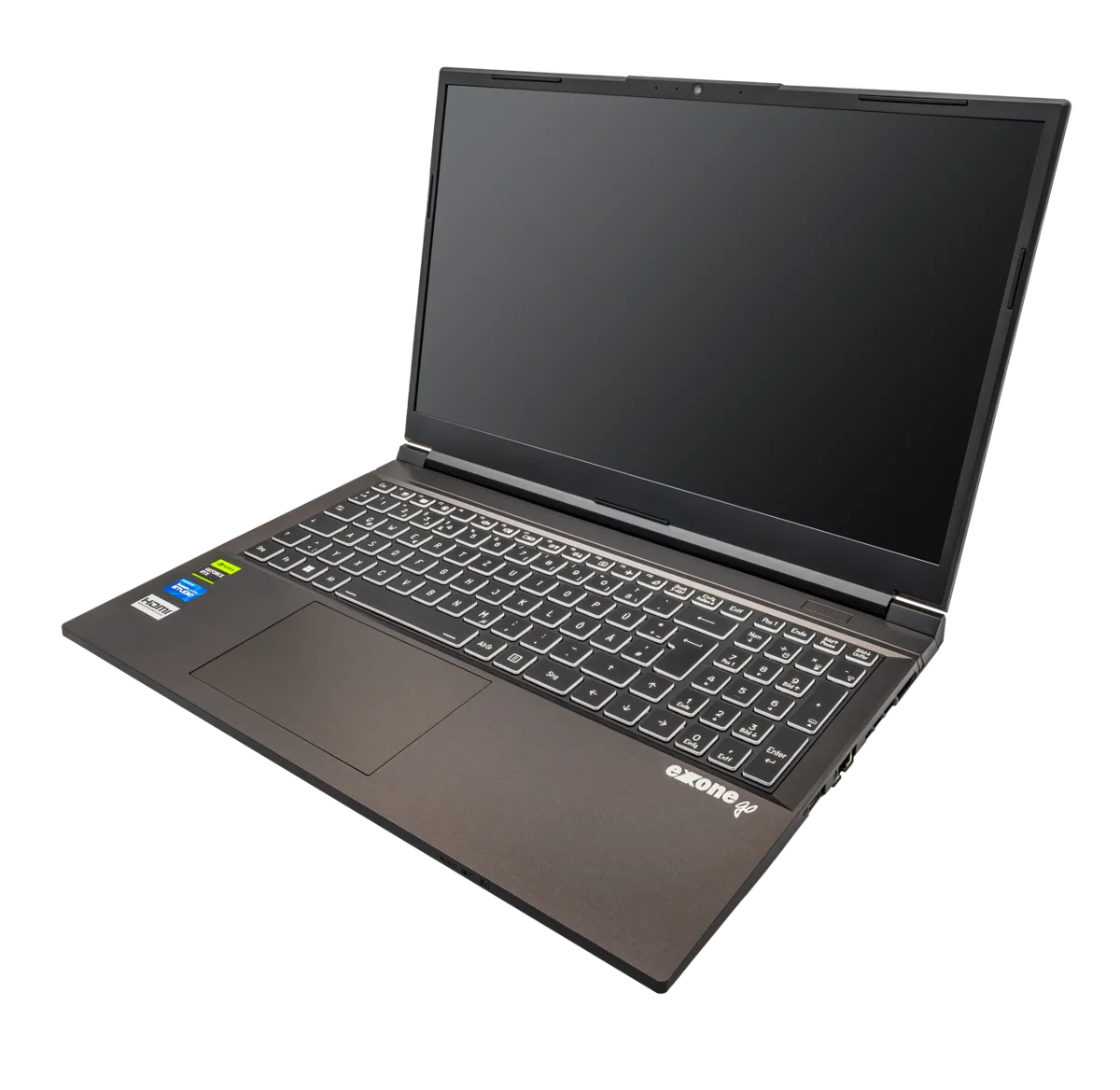
The fix path branches immediately based on what hardware and software your laptop uses. NVIDIA laptops rely on Optimus or Advanced Optimus to switch between the integrated Intel graphics and the discrete GeForce chip. AMD models use SmartShift or AMD Advantage logic with Radeon graphics.
Some machines have a physical MUX switch that lets you force the dedicated GPU only. OEM software such as Armoury Crate, Lenovo Vantage, or Dell Alienware Command Center can override driver behavior. If you do not know which variant you own, applying the wrong fix can hide the GPU further.
| Variable | Where to check | Typical fix trigger |
|---|---|---|
| GPU vendor | Device Manager or dxdiag | NVIDIA vs AMD driver source |
| MUX switch | BIOS or OEM software | Toggle to discrete GPU mode |
| OEM control center | Installed apps | Update before GPU driver |
| BIOS or EC state | Boot screen or firmware | Power cycle or reset |
Press Win+R, type dxdiag, and open the Display tab to see what Windows detects. If the name shows only an Intel or AMD integrated chip, the discrete GPU is not enumerated. If you see your GeForce or Radeon chip there but not in Device Manager, the driver is the problem.
Windows 11 version 22H2 or 23H2 sometimes hides devices after a feature update.
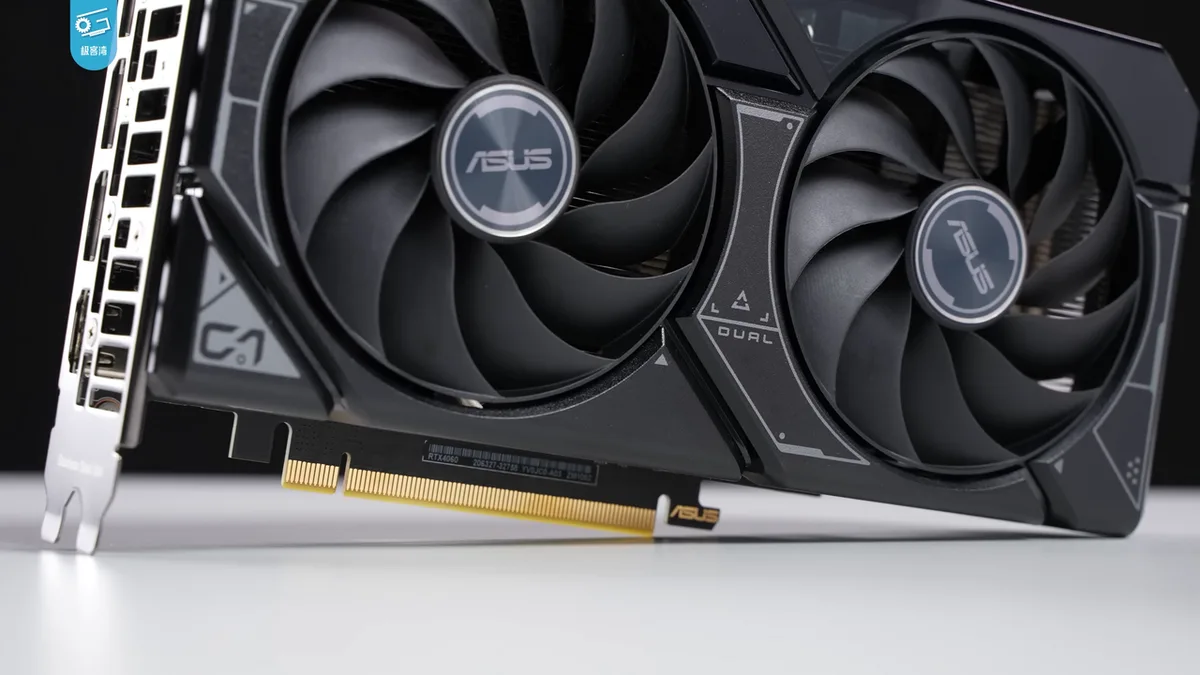
If you are seeing driver detection issues, the underlying behavior often matches what we cover in our guide on driver detection issues. For broader context on how Windows handles hardware enumeration, see Microsoft's Device Manager documentation.
Decision Branches: Identify Your Path (Advanced Optimus, Hybrid Graphics, BIOS/EC State)
If your laptop uses NVIDIA Advanced Optimus, the GPU may disappear when the switching logic hangs. Open NVIDIA Control Panel and look for the Set PhysX GPU or Preferred graphics processor options. If Advanced Optimus is grayed out, your OEM software controls it instead.
If you have an AMD Advantage laptop, check AMD Software: Adrenalin Edition for graphics switching settings. Some models force the dGPU only when plugged into AC power. If the setting is missing, the BIOS may be hiding the discrete chip.
If a recent BIOS update preceded the problem, the embedded controller likely needs a reset. Shut down, disconnect the charger, and hold the power button for thirty seconds. Then boot back into BIOS and load optimized defaults.
If the GPU appears in dxdiag but not Device Manager, the driver installation is corrupted. Use Display Driver Uninstaller in Safe Mode, then download the matching vendor driver.
| Path | Symptom | Primary tool |
|---|---|---|
| NVIDIA Optimus | dGPU missing after driver update | NVIDIA Control Panel |
| AMD SmartShift | dGPU missing on battery | AMD Software |
| BIOS or EC reset | GPU gone after firmware flash | BIOS setup |
| Driver corruption | Code 43 or missing device | DDU |
Windows Update may have installed a generic Microsoft Basic Display Adapter over your vendor driver. Roll back the driver in Device Manager if the option exists. This often restores the discrete chip without a full reinstall.
Some ASUS and MSI models place the MUX toggle in Armoury Crate under a GPU mode menu. You can also check external monitor output behavior to confirm whether the dGPU is driving video at all.
Recommended Actions: Targeted Fixes Per Path (Driver Reinstall, DDU, OEM Tools, BIOS Reset)
Start by opening Device Manager and selecting View > Show hidden devices. Then click Action > Scan for hardware changes. Windows will attempt to re-enumerate any GPU that was previously hidden.
If the GPU appears with a yellow error, right-click it and choose Uninstall device. Check the box to delete the driver software if prompted. Restart the laptop and let Windows attempt an automatic reinstall.
For stubborn driver corruption, boot into Safe Mode with Networking. Run Display Driver Uninstaller to remove every trace of NVIDIA or AMD software. Then install the latest WHQL driver from the vendor website.
On OEM laptops, install the manufacturer's control center first, then the GPU driver. Tools like Lenovo Vantage or MSI Center often install firmware components that the driver expects. Skipping this step can leave the GPU invisible.
If the BIOS or embedded controller is out of sync, perform a hard reset. Power off, unplug the charger, remove the battery if possible, and hold the power button for thirty seconds. Reconnect power and boot.
| Step | Action | When to use |
|---|---|---|
| Scan for hardware | Action > Scan for hardware changes | First attempt after update |
| Roll back driver | Driver tab > Roll Back Driver | After recent driver update |
| DDU clean install | Safe Mode + DDU tool | Persistent Code 43 or missing device |
| BIOS or EC reset | Power cycle + BIOS defaults | After firmware update |
As of 2026, most major vendors sign their drivers through WHQL, so unsigned installers should raise a red flag. For a deeper look at clean driver removal, see our write-up on vendor driver removal tool.
Mistakes to Avoid: Common Errors That Worsen the Issue (Fast Startup, Wrong Driver Source, EC Desync)
Fast Startup is a quiet culprit. Windows saves the kernel session to disk instead of a full shutdown, which can leave the GPU in a suspended state. Disable Fast Startup in Control Panel under Power Options, then restart and check Device Manager again.
Many users grab a generic driver from NVIDIA or AMD and install it before the OEM control center. On laptops with hybrid graphics, the manufacturer driver package often contains required INF files that the generic installer skips. Install the OEM utility first, then layer the GPU driver on top.
Do not flash a modified VBIOS or third-party GPU firmware. That can permanently damage the card or void your warranty. Stick to official updates from your laptop maker.
Avoid disabling the integrated GPU in BIOS to force discrete-only mode. On most gaming laptops, the iGPU handles the display output, so removing it leaves you with no video at all.
Do not wipe Windows just because Device Manager shows Code 43. A clean OS install rarely fixes a firmware handshake problem. Try an EC reset and driver rollback first.
| Mistake | Why it hurts | Better move |
|---|---|---|
| Fast Startup enabled | GPU stays suspended | Disable in Power Options |
| Generic driver first | Missing OEM INF files | Install OEM utility first |
| Modified VBIOS flash | Bricking risk | Use official BIOS only |
| Disable iGPU in BIOS | No display output | Leave hybrid mode on |
| Full Windows reinstall | Overkill, rarely works | Reset EC and roll back driver |
If you have opened the chassis, ground yourself before touching any internal component. Electrostatic discharge can kill a motherboard or GPU silently. For power-related quirks, see our notes on wake-from-sleep issues.
If the display cuts out entirely when a monitor is attached, check display output problems.
Decision Guide: When the Fix Doesn't Work (Hardware Failure, Warranty, eGPU Consideration)
If the GPU still does not appear after driver rollback, EC reset, and BIOS check, the issue may be hardware. Physical damage, a loose PCIe slot, or a failed VRAM chip can block enumeration. Look for visible burns, bulging capacitors, or a persistent coil whine that survives a reboot.
When hardware failure is likely, check your warranty status first. Most gaming laptops cover the motherboard and GPU for one to two years. Contact the manufacturer with the serial number and describe the symptoms.
They may offer a repair or replacement at no cost.
If the warranty has expired, an external GPU (eGPU) enclosure can give the laptop a second life. Thunderbolt 3 or 4 enclosures let you connect a desktop card. The performance depends on the enclosure bandwidth and the card you install.
| Option | Cost | Performance impact | Best for |
|---|---|---|---|
| Warranty repair | $0 | Restores full laptop function | Recent purchase, covered model |
| Motherboard replacement | $200–$400 | Same as original | Out of warranty, local shop |
| eGPU enclosure | $200–$400 + card | 70–90% of desktop card | Occasional gaming, portable setup |
A motherboard swap often costs more than a new laptop. An eGPU is cheaper and keeps the laptop portable, but it adds a bulky power brick and cable.
Before you open the chassis, run a hardware diagnostic from your laptop manufacturer's support site. These utilities test the GPU and report error codes that can confirm a physical failure. Common codes include 0x000000BE or 0x0000007E.
If you are comfortable opening the laptop, reseat the GPU module and check the power connector. A loose ribbon or missing power wire can mimic a dead GPU. However, static discharge can destroy the chip, so ground yourself and work on a clean surface.
For further guidance, see our article on GPU not detected. You can also consult the official NVIDIA driver support page for the latest firmware.
Frequently Asked Questions
Why is my dedicated GPU missing from Device Manager?
A missing GPU usually means Windows lost the hardware handshake. This can happen after a driver update, a Windows feature update, or a BIOS change. The chip may still be present but the driver stack failed to load.
Check the System devices category for a hidden Microsoft Basic Display Adapter. For a deeper walkthrough, see our step-by-step guide on fixing GPU detection issues.
How do I know if the GPU is hardware failed or just a driver issue?
If the GPU appears under System devices as Microsoft Basic Display Adapter, the hardware is detected but the driver is missing. If it is completely absent even after a power cycle, the issue is likely hardware or firmware. A yellow exclamation mark with Code 43 also points to a driver problem.
Try a driver rollback before assuming physical damage.
Can I use an external GPU if my laptop's GPU is dead?
Yes, a Thunderbolt 3 or 4 eGPU enclosure can connect a desktop card to the laptop. The performance will be lower than an internal GPU due to bandwidth limits, but it restores gaming capability. You will need a compatible enclosure and a power supply.
This option works best when the laptop's CPU and RAM are still functional.
What is the difference between NVIDIA Optimus and Advanced Optimus?
Optimus switches between integrated and discrete GPU based on workload, and the output always runs through the integrated chip. Advanced Optimus adds a MUX switch that can send the display signal directly from the discrete GPU for maximum performance. The latter reduces latency and improves FPS in games.
Check your OEM software to see which mode your laptop supports.
Will disabling Fast Startup help with GPU detection?
Fast Startup saves the kernel session to disk, which can leave the GPU in a suspended state. Disabling it in Power Options forces a full boot and often restores the GPU in Device Manager. After disabling, restart the laptop and scan for hardware changes.
This simple step resolves many post-update detection problems.
2 thoughts on “Dedicated GPU Missing? How to Fix on Gaming Laptop”
Comments are closed.