How to Fix Does Opening Laptop To Repaste Void Warranty on a Gaming Laptop is the question every owner asks before cracking the case. You want lower temperatures without losing repair coverage. Manufacturers treat the answer differently depending on where you live and what sticker you break.
The short version is that opening alone rarely voids everything, but damage during the job can.
In our research, aggregate warranty terms show that most brands allow user access to memory and storage slots without penalty. The Magnuson-Moss Warranty Act in the United States protects you from automatic denial just because you opened the chassis, as of 2026. Still, tearing a warranty seal or cracking a plastic clip gives the company grounds to decline a claim.
Next, we look at why the answer changes by situation.
Why "Repasting Voids Warranty" Has No Single Yes-or-No Answer
Repasting means cleaning old thermal paste off the CPU and GPU and applying fresh compound. It does not automatically void your warranty simply because you removed the bottom panel. In our research, manufacturer policies split on whether breaking a warranty seal counts as tampering.
If the sticker stays intact and no parts break, coverage usually survives. If you snap a hinge or puncture a heat pipe, the brand can deny the repair.
Location matters too. Under the Magnuson-Moss Warranty Act, a U.S. company cannot void your entire warranty just because you opened the case. They must prove the opening caused the failure.
Outside the United States, consumer law varies by country, so the same laptop might have different protection in the United Kingdom versus Australia.
Before you buy paste or grab a screwdriver, check knowing when to repaste your gaming laptop. That step tells you whether the job is even necessary for your current temperatures.
Gaming laptops run hotter than office machines because they pack powerful GPUs into thin chassis. Factory paste often dries out after two to three years of heavy use. Repasting can drop temperatures by several degrees Celsius, but only if you do it without damaging components.
The Three Things That Actually Decide Your Warranty Fate: Seal Stickers, Physical Damage, and Consumer Law
Three factors decide whether a repaste kills your coverage.
First is the warranty seal. Many gaming laptops ship with a small sticker over a screw or seam. If you peel it, the brand can claim you tampered with the device.
Some manufacturers now use void-if-removed stickers on the bottom cover, RAM door, or SSD slot.
Second is physical damage. Stripped screws, cracked plastic, bent pins, or liquid paste on the motherboard give the service center a clear reason to deny a claim. Even a small scratch near the CPU does not automatically void everything, but it makes the denial easier to justify.
Third is consumer law. In the United States, the Magnuson-Moss Warranty Act stops brands from voiding coverage just because you opened the case. They must show that your repair caused the specific problem.
Your warranty rights depend on where you bought the laptop, not just where you live. For more detail, review federal warranty rules.
If none of those three triggers happen, your odds of keeping coverage stay high.
Some brands place seals under rubber feet. Removing the foot breaks the seal even if you never touch a screw. Others glue a sticker directly to a chassis screw.
Knowing which type your model uses changes how carefully you work.
If a repaste goes wrong and temperatures climb, you can fix repaste made temperatures worse before contacting support.
What the Big Brands Really Say: ASUS, Lenovo, Dell, MSI, Acer, Razer, and HP Compared
Brand policies differ, but most major gaming laptop makers allow limited user access without automatically voiding the warranty. ASUS often permits RAM and storage upgrades on ROG and TUF models, though some units carry warranty stickers under the bottom cover. Lenovo Legion machines usually allow memory and drive swaps, but seal placement varies by country.
Dell Alienware and MSI gaming lines generally expect users to open the chassis for upgrades, yet physical damage during the job can void coverage. Acer Predator, Razer Blade, and HP Omen laptops fall in between, with some models carrying stricter rules than others.
The safest approach is to check your specific model number before you start. A Razer Blade 14 and an HP Omen 17 do not follow the same playbook. When you are ready to apply new compound, choosing the right paste matters more than the brand logo on the lid.
| Brand | Common stance | Main risk |
|---|---|---|
| ASUS | Upgrades often allowed | Broken seals on some ROG units |
| Lenovo | Memory and drive access usual | Region-dependent seal rules |
| Dell | Alienware panels user-friendly | Damage from prying or spills |
| MSI | Opening generally permitted | Seal removal on select models |
The Decision Tree: Repaste It Yourself, Pay a Shop, or Leave It Alone?
The right path depends on your laptop's age, your comfort with tools, and whether the warranty is still active.
If your laptop is under warranty and temperatures are normal, leave it alone. Opening the case introduces risk with no benefit.
If your laptop is out of warranty and runs hot, repaste it yourself. You save labor cost and control the paste quality.
If your laptop is under warranty but already overheating, pay an authorized service center. They can repaste without voiding coverage, or at least document the work properly.
If you have never opened a laptop before, start with an external cleaning first. Dust removal is lower risk than touching the CPU.
Doing it yourself costs roughly five to fifteen dollars for paste and takes thirty to sixty minutes. A local shop might charge fifty to one hundred dollars. An authorized service center costs more but keeps the paperwork intact.
If you are considering liquid metal instead of standard paste, research metal compound care first. Liquid metal conducts electricity and can destroy a motherboard if it leaks.
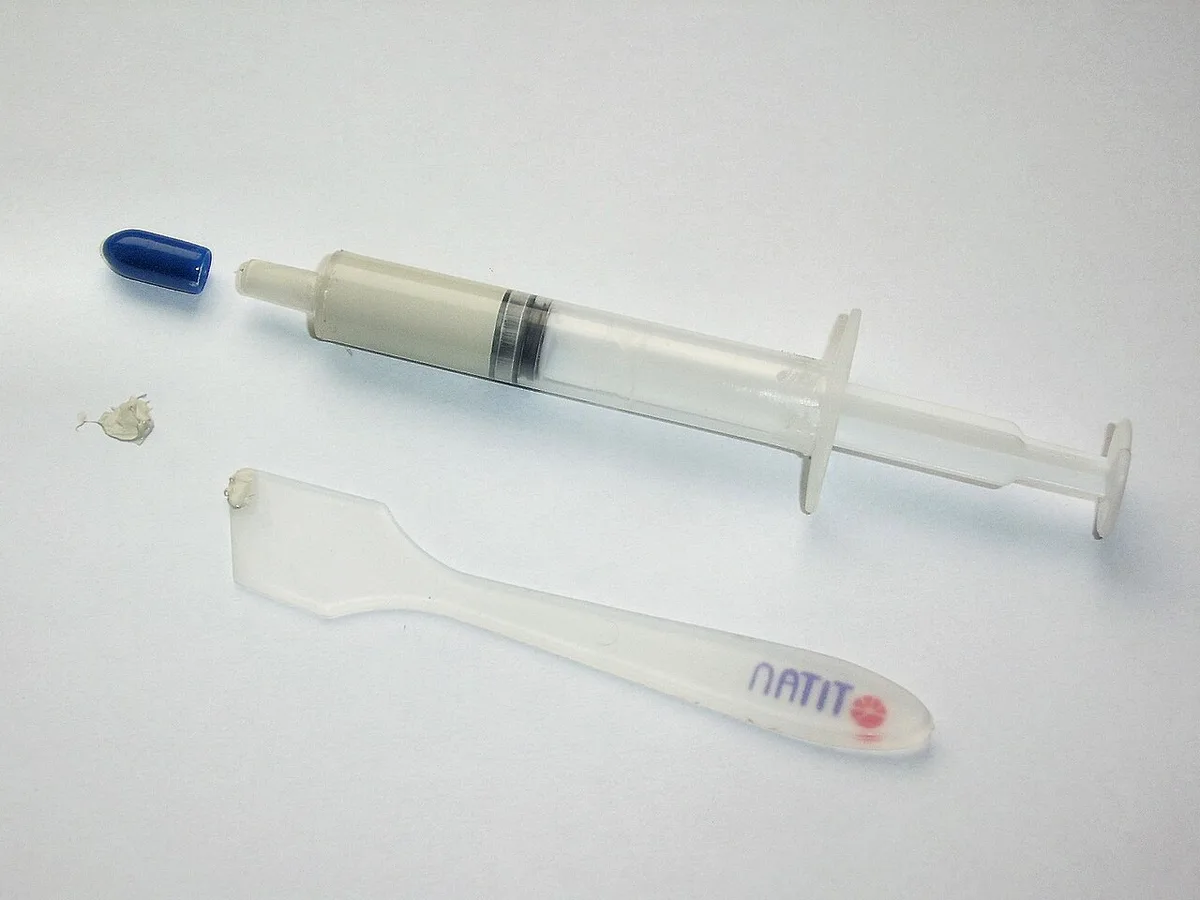
If You Decide to Repaste: Doing the Job Without Handing Them an Excuse
Work on a clean, static-free surface. Power down the laptop, unplug it, and remove the battery if it is user-accessible. Take photos of the screw layout before you start so reassembly is straightforward.
Remove the bottom panel using the correct screwdriver size. Do not force plastic clips. If a warranty seal covers a screw, decide now whether breaking it matters to you.
Some users accept the risk; others do not.
Disconnect the battery connector before touching the motherboard. Loosen the heatsink screws in a cross pattern, lifting evenly to avoid warping the plate. Clean the old paste with isopropyl alcohol and a lint-free cloth.
Apply a pea-sized dot of new paste to the center of the CPU die. Reinstall the heatsink, reconnect the battery, and close the case.
Do not over-tighten the screws. Snug is enough. Overtightening can crack the heatsink or warp the CPU mount, which is physical damage a service center will photograph and use to deny a claim.
If you need to clean dust from the fans first, follow safe cleaning steps to avoid damaging blades or bearings.
Boot into the BIOS and check temperatures before loading Windows. This confirms the paste seated correctly without stressing the operating system.
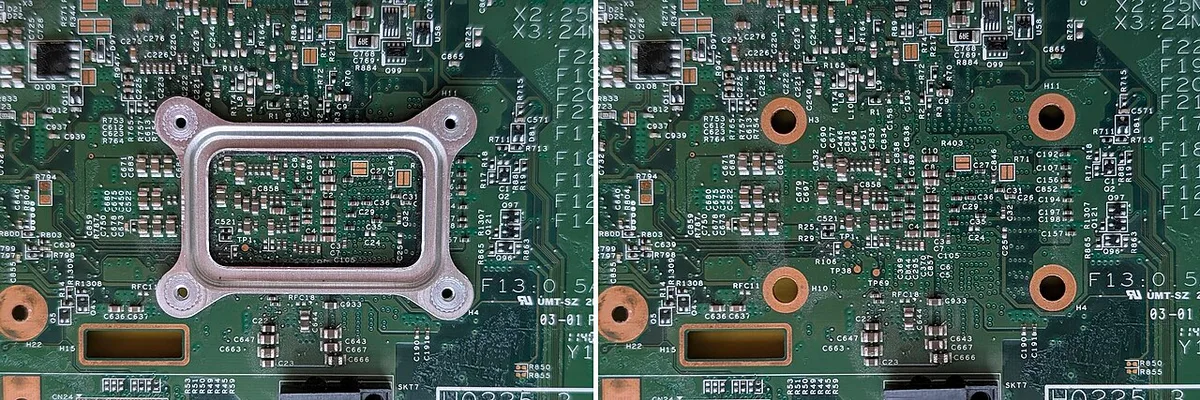
Mistakes That Turn "Probably Still Covered" Into "Definitely Void"
Most warranty denials come from the job itself, not from the act of opening the lid. Here are the moves that hand a service center an easy reason to say no.
- Breaking a void-if-removed sticker on a screw or seam when you could have avoided it.
- Stripping screw heads or using an oversized driver that chews the threads.
- Cracking the bottom panel or snapping retention clips while prying.
- Spilling thermal paste onto the motherboard, SMDs, or connector pins.
- Over-tightening the heatsink and warping the cold plate or the CPU mount.
- Pulling a fan cable out by the wire instead of the header.
- Leaving residue on the die from a dirty cloth or a solvent that leaves a film.
Static damage is the quiet one. Touching the board without grounding yourself can kill a memory controller, and the failure looks like your fault weeks later. A grounding strap costs less than a coffee and removes that risk entirely.
Rushing reassembly is another common trap. Screws left loose can vibrate out and short something on the board. Screws left in the wrong hole can punch through a trace.
If you're chasing heat rather than a broken part, that's a different job. Fixing fan noise after a dust clean often solves the symptom without cracking open the cooler at all.
Warranty Claim Time: What to Say, What to Show, and What the Law Backs You On
If a fault appears after your repaste, lead with facts and skip the confession. State the symptom, the date it started, and the troubleshooting you already did. Don't volunteer a long story about the paste job.
Keep the original packaging, receipt, and any photos you took during the work. Photos prove the board was clean and the screws were intact at the moment you closed the case.
In the United States, the Federal Trade Commission enforces the Magnuson-Moss Warranty Act. Under that law, a company can't void your whole warranty just because you opened the device. They have to show your work caused the specific failure they're refusing to fix.
That means the burden sits with the manufacturer, not you. Ask them, in writing, which failed component was damaged by your repair. Vague answers like "unauthorized service" don't hold up if you push back with the law's wording.
If the laptop is under an extended or accidental damage plan, the rules can differ. Check whether the plan lists exclusions for user service before you argue.
Push back politely, escalate to a supervisor, and keep everything in email. Written trails matter more than phone calls.
Frequently Asked Questions
Does opening a gaming laptop to repaste void the warranty?
Not automatically in most cases. Opening the chassis to access the cooler is different from damaging components inside it. Many brands deny claims only when they can show your work caused the fault.
Will breaking a warranty sticker void my coverage?
Often yes, in practice. A broken seal gives the brand a clear tampering argument. Some countries still protect you, so check your local consumer law before assuming the worst.
Which brands allow repasting without losing warranty?
ASUS, Lenovo, MSI, and Dell frequently permit user access for upgrades. Policies vary by model and region, so confirm your exact machine's terms before touching a screw.
Can I repaste and still make a warranty claim later?
Yes, if the fault is unrelated to your work. Keep photos, a receipt, and the original paste residue if needed. Documented evidence makes denial much harder to justify.
Should I pay a shop instead of doing it myself?
Pay a shop if the laptop is still under warranty or you've never opened a chassis. Doing it yourself saves fifty to one hundred dollars, but costs you leverage if something goes wrong.