Are Gigabyte AORUS gaming laptops good? For most buyers, yes, but only if you match the right model to your needs. AORUS covers everything from mid-tier 1440p gaming machines to heavy flagship desktop replacements, so the brand name alone does not tell you enough.
Manufacturer specifications and aggregate buyer feedback show that RTX 4060 and RTX 4070 configs often hit a strong price-to-performance sweet spot. As of 2026, the real differences come down to cooling, fan noise, chassis feel, and how much you pay for a given GPU. Let's walk through the tiers, rivals, specs, and who should buy.
are Gigabyte AORUS gaming laptops good
Yes, many AORUS laptops are good for 1440p gaming. Mid-tier models often offer strong value. Flagship models deliver top-tier mobile power.
Cooling and fan noise vary by config. Pick by tier, not by brand alone.
How AORUS Tiers Differ: AORUS 5, 7, 15, 16, 17, and Master
Think of AORUS as a ladder, not one product. AORUS 5 and AORUS 7 usually sit in the value and mid-range space. They often pair RTX 4050 or RTX 4060 graphics with 15.6-inch or 17.3-inch displays.
AORUS 15 and AORUS 16 models usually push harder, with RTX 4060 or RTX 4070 options and higher-refresh QHD panels. AORUS 17 targets big-screen gaming, while AORUS Master models chase flagship performance with RTX 4080 or RTX 4090 mobile GPUs.
The jump is not only about speed. Higher tiers often bring better cooling hardware, brighter displays, and sturdier lids. Entry models may use more plastic and louder fans.
If you want to know what that means in hand, learn how to check build quality before you buy. AORUS also splits features by config, so two laptops with the same name can feel very different.

Image source: Wikimedia Commons / Solomon203 (CC BY-SA)
- AORUS 5 and 7: best for budget and 1080p gaming
- AORUS 15 and 16: best for 1440p gaming and mixed use
- AORUS 17: best for large-screen play
- AORUS Master: best for max mobile performance
AORUS vs ASUS ROG, MSI, Lenovo Legion, and Acer Predator
AORUS competes in a crowded field. ASUS ROG Strix and Scar models often win on polish, keyboard feel, and brand ecosystem. MSI Raider and Stealth lines can offer strong cooling and display options.
Lenovo Legion Pro models are known for balanced thermals and clean designs. Acer Predator Helios machines often push value at the high end. AORUS usually fights on spec sheets and price.
The best rival depends on your budget. At mid-range prices, AORUS can look very strong against similarly priced MSI or Acer models. At flagship prices, ASUS ROG and Lenovo Legion often feel more refined.
If you are weighing premium ASUS options, read about ROG and TUF differences. If you want another brand comparison, see how Legion compares to LOQ before you decide.
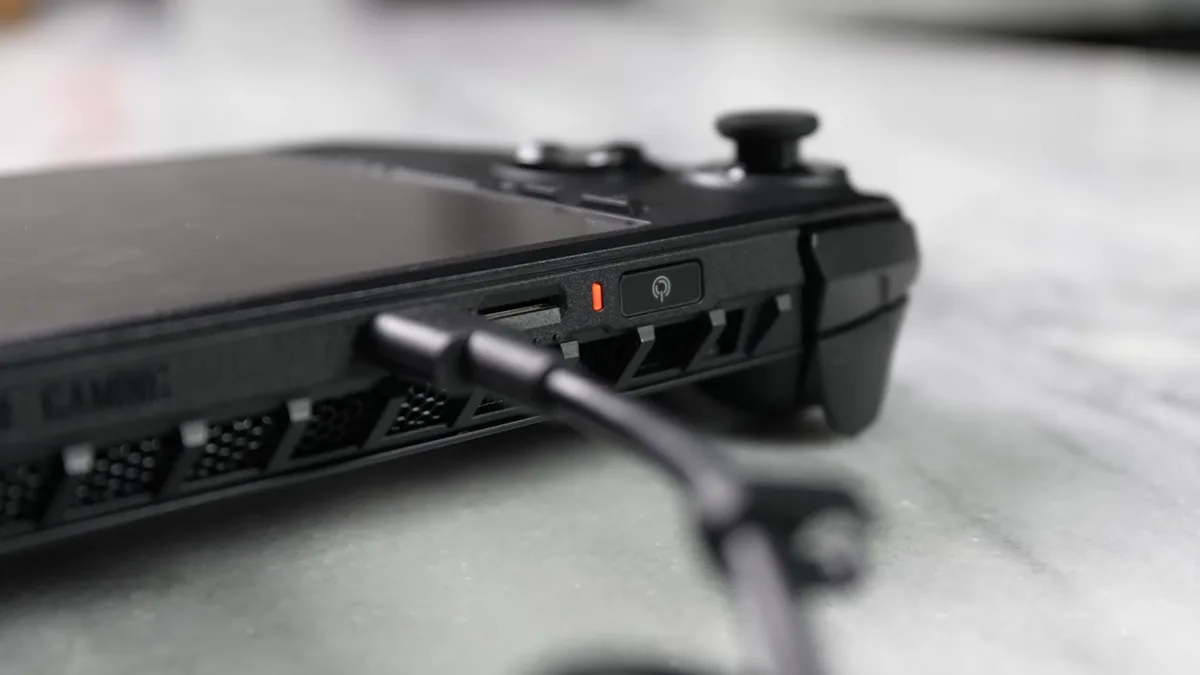
Image source: Wikimedia Commons / Booredatwork.com (CC BY)
| Brand | Common Strength | Common Trade-off |
|---|---|---|
| AORUS | Strong specs for the price | Fan noise and chassis feel vary |
| ASUS ROG | Polish and features | Higher prices |
| MSI | Cooling and display choices | Model confusion |
| Lenovo Legion | Balanced thermals | Fewer flashy designs |
| Acer Predator | High-end value | Bulk and weight |
What You Get for the Money: Specs, Cooling, and Display Quality
AORUS laptops often ship with the parts gamers care about. You will see Intel Core HX or AMD Ryzen HX processors, NVIDIA GeForce RTX Laptop GPUs, DDR5 memory, and fast PCIe NVMe storage. Many configs include QHD displays with 165Hz or 240Hz refresh rates.
Some higher models add Mini-LED panels, G-Sync, and wide color coverage. That is a strong starting point for 1440p gaming.
Cooling is the make-or-break factor. Manufacturer specs list heat pipes, large fans, and vapor chamber cooling on select models. Aggregate reviews report that sustained gaming can still push fans loud, especially in thinner chassis.
A MUX switch can help raw frame rates by bypassing integrated graphics. Upgradable RAM and storage are also real advantages. If you care about feel, compare metal and plastic chassis before you buy.
| Feature | Typical AORUS Range |
|---|---|
| Display | 15.6 to 17.3 inches, QHD, 165Hz to 240Hz |
| GPU | RTX 4050 to RTX 4090 Laptop GPU |
| CPU | Intel Core i7 or i9 HX, AMD Ryzen 7 or 9 HX |
| Memory | DDR5, often upgradable |
| Storage | PCIe NVMe SSD, often upgradable |
| Cooling | Heat pipes, fans, vapor chamber on select models |
Who Should Buy an AORUS Laptop (and Who Should Skip)
Buy AORUS if you want strong gaming performance without paying the highest brand premium. Mid-tier AORUS 15 and 16 models make sense for 1440p gaming, streaming, and school work. Flagship models fit users who want desktop-class mobile power and do not mind weight, noise, or a large charger.
Upgradable parts also help buyers who plan to keep the machine for years.
Skip AORUS if you want the quietest laptop, the lightest chassis, or the longest battery life. Gaming laptops are not great all-day battery machines, and AORUS is no exception. If you travel often, read about thin gaming laptops before choosing a heavy model.
If you also need daily work comfort, see whether a gaming laptop works for daily work. Students and commuters should weigh portability as much as frame rates.
Pros and Cons That Matter After Real-World Use
AORUS laptops can be great buys, but the experience depends heavily on the exact config. Aggregate buyer feedback points to strong gaming value in the middle of the lineup. The weak spots usually show up after months of use, not on day one.
Pros:
- Strong price-to-performance on RTX 4060 and RTX 4070 configs
- High-refresh QHD displays on many models
- Upgradable RAM and storage
- MUX switch support for better frame rates
- Good port selection on most tiers
Cons:
- Fan noise can get loud under sustained load
- Battery life is short during gaming or mixed use
- Entry models may feel plasticky
- Flagship models are heavy and expensive
- Quality control can vary by batch
If chassis feel matters to you, pay attention to build quality checks before buying. AORUS is at its best when you choose the tier that matches your real use, not the biggest spec sheet. You can review the official AORUS laptop lineup for current configs.
Common Buying Mistakes With AORUS Laptops
The biggest mistake is treating AORUS as one product. A budget AORUS 5 and a flagship AORUS Master serve very different buyers. Another mistake is ignoring GPU power limits, since the same RTX 4070 can perform very differently across models.
Common mistakes to avoid:
- Buying a flagship GPU for casual 1080p gaming
- Ignoring weight and charger size
- Assuming all AORUS models use metal chassis
- Skipping fan noise research
- Forgetting to budget for a bag and cooling pad
If you travel often, think about traveling with a bulky charger before choosing a heavy model. Also consider carrying a heavy laptop safely, since these machines can weigh over 3 kg with the power brick. For quiet spaces, look into fan noise control before you buy.
Long-Term Ownership: Thermals, Upgrades, and Battery Reality
Long-term ownership is where AORUS laptops either earn their keep or disappoint. Thermals matter more than peak benchmark scores. A laptop that hits high FPS for ten minutes but throttles after thirty minutes is not a good long-term buy.
Thermals
Heat is the main enemy. Dust buildup, dried thermal paste, and blocked vents can raise temperatures over time. Some owners repaste higher-end models with liquid metal or quality thermal paste.
Keep vents clear and use a hard, flat surface. Avoid soft beds or couches that block airflow.
Upgrades
Many AORUS models allow RAM and SSD upgrades. That is a real advantage over soldered designs. Check the service manual before buying, since screw layouts and access panels vary.
If you plan to keep the machine for years, chassis lifespan matters as much as the GPU.
Battery Reality
Battery life is usually the biggest letdown. Expect a few hours of mixed use and far less during gaming. Most serious gaming happens while plugged in.
For travel days, lower the refresh rate, drop brightness, and close background apps.
FAQs About Gigabyte AORUS Gaming Laptops
Are Gigabyte AORUS gaming laptops good for college?
Yes, mid-tier models can work well for college. They handle coursework, coding, and gaming in one machine. The downsides are weight, short battery life, and loud fans.
If you carry it daily, check the weight and charger size first.
Are AORUS laptops better than ASUS ROG?
Not always. ASUS ROG often feels more polished and refined. AORUS can offer stronger specs for the money at mid-range prices.
Choose ROG for polish and AORUS for value in many cases.
Do AORUS laptops overheat?
Some run hot under sustained load, especially thinner models. Higher tiers with better cooling usually handle long sessions better. Keep vents clear and use a cooling pad if needed.
Can you upgrade RAM and storage on AORUS laptops?
Many models allow both. That is a major advantage over soldered designs. Always check the specific model before buying, since layouts vary.
Are AORUS laptops good for 1440p gaming?
Yes, many RTX 4060 and RTX 4070 configs are well suited for 1440p. Higher tiers handle demanding games at high settings. Match the GPU to your target frame rate.
Is AORUS good value for money?
Often yes at the mid-range. Flagship models can get expensive and face strong rivals. Value depends on the exact config and current price.
Final Verdict: Which AORUS Model Makes Sense for You
AORUS is a good brand when you choose by tier and budget. It is not a single experience. The mid-range is where the brand usually shines, while flagships compete in a tougher crowd.
| Buyer Type | Best Fit | Why |
|---|---|---|
| Budget gamer | AORUS 5 or 7 | Lower price and solid 1080p gaming |
| 1440p gamer | AORUS 15 or 16 | Better displays and stronger GPUs |
| Big-screen fan | AORUS 17 | Large display and desktop feel |
| Power user | AORUS Master | Top mobile GPU performance |
If you want the safest all-around pick, look at a mid-tier AORUS 15 or 16 with an RTX 4060 or RTX 4070. It gives you 1440p gaming, upgrade options, and better value than many flagship rivals. For long sessions, also consider metal versus plastic chassis before you commit.