Can an old gaming pc power supply be reused? That depends on what you plan to run and how old the unit really is. Many PC builders hold onto a power supply after upgrading their graphics card or processor, hoping to save money on a new build.
The short answer is yes, but only if the wattage, connectors, and internal condition still match modern hardware.
Manufacturer specifications under the ATX standard define how much steady power a unit can deliver across its +12V rail. Aggregate reviews show that units older than five to seven years often suffer from capacitor wear, which lowers efficiency and stability. As of 2026, most gaming systems need at least 550 watts for mid-range builds.
Here is how to tell if your old supply still qualifies.
Can an Old Gaming Pc Power Supply Be Reused
Yes, an old gaming PC power supply can be reused.
It must match your new system's wattage needs.
The unit should show no bulging or leaking capacitors.
You need the right cables for your motherboard and GPU.
Test it before installing expensive parts.
The Real Risk of Reusing an Old Gaming PC Power Supply
A failing power supply doesn't simply stop working. It can deliver unstable voltage to your motherboard, processor, and graphics card. That instability causes random shutdowns, blue screens, or permanent hardware damage.
If the unit is older than five years, the risk rises sharply.
Inside an aging PSU, electrolytic capacitors dry out over time. When they degrade, they cannot smooth the power flow effectively. A weak +12V rail under load creates voltage spikes that sensitive components cannot tolerate.
You might not notice the problem until a game crashes mid-session.
The financial trade-off also matters. Saving fifty dollars on a power supply is not worth replacing a four-hundred-dollar graphics card. A faulty unit can take other expensive parts with it.
Before you reuse anything, you need to verify both wattage capacity and physical condition.
External safety standards matter here too. Underwriters Laboratories and other testing bodies certify power supplies for fire and shock protection. An old unit may still carry a valid label, but aging components can void that safety margin in practice.
Keeping your PC running longer starts with a power source you can trust.
Real-world builder reports show reused PSUs often survive light office tasks but fail under gaming loads. A modern GPU can draw transient spikes that an old rail cannot handle. If you plan to play demanding titles, the margin for error disappears.
What Determines If Your Old PSU Is Still Usable
Three factors decide whether an old gaming PC power supply can be reused: wattage, connector compatibility, and internal health. If any one fails, the unit should not go into a new build.
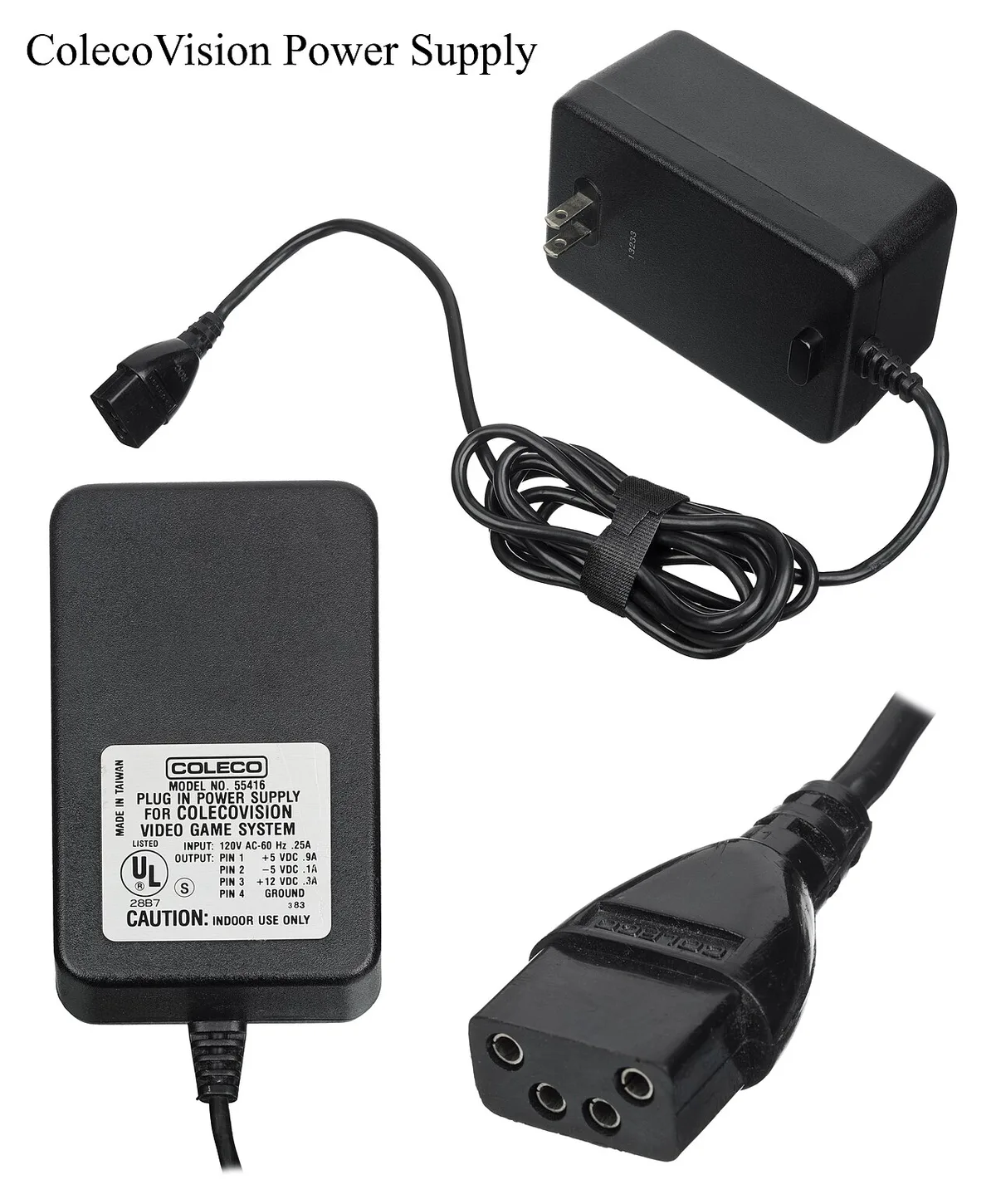
Wattage is the first filter. Check the label on the side of the PSU for total wattage and +12V amperage. A modern mid-range gaming PC often needs 650 watts or more, especially with a discrete graphics card.
If your old unit is rated at 400 watts, it likely cannot handle current hardware.
Connector compatibility comes next. Newer motherboards use a 24-pin ATX connector and an 8-pin CPU power plug. High-end GPUs require one or more 8-pin or 6+2-pin PCIe cables.
If your old PSU lacks these native plugs, you should not rely on adapters for primary power delivery.
Internal health is the hardest factor to judge by sight. Bulging or leaking capacitors indicate age-related failure. A dusty fan or burnt smell near the exhaust vent also warns against reuse.
Units over seven years old should generally be replaced regardless of appearance.
Efficiency rating matters less than safety, but it affects long-term cost. An 80 Plus Bronze unit wastes less heat than an unrated old supply. That difference shows up in your electricity bill over months of gaming.
| Factor | What to Check | Pass Signal |
|---|---|---|
| Wattage | Label rating vs system draw | Above estimated load |
| Connectors | 24-pin, CPU, PCIe cables | All present natively |
| Age | Manufacture date | Under 5-7 years |
| Condition | Capacitors, fan, smell | No visible damage |
Under the ATX specification, Intel defines the physical and electrical standards that keep parts interchangeable. You can verify whether your board supports the connections by checking the manual before you buy anything.
Decision Tree: Reuse, Adapt, or Replace
Use this workflow to decide what to do with your old PSU.
If the unit is under five years old and rated above 650 watts, then inspect the capacitors and cables. If they look clean, you can reuse it.
If the wattage is below 550 watts, then do not reuse it for a gaming build. Replace it with a new unit that matches your GPU and CPU power draw.
If the unit has the right wattage but lacks modern PCIe cables, then you can adapt it only with manufacturer-approved cables. Do not use cheap third-party adapters for GPU power.
If you see bulging capacitors, a burnt smell, or excessive noise, then replace it immediately. Do not attempt to open the casing or repair internal parts yourself.
If you are building a light office PC or a secondary server, then reuse is more acceptable. The lower load puts less stress on aging rails.
| Condition | Action |
|---|---|
| Under 5 years, 650W+, clean | Reuse |
| Below 550W | Replace |
| Right watts, missing PCIe cables | Adapt with approved cables only |
| Bulging caps, burnt smell | Replace |
| Light office use, moderate watts | Reuse |
Before you commit to any branch, test the unit outside the case. A paperclip test confirms the fan spins, but it does not verify stable voltage under load. Only proceed to installation after a bench test or multimeter check.
Step-by-Step: Test and Install an Old PSU Safely
Follow these steps to test and install an old power supply without damaging components.
First, unplug the PSU from the wall and let it sit for at least ten minutes. Residual charge in capacitors can shock you even after disconnection.
Second, perform a visual inspection. Look for bulging capacitors, frayed cables, or discoloration on the circuit board. If anything looks wrong, stop and replace the unit.
Third, use a multimeter to check voltage rails. With the PSU unplugged from components but connected to wall power, probe the +12V, +5V, and +3.3V lines. Readings should stay within five percent of nominal.
Checking PSU quality quickly with a dedicated tester is another option if you do not own a multimeter.
Fourth, mount the PSU in the case and connect the 24-pin motherboard cable, CPU power cable, and GPU cables. Seat each connector firmly.
Fifth, plug in the wall cable and turn on the system. Watch for smoke, strange noises, or immediate shutdown. If anything seems off, cut power at the wall.
Sixth, run a stress test or play a demanding game for thirty minutes. Monitor for crashes, shutdowns, or performance drops.
Never open the metal casing of a PSU unless you are trained in high-voltage safety. Capacitors can hold lethal charge long after unplugging.
Mistakes That Can Fry Your Components
The biggest mistake is assuming a power supply works just because the fan spins. A spinning fan does not guarantee stable voltage. You can destroy a motherboard by plugging in a unit with rail ripple or insufficient amperage.
Using molex-to-PCIe adapters for a modern graphics card is another common error. These adapters were not designed for the transient power spikes of current GPUs. They can overheat and melt under load.
Reusing old cables with a new modular PSU is dangerous too. Cable pinouts differ between brands and even between model years. Mixing cables can send 12V to a ground pin and kill components instantly.
Ignoring wattage headroom is a silent killer. If your system draws 450 watts and your PSU is rated at 500 watts, you have almost no room for spikes. Transient loads from a GPU can push the unit into protection shutdown or failure.
Finally, never reuse a PSU from a prebuilt office PC without checking the form factor. Proprietary sizes and connectors often will not fit standard ATX cases, and forcing them can short the board. Checking for proprietary parts in prebuilt systems can save you from this mismatch.
Safety Warnings, Capacitor Discharge, and E-Waste Rules
Never open a power supply casing unless you are trained in high-voltage safety. Capacitors inside can hold a lethal charge for minutes or even hours after you unplug the cord. A screwdriver slipped across the wrong contact can cause severe injury.
Do not assume the unit is safe just because it feels cool to the touch.
If you must inspect the interior, unplug the unit and wait at least ten minutes. Some capacitors retain charge longer in older units with larger capacitance ratings. Do not probe the circuit board with metal tools or jewelry.
Use a proper discharge resistor if you have one, otherwise leave the sealed unit alone.
When you finish with an old PSU, do not throw it in the trash. Electronic waste contains materials that belong in certified recycling streams. Many municipalities run e-waste drop-off events or permanent collection sites.
Retailers sometimes accept used power supplies for free recycling.
Check local regulations before disposal. Some regions require proper handling of electronics under environmental protection rules. Underwriters Laboratories publishes safety standards that recyclers follow.
You can also explore how to add more storage to a gaming PC if you are upgrading other parts while retiring the old supply.
Do not bypass internal protections or modify the circuit board. Removing safety features voids any remaining warranty and creates fire risk. Manufacturer specifications assume the unit ships intact.
Tampering also removes certification marks that verify compliance.
Frequently Asked Questions
Can I reuse a power supply from an old prebuilt PC?
You can, but prebuilt units often use proprietary connectors or non-standard form factors. Check the motherboard and case compatibility before assuming it will fit. Aggregate reviews indicate many office prebuilt PSUs lack the wattage for modern gaming GPUs.
How old is too old for a PSU?
Units older than five to seven years should generally be replaced for gaming builds. Capacitor degradation happens regardless of how little the PSU was used. Manufacturer specifications assume a finite service life based on operating hours.
Do I need to replace cables when reusing a PSU?
Use only the cables that came with that specific power supply. Mixing modular cables between brands can send voltage to the wrong pin and destroy components. Our research shows cable pinouts differ even within the same manufacturer lineup.
What wattage do I need for a modern gaming PC?
Mid-range gaming systems typically require 650 watts or more, depending on the graphics card and processor. Use a power supply calculator to add up your component draw. Aim for at least twenty percent headroom above your estimated peak load.
Is it safe to use adapters for missing PCIe cables?
No. Cheap molex-to-PCIe adapters are not rated for the transient spikes of current graphics cards. They can overheat and melt under sustained load.
Buy a new PSU with native cables instead of adapting an old unit.