What is atx 3.0 in a gaming pc power supply? It is the Intel ATX 3.0 power-supply standard built for modern GPUs with sharp load spikes. Older standards were not designed for those short bursts.
ATX 3.0 adds connector and excursion rules that help a PSU keep voltage stable. The Intel ATX 3.0 specification defines excursion limits such as 150 percent of total system power and 200 percent of GPU power for short durations. That difference matters when a card like an RTX 40-series GPU pulls hard for milliseconds.
Let's walk through what changed and what it means for your build.
Why Getting ATX 3.0 Wrong Can Cost You a GPU
A bad power-supply choice can damage expensive parts. High-end GPUs can pull hard for milliseconds. An older PSU may not handle those spikes well.
The result can be shutdowns, unstable power, or connector heat. Treat PSU advice like safety advice, not a casual upgrade tip.
Common failure points include:
- A loose 12VHPWR connector that heats up.
- An adapter cable bent too close to the plug.
- A PSU with weak transient response.
- A wattage rating chosen from marketing, not load.
- A cable routed with sharp strain near the connector.
If you see melted plastic, stop using the PSU. Do not "test it one more time." Check the connector, cable, and PSU under warranty.
what is atx 3.0 in a gaming pc power supply
ATX 3.0 is Intel's power-supply standard for modern gaming PCs. It handles short GPU power spikes. It adds 12VHPWR connector rules.
It improves voltage stability under load. It is not just a new cable.
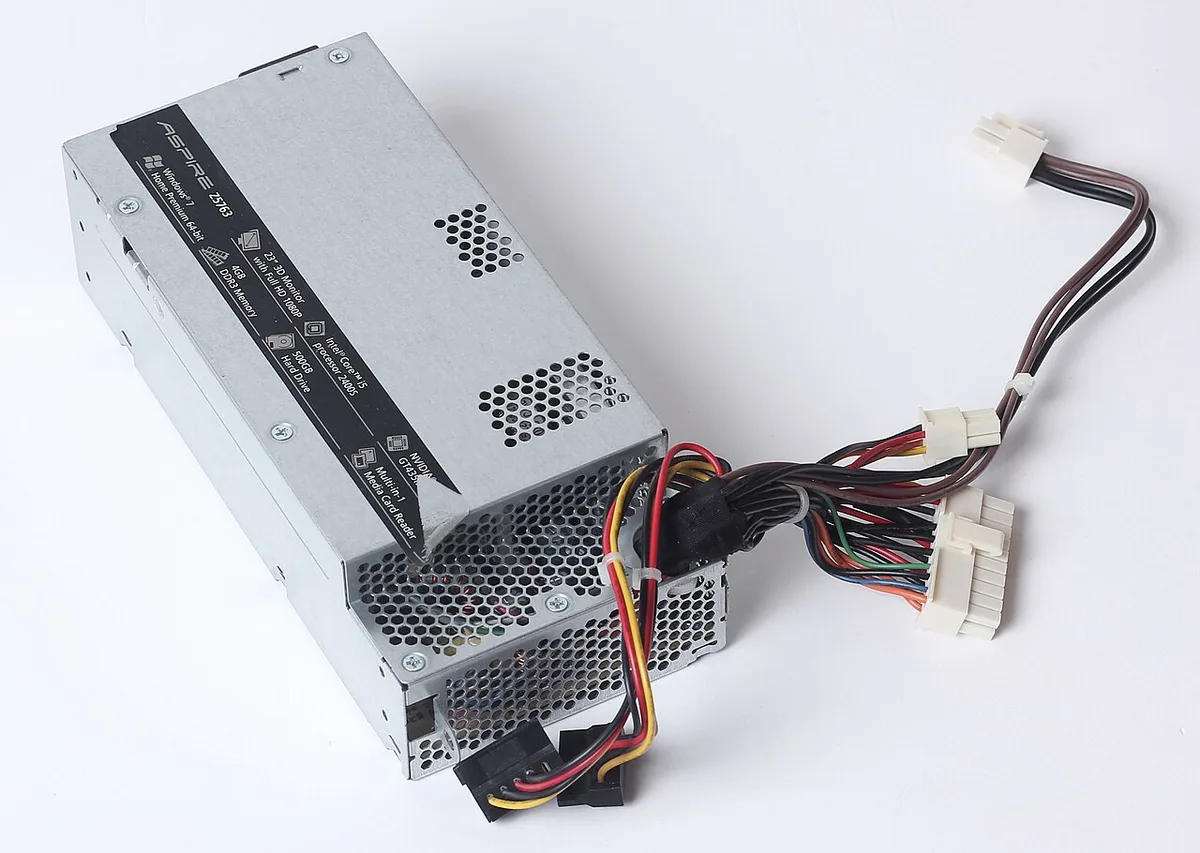
Image source: Wikimedia Commons / Dmitry Makeev (CC BY-SA)
ATX 3.0 is also about behavior, not only labels. The PSU must handle fast power changes. That matters for modern cards with boost behavior.
A good unit keeps rails stable when the GPU swings from idle to full load. Per Intel ATX specifications, the standard defines how the PSU responds to those swings.
How ATX 3.0 Handles Power Spikes Inside the PSU
ATX 3.0 focuses on transient power excursions. Those are brief spikes above normal load. A modern GPU can demand far more power for milliseconds.
The PSU must respond without collapsing voltage.
Key excursion targets include:
- 150 percent of total system power for short durations.
- 200 percent of GPU power for short durations.
- Stable 12V rail behavior during those spikes.
- Proper hold-up time under changing load.
This is why "it is 850W, so it is fine" can be misleading. Wattage is a ceiling. Transient response is about speed and control.
A lower-quality 850W unit may struggle where a well-built 750W ATX 3.0 unit stays stable.
| Spec area | Why it matters |
|---|---|
| Total system excursion | Covers CPU and GPU spikes together |
| GPU excursion | Covers the largest short burst |
| Hold-up time | Helps ride through brief input dips |
| 12V stability | Prevents crashes and connector stress |
If you build with a high-end card, check the PSU's ATX 3.0 certification and protection set. Do not rely on the box alone.
The 12VHPWR and 12V-2×6 Connector Explained
The 12VHPWR connector is the 12-pin PCIe 5.0 power connector used by many modern GPUs. It can deliver up to 600W through one cable. That reduces cable clutter.
It also creates new failure modes if it is not seated well.
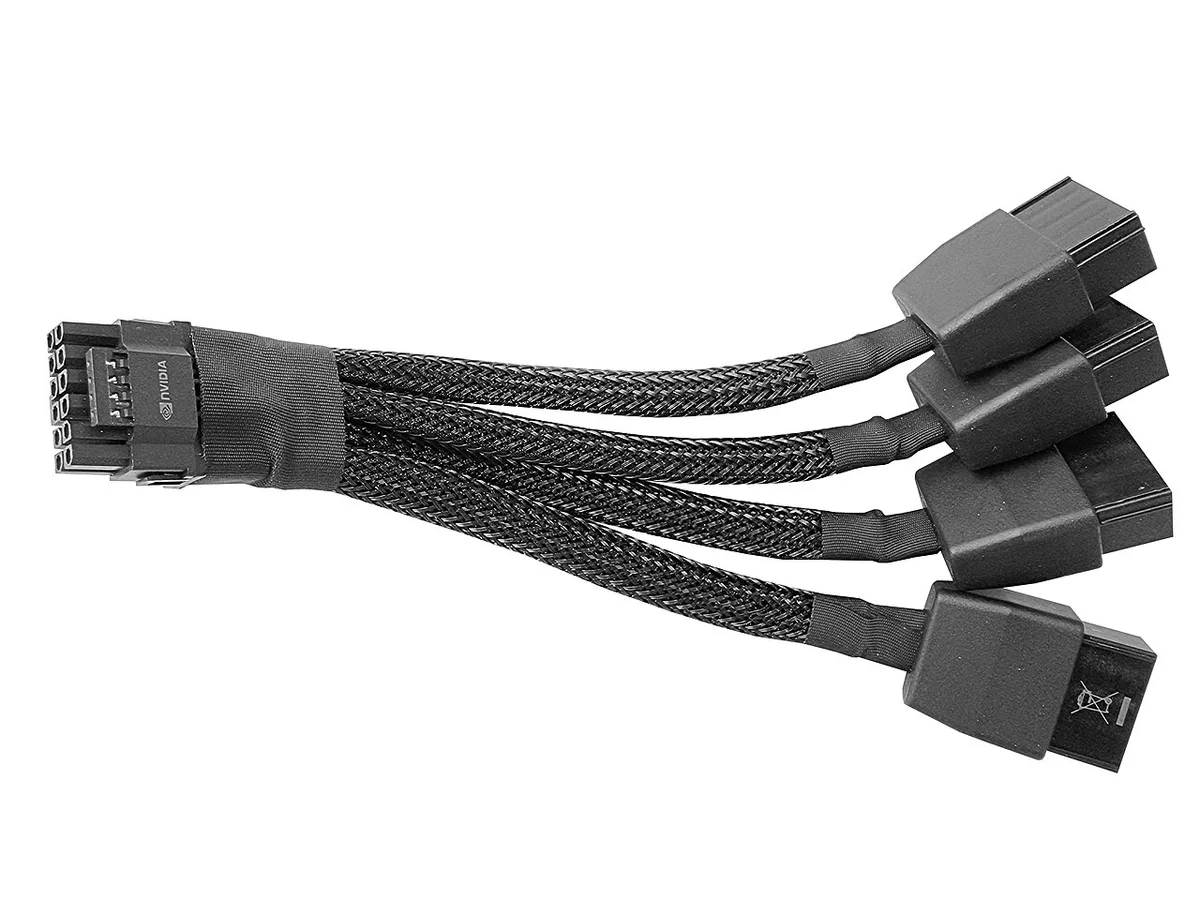
Image source: Wikimedia Commons / Benlisquare (CC BY-SA)
The 12V-2×6 connector is the revised version of that plug. It improves sense-pin behavior and physical contact design. The goal is better detection of a fully seated connector.
That helps the GPU know how much power is safe to draw.
Important connector habits:
- Push the plug until it clicks fully.
- Keep the cable straight for about 35mm near the connector.
- Avoid hard bends at the GPU socket.
- Do not use damaged or third-party adapters casually.
- Check for warmth after the first heavy gaming session.
Sense pins are small signals inside the connector. They tell the GPU the cable capability. If those pins do not connect correctly, power behavior can become unsafe.
That is why "it fits" is not the same as "it is fully seated."
ATX 3.0 vs ATX 2.x: What Actually Changed
ATX 2.x PSUs can still be good. The difference is design target. ATX 2.x was built around older GPU power patterns.
ATX 3.0 is built around modern transient spikes and the 12VHPWR ecosystem.
| Area | ATX 2.x | ATX 3.0 |
|---|---|---|
| GPU power spikes | Less emphasis | Core design target |
| 12VHPWR native support | Usually adapter-based | Native on many units |
| Connector rules | Older PCIe 8-pin focus | 12VHPWR and 12V-2×6 focus |
| Cable strain guidance | Less specific | More specific |
| Best fit | Older or mid-range builds | Modern high-end GPUs |
An ATX 2.x PSU with quality internals can still run a modern card with an adapter. That is not automatically unsafe. The risk rises when the adapter is poor, the cable is strained, or the PSU has weak transient response.
If you already own a strong ATX 2.x unit, you may not need to replace it today. Check your GPU's power connector, cable quality, and PSU protections first. If you are buying new for a high-end card, native ATX 3.0 is usually the cleaner choice.
For related system planning, see how an M.2 slot fits a gaming PC. If your build also needs memory tuning, review compatible RAM for your gaming motherboard. For storage questions, how much storage a gaming PC needs is a useful companion.
For GPU-adjacent thermal questions, read how SSD temperature affects gaming performance. If you are comparing storage generations, PCIe 4.0 vs PCIe 5.0 SSDs helps frame the same speed mindset.
The Real Risks: Melting Connectors and Sense-Pin Failures
A loose 12VHPWR connector can overheat under load. Poor contact creates resistance. Resistance creates heat.
Melted plastic is the warning sign.
Sense pins can fail to detect cable capability. The GPU may then draw more than it should. That is why full seating matters.
A click alone is not enough. Inspect the gap by eye.
Adapter cables add another risk. Daisy-chained 8-pin adapters can create uneven current. Cable quality varies by brand.
Use the adapter that came with the PSU or GPU. Avoid random third-party adapters.
Heat usually starts at the connector, not the PSU. That makes installation part of safety. Check the plug after your first heavy session.
Warm is common. Hot, soft plastic, or a burning smell is not. Shut down and contact support.
Safe Installation and Cable Routing Rules
Image source: Wikimedia Commons / Swpb (CC BY-SA)
Fully seat the connector before powering on. You should feel a firm click. Then check the gap by eye.
A small visible gap means it is not locked.
Keep the first 35mm of cable straight. That reduces strain on the pins. Route the cable before final GPU mounting if your case allows.
Avoid pulling the cable sideways.
Use the cable that ships with the PSU. Native cables match the PSU's pinout and protections. Do not mix cables between brands.
Even similar connectors can have different wiring.
After your first long gaming session, inspect the connector. Warm is common. Hot, soft plastic, or smell is not.
Shut down and contact the PSU maker or GPU maker.
Who Actually Needs an ATX 3.0 Power Supply
You need it most with a high-end GPU using 12VHPWR. That includes many RTX 40-series cards. SFF builds also benefit because cable space is tight.
Native connectors reduce clutter.
You may not need it for older cards with 8-pin connectors. A quality ATX 2.x PSU can still deliver stable power. The key is transient response and cable quality.
Check reviews and protections, not just wattage.
If you are buying new today, native ATX 3.0 is the safer default for modern GPUs. It avoids adapter guesswork. It also aligns with future cards.
For older builds, keep what works if it is stable.
Wattage, Efficiency, and Specs Worth Paying For
Wattage should cover your peak load plus headroom. Many high-end gaming PCs land between 750W and 1000W. Check your GPU and CPU power draw.
Then add margin for spikes and upgrades.
Efficiency matters for heat and electricity. 80 Plus Gold is a solid baseline. Platinum or Titanium can reduce waste. The certification comes from the 80 Plus certification program.
Protections matter more than flashy features. Look for OCP, OVP, SCP, and OTP. Hold-up time near 17ms is the ATX baseline.
Good fan curves and warranties also signal quality.
| Spec | Practical target |
|---|---|
| Wattage | Match peak load plus 20 to 30 percent headroom |
| Efficiency | 80 Plus Gold or better |
| Protections | OCP, OVP, SCP, OTP |
| Hold-up time | About 17ms minimum |
Single-rail and multi-rail designs can both work. The difference is how overcurrent protection is split. For most gaming builds, protection quality matters more than rail style.
Frequently Asked Questions
Is ATX 3.0 required for every gaming PC?
No. It is most useful for modern GPUs with 12VHPWR connectors. Older builds with 8-pin connectors can run well on quality ATX 2.x units.
Match the PSU to your GPU, case, and load. Do not upgrade only for the label.
Can an ATX 2.x PSU power an RTX 40-series GPU?
Yes, with the right adapter and a quality unit. The risk depends on adapter quality and cable strain. Native ATX 3.0 is cleaner and reduces guesswork.
If you use an adapter, seat it fully and inspect it often.
What causes a 12VHPWR connector to melt?
Poor contact and heat are the main causes. A loose plug, bent cable, or bad adapter can create resistance. Resistance turns into heat under load.
Stop use immediately if you see discoloration or smell burning.
Does higher wattage mean better transient response?
No. Wattage is a ceiling. Transient response depends on PSU design and quality.
A well-built 750W unit can handle spikes better than a weak 1000W unit. Check reviews and protection specs.
Should I buy ATX 3.1 instead of ATX 3.0?
ATX 3.1 updates the standard and connector details. For new builds, a native ATX 3.1 unit is a strong choice. Existing ATX 3.0 units can still be fine.
Check the exact connector revision and warranty.