What materials are used in a gaming laptop chassis matters more than most buyers expect. The shell affects flex, heat spread, weight, wireless reception, and how the laptop feels after months of travel. Aluminum, magnesium, carbon fiber, glass fiber, and plastic all show up in real designs, often mixed within one machine.
As of 2026, chassis choice is less about one "best" material and more about which trade-offs you'll notice. Manufacturer specifications show the same laptop family can change lid, base, and frame materials by price tier.
IEC 62368-1 safety requirements and RoHS compliance shape what polymers and coatings can be used. That means material choice is not just a style decision. It also affects repair access, screw durability, and long-term comfort.
What Gaming Laptop Chassis Materials Actually Change
The chassis is the structural shell that holds the display, keyboard, battery, cooling system, and motherboard in place. A good one stays stiff when you open the lid, type hard, or carry it by one corner. A weak one flexes, creaks, or lets heat reach your palms.
Material changes four practical things:
- Rigidity: how much the lid or base bends under pressure
- Weight: how heavy the laptop feels in a bag
- Heat behavior: how warmth spreads across the palm rest
- Wireless performance: how much signal metal can block
A thin gaming laptop can feel solid if the frame is well engineered. A thicker one can still feel hollow if the panels are thin. That is why material name alone does not tell the whole story.
You need construction, thickness, and reinforcement too.
If you care about carry comfort, it helps to compare chassis weight with the lightest gaming laptop designs and the average laptop weight before you buy.
Aluminum Alloy: The Common Middle Ground
Aluminum alloy is the most common premium chassis material in gaming laptops. It usually appears as a CNC-milled or stamped top case, lid, or full body. Common alloys include 6061, 5052, and 6063, though brands rarely advertise the exact grade in consumer listings.
Aluminum gives a cool, solid feel and strong scratch resistance. It also helps block electromagnetic interference inside the laptop. The downside is weight.
It is heavier than magnesium and can dent if dropped on a hard edge.
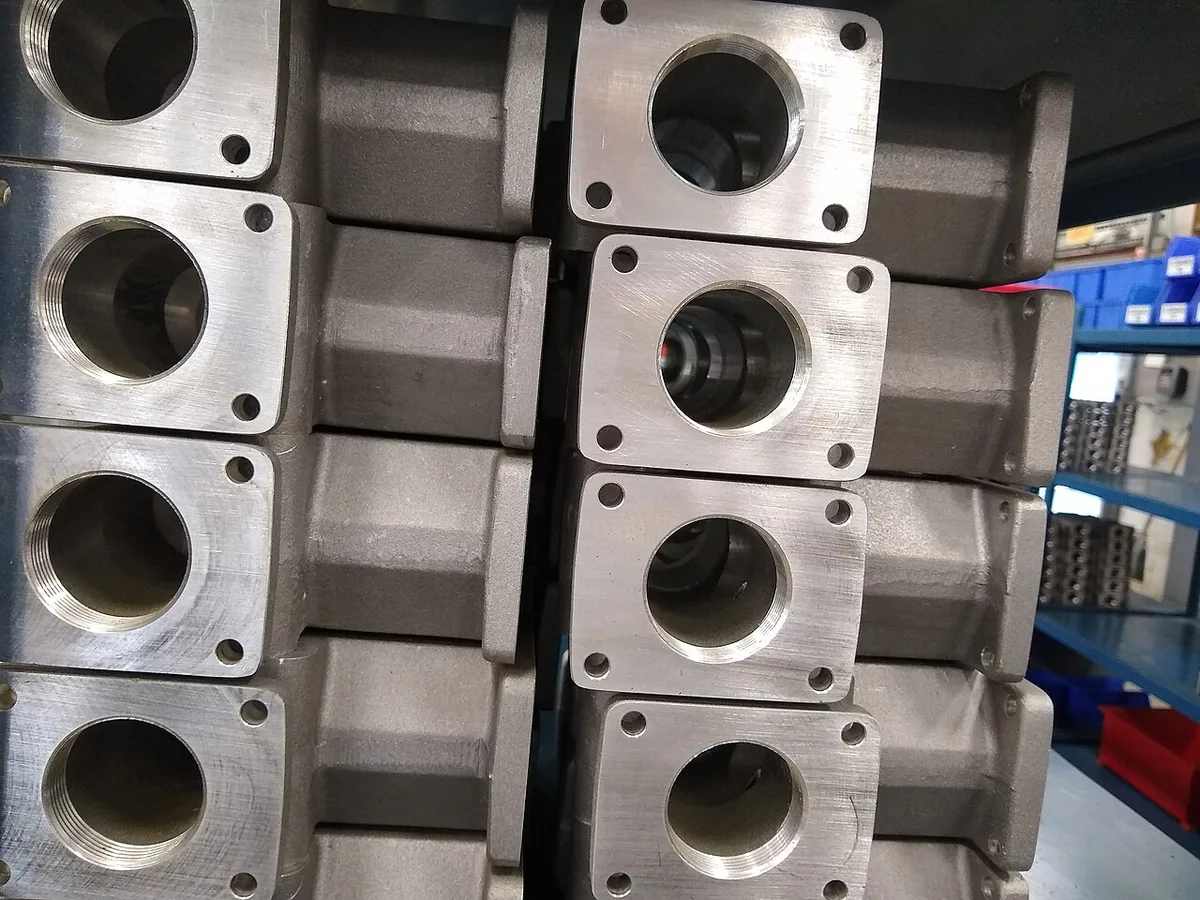
Image source: Wikimedia Commons / Whoisjohngalt (CC BY-SA)
Heat behavior is mixed. Aluminum spreads heat well, which can help in some designs. It can also make the palm rest feel warm during long gaming sessions.
Finish matters too. Anodized aluminum resists wear better than painted metal.
Look for these signs of good aluminum construction:
- Little flex when pressing the keyboard deck
- No creaking when twisting the lid gently
- Smooth hinge movement without wobble
- Even panel gaps around the screen
- A base that does not bow under the battery area
Aluminum is usually the safest choice if you want premium feel without paying for carbon fiber or magnesium.
Magnesium Alloy: Lighter, Stiffer, Pricier
Magnesium alloy is often used when a brand wants a strong chassis without adding much weight. AZ91D is a common magnesium alloy in electronics. It has a lower density than aluminum, so larger panels can stay lighter.
Magnesium can feel less cold than aluminum and often has a slightly softer surface finish. It may be coated or painted because bare magnesium is more reactive. Good magnesium designs feel stiff, light, and well balanced.

Image source: Wikimedia Commons / Morio (CC BY-SA)
The main benefit is weight. If you travel often, a magnesium chassis can make a big difference. It can also improve rigidity without thick panels.
That matters in thin gaming laptops, where space is tight and flex is more likely.
Magnesium is not perfect. It can cost more, and poor coatings may chip or wear. Some users also notice a less premium surface feel than anodized aluminum.
Manufacturer specs often describe it as "magnesium alloy" without listing the exact grade, so compare real reviews and panel thickness.
If weight is your top concern, compare magnesium models with the lightest gaming laptop category and the average laptop weight guide before deciding.
Carbon Fiber and Glass-Fiber Composites
Carbon fiber reinforced polymer uses carbon fibers in a resin matrix. It is known for high stiffness and low weight. In laptops, it may appear in lids, palm rests, or internal frames rather than full shells.
Carbon fiber feels different from metal. It can be warm to the touch and may show a woven texture. It is strong for its weight, but it does not always feel as cold or dense as aluminum.
It can also be expensive and harder to repair if cracked.
Glass fiber reinforced plastic is more common than carbon fiber in mainstream laptops. It adds strength to plastic without the high cost of carbon fiber. You may see it in midrange chassis, internal brackets, or reinforced panels.
Composite materials have a few practical advantages:
- Lower weight than many metal panels
- Good stiffness when layered correctly
- Less thermal conductivity than metal
- More design freedom for curves and vents
The trade-off is feel. Composites can sound hollow if the design is not reinforced. They may also scratch differently than metal.
Some finishes hide wear well, while others show marks quickly.
Carbon fiber is best viewed as a performance material, not a luxury one. It shines when weight and stiffness matter most. Glass fiber is more about value and durability in plastic designs.
Plastic and Polymer Chassis: Where Budget Meets Reality
Plastic and polymer chassis are common in budget and midrange gaming laptops. ABS plastic and ABS/PC blends are the most familiar examples. They are easy to mold, inexpensive, and good at shaping complex vents and ports.
Plastic does not feel as premium as metal, but that does not mean it is bad. A well-designed polymer chassis can survive daily use if it has internal reinforcement. Many models use a metal frame inside a plastic shell to add strength.
The biggest strengths are cost and flexibility. Plastic is light, can be colored easily, and does not interfere with Wi-Fi or Bluetooth antennas. That is useful because metal chassis often need plastic antenna windows.
The weaknesses are flex, heat marks, and long-term wear. Thin plastic can bow around the keyboard. Cheap coatings may peel.
Hinge mounts can loosen if the screw anchors are weak.
Check these details before buying a plastic chassis:
- Reinforced hinge area
- Minimal keyboard deck flex
- Thick enough bottom panel
- Smooth screw holes for upgrades
- No sharp seams around the palm rest
Plastic is a smart choice when price matters more than premium feel. It is also practical if you want easier wireless performance and lighter weight in a budget machine.
Side-by-Side Material Comparison

Image source: Openverse / akhenatenator
The table below gives a practical comparison for gaming laptop buyers. It focuses on feel, weight, durability, and cost rather than lab-only numbers.
| Material | Typical Use | Weight Feel | Durability Feel | Cost Level | Best For |
|---|---|---|---|---|---|
| Aluminum alloy | Lid, top case, base | Medium | High | Medium to high | Balanced premium feel |
| Magnesium alloy | Full body, lid, frame | Low | High | High | Travel and thin laptops |
| Carbon fiber composite | Lid, frame, accents | Low | High | Very high | Weight-focused builds |
| Glass fiber composite | Reinforced plastic panels | Low to medium | Medium | Medium | Value with added stiffness |
| ABS or ABS/PC plastic | Budget shells | Low | Medium | Low | Price-focused buyers |
No material wins every category. Aluminum is the safest all-rounder. Magnesium is better for travel.
Carbon fiber is strongest for weight. Plastic is best for cost. Glass fiber sits in the middle as a reinforcement option.
When comparing models, test chassis feel with the same method every time. Press the keyboard deck, open the lid with one hand, and check for creaks. If you carry the laptop often, also compare it with advice on carrying a gaming laptop safely and whether a gaming laptop is good for travel.
Best Material for Your Use Case
No single material wins every category. The right choice depends on how you use the laptop, how often you travel, and how much you care about feel.
Here is a simple decision guide:
- Travel often or carry it daily: Magnesium alloy or carbon fiber. Low weight matters more than surface feel. Compare with the lightest gaming laptops and the average laptop weight before deciding.
- Desk-bound gamer on a budget: Aluminum or reinforced plastic. You get solid feel without paying premium prices.
- Thin laptop with high-end specs: Magnesium or carbon fiber. Stiffness matters most when panels are thin. Are thin gaming laptops actually good for gaming? Only if the chassis does not flex under load.
- Premium feel and durability: Aluminum with CNC milling. It looks good, resists scratches, and holds value.
- Hot climate or humid environment: Avoid bare metal in coastal areas. Look for coated magnesium or anodized aluminum with corrosion resistance.
If you travel with your laptop, also consider how you carry a gaming laptop safely. A lighter chassis reduces strain but does not replace good protection.
Mistakes Buyers Make When Judging Chassis Quality
Many buyers focus on brand name or spec sheet instead of build quality. That leads to disappointment after a few months of use.
Common mistakes include:
- Pressing only the lid: The keyboard deck and bottom panel matter more for daily use. A stiff lid with a flexible base still feels cheap.
- Trusting marketing words: Terms like "premium metal" or "aircraft-grade aluminum" sound impressive but lack detail. Ask for alloy type and construction method.
- Ignoring weight trade-offs: Heavier metal does not always mean better. A well-designed plastic chassis can outperform a thin, flexible aluminum one.
- Overlooking antenna design: Metal chassis need plastic antenna windows. Poor placement can weaken Wi-Fi or Bluetooth. Check reviews for wireless issues.
- Skipping hinge inspection: Hinges take the most abuse. Loose or wobbly hinges often appear before panel damage.
- Assuming price equals quality: Some budget laptops use smart reinforcement. Some expensive ones prioritize looks over structure.
The best test is simple. Open the lid with one hand. Type firmly.
Lift by one corner. If it creaks or flexes, the material choice may not be well executed.
What to Check Before You Buy or Upgrade
Before you buy, inspect the chassis in person if possible. If buying online, rely on detailed reviews and teardown videos.
Use this checklist:
- Flex test: Press the keyboard center and palm rest. Minimal movement is ideal.
- Hinge test: Open and close the lid slowly. Listen for grinding or clicking.
- Panel gaps: Check around the screen and bottom cover. Uneven gaps suggest poor assembly.
- Screw access: Look at the bottom panel. Are screws standard Phillips or proprietary? Easy access helps future upgrades.
- Thermal contact: Check if heat pipes or pads touch the chassis. Some designs use the metal base as a heat spreader.
- Coating quality: Look for even finish without orange peel texture or thin spots near edges.
- Antenna windows: Find plastic strips or gaps in metal lids. These are where wireless signals pass through.
If you plan to upgrade RAM or storage, also check whether the bottom panel removes easily. Some ultrathin designs glue panels shut. That makes repairs harder and costlier.
For travel use, consider whether a gaming laptop is good for travel and how it fits your bag. Chassis size and weight interact with material choice.
Frequently Asked Questions
What is the best material for a gaming laptop chassis?
Aluminum alloy is the best all-round choice for most buyers. It balances feel, durability, and cost. Magnesium is better for travel.
Carbon fiber suits weight-focused builds. Plastic works well for budget options.
Does an aluminum chassis block Wi-Fi signal?
Yes, metal can block wireless signals. Most aluminum laptops use plastic antenna windows in the lid or base. Poor placement can reduce signal strength.
Check reviews for wireless complaints before buying.
Is magnesium alloy worth the extra cost?
Magnesium alloy is worth it if you carry the laptop often or want a thin design. It offers strong rigidity at low weight. If the laptop stays on a desk, aluminum or plastic may offer better value.
Can you replace a plastic chassis with metal?
No, chassis replacement is not practical for most users. The motherboard, cooling system, and ports are designed for the original shell. Third-party metal shells rarely exist.
Choose the material you want before buying.
Do carbon fiber laptops scratch easily?
Carbon fiber can scratch, but the damage often looks different from metal. Surface coatings may hide or show wear depending on finish. Matte finishes usually hide marks better than glossy ones.
How do I know if a chassis is well-built?
A well-built chassis shows little flex, smooth hinge action, even panel gaps, and no creaking. It should feel solid when lifted by one corner. Aggregate reviews often mention these details within weeks of launch.
If you are still deciding, start with aluminum. It is the safest middle ground for most gamers. Move up to magnesium or carbon fiber only if weight is a priority.
Drop to plastic if budget matters most.
1 thought on “What Materials Are Used in Gaming Laptop Chassis?”
Comments are closed.