Gaming laptops don't drop in price randomly. There's a real pattern behind the discounts, and once you see it, you stop overpaying. The trick is matching your budget to the right sale window instead of chasing every banner.
Most gaming laptops see their deepest cuts during Black Friday, Cyber Monday, and back-to-school season, often 15 to 30 percent off street price. Waiting for the right cycle can save you hundreds on the exact same GPU. Let's walk through the calendar, the refresh cycles, and the decision branches that tell you whether to buy now or hold off.
when do gaming laptops usually go on sale
Gaming laptops usually go on sale during Black Friday, Cyber Monday, and back-to-school season. The deepest discounts often hit older GPU generations right after a new launch. Expect 10 to 30 percent off street price at major retailers.
Open-box and refurbished units can drop even lower. Timing matters more than the sale name.
Sale Calendar: The Months and Events That Actually Matter
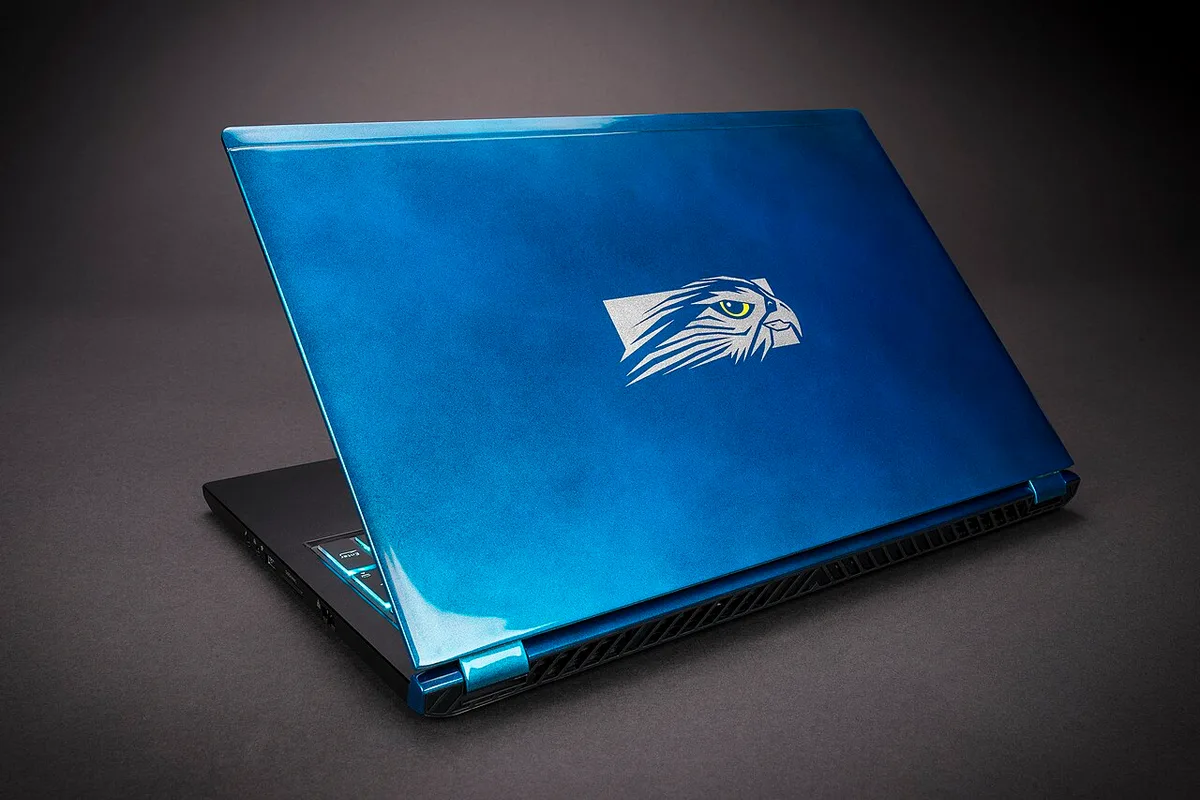
Image source: Wikimedia Commons / Falcon Northwest (CC BY-SA)
Black Friday and Cyber Monday in late November are the biggest single events. Retailers stack doorbusters, bundle deals, and coupon codes on outgoing models. If you only shop once a year, this is the window.
Back-to-school season in July and August is the second major window. It targets students, so midrange machines with solid GPUs see the sharpest cuts. Memorial Day, Labor Day, and Presidents Day bring smaller but real discounts too.
January clearance clears holiday overstock. June and July often mark model-year turnover, so last year's chassis drops in price. Prime Day in mid-July adds another wave, especially at Amazon and third-party sellers.
The catch is that not every sale is real. Some "discounts" inflate the original price first. Always compare the sale tag against the 90-day street price before you buy.
If you're setting a budget, a realistic budget for a good machine helps you spot a genuine cut versus a fake markdown.
How GPU and Laptop Refresh Cycles Change the Best Time to Buy
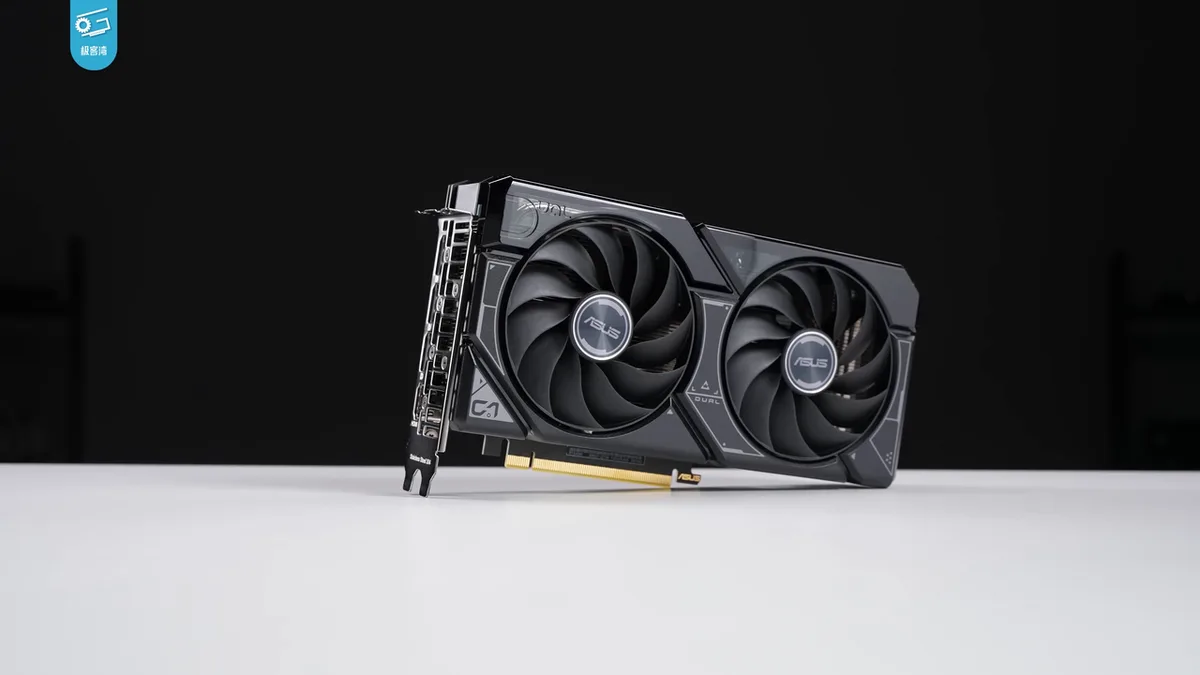
Image source: Wikimedia Commons / 极客湾Geekerwan (CC BY)
GPU launches drive almost everything. When NVIDIA or AMD ships a new mobile GPU, last-generation laptops get cheaper fast. That price drop usually lands one to three months after launch, once stock of the new chips stabilizes.
Laptop makers refresh chassis on their own schedule. A brand-new GPU in an old chassis is common, so the chassis cycle matters too. Buying right before a refresh often means paying full price for last year's design.
The sweet spot is usually two to four months after a major GPU launch. Prices have fallen, early bugs are fixed, and stock is available. Buying on launch day rarely saves money.
If you're deciding between a stronger GPU and a faster CPU, which chip matters more depends on the games you play. That choice affects whether waiting for a GPU refresh actually helps you.
Manufacturer spec pages and release calendars are the most reliable way to time this. Check NVIDIA, AMD, and Intel product pages directly.
Decision Tree: Should You Buy Now or Wait?
Start with one question. Do you need the laptop within the next 30 days?
If yes, buy during the nearest sale event and don't chase perfect timing. A small discount beats missing a semester or a tournament.
If no, run through these branches:
- Is a new GPU generation launching within 60 days? If yes, wait. Last-gen prices will fall.
- Is your budget under $1,000? If yes, shop open-box and refurbished first. New-stock discounts are thinner at that price.
- Is your target model already at its lowest 90-day price? If yes, buy now. It may not drop again soon.
- Are you flexible on brand or chassis? If yes, clearance on outgoing models is your best value.
- Do you need a specific GPU tier? If yes, waiting for that tier to hit sale pricing beats switching tiers.
If two branches conflict, prioritize the GPU launch timeline. A new generation resets the whole price ladder.
Parts you can't swap later, like the GPU and CPU, make the timing decision higher stakes. Get those right first.
How Much You Can Really Save by Timing It Right
Real savings depend on what you buy and when. Here's a realistic range based on aggregate retail data as of 2026.
| Purchase Path | Typical Discount | Best For |
|---|---|---|
| Black Friday / Cyber Monday new stock | 15 to 30 percent | Current-gen midrange |
| Back-to-school new stock | 10 to 20 percent | Student buyers |
| Post-GPU-launch clearance | 20 to 35 percent | Last-gen high-end |
| Open-box | 10 to 25 percent | Flexible buyers |
| Refurbished certified | 20 to 40 percent | Budget buyers |
| January clearance | 15 to 25 percent | Overstock models |
The biggest wins come from stacking. A last-gen GPU on clearance during Black Friday, with a coupon and student discount, can reach 40 percent off. That's rare but real.
Don't ignore total cost. Shipping, tax, and missing accessories change the math. State tax-free weekends can add another 5 to 10 percent in savings where available.
Picking by budget tier keeps you honest about which tier's discounts actually matter to you. A 30 percent cut on a $2,500 machine is not the same as 30 percent on a $900 one.
The Federal Trade Commission warns that fake original prices are a common tactic. Check the price history, not just the strikethrough.
Open-Box, Refurbished, and Clearance: The Hidden Deal Paths

Image source: Wikimedia Commons / Wikimedia Commons contributor
Open-box means a unit was returned or used as a display model. Savings run 10 to 25 percent. Condition grades vary, so inspect the listing for missing accessories and cosmetic notes.
Refurbished units are repaired and retested. Certified refurbished from the manufacturer usually carries a full warranty. Third-party refurbishment varies, so read the warranty terms closely.
Clearance is the simplest path. Retailers dump outgoing models at 20 to 35 percent off. Stock is limited and sizes run out fast.
Each path has tradeoffs. Open-box saves money but carries condition risk. Refurbished saves more but needs warranty verification.
Clearance is clean but disappears quickly.
Decoding the spec sheet matters more on these units because the listed config may not match the box. Verify RAM, SSD, and GPU before checkout.
These paths shine when you're flexible on chassis and brand. If you need one specific model, they're less reliable.
Open-Box, Refurbished, and Clearance: The Hidden Deal Paths
Image source: Wikimedia Commons / Wikimedia Commons contributor
Open-box means a unit was returned, used as a display model, or had damaged packaging. Savings usually run 10 to 25 percent. Condition grades vary, so check the listing for cosmetic notes, missing accessories, and return policy details.
Refurbished units are repaired and retested before resale. Certified refurbished from the manufacturer usually carries a full warranty. Third-party refurbishment varies, so read the warranty terms closely before you buy.
Clearance is the simplest path. Retailers dump outgoing models at 20 to 35 percent off. Stock is limited, and popular configs sell out fast.
Each path has tradeoffs. Open-box saves money but carries condition risk. Refurbished saves more but needs warranty verification.
Clearance is clean but disappears quickly.
These paths shine when you're flexible on chassis and brand. If you need one specific model, they're less reliable. Verify the parts you can't swap later before checkout, and spend time reading the spec sheet so the listed config matches the box.
How to Verify a Discount Before You Click Buy
A sale tag isn't proof of savings. Start with the 90-day price history. If the current price isn't near the lowest point, wait.
Next, compare the sale price to the model's normal street price, not the inflated MSRP. Then add tax, shipping, and any paid warranty or accessory upgrades.
Use this quick checklist before checkout:
- Price history shows a real drop
- Warranty length is clear
- Return window is at least 14 days
- All included accessories are listed
- Coupon or student discount stacks
- Shipping and restocking fees are known
For student and educator discounts, verify eligibility rules directly with the retailer or manufacturer. For tax savings, check your state's tax holiday rules on the state tax authority website.
If you're unsure whether a discount is legitimate, FTC consumer guidance is a useful starting point for spotting deceptive pricing. Your budget tier also matters, because a 20 percent cut means less in dollars on a cheaper machine.
Mistakes That Waste Money on Gaming Laptop Sales
Buying right before a GPU or laptop refresh is the biggest mistake. You pay full price for hardware that's about to be discounted.
Trusting the strikethrough price is another common trap. Retailers sometimes raise the "original" price to make the sale look bigger.
Ignoring thermals and power limits can waste the savings too. A discounted GPU that runs hot or throttled may not perform like the spec sheet suggests.
Other mistakes to avoid:
- Skipping warranty verification on open-box units
- Forgetting missing accessories
- Buying bundles you don't need
- Missing short return windows
- Paying for features worth paying for only if you'll actually use them
If you're choosing between models, matching games to hardware keeps you from overspending on the wrong tier.
Real Scenarios: Which Timing Strategy Fits Your Situation
If you're a college student with a fixed budget, shop back-to-school and open-box first. A midrange GPU at 15 to 20 percent off beats waiting for a flagship that won't fit your price.
If you're an esports player, timing matters less than refresh rate and thermals. Buy when your target model hits its lowest 90-day price, even if it's not a major sale.
If you're a content creator, wait for a GPU refresh. Creator workloads benefit more from newer graphics hardware than from a small seasonal discount.
If you're a deal hunter, combine clearance with coupons and tax-free weekends. That's where the deepest stacks happen.
In every scenario, knowing what a good machine costs helps you judge whether the deal is actually good.
Frequently Asked Questions
When is the best month to buy a gaming laptop?
The best months are November for Black Friday and Cyber Monday, plus July and August for back-to-school. January clearance and June model-year turnover can also bring solid discounts. If a new GPU launches soon, waiting one to three months usually beats chasing a smaller seasonal sale.
Do gaming laptops get cheaper after Black Friday?
Sometimes. Retailers often extend Cyber Monday deals, and January clearance clears leftover stock. The bigger drops usually come after a GPU or laptop refresh, not just after Black Friday.
Check price history before assuming the post-holiday price is better.
Are open-box gaming laptops worth it?
They can be, if the condition grade is clear and the warranty is strong. Savings usually run 10 to 25 percent. Inspect the listing for missing accessories, cosmetic damage, and return terms before buying.
Should I wait for a new GPU before buying?
Wait if a new mobile GPU is launching within 60 days and your budget allows it. Last-generation prices usually fall one to three months after launch. If you need the laptop now, buy during the nearest real sale instead.
How much discount is normal for gaming laptops?
Normal discounts range from 10 to 30 percent on new stock during major sales. Open-box units often save 10 to 25 percent, and certified refurbished can reach 20 to 40 percent. Anything far beyond that needs careful verification.
1 thought on “When Do Gaming Laptops Usually Go On Sale?”
Comments are closed.