How important is the CPU in a gaming laptop? It matters a lot, but not in the simple way many product pages imply. The CPU shapes smoothness, stutter, and minimum frame rates, especially in crowded game scenes.
The GPU still carries most of the work for raw visuals and high resolutions.
Manufacturer specs and aggregate benchmark data show a strong mobile GPU often matters more at 1440p and 4K. At 1080p with a high-refresh display, a weak CPU can bottleneck the whole machine. Let's break down where each part matters most.
Why the CPU vs GPU Debate Matters in a Gaming Laptop
A gaming laptop is a balancing act. You can buy a powerful GPU, but a weak CPU can hold it back. You can buy a fast CPU, but overspend on parts that do not improve your actual games.
The CPU handles game logic, physics, AI, draw calls, and background tasks. The GPU turns that work into rendered frames. When one part waits on the other, performance drops.
This is why two laptops with the same GPU can feel different. One may have smoother 1% lows. The other may hit higher average FPS but stutter in busy scenes.
A balanced pairing usually beats chasing one spec. If you want help comparing total value, start by learning how to judge laptop value.
How CPU and GPU Actually Share the Work
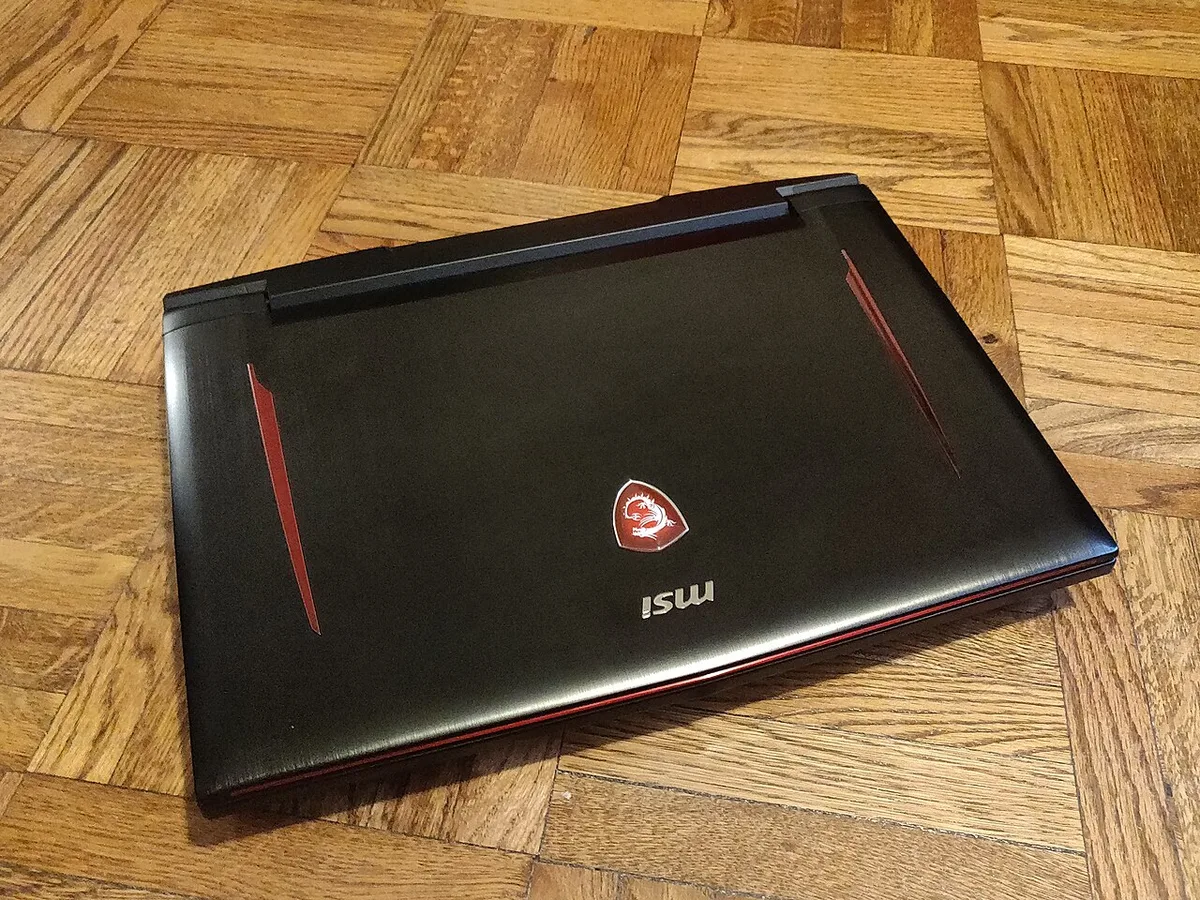
Image source: Wikimedia Commons / Kurt Kaiser
The CPU prepares the game world. It tracks player input, enemy behavior, physics, and scene data. The GPU then draws the final image on screen.
A CPU bottleneck happens when the processor cannot prepare frames fast enough. A GPU bottleneck happens when the graphics chip cannot render them fast enough.
Most modern games lean heavily on the GPU at higher resolutions. Many esports titles and strategy games lean harder on the CPU, especially at 1080p.
| Workload type | Usually limited by | Typical symptom |
|---|---|---|
| Esports at 1080p high refresh | CPU | Low 1% lows, stutter in firefights |
| AAA games at 1440p | GPU | Lower average FPS, smoother CPU pacing |
| Strategy and simulation games | CPU | Slow turns, lag in large battles |
| Streaming while gaming | CPU and memory | Frame drops, audio desync |
Watch both CPU and GPU utilization. If the CPU sits near 100% while the GPU waits, you have a CPU bottleneck.
Intel vs AMD and Mobile CPU Tiers Explained
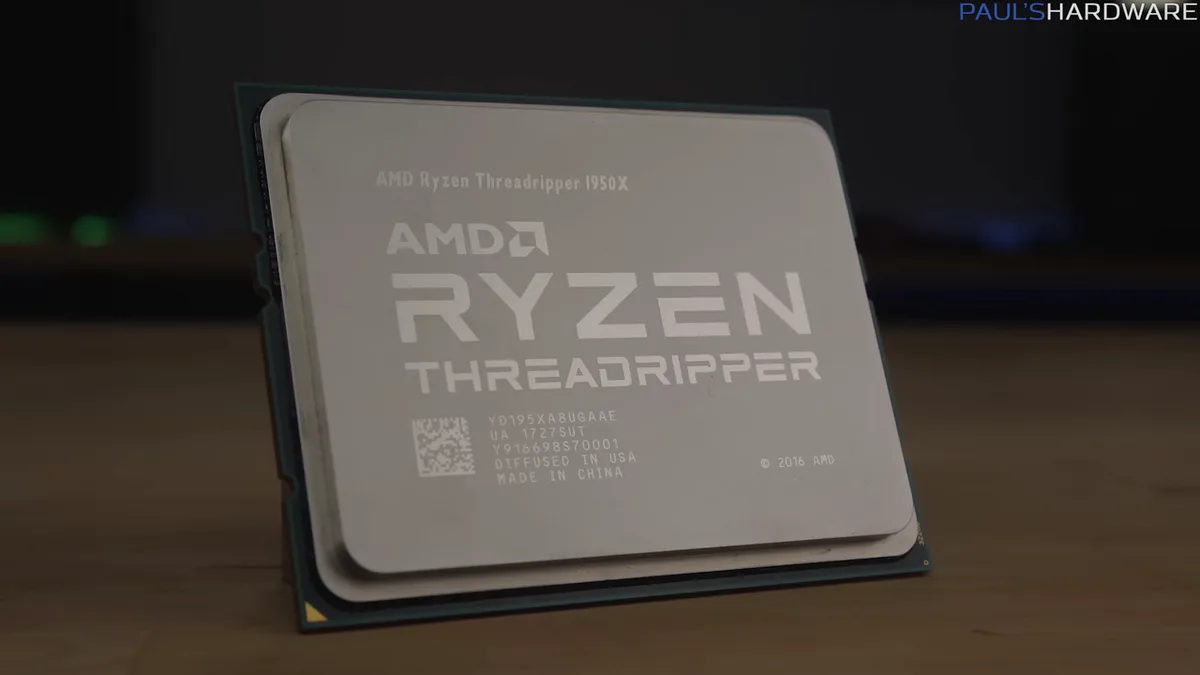
Image source: Wikimedia Commons / Paul's Hardware (CC BY)
Intel and AMD both make strong mobile CPUs. The bigger difference often comes from the tier, not just the brand. Intel Core and AMD Ryzen families use H, HS, HX, and U labels to signal power and purpose.
H-series chips target gaming laptops. U-series chips target thin-and-light machines. HX chips can offer more cores and higher power limits, but they need strong cooling.
AMD's Zen-based mobile CPUs often compete well in multi-threaded work. Intel's hybrid designs use performance and efficiency cores. Both can be excellent when paired well.
| Mobile CPU label | Typical use | Gaming laptop fit |
|---|---|---|
| U-series | Thin laptops, light work | Weak for serious gaming |
| H-series | Mainstream gaming laptops | Good balance for most gamers |
| HS-series | Thin gaming laptops | Good, but power limits matter |
| HX-series | High-end gaming laptops | Best only with strong cooling |
Check Intel ARK or AMD processor specifications for core counts and power limits. Those details matter more than the badge alone.
Side-by-Side: CPU vs GPU Bottlenecks by Resolution and Refresh Rate
Resolution and refresh rate change the balance. Higher resolution usually shifts work to the GPU. Higher refresh rate often exposes CPU limits.
At 1080p and 144Hz or more, the CPU becomes more visible. At 1440p or 4K, the GPU usually matters more. This is why a cheap CPU with a strong GPU can still play AAA games well.
| Gaming scenario | More likely bottleneck | Practical advice |
|---|---|---|
| 1080p at 60Hz | GPU | Prioritize GPU for visuals |
| 1080p at 144Hz+ | CPU | Avoid weak H or U-series chips |
| 1440p high settings | GPU | Balance CPU with GPU tier |
| 4K gaming | GPU | CPU mainly affects minimums |
| Strategy games | CPU | Favor stronger single-thread speed |
If you play competitive shooters, minimum FPS and 1% lows matter. If you play story-driven AAA games, average FPS and settings matter more.
Which CPU Tier Fits Which Gamer
The right CPU depends on your games, display, and budget. A casual gamer does not need an HX chip. A competitive player may benefit from a stronger H-series CPU.
- Casual AAA gamer at 1080p or 1440p: A mid-range H-series CPU with a solid GPU is usually enough.
- Competitive esports player: Choose a strong H-series CPU and a high-refresh 1080p display.
- Strategy or simulation fan: Favor better single-thread and multi-thread CPU performance.
- Streamer or creator: Look for more cores, more RAM, and good cooling.
- Budget buyer: Avoid pairing a weak CPU with an oversized GPU, but do not overpay for HX chips.
As of 2026, many laptops still use soldered CPUs, so you cannot upgrade them later. Pick the CPU carefully before buying. If you need help reading specs, see how to read laptop specifications.
Pricing, Specs, and the Trap of Overbuying HX Chips
HX chips look impressive on a spec sheet, but they are not always the best buy. They need strong cooling, higher power limits, and a chassis built for heat. In a thin laptop, an HX CPU may throttle and deliver little real benefit.
Price jumps fast as CPU tiers rise. Many buyers pay more for cores they will never use. A balanced H-series chip with a stronger GPU often gives better gaming value.
Check sustained performance, not just boost clocks. Manufacturer specs list base and turbo power. Real-world cooling decides how long those speeds last.
| Buyer type | Smarter CPU choice | Why it works |
|---|---|---|
| Budget gamer | Mid-range H-series | Better value with a solid GPU |
| Competitive player | Strong H-series | Good single-thread speed and cooling |
| Creator or streamer | Higher-core H or HX | Extra threads help multitasking |
| Thin laptop buyer | HS-series | Lower heat and better comfort |
If you are unsure what your money should buy, read what a realistic budget looks like. For cheaper machines, entry-level performance expectations help set a fair baseline.
Also compare what a good laptop really costs before chasing top-tier chips. More money does not always mean smoother gaming.
Common Mistakes and Long-Term Optimization
The biggest mistake is pairing a weak CPU with a powerful GPU. This creates stutter and low 1% lows. The second big mistake is ignoring thermals and power limits.
Background apps can steal CPU time. Browser tabs, launchers, and overlays add load. Clean up startup apps before judging laptop performance.
Long-term care matters too. Dust blocks airflow. Old thermal paste raises temperatures.
Fan curves and power plans affect sustained speed.
- Close heavy background apps before gaming.
- Use a balanced or performance power plan.
- Cap FPS slightly below your refresh rate.
- Enable DLSS, FSR, or XeSS when available.
- Keep vents clear and fans clean.
- Update BIOS, drivers, and game patches.
If you plan to keep the laptop for years, review what specs can be upgraded later. Also consider total ownership costs before buying a hard-to-repair machine.
Some upgrades are not worth the risk. Opening the chassis may affect warranty terms. Check manufacturer documentation first.
Frequently Asked Questions
Is the CPU or GPU more important in a gaming laptop?
The GPU usually matters more for raw frame rate and graphics settings. The CPU matters more for smoothness, stutter, and minimum FPS. At 1080p high refresh, CPU limits appear sooner.
At 1440p or 4K, the GPU usually leads.
Can a weak CPU bottleneck a strong GPU?
Yes. A weak CPU can hold back a strong GPU. You may see high average FPS but poor 1% lows.
Busy scenes, AI, physics, and draw calls can expose the limit.
Do I need an HX CPU for gaming?
No. Most gamers do not need an HX CPU. A strong H-series chip with good cooling is enough for most games.
HX chips make more sense for creators, streamers, and heavy multitaskers.
Which games are most CPU dependent?
Strategy, simulation, MMO, and esports games often rely more on the CPU. Large battles, many units, and high frame rates increase CPU load. AAA games with heavy visuals usually lean more on the GPU.
Can I upgrade a gaming laptop CPU later?
Most gaming laptop CPUs are soldered. That means they cannot be upgraded. Some rare models use socketed chips, but they are uncommon.
Choose the CPU carefully before buying.
How do I know if my CPU is bottlenecking?
Check CPU and GPU utilization while gaming. If the CPU stays near 100% and the GPU waits, the CPU is limiting performance. Also watch 1% lows and frame pacing.
Monitoring tools help confirm the issue.
Final Verdict: How Much CPU Do You Actually Need
You do not need the fastest mobile CPU to enjoy gaming. You need a balanced CPU that matches your GPU, display, and games. For most players, a solid H-series chip is the sweet spot.
Choose more CPU power if you play esports, strategy games, or stream. Choose a balanced pairing if you play AAA games at 1440p. Avoid overpaying for HX chips in thin or poorly cooled laptops.
The best answer is simple. Match the CPU to the rest of the machine. Then spend the extra money on the GPU, cooling, or display.