Are MSI gaming laptops reliable? The honest answer is that it depends heavily on which MSI series you buy. Aggregate reviews and long-term owner reports show a wide gap between budget and premium models.
We'll walk through that gap so you can buy with eyes open.
MSI ships laptops from roughly $800 to well over $4,000, and the hardware, cooling, and chassis quality change a lot across that range. Manufacturer specifications and UL safety listings give useful clues, but real-world reliability comes from how the cooling and build hold up over years. Let's start with the short answer, then break it down by series.
are MSI gaming laptops reliable
MSI gaming laptops are reliable when you buy the right series. Budget Katana and Sword models run hotter and fail sooner. Mid-tier Pulse, Vector, and Stealth units hold up well.
Premium Raider and Titan models are durable but heavy. Match the series to your budget and cooling needs.
Why MSI Reliability Depends Entirely on the Series
MSI is not one laptop. It is a ladder of products with different priorities. The Katana and Sword lines chase price.
The Pulse and Vector lines balance cost and performance. The Stealth, Raider, and Titan lines chase premium gaming.
That ladder matters because cooling budget and chassis quality usually rise with price. A cheaper MSI can still be a good value, but it often asks the fans, heat pipes, and battery to work harder. A premium MSI can still have issues, but it usually has more thermal headroom.
In our research, the biggest reliability split is not Intel versus AMD or NVIDIA versus AMD graphics. It is cooling design versus chassis quality at each price tier. If you want to check build quality before you buy, pay attention to hinge stiffness, lid flex, and bottom-panel vent size.
MSI also refreshes models often. A 2023 Katana and a 2025 Katana may share a name but not the same cooling layout. Always check the exact SKU, not just the series name.
Retail listings sometimes blur model years, so compare specs line by line.
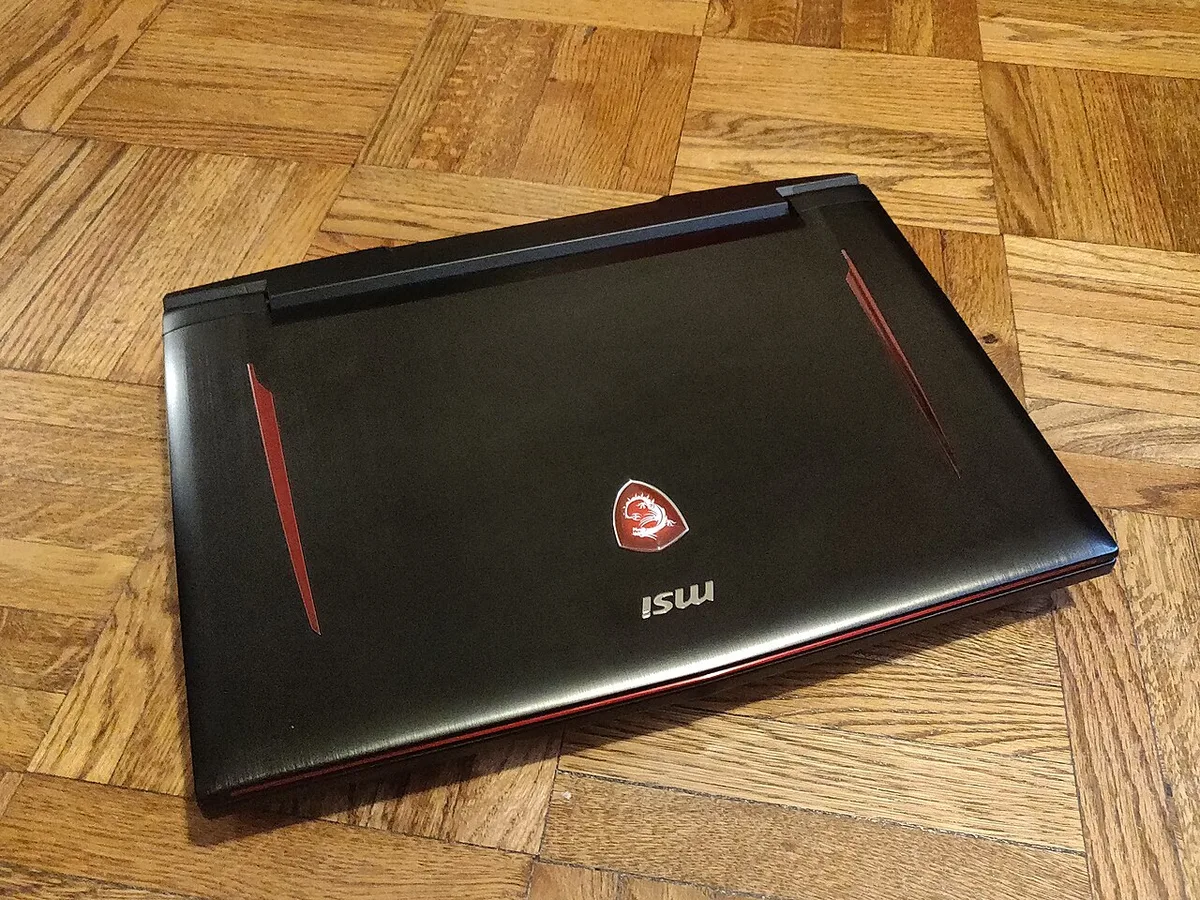
Image source: Wikimedia Commons / Kurt Kaiser
Inside the Machine: Build Quality, Cooling, and Components
Reliability starts where you cannot see it. The cooling system, power delivery, and chassis decide whether a gaming laptop feels solid or starts creaking after a few months.
MSI uses Cooler Boost fan systems across many models. Higher-end units get more heat pipes and larger vents. Budget units often use fewer pipes and smaller intakes.
That difference shows up during long gaming sessions, not just benchmark runs.
Cooling Architecture and Thermal Design
MSI's Cooler Boost design usually pairs dual fans with multiple heat pipes. Premium models may add vapor chambers or thicker copper. Budget models may rely on two heat pipes and tighter airflow paths.
Aggregate reviews report that sustained GPU load is where budget MSI units struggle most. Fans spin fast, surface temperatures rise, and the system may throttle. Throttling is not always fatal, but it signals heat stress over time.
Thermal paste quality also matters. Manufacturer specifications may list high-end paste on premium models, while budget models use standard paste. If you keep a laptop for years, a repaste can restore cooling performance.
Chassis, Hinges, and Display Durability
Chassis material changes the feel and the long-term wear. Many MSI budget models use plastic. Mid-tier and premium models often mix aluminum with reinforced frames.
Plastic can be fine, but it flexes more and shows wear faster.
Hinge durability is a common pain point across gaming laptops, not just MSI. If you open the lid one-handed, the hinge takes extra torque. Using two hands reduces stress and helps prevent loosening.
Display panels vary too. IPS panels are common, while OLED and Mini-LED appear on premium models. A stiffer lid protects the panel better.
If you travel often, chassis materials and hinge design matter as much as GPU power.
MSI vs. ASUS, Lenovo, Acer, and HP: Reliability Compared
MSI competes in a crowded field. ASUS ROG and TUF, Lenovo Legion and LOQ, Acer Predator and Nitro, and HP Omen and Victus all target similar buyers. The right choice depends on which model you compare.
In general, Lenovo Legion models earn strong marks for cooling and build consistency. ASUS ROG models often lead on premium design and software polish. Acer Nitro models compete hard on price.
HP Omen models offer strong features but can vary by generation.
MSI's advantage is often price-to-performance. You may get a stronger GPU or faster display for the same money. The trade-off can be louder fans, more plastic, or a shorter warranty experience depending on region.
| Brand family | Typical strength | Common weakness | Best buyer |
|---|---|---|---|
| MSI Katana/Sword | Low price, strong GPU value | Heat, plastic chassis | Budget gamer |
| MSI Pulse/Vector/Stealth | Balanced performance | Fan noise, weight | Mid-tier buyer |
| MSI Raider/Titan | Power and cooling | Heavy, expensive | Desktop replacement |
| Lenovo Legion/LOQ | Cooling consistency | Higher price | Long-session gamer |
| ASUS ROG/TUF | Design and software | Premium pricing | Brand-loyal buyer |
| Acer Nitro/Predator | Value pricing | Build inconsistency | First-time buyer |
Use this table as a starting point, not a verdict. Compare exact SKUs, cooling specs, and warranty terms before buying.
Which MSI Series Fits Which Buyer
The best MSI laptop is the one that matches your habits. A light traveler needs something different from a dorm-room esports player. A creator needs color accuracy, not just frame rates.
Budget Lines: Katana and Sword
Katana and Sword models suit buyers who want gaming performance at a lower price. They often include capable GPUs and high-refresh displays. The cost savings usually come from simpler cooling, more plastic, and basic audio.
These models can be reliable if you manage heat. Use a cooling pad, keep vents clear, and avoid running games on a bed or couch. If you play for hours daily, expect more fan noise and faster wear.
Mid-Tier Lines: Pulse, Vector, and Stealth
Pulse, Vector, and Stealth models hit the sweet spot for many buyers. They offer better cooling, stronger chassis, and more premium features. Stealth models also tend to be thinner and quieter.
These lines are often the safest MSI bet for long-term use. They cost more than budget models, but the extra money usually buys better thermals and less flex. For many students and remote workers, this is the practical tier.
Premium Lines: Raider and Titan
Raider and Titan models are built for maximum performance. They can handle top-tier GPUs and high-wattage processors. They are also heavy, loud under load, and expensive to repair.
Buy these if you want a desktop replacement. Do not buy them for travel or battery life. The reliability is usually strong, but the size and power draw make them less forgiving in small spaces.
The Real Costs of Owning an MSI Laptop Long-Term
Owning cost includes more than purchase price. Repairs, battery replacement, cooling maintenance, and warranty service all matter.
MSI warranty coverage is usually one year, though some regions offer two. RMA turnaround can take days to weeks. Save receipts and register the product.
Upgradeability helps long-term value. Many MSI models allow RAM and SSD upgrades. That can extend useful life without replacing the whole laptop.
Battery health is another cost. Lithium-ion cells degrade with heat and charge cycles. Swelling is a safety warning sign.
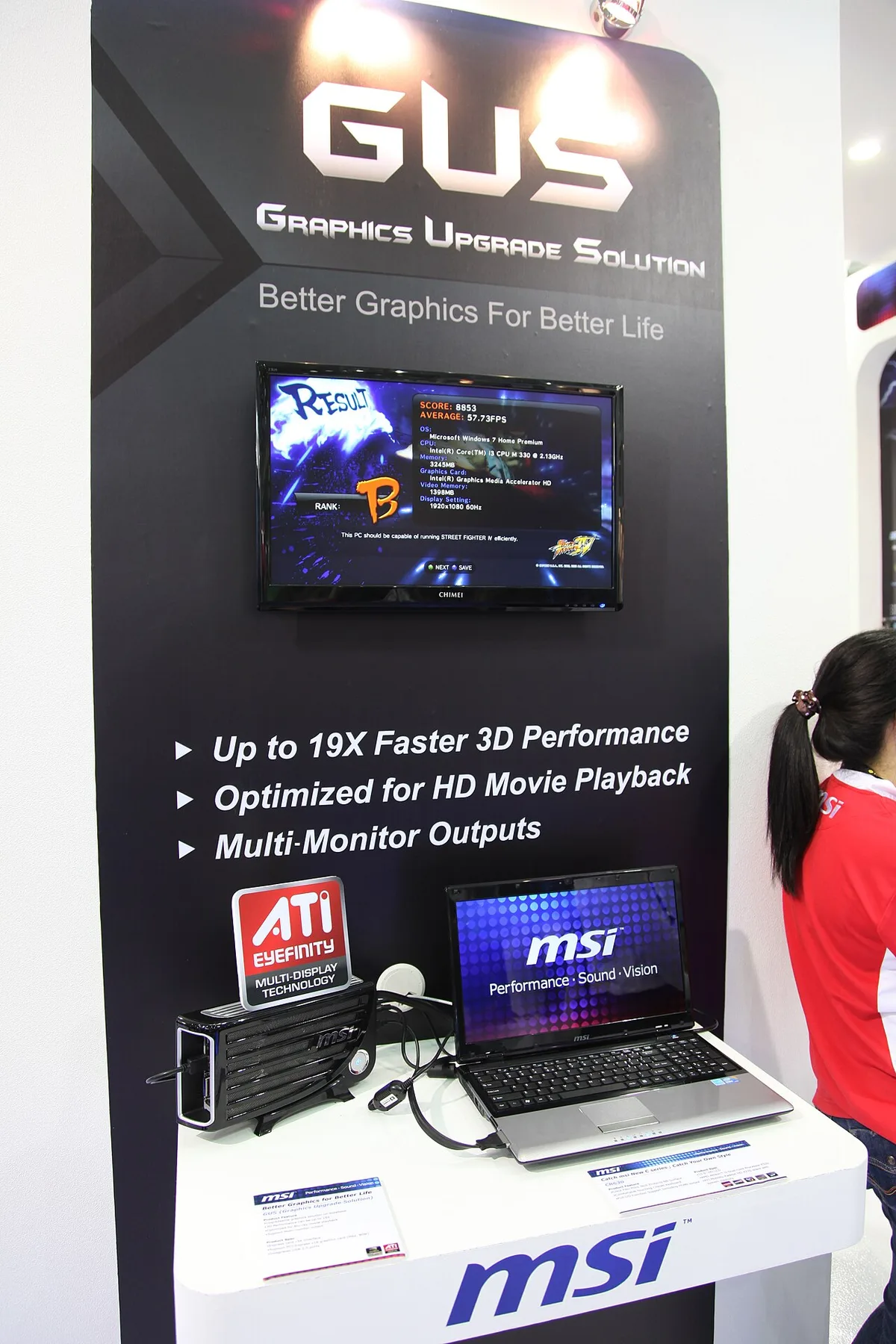
Image source: Wikimedia Commons / Masaru Kamikura (CC BY)
If you plan to keep the laptop for years, pre-purchase build checks and chassis material choices matter before buying. A sturdier frame reduces repair risk. A weak hinge can turn into a costly fix.
MSI publishes support and warranty details on its official support pages. UL certification marks indicate tested electrical safety. Both are useful when comparing listings.
As of 2026, many MSI models still use standard one-year warranties, so read the fine print. Watch for hinge wear patterns before assuming a loose lid is normal.
How to Keep Your MSI Laptop Reliable for Years
Simple habits matter more than expensive accessories. Keep vents clear. Use a hard, flat surface.
Clean dust regularly.
- Place the laptop on a desk or stand.
- Keep intake and exhaust vents uncovered.
- Update BIOS, drivers, and MSI Center.
- Clean fans and vents every few months.
- Use a cooling pad during long sessions.
- Open the lid with two hands.
- Calibrate the battery occasionally.
Fan curves can reduce heat stress. MSI Center allows custom profiles. Quieter fan settings may help in shared spaces, but watch temperatures.
If you hear coil whine, check load and fan balance.
Thermal paste dries over time. A professional repaste can lower temperatures on older units. Do not attempt it unless you are comfortable opening the chassis.
Improper reassembly can damage cables.
Good carrying habits also protect the chassis. Use a padded sleeve and avoid pressure on the lid. Safe carrying habits reduce cracked panels and hinge stress.
Mistakes That Shorten MSI Laptop Lifespan
Small habits cause big failures. Avoid these common mistakes.
- Gaming on a bed or couch blocks airflow.
- Ignoring rising temperatures invites throttling.
- Skipping BIOS updates can leave bugs unfixed.
- Carrying the laptop while it is awake stresses storage.
- Forcing the lid open strains hinges.
- Letting dust build up raises fan wear.
Power habits matter too. Use the original charger. Third-party chargers with wrong wattage can cause instability.
Charger handling matters when traveling.
Heat is the main enemy. If a budget MSI runs hot, lower settings or use a cooling pad. Do not keep pushing maximum wattage in a hot room.
Lid-opening habits also matter, since one-handed opening twists the chassis.
Red Flags to Watch Before You Buy
A listing can hide weak hardware. Check the exact SKU, cooling details, and warranty region.
- Vague series names without model numbers
- Single heat pipe or tiny vents
- Heavy chassis flex or creaking
- Poor hinge resistance
- No upgrade access panels
- Warranty terms that exclude your region
Metal versus plastic frames can hint at durability. A metal lid usually resists flex better. Still, good plastic with strong internal bracing can be fine.
Focus on the whole build, not one material.
Pre-purchase build checks help here. Look for user photos of internals and hinge tests. If a model has repeated RMA complaints, consider another SKU.
A slightly higher price often buys much better cooling.
Frequently Asked Questions
Do MSI gaming laptops overheat easily?
Budget models can run hot under sustained load, especially with blocked vents. Mid-tier and premium models usually have better cooling and more thermal headroom. Keep vents clear, update drivers, and use a cooling pad during long sessions.
How long should an MSI gaming laptop last?
With good care, many MSI gaming laptops last three to five years. Heat management, dust cleaning, and careful lid handling matter most. Battery replacement may be needed sooner, especially on heavily used units.
Budget models may show wear faster due to simpler cooling.
Which MSI series is most reliable?
Pulse, Vector, and Stealth models are usually the safest mid-tier bet for long-term use. Raider and Titan offer more power but cost more and run heavier. Katana and Sword are best for tight budgets and lighter gaming.
Compare exact SKUs before choosing.
Is MSI warranty service good?
Experiences vary by region and retailer, so check local support terms. Turnaround can take days to weeks, especially during busy seasons. Register the product, keep proof of purchase, and document issues with photos.
That speeds up claims.
Are budget MSI laptops worth buying?
Yes, if you manage heat and expectations. They offer strong GPU value at lower prices. They are less ideal for daily long sessions in hot rooms, so plan for a cooling pad.
Check reviews for your exact SKU.