How to travel with a gaming laptop charger is one of those questions that seems simple until you're standing in a foreign airport with a dead laptop and a brick that won't fit the wall. Gaming laptop chargers are bigger, hungrier, and more finicky than phone chargers. Get the prep wrong and you risk a fried laptop, a confiscated battery, or a week without your rig.
The good news: a little planning fixes almost all of it.
Most modern gaming laptop chargers are dual-voltage, meaning they accept 100 to 240 volts and work worldwide with just a plug adapter. Per FAA guidance, spare lithium batteries and power banks must travel in carry-on bags, never checked luggage. As of 2026, that rule trips up more travelers than any voltage issue.
Let's walk through the exact setup you need for your trip.
how to travel with a gaming laptop charger
Check your charger label first. If it reads 100 to 240 volts, you only need a plug adapter. If it lists one voltage, you need a converter too.
Pack spare batteries in carry-on. Test everything at home before you leave.
Why Traveling With a Gaming Laptop Charger Is Trickier Than It Looks
A gaming laptop charger isn't a phone charger. That's the first thing to internalize. Many gaming rigs ship with 230-watt or 330-watt power bricks.
Those bricks are heavy, hot, and picky about what they plug into.
The problems stack up fast. Hotel outlets in some countries won't grip a heavy plug. Cheap travel adapters melt under 240 watts of sustained load.
Older buildings in parts of Europe and Asia deliver voltage that sags or spikes. And airline rules on lithium batteries catch people off guard at security.
Then there's the connector issue. Gaming laptops use barrel jacks of different sizes, or USB-C at different power tiers. A 65-watt USB-C charger that happily runs an ultrabook won't keep a gaming laptop alive under load.
You can watch the battery drain while plugged in.
Weight matters too. A 330-watt brick plus cable can add over two pounds to your bag. If you're already pushing carry-on limits, that's real.
Knowing how heavy your whole setup is helps. A gaming laptop weight guide is worth checking before you pack.
The fix isn't complicated, but it is conditional. Your answer depends on three things: your charger's voltage range, your destination's plug type, and how you're getting there. That's what the decision tree below sorts out.
The Short Answer Before You Read Anything Else
Here's the short version for most travelers. Most gaming laptop chargers sold in the last decade are dual-voltage. That means they accept 100 to 240 volts at 50 or 60 hertz.
With one of those, you only need a plug adapter, not a voltage converter.
The exceptions matter though. A few older or budget chargers are single-voltage, locked to 120 volts. Plug one into a 230-volt European outlet and you'll smell burning plastic within seconds.
Always read the label on the brick itself.
For the plane, pack the charger and any spare batteries in your carry-on. The FAA requires lithium batteries in cabin baggage. Checked bags with spare batteries get pulled and can delay your flight.
If you want the full picture of traveling with the laptop itself, our guide to whether a gaming laptop is good for travel covers the bigger tradeoffs. But for the charger specifically, the rule is simple. Check voltage.
Match the plug. Pack batteries in carry-on. Test at home.
That's the whole game in four steps.
What Your Gaming Laptop Charger Actually Needs (Voltage, Wattage, and Plugs)
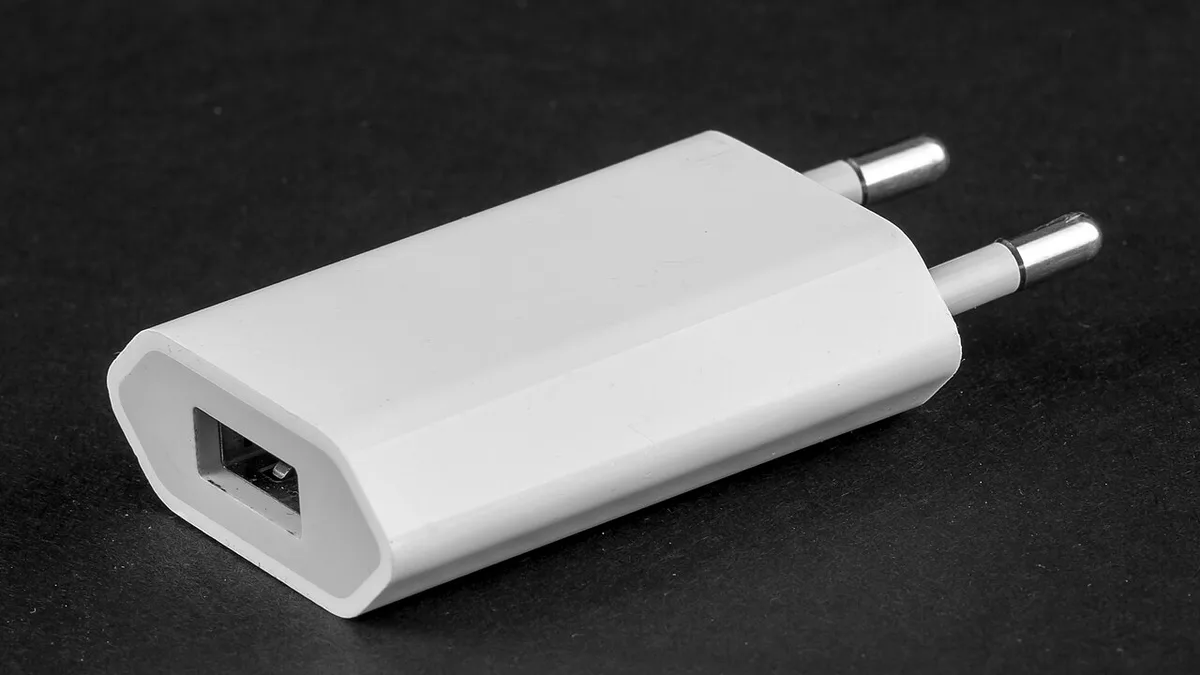
Image source: Wikimedia Commons / Raimond Spekking (CC BY-SA)
Before you buy anything, read the label on your power brick. It's printed in small text on the bottom or back. You're looking for three numbers.
Voltage comes first. Look for "INPUT: 100-240V" or similar. That range means dual-voltage.
The charger handles both 120-volt North American power and 230-volt European power. If you see only "120V" or "230V," it's single-voltage. Single-voltage chargers need a voltage converter abroad.
Wattage is next. Gaming laptop chargers run 180, 230, 240, or 330 watts. This number drives your adapter choice.
A cheap 10-dollar travel adapter rated for 10 watts of phone charging will overheat and possibly catch fire under a 330-watt gaming brick. Match the adapter's rating to your charger's wattage, with margin.
Plug type is the third piece. The brick's cable ends in a plug that fits your home country. For travel you need the destination's physical outlet shape.
The US uses Type A and B. Most of Europe uses Type C and F. The UK uses Type G.
Australia uses Type I. Japan uses Type A at 100 volts.
Frequency is a quiet fourth factor. North America runs 60 hertz. Europe and much of Asia run 50 hertz.
Dual-voltage chargers handle both. Single-voltage units may not.
One more detail: grounding. Many high-wattage gaming chargers have a three-prong grounded plug. Some travel adapters drop the ground pin to save size.
For a 330-watt brick, losing ground means losing a safety layer. Pick an adapter that keeps all three prongs.
If you're also deciding which laptop to pack, our backpack fit guide helps match charger size to bag space.
The Decision Tree: Pick the Right Setup for Your Trip
Work through these branches in order. Each answer narrows your kit.
First branch: is your charger dual-voltage? Check the label. If it reads 100 to 240 volts, continue to the next branch.
If it's single-voltage, stop here. You need a voltage converter rated for your charger's wattage, plus a plug adapter for the destination.
Second branch: are you flying? If yes, pack the charger and any spare batteries in carry-on. The FAA bans spare lithium batteries in checked bags.
Power banks over 100 watt-hours need airline approval. Over 160 watt-hours are prohibited on passenger flights entirely.
Third branch: what's your destination's plug type? Buy or pack a universal travel adapter that covers it. Make sure the adapter is rated above your charger's wattage.
For a 330-watt brick, look for adapters rated 2500 watts or more.
Fourth branch: will you need to charge away from your hotel? If yes, consider a travel power strip. One wall outlet becomes four, and you keep your heavy brick on the floor instead of hanging from a loose outlet.
Add a 6-foot extension cord for awkward hotel layouts.
Fifth branch: do you need backup power? If your flights are long or your destination has unreliable power, a power bank rated for laptops helps. Look for 20,000 to 27,000 milliamp-hours with USB-C Power Delivery at 100 watts or higher.
Gaming laptops drain fast, so a power bank is a bridge, not a full solution.
If you're carrying the laptop itself across airports, our safe carrying guide pairs well with this charger plan.
Adapter vs. Converter vs. USB-C PD: Which One Do You Actually Need?
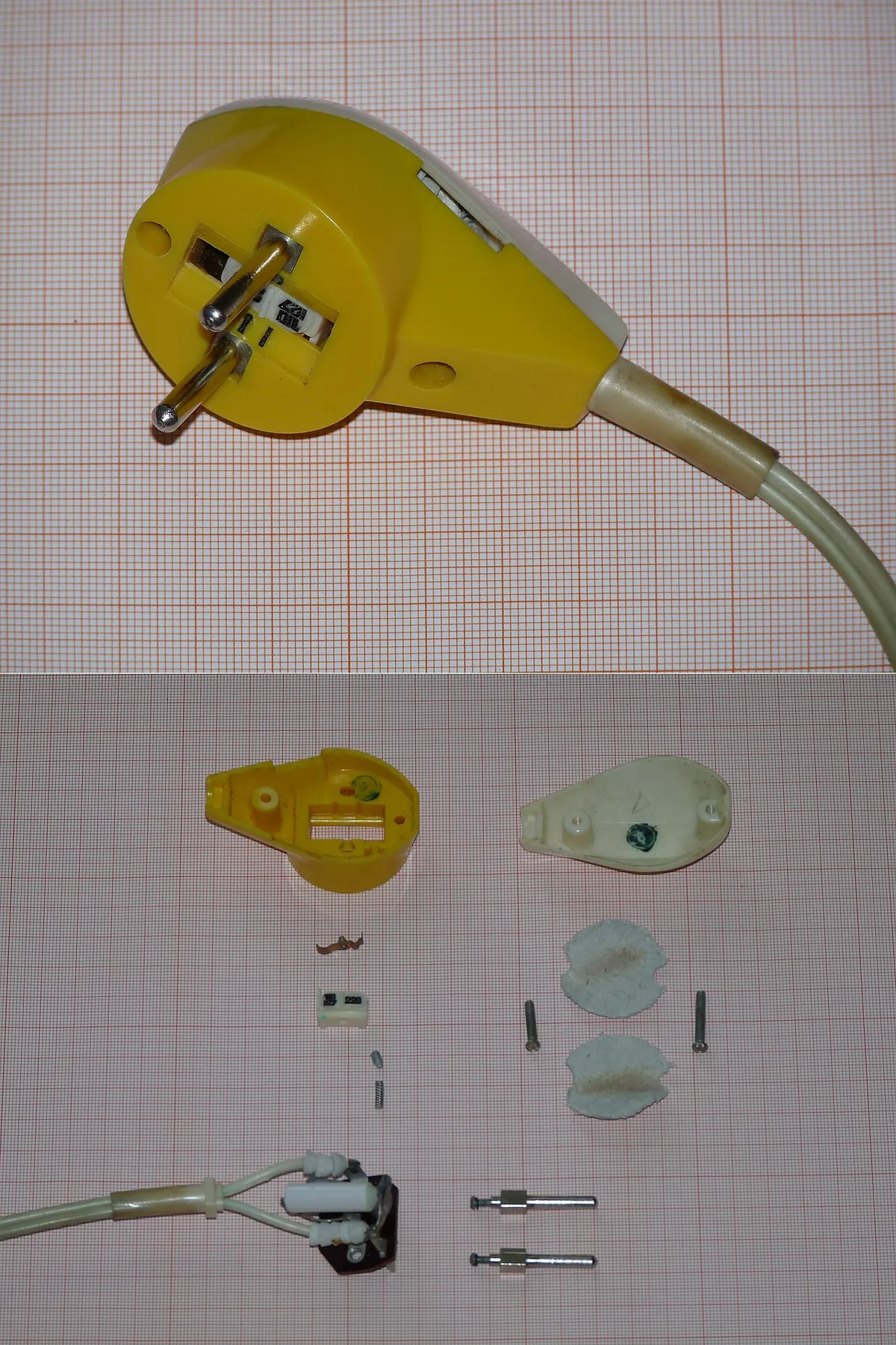
Image source: Wikimedia Commons / Dmitry G (CC BY-SA)
These three get confused constantly. They solve different problems.
A plug adapter only changes the physical shape of the plug. It does no voltage conversion. If your charger is dual-voltage, this is all you need.
Adapters are small, cheap, and light. They're the right answer for 90 percent of travelers.
A voltage converter actually transforms electrical current. You need one only if your charger is single-voltage and your destination runs a different voltage. Converters are bulky, heavy, and expensive.
They also generate heat. If you can avoid needing one by buying a dual-voltage replacement charger, do that instead.
USB-C Power Delivery is the modern alternative. Newer gaming laptops charge over USB-C at up to 240 watts under the Extended Power Range spec. A single GaN USB-C charger can replace your bulky brick and charge your phone too.
The catch: your laptop must support USB-C charging, and the charger must hit the right wattage. A 100-watt charger won't keep a 330-watt-class gaming laptop alive during heavy gaming.
Here's the decision in one line. Dual-voltage brick? Buy a plug adapter.
Single-voltage brick? Buy a converter, or replace the charger. Laptop supports USB-C PD?
Consider a GaN charger for travel.
For thin gaming laptops especially, USB-C charging is more common. Our thin gaming laptop review covers which models charge well over USB-C.
When in doubt, check the manufacturer's documentation for your specific model. ASUS, MSI, Razer, Lenovo, HP, Dell, and Acer all publish charging specs on their support sites.
Power Banks and In-Flight Charging: What's Actually Allowed
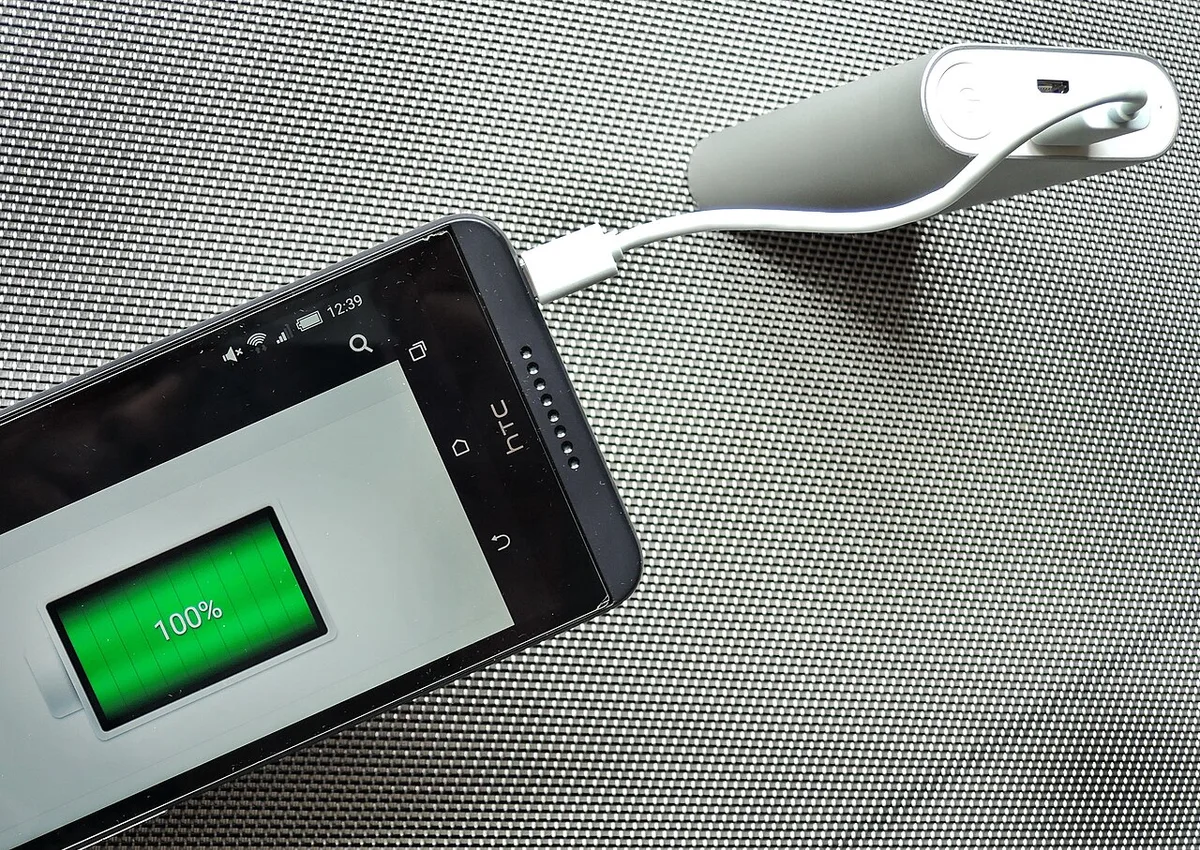
Image source: Wikimedia Commons / Mk2010 (CC BY-SA)
A power bank helps, but it won't fully replace your charger. Gaming laptops pull serious wattage. Even a large bank drains fast under load.
Check the watt-hour rating. Most airlines allow power banks up to 100 Wh in carry-on. Banks from 100 to 160 Wh need airline approval.
Anything above 160 Wh is not allowed on passenger flights. Calculate watt-hours by multiplying milliamp-hours by voltage, then dividing by 1000. A 20,000 mAh bank at 3.7 volts is about 74 Wh.
Look for USB-C Power Delivery at 100 watts or higher. Lower wattage may charge slowly or only maintain battery during light tasks. Some gaming laptops won't accept charge below a minimum wattage.
In-seat airplane power is another option. It usually provides 110 volts at limited wattage. A 330-watt brick can trip the seat outlet.
Use it for browsing or downloads, not gaming.
Power banks must stay in carry-on bags. That rule applies to spare laptop batteries too. Keep terminals covered or in original packaging.
| Power source | Typical limit | Best use case |
|---|---|---|
| In-seat airplane outlet | Low to moderate wattage | Light tasks, charging idle laptop |
| 100 Wh power bank | Up to 100 Wh, no approval | Short flights, top-ups |
| 100 to 160 Wh power bank | Airline approval required | Longer travel days |
| Hotel wall outlet | Full charger wattage | Primary charging |
Common Mistakes That Fry Chargers (or Get Them Confiscated)
Most charger failures on the road come from a few repeat errors.
- Using a cheap adapter below your charger's wattage. A 330-watt brick can melt a 10-watt phone adapter.
- Assuming all chargers are dual-voltage. Single-voltage units burn out fast abroad.
- Packing spare batteries in checked luggage. Security can remove them and delay your bag.
- Letting a heavy brick hang from a loose outlet. The plug can arc or fall and damage the jack.
- Covering the brick while charging. Gaming chargers run hot and need airflow.
- Using an underpowered inverter in a car. Match inverter wattage to the charger, with margin.
- Buying a third-party charger with the wrong barrel size or polarity. That can damage the laptop.
- Leaving the charger in a hot car. Heat degrades insulation and capacitors.
If an adapter smells hot, stop using it. Let it cool and switch to a higher-rated unit.
Airline Rules, Grounding, and Safety You Can't Skip
Airlines treat lithium batteries as hazardous cargo. The FAA requires spare batteries and power banks in carry-on baggage. Checked bags with loose batteries can be pulled.
The TSA screens electronics and may ask you to power on the laptop. Keep it accessible.
IATA dangerous goods rules set the 100 Wh and 160 Wh thresholds. These limits apply across most international carriers. Always check your airline's policy before flying, since enforcement varies.
Grounding matters for high-wattage chargers. A three-prong grounded plug gives fault current a safe path. Some travel adapters remove the ground pin.
For a 230-watt or 330-watt brick, keep grounding intact.
Voltage stability is another risk. Older buildings may have worn outlets or unstable voltage. A surge protector or travel power strip with overload protection adds a layer of safety.
Look for UL or CE marks on adapters and strips.
Manufacturer documentation is the final authority. ASUS, MSI, Razer, Lenovo, HP, Dell, and Acer publish input voltage and wattage specs. Check those before assuming your charger is travel-ready.
For official battery guidance, see the FAA PackSafe lithium battery page. For screening rules, the TSA what you can bring list is useful.
Pro Tips for Packing and Using Your Charger on the Road
Pack the brick in the center of your bag, surrounded by soft items. That protects the cable and casing from impact. Coil the cable loosely and secure it with a velcro strap.
Tight coils stress the wire over time.
Bring a short extension cord or travel power strip. Hotel outlets are often behind furniture or too loose to hold a heavy plug. A strip lets the brick rest on the floor while only a light plug sits in the wall.
Test your adapter at home before departure. Plug in the charger and run a game or benchmark for ten minutes. If the adapter stays cool and the laptop charges, you're good.
If it gets hot, replace it.
Use the original charger whenever possible. Third-party units can work, but match voltage, wattage, connector size, and polarity exactly. Keep the original as backup if space allows.
Label your charger and cable. In shared dorms, coworking spaces, and esports venues, identical bricks get mixed up. A small tag saves a lot of confusion.
Frequently Asked Questions
Can I bring a gaming laptop charger in my carry-on?
Yes. Chargers belong in carry-on bags. Spare batteries and power banks must also stay in the cabin.
Checked bags with loose lithium batteries can be removed by security.
Do I need a voltage converter for a gaming laptop charger?
Only if your charger is single-voltage. Most modern gaming chargers are dual-voltage and accept 100 to 240 volts. With those, a plug adapter is enough.
Check the label on the brick.
Will a 100-watt USB-C charger run a gaming laptop?
Sometimes. It may charge during light tasks or maintain battery level. Under heavy gaming, a 100-watt charger may not keep up.
Check your laptop's USB-C Power Delivery rating before relying on it.
Can I use a power bank to charge a gaming laptop on a plane?
Yes, within airline limits. Banks up to 100 Wh are allowed in carry-on. Banks from 100 to 160 Wh need approval.
A power bank is best for top-ups, not full charges.
Are cheap universal adapters safe for 330-watt chargers?
Not always. The adapter's wattage rating must exceed the charger's output. A low-rated adapter can overheat under sustained load.
Look for high wattage ratings and safety marks.
Should I pack my gaming laptop charger in checked luggage?
No. Pack it in carry-on with your laptop. Checked bags can be delayed or searched.
Keeping the charger with you prevents a dead laptop at your destination.
2 thoughts on “How to Travel With a Gaming Laptop Charger Safely”
Comments are closed.