Can a gaming laptop charge through USB-C? The short answer is yes, but only when your specific machine, port, and charger all support it. Not every USB-C port on a gaming laptop handles charging, and even when it does, the power may not keep up during heavy gameplay.
USB Power Delivery (USB PD), the standard that governs charging over USB-C, can deliver up to 240W as of 2026 under the USB PD 3.1 Extended Power Range (EPR) specification. That covers many gaming laptops at idle or light use, but full gaming loads often demand more. Let's walk through exactly how to tell what your setup can handle.
can a gaming laptop charge through USB-C
Yes. Many gaming laptops charge through USB-C when the port supports Power Delivery. The charger must match the laptop's wattage needs.
Charging speed drops during heavy gaming. Always check your manual first.
The Four Conditions That Decide USB-C Charging (Laptop, Port, Charger, Cable)
Four things must line up for USB-C charging to work on a gaming laptop. Miss one and you get slow charging or no charging at all.
1. The laptop must support USB-C charging. Not all gaming laptops do. Some only use USB-C for data and video output.
Check your manual or spec sheet for "USB-C Power Delivery" or "PD charging" in the power section.
2. The port must be full-featured. Gaming laptops often have multiple USB-C ports, but only one or two support charging. Look for a lightning bolt icon, a battery symbol, or "PD" printed next to the port.
The USB Implementers Forum (USB-IF) defines these port capabilities in the USB-C specification.
3. The charger must deliver enough wattage. A 65W charger may trickle-charge a laptop that needs 180W. The charger's PD profile must match what the laptop expects.
Manufacturer specifications confirm the required wattage for your model.
4. The cable must handle the power. Cables rated for 3A max out around 60W. For 100W or more, you need a 5A cable with an e-marker chip inside.
A basic cable will limit charging speed or fail entirely.
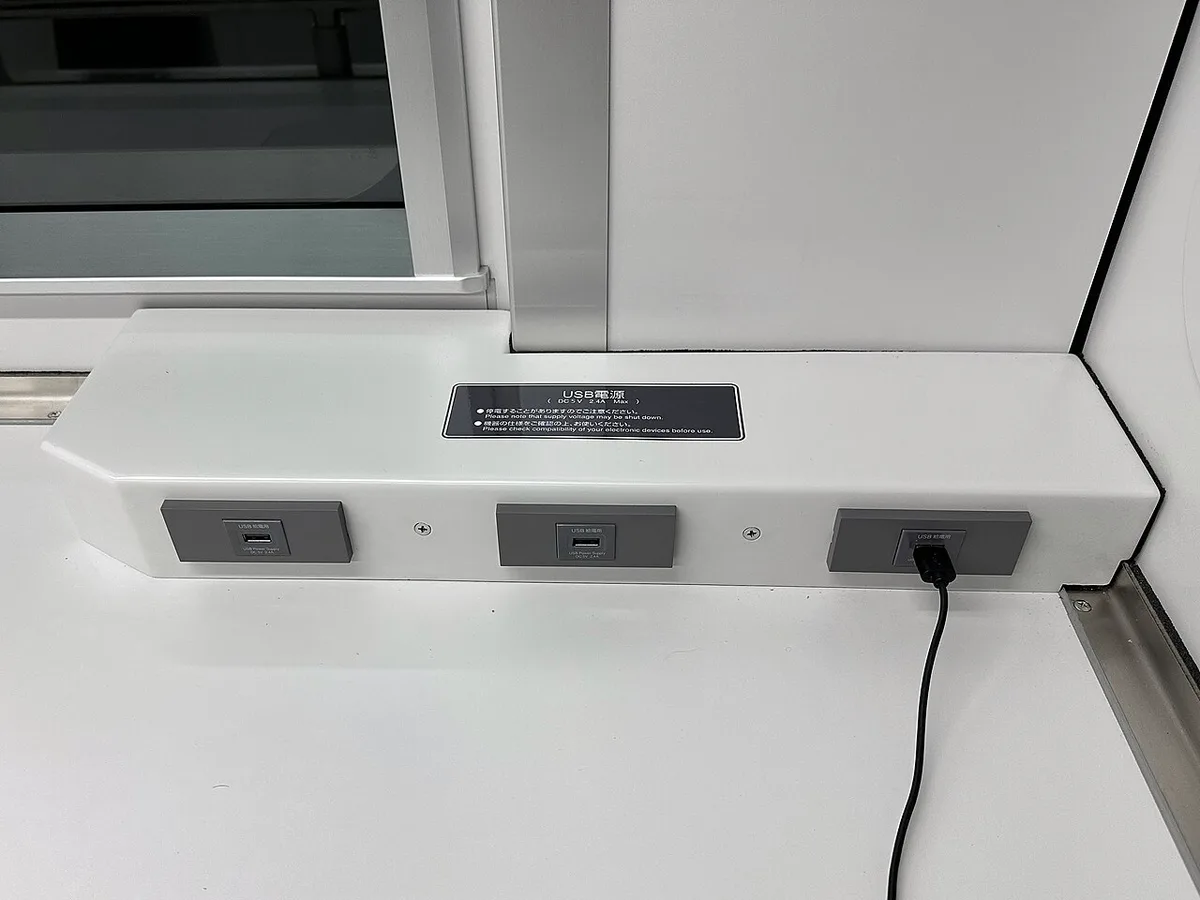
Image source: Wikimedia Commons / Tokumeigakarinoaoshima (CC BY-SA)
Here's a quick reference table:
| Condition | What to Check | Common Failure |
|---|---|---|
| Laptop support | Manual or spec sheet | Port is data-only |
| Port type | Icon or label near port | Wrong USB-C port used |
| Charger wattage | Rating on brick | Too low for the machine |
| Cable rating | 3A vs 5A e-marker | Cable caps at 60W |
If you're also trying to understand what drives smooth gameplay, it helps to see why power delivery matters during gaming sessions.
Decision Branches: Full Charge, Trickle Charge, or No Charge
Once you confirm your laptop supports USB-C charging, the outcome depends on wattage. Think of it as three branches.
Branch 1: Full charge (charger ≥ laptop's PD input). The charger delivers enough power to charge the battery while you use the laptop. This works best at idle or light tasks like browsing and streaming. Even here, heavy gaming may push power draw past what USB-C can supply.
Branch 2: Trickle charge (charger < laptop's PD input but still PD-compatible). The battery charges slowly, or holds steady while draining slightly. You'll see "plugged in, not charging" or a very slow percentage climb. This is common with 65W chargers on 140W laptops.
Branch 3: No charge. The charger isn't PD-compatible, the cable lacks an e-marker, or the port doesn't support charging. The laptop runs on battery despite being plugged in.
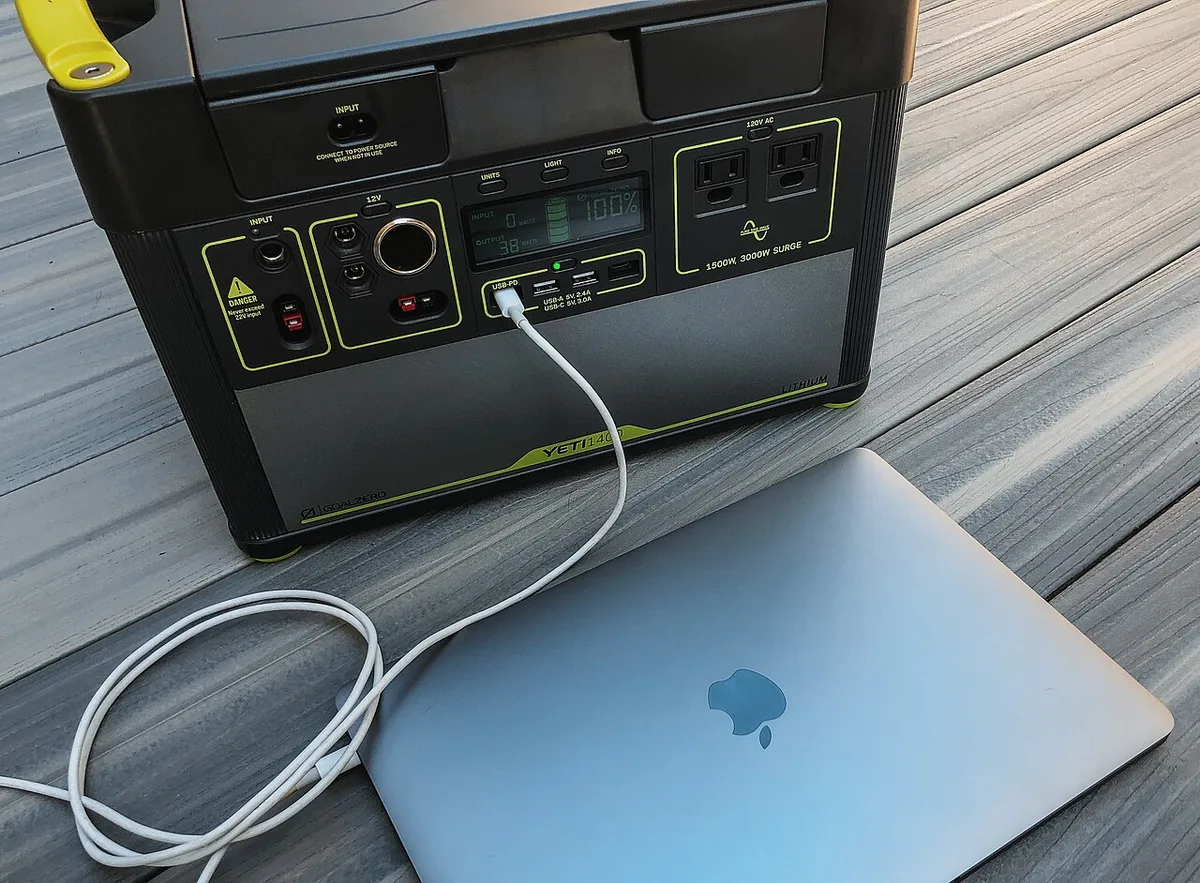
Image source: Wikimedia Commons / Tony Webster from Minneapolis, Minnesota, United States (CC BY-SA)
The key variable is the gap between what the charger outputs and what the laptop pulls under load. Keeping temperatures in check also matters, because thermal behavior can change how much power the system draws during sustained use.
Step-by-Step Check Before Buying a USB-C Charger
Follow these steps before spending money on a new charger.
- Read your laptop's manual. Find the USB-C charging wattage spec. Look for "USB PD input" or "charging via USB-C."
- Identify the right port. Check which USB-C port has the charging icon. Some laptops charge from only one port.
- Match or exceed the wattage. Buy a charger rated at or above the laptop's PD input. A 100W laptop needs at least a 100W charger.
- Check the cable rating. For 100W+, confirm the cable has a 5A e-marker. The spec is usually printed on the cable or packaging.
- Verify PD profile compatibility. Most modern chargers and laptops use 20V profiles. Check that both support the same voltage.
- Test at idle first. Plug in and check if the battery percentage rises. Then test under a light load.
- Check manufacturer guidance. Some brands warn against third-party chargers. Review warranty terms before switching.
Tuning your machine for better performance goes hand in hand with getting the right power setup, since an underpowered charger can cause performance drops.
Real-World Scenarios: Idle Work, Gaming Load, Travel, Emergency Top-Up
Idle work (browsing, email, documents). USB-C charging usually works well here. Power draw stays low, often under 30W. A 65W PD charger can keep the battery full during light tasks.
Gaming load. This is where USB-C struggles. A gaming laptop pulling 120W to 180W under load will drain the battery even while plugged into a 100W charger. You may see the battery percentage drop during gameplay.
For full performance, the OEM barrel adapter is still the better choice.
Travel. A compact GaN charger (gallium nitride) with 100W PD output replaces the heavy stock brick for trips. It charges phones, tablets, and the laptop from one device. Just know it won't sustain full gaming power.
Emergency top-up. A PD power bank (20,000mAh or higher) can add hours of light-use battery life. It won't charge a gaming laptop fast, but it keeps you running when outlets aren't available.
Squeezing more performance from your laptop often means managing heat, and keeping heat under control pairs naturally with understanding your power limits.
USB-C Power Delivery vs OEM Barrel Adapter
USB-C Power Delivery and the OEM barrel adapter serve the same purpose but behave differently. USB PD negotiates voltage and current automatically between charger and laptop. The barrel adapter delivers a fixed voltage and wattage directly.
The barrel adapter almost always supports full power draw. USB-C PD may not.
For gaming, the barrel adapter wins on raw power. Most gaming laptops need 180W to 240W under full load. USB-C PD tops out at 240W under the EPR spec, but many gaming laptops don't accept that much over USB-C.
The OEM brick is built to match the machine exactly.
USB-C wins on convenience. One charger for your laptop, phone, and tablet. Lighter bag.
Fewer cables. For travel and desk work, that matters more than peak wattage.
Here's how they compare:
| Factor | USB-C PD Charger | OEM Barrel Adapter |
|---|---|---|
| Max power | Up to 240W (EPR) | Matches laptop TDP |
| Gaming performance | Often throttles | Full performance |
| Portability | High | Low |
| Device compatibility | Universal | Laptop-specific |
| Price range | $30 to $120 | $60 to $150 |
The best setup depends on what you do. If you game on the road, carry both. If you only browse and stream, a good USB-C charger may be all you need.
Understanding how to optimize your gaming laptop for better gaming helps you decide when full power actually matters.
Mistakes That Cause Slow Charging or No Charging
Most charging problems come from a handful of avoidable mistakes.
Using the wrong USB-C port. Gaming laptops often have two or three USB-C ports. Only one or two support Power Delivery. Plugging into a data-only port gives no charge at all.
Using a phone charger. A 20W phone charger won't charge a gaming laptop. It may not even trigger the charging circuit. The wattage gap is too large.
Using a basic cable. A 3A cable caps at 60W. If your charger outputs 100W, the cable becomes the bottleneck. You need a 5A cable with an e-marker chip.
Gaming while charging over USB-C. The laptop pulls more power than the charger supplies. The battery drains even though it's plugged in. This is expected behavior, not a defect.
Ignoring firmware updates. Some laptops need a BIOS update to enable USB-C charging. Check the manufacturer's support page for the latest firmware.
Buying uncertified chargers. Cheap chargers without USB-IF certification can deliver unstable voltage. That risks both the charger and the laptop.
Charger, Cable, and Safety Specs to Verify
Before you buy, check these specs carefully.
Charger wattage. Match or exceed your laptop's PD input rating. Common gaming laptop values are 100W, 140W, and 180W. A 65W charger works only for light-use laptops.
PD revision. USB PD 3.0 supports up to 100W. USB PD 3.1 EPR supports up to 240W. Check which revision your laptop accepts.
Cable amp rating. 3A cables max out at 60W. 5A cables handle 100W to 240W. Always verify the e-marker chip is present for 5A cables.
USB-IF certification. Certified chargers and cables meet safety and performance standards. The certification logo appears on packaging and product listings.
Safety protections. Look for overcurrent, overvoltage, and thermal protection. Quality chargers from recognized brands include these by default.
Temperature ratings. Chargers should operate safely within normal room temperatures. If a charger gets hot to the touch during use, stop using it.
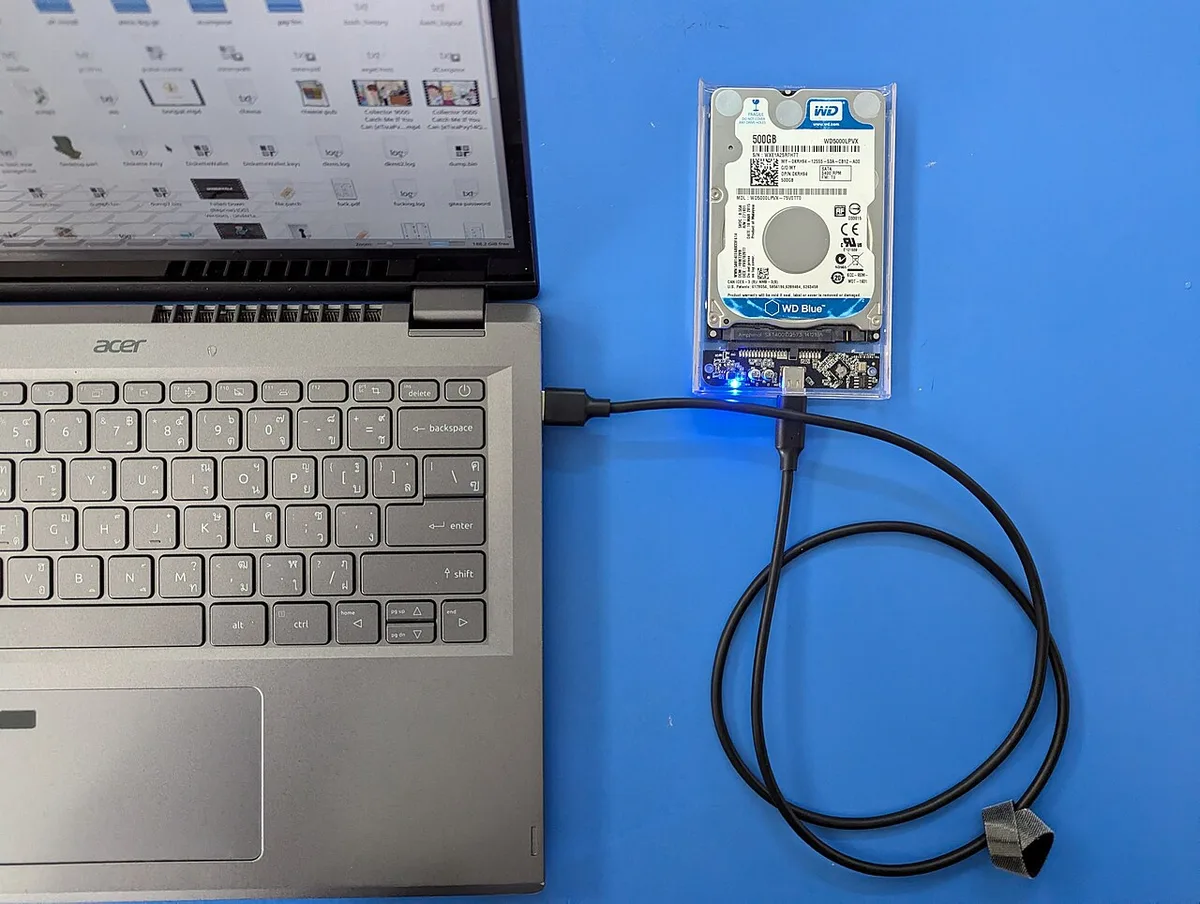
Image source: Wikimedia Commons / Augkun-ane (CC BY)
The USB Implementers Forum publishes the full Power Delivery specification. Manufacturer documentation for your specific laptop model is the most reliable source for wattage requirements. For broader context on how power affects sustained performance, reducing gaming laptop temperature fast is a useful companion topic.
FAQs
Can I charge my gaming laptop with a phone charger?
No. Phone chargers typically output 20W to 30W. Gaming laptops need 65W or more.
A phone charger won't trigger the charging circuit or will charge extremely slowly.
Does USB-C charging damage a gaming laptop battery?
No, when using a certified charger with proper wattage. USB PD negotiates safe voltage levels. Damage risk comes from cheap uncertified chargers with unstable output.
Why does my gaming laptop say "plugged in, not charging" over USB-C?
The charger wattage is lower than what the laptop needs at that moment. This is normal during gaming or heavy tasks. The battery holds steady or drains slowly.
Switch to the OEM adapter for full charging.
Can I use any USB-C cable to charge my gaming laptop?
No. The cable must support the required wattage. A 3A cable caps at 60W.
For 100W or more, you need a 5A cable with an e-marker chip. Check the cable rating before buying.
Will USB-C charging slow down my gaming laptop?
It can. If the charger can't keep up with power demand, the system may throttle CPU and GPU performance. This is a power-limiting response, not a charging defect.
Use the OEM adapter for full performance.
Is it safe to leave a gaming laptop plugged in over USB-C overnight?
Yes, with a certified charger and proper wattage. Modern laptops stop charging at 100% and switch to direct power. Battery management systems prevent overcharging.
Use a quality charger and avoid extreme heat.
Final Verdict: Which Charging Setup Fits Your Use
The right charging setup depends on how you use your laptop.
Light use only (browsing, streaming, documents). A 100W USB-C PD charger with a 5A cable is enough. You can leave the OEM brick at home.
Mixed use (some gaming, mostly work). Carry both. Use USB-C for travel and desk work. Switch to the barrel adapter for gaming sessions.
This gives you portability without sacrificing performance.
Heavy gaming. The OEM adapter is non-negotiable. USB-C can't sustain the power draw. Keep the stock brick in your bag for gaming days.
Travel and emergencies. A compact GaN charger plus a PD power bank covers most situations. Accept that charging will be slower. Plan ahead.
The core rule is simple. Match the charger to the task. USB-C handles convenience.
The barrel adapter handles performance. Knowing what affects FPS on a gaming laptop helps you understand why power delivery directly impacts your gaming experience.