Is a gaming laptop good for school and gaming? For many students, yes, if the laptop fits classes, carry needs, and budget. For others, a lighter laptop plus a separate gaming device works better.
The right choice depends on your major, games, and daily habits.
Manufacturer specifications show that a 15.6-inch gaming laptop often weighs 4.5 to 6 pounds. That weight matters when you carry it across campus every day. Battery life also drops during gaming, so plan your charger.
This guide walks through the key trade-offs.
is a gaming laptop good for school and gaming
A gaming laptop can handle school and gaming well. It depends on your major, budget, and carry needs. Pick 16GB RAM, a modern GPU, and under 5 pounds.
Battery life matters more than peak gaming power. Many students do better with a lighter laptop plus console.
The Trade-Offs That Decide Whether It Works
A gaming laptop gives one machine for notes, code, and games. It also adds weight, heat, and fan noise. That trade-off is the real decision.
Some students love the power. Others hate the backpack load.
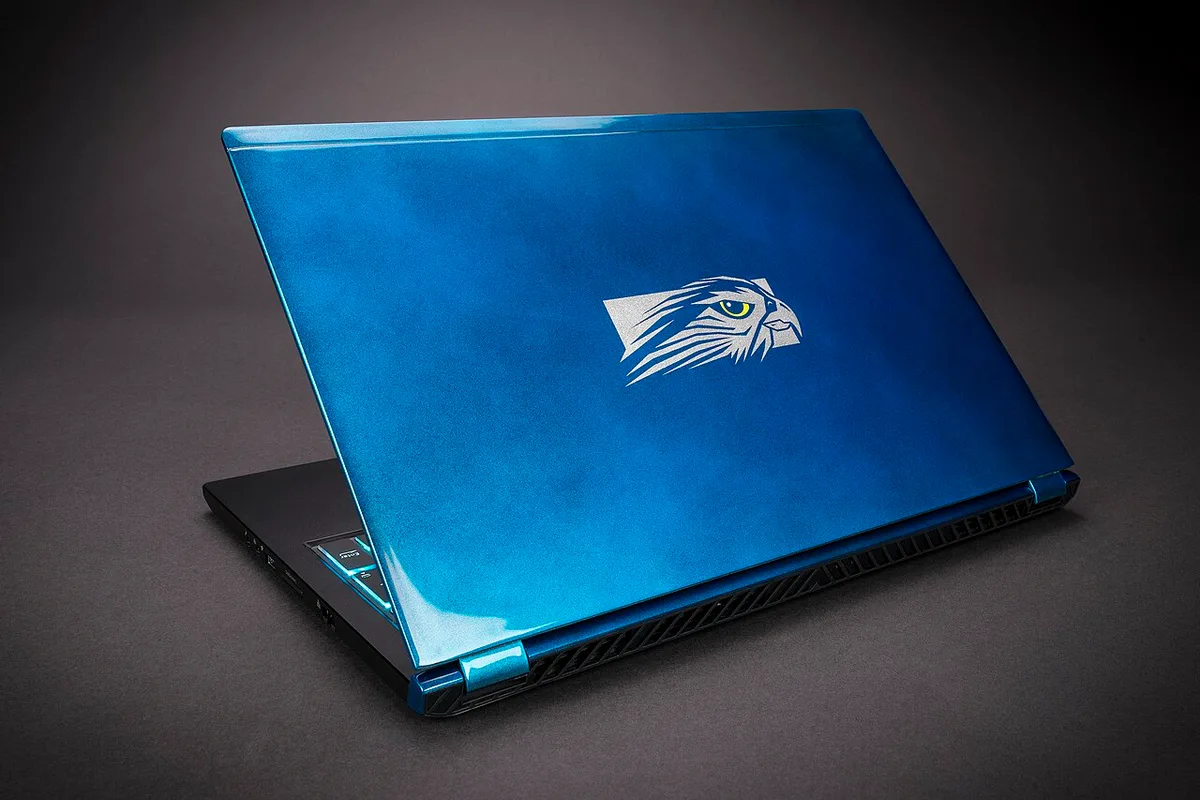
Image source: Wikimedia Commons / Falcon Northwest (CC BY-SA)
Compared with a standard school laptop, the gaming model trades battery for power. You gain stronger graphics and smoother multitasking. You lose quiet operation and long unplugged use.
You may also carry a bulky charger.
- Power: Modern RTX GPUs handle AAA games and creative apps.
- Weight: Many models weigh 4.5 to 6.5 pounds.
- Battery: Gaming drains battery fast. Classes may need 6 hours.
- Noise: Fans can bother quiet libraries.
- Cost: One device can beat buying two, but repairs cost more.
Manufacturer GPU pages show that laptop GPU power varies by model. A thin gaming laptop may run slower than a chunky one. Check the GPU wattage before buying.
Do not trust the GPU name alone.
Decision Variables: Major, Budget, and Daily Carry
Start with your major. STEM, coding, and 3D work need more power. Humanities and business usually do not.
Then check your games. Esports titles need less power than AAA games.
Use this simple if and then guide:
- If you need CAD, coding, or 3D work, choose a stronger GPU and 32GB RAM.
- If you mostly write papers and browse, skip the gaming laptop.
- If you commute daily, target under 5 pounds.
- If you live in a dorm, plan desk space and outlet access.
- If your budget is tight, consider a console plus cheap laptop.
- If you play competitive esports, a 144Hz screen helps.
Budget matters as much as specs. A $700 gaming laptop can handle esports. A $1,200 model gives better cooling and longevity.
Do not buy the cheapest model if you need it for four years.
Daily carry is the hidden factor. A heavy laptop feels fine on day one. It feels worse in week ten.
Test the weight with your backpack before buying.
Specs That Matter for Classes, Coding, and Games
Do not chase the highest numbers. Match specs to your real use. For school and gaming, balance matters more than peak power.
| Spec | Good Target | Why It Matters |
|---|---|---|
| CPU | Intel Core i5 or AMD Ryzen 5 | Handles classes and multitasking |
| GPU | RTX 4050 or RTX 4060 | Plays modern games at 1080p |
| RAM | 16GB minimum | Smooth tabs, code, and games |
| Storage | 512GB to 1TB SSD | Apps, games, and files |
| Screen | 15.6-inch, 120Hz or higher | Clear text and smoother games |
| Weight | Under 5 pounds | Easier daily carry |
| Battery | 6 to 8 hours claimed | Helps classes without gaming |
For coding and 3D work, check software requirements first. Some programs need more CPU cores or GPU memory. If your workloads are heavy, compare a gaming laptop with a workstation.
A workstation may cost more but handle sustained loads better.
Intel processor specifications confirm that laptop CPUs vary by power limit. Two laptops with the same chip can perform differently. Cooling design matters.
Read thermal reviews before buying.
Which Student Profile Should Buy Which Setup
Not every student needs the same machine. Match the setup to your real week.
- Casual gamer and commuter: Choose a thin gaming laptop under 5 pounds.
- STEM major with heavy software: Choose a stronger GPU and better cooling.
- AAA gamer with dorm desk: A heavier 16-inch model can work.
- Budget student: Consider a used gaming laptop with warranty.
- Portable gaming fan: A portable handheld gaming device plus laptop may fit better.
- Desktop power seeker: Compare laptop power with a desktop before buying.
A gaming laptop makes sense when one device truly replaces two. It makes less sense when school needs are light and gaming is occasional. In that case, a normal laptop plus console may cost less and feel easier.
As of 2026, midrange gaming laptops are strong enough for most students. The better question is not whether they can run games. The better question is whether you want to carry the trade-offs every day.
Gaming Laptop vs Alternatives for Students
A gaming laptop is not the only smart setup. It is one option in a bigger decision. The best choice depends on how you study, where you game, and how much weight you can tolerate.
| Setup | Best For | Main Drawback |
|---|---|---|
| Gaming laptop | One device for class and AAA games | Heavy, loud, short battery |
| Normal laptop + console | Light class work and couch gaming | Two devices to manage |
| Normal laptop + handheld | Portable gaming and travel | Smaller screen and controls |
| Desktop + cheap laptop | Max power at a desk | No portable gaming |
| Used gaming laptop | Tight budgets | Shorter warranty and wear |
If you mostly play esports, a midrange laptop may be enough. If you want desktop-level power, compare laptop limits before buying. A console route can save money if you already own a TV and do not need portable gaming.
Manufacturer GPU pages from NVIDIA show that laptop GPU performance changes by chassis and power limit. Two laptops with the same GPU name can behave differently. Cooling design matters as much as the chip.
For students who code or render, compare gaming models with creator-focused models. Some creator laptops have better screens and quieter fans. They may cost more, but they fit long work sessions better.
Mistakes Students Make With Dual-Purpose Laptops
The biggest mistake is buying for peak gaming and ignoring class life. A laptop that runs games well can still be miserable to carry. Weight, noise, and battery matter every day.
- Buying too much GPU for games you do not play.
- Ignoring weight until after purchase.
- Assuming battery life while gaming applies to class use.
- Skipping software requirements for your major.
- Buying the cheapest model with poor cooling.
- Forgetting the cost of repairs and warranty coverage.
- Overlooking port needs for monitors and chargers.
- Packing a hot laptop into a backpack.
Budget brand reliability also matters. Cheaper models can work, but repair support varies. Check warranty terms before you buy.
A low price is not a good deal if service is hard to get.
Setup, Carry, and Campus Use Tips
Set the laptop up for school first and gaming second. Create a school profile with lower brightness and quieter fan settings. Save a gaming profile for the dorm or desk.
This reduces heat and noise during class.
- Install class software before games.
- Update drivers, then test stability.
- Set battery saver mode for lectures.
- Carry the charger in a padded sleeve.
- Use a laptop stand at your desk.
- Add an external mouse for long sessions.
- Back up files weekly.
- Clean vents every few months.
Check your campus Wi-Fi and outlet access. Some libraries have strict noise rules. A loud fan can draw attention fast.
If you need silence, lower performance settings or use headphones.
If you commute, protect the machine. Use a padded backpack compartment. Avoid stacking heavy books on the lid.
Let the laptop cool before packing it after gaming.
Final Verdict: When a Gaming Laptop Makes Sense
A gaming laptop makes sense when you need one machine for school and serious gaming. It also makes sense when your major benefits from GPU power. It is less ideal when you only need basic school apps and light games.
Choose it if you want portable AAA gaming and can handle the weight. Skip it if battery life, quiet use, and low cost matter most. A normal laptop plus console or handheld may fit better.
As of 2026, midrange gaming laptops are capable enough for most students. The real question is daily comfort. Buy for the week you will actually live, not the benchmark you will rarely hit.
Frequently Asked Questions
Can a gaming laptop last all day in class?
Yes, if you are not gaming. Most models can handle notes, browsing, and video calls for several hours. Turn down brightness and use battery saver.
Gaming drains battery much faster. Carry the charger for long days.
Is 16GB RAM enough for school and gaming?
Yes, for most students. It handles browser tabs, coding tools, and modern games well. If you use 3D software or heavy multitasking, 32GB is safer.
Check your major software requirements first.
Should I buy a used gaming laptop for college?
It can work if the price is low and the battery is healthy. Check warranty status and repair options. Test thermals and storage before buying.
Avoid models with swollen batteries or damaged hinges.
Do gaming laptops overheat in backpacks?
They can if packed while hot. Let the laptop cool before closing the lid. Use a padded compartment and avoid blocking vents.
Do not run games right before packing it.
Is a gaming laptop too loud for libraries?
Often, yes, under load. Fans can get loud during gaming or heavy tasks. For quiet spaces, use low power mode or headphones.
Save demanding sessions for your dorm or home.
1 thought on “Is a Gaming Laptop Good for School and Gaming? Pros & Cons”
Comments are closed.