What are the pros and cons of gaming laptops? It depends on how you play, where you play, and what you expect to spend. For many people, a gaming laptop is the easiest way to get strong PC performance without building a desk setup.
Manufacturer specs and aggregate reviews show the gap between laptop and desktop power has shrunk, but thermals and price still matter. We'll walk through the trade-offs so you can decide with confidence.
Why Gaming Laptops Are a Different Beast Than They Look
A gaming laptop is not just a normal laptop with a better graphics card. It is a tightly packed system where the GPU, CPU, cooling, power delivery, and screen all fight for space. That changes everything from fan noise to upgrade options.
The biggest difference is mobile GPU wattage. A laptop GPU may share a name with a desktop GPU, but it often runs at lower power. Lower wattage usually means lower heat, but it can also mean lower frame rates in demanding games.
You can read more about mobile GPU wattage before comparing two models with the same GPU label.
Cooling is the next big divider. Desktops have room for large fans and big heatsinks. Gaming laptops use heat pipes, vapor chambers, and compact fans to move heat out of a thin chassis.
That works well in short bursts, but sustained gaming can raise surface temperatures and fan noise.
Power is another hidden cost. Many gaming laptops need a 180W to 330W power brick. That brick is heavy, and battery life while gaming is often short.
You are buying portability, but you are also carrying a charger.
The chassis matters too. Thin gaming laptops look great, but they have less room for cooling. Thick models can cool better, yet they weigh more and feel less like a travel machine.
The right balance depends on your bag, desk, and game library.
The Real Pros: What Gaming Laptops Actually Do Well
Gaming laptops shine when convenience matters most. You get a screen, keyboard, trackpad, GPU, and storage in one machine. For students, travelers, and small apartments, that simplicity is hard to beat.
Portability is the headline benefit. You can move from room to room, take the laptop to a friend's house, or bring it to a LAN event. A desktop needs a monitor, keyboard, mouse, and cables.
A gaming laptop needs one power cable and a bag.
Setup is fast. You open the lid, plug in, and launch your game. There is no desk assembly, no cable routing, and no separate monitor calibration.
Aggregate owner feedback often praises this grab-and-go experience.
A gaming laptop can also replace two machines. Many buyers use it for work, school, video calls, and gaming. That matters if you do not want a separate office laptop and gaming desktop.
It can reduce clutter and simplify your tech life.
The built-in display is another plus. Many models include 144Hz, 240Hz, or even 360Hz panels. Some offer QHD resolution, OLED contrast, or mini-LED brightness.
You do not need to buy a monitor on day one.
Gaming laptops are also easier to use in shared spaces. A desktop tower may be loud and large. A laptop fits on a small desk and can be stored in a drawer.
If you live with roommates or family, that footprint matters.
There is a real value story here too. A mid-range gaming laptop can handle esports titles, modern AAA games at 1080p, and creative apps. You may not get the best price per frame, but you get a complete system.
For many buyers, that trade-off is worth it.
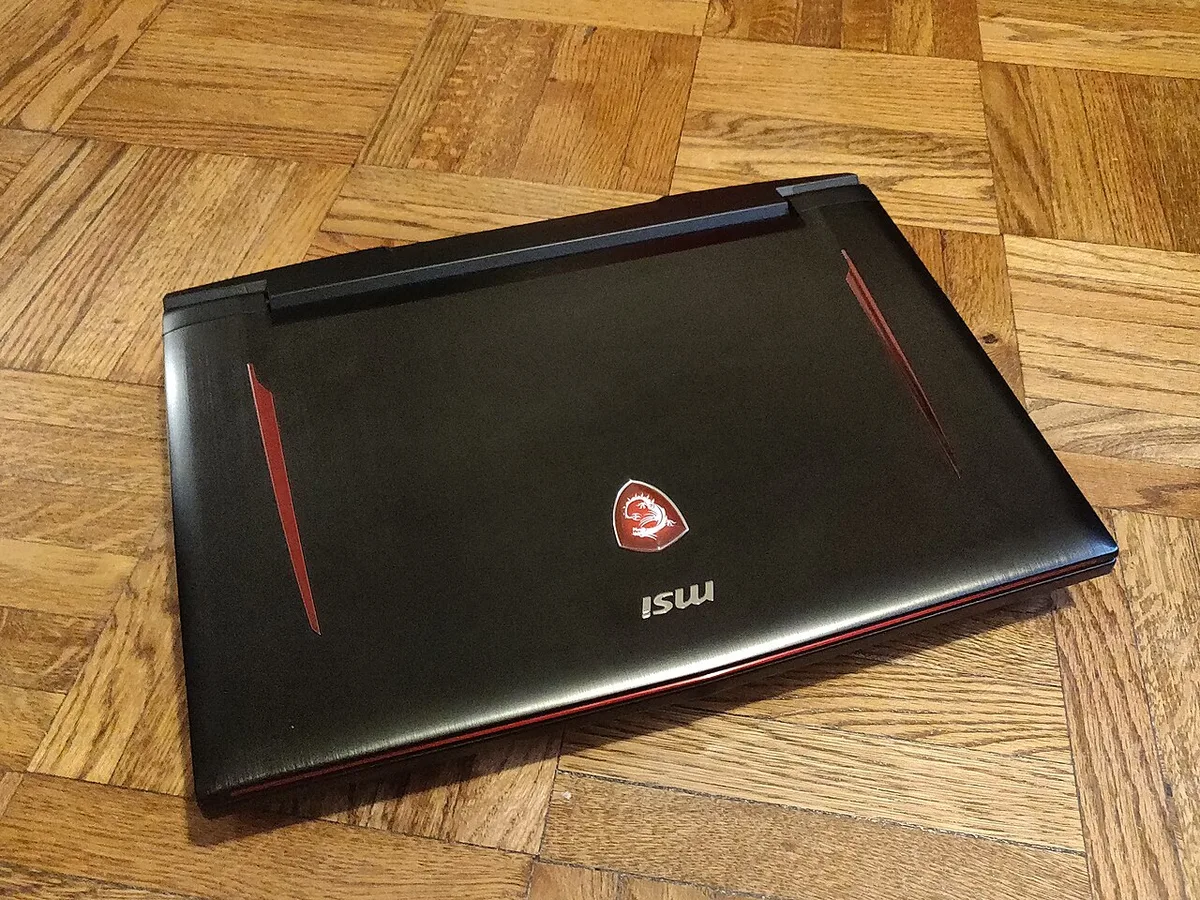
Image source: Wikimedia Commons / Kurt Kaiser
The Real Cons: Where Gaming Laptops Frustrate
The biggest downside is cost per performance. Gaming laptops usually cost more than desktops with similar frame rates. You are paying for miniaturization, battery hardware, and compact cooling.
That premium is real, especially at the high end.
Thermals are the next frustration. Under long gaming sessions, laptops can get hot on the keyboard deck and underside. Fans may spin loudly enough to distract you or your roommates.
Some models handle this better than others, but heat is always part of the deal.
Upgradeability is limited. Most gaming laptops let you add RAM or an SSD, but the GPU and CPU are usually fixed. If you want a major graphics upgrade later, you often replace the whole machine.
That makes the buying decision more important.
Battery life disappoints many first-time buyers. Gaming drains the battery quickly, sometimes in one to three hours. Even light use may not match an ultrabook.
You will often keep the laptop plugged in while gaming.
Noise is another common complaint. High-performance modes can push fans hard. Some laptops also produce coil whine, which is a high-pitched electrical sound.
It is not dangerous, but it can be annoying in quiet rooms.
Repairs can be tricky. Thin chassis, glued batteries, and compact cooling make service harder. Before buying, it helps to check which brands offer good repair support, especially if you plan to keep the laptop for years.
Finally, there is the charger problem. A gaming laptop charger is bulky and heavy. It is not something you casually toss in a small backpack.
Portability is real, but it comes with a power brick tax.
Side-by-Side: Gaming Laptop vs Desktop vs Handheld vs Console
The best choice depends on where you play and how much power you need. A gaming laptop sits in the middle. It is more portable than a desktop and more powerful than most handhelds.
It is also more complex than a console.
A desktop gaming PC is the performance king. It cools better, upgrades easier, and often costs less for the same frame rates. If you have a stable desk and do not travel, a desktop is usually the smarter long-term buy.
Many buyers compare a gaming laptop vs desktop before deciding.
A handheld gaming PC, like a Steam Deck or ROG Ally, is smaller and lighter. It is great for couch gaming, travel, and quick sessions. But its screen is smaller, and its performance is lower.
If you want one machine for work and play, a gaming laptop makes more sense.
A console is simpler and cheaper for living-room gaming. It has strong optimization and easy setup. But it does not run PC games, mods, or productivity apps.
If you care about PC exclusives, a gaming laptop or desktop is the better path.
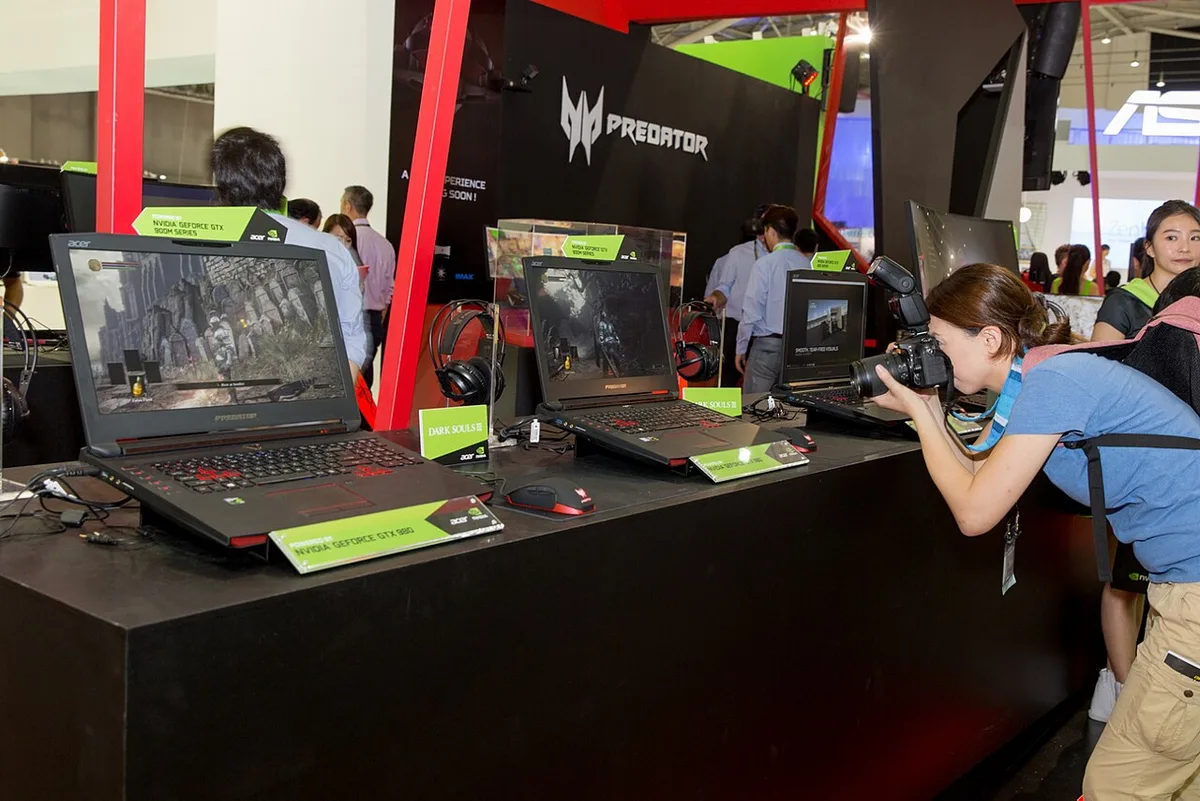
Image source: Wikimedia Commons / NVIDIA Taiwan (CC BY)
Which Gaming Laptop Specs Actually Matter (And Which Don't)
Start with the GPU. It has the biggest impact on gaming performance. Look at the mobile GPU model, its wattage, and whether the laptop uses a MUX switch.
A MUX switch can route the display directly through the GPU, which may improve performance and reduce latency.
The CPU matters, but not as much as the GPU for most games. A modern Intel Core H-series or AMD Ryzen HS-series chip is usually enough. Do not overspend on the fastest CPU if it starves the GPU of cooling or power.
Display quality matters more than many buyers expect. A 1080p 144Hz screen is fine for esports. A 1440p panel gives sharper detail for story games.
Look at brightness, response time, color coverage, and whether it supports variable refresh rate through G-Sync or FreeSync.
RAM and storage are easy wins. Aim for 16GB of DDR5 RAM and at least a 1TB SSD. Some laptops have a second M.2 slot, which makes storage upgrades easier.
Soldered RAM is a drawback if you want long-term flexibility.
Cooling design is worth checking. Look for vapor chamber cooling, multiple fans, and clear vent placement. Aggregate reviews and teardowns often reveal whether a model runs hot or loud.
Do not rely only on marketing photos.
Battery size matters for travel. A larger watt-hour battery can help with light use, but gaming still drains it fast. Also check whether the laptop supports USB-C charging for lighter travel.
That can let you leave the heavy brick at home for workdays.
Some specs are less important. RGB lighting, extreme clock speeds, and bundled software do not improve real gaming much. Focus on GPU wattage, cooling, display, and upgrade options first.
Those four areas shape your daily experience.
Who a Gaming Laptop Makes Sense For
A gaming laptop makes the most sense when portability is part of your daily life. If you move between rooms, campuses, offices, or countries, the all-in-one design saves time and space. It also works well when you want one machine for work, school, and play.
Students are a clear fit. A gaming laptop can handle coursework, video calls, and after-class gaming without needing a second device. Travelers and deployed service members also benefit because everything is packed into one bag.
Esports players at LAN events often prefer laptops. They are easier to transport and faster to set up. You can plug in, connect, and compete without hauling a tower and monitor.
A gaming laptop is less ideal if you mostly play at one desk. In that case, a desktop usually gives better cooling, easier upgrades, and lower cost per frame. You can compare the handheld gaming PC trade-offs if you want something even smaller.
| User type | Best fit | Main trade-off |
|---|---|---|
| College student | One machine for school and games | Heat and fan noise in small rooms |
| Frequent traveler | Portable full PC experience | Heavy charger |
| LAN competitor | Fast setup and transport | Smaller screen than desktop monitor |
| Desk-only gamer | Usually not the best value | Higher cost per performance |
Mistakes First-Time Buyers Make
The first mistake is chasing the GPU name instead of GPU wattage. Two laptops can both say RTX 4060, but one may run at 100W while another runs at 140W. The higher-wattage model usually performs better, though it may run hotter and louder.
The second mistake is ignoring cooling design. Thin laptops look premium, but they often have less thermal headroom. If you plan long gaming sessions, check fan noise, surface temps, and whether the vents stay clear on a desk.
The third mistake is overspending on the CPU. Many games lean harder on the GPU than the CPU. A mid-tier Intel Core H-series or AMD Ryzen HS-series chip is often enough.
Extra CPU power can raise heat without improving your frame rates.
The fourth mistake is forgetting the display. A fast GPU paired with a dim 60Hz panel wastes potential. Look for at least 144Hz, good brightness, and solid color coverage if you play story-driven games.
The fifth mistake is buying too little storage. Modern games can exceed 100GB each. A 512GB SSD fills quickly.
Look for 1TB or a second M.2 slot if you want easy upgrades.
The sixth mistake is skipping service research. Before buying, check warranty terms, parts access, and repair options. It also helps to understand thermal limits so you know what maintenance to expect.
What You'll Really Spend: Costs Over Time
The sticker price is only the start. As of 2026, entry-level gaming laptops often start around $800, while strong mid-range models land near $1,200 to $1,800. Flagship systems with top mobile GPUs can pass $3,000.
You should also budget for accessories. A cooling pad, laptop stand, headset, and mouse can add real cost. If you travel, a protective bag and spare charger may matter too.
Upgrades are part of the long-term cost. Adding RAM or a second SSD can extend the laptop's life. But the GPU and CPU usually stay fixed, so major performance jumps may require a new machine.
Maintenance costs matter as well. Dust cleaning, thermal paste refresh, and fan replacement can add up. Some brands make service easier than others, so check repair support before you buy.
Battery replacement is another hidden expense. Gaming laptops often stay plugged in, but batteries still age. If you plan to keep the system for five years, factor in a possible battery swap.
Look for safety and efficiency labels too. A UL safety certification and ENERGY STAR rating can signal baseline quality and efficiency. These are not performance guarantees, but they help you compare models more fairly.
| Cost area | Typical range | Notes |
|---|---|---|
| Entry-level laptop | $800–$1,100 | Good for 1080p and esports |
| Mid-range laptop | $1,200–$1,800 | Best balance for most buyers |
| High-end laptop | $2,000–$3,500+ | Diminishing returns for many users |
| Accessories and upgrades | $100–$400 | Mouse, headset, SSD, stand |
| Maintenance over 3–5 years | $50–$300 | Cleaning, repaste, battery |
Final Verdict: Should You Buy a Gaming Laptop?
Buy a gaming laptop if portability, setup speed, and one-machine simplicity matter to you. It is a strong choice for students, travelers, and anyone who does not want a full desk setup. You get real PC gaming power in a compact package.
Skip it if you mostly play at one desk and want the best value. A desktop usually wins on cooling, upgradeability, and price per frame. If you are unsure, compare the desktop power gap before spending.
For most buyers, the sweet spot is a mid-range model with a solid mobile GPU, 16GB of RAM, 1TB SSD, and a 1440p or 1080p high-refresh display. Do not chase the thinnest chassis or the highest CPU tier unless your budget allows it.
If you are torn between a gaming laptop and a console, think about your games and habits. A console is cheaper and simpler for living-room play. A gaming laptop wins if you need PC exclusives, mods, or productivity.
The best decision comes from matching the machine to your actual life. Buy for where you play, how long you play, and how much maintenance you accept. That simple filter will save you money and frustration.
Frequently Asked Questions
Are gaming laptops worth it in 2026?
Yes, if you need portability and one machine for work and play. They cost more than desktops for similar performance, but the convenience is real. Buy mid-range unless you need top-tier power.
Can a gaming laptop replace a desktop?
It can replace one for many people, especially in small spaces. But it usually offers less cooling, fewer upgrades, and lower value per frame. Check the normal laptop differences if you are also comparing everyday models.
How long do gaming laptops last?
Many last four to six years with good care. GPU and CPU performance ages faster than the chassis. Cleaning, repasting, and storage upgrades can extend usable life.
Do gaming laptops overheat easily?
They run hotter than desktops, but good cooling design helps. Heat depends on wattage, chassis thickness, vents, and room temperature. Elevating the laptop and cleaning vents can reduce throttling.
Is 16GB RAM enough for gaming laptops?
Yes for most games and daily use. Some heavy multitaskers or creators may want 32GB. Check whether the RAM is upgradeable before buying.
Should I buy a gaming laptop or a console?
Buy a console for cheaper living-room gaming and simple setup. Buy a gaming laptop if you want PC games, mods, travel use, or productivity. Your library and habits should decide.
1 thought on “Gaming Laptop Pros and Cons You Should Know”
Comments are closed.