What is AMD Radeon graphics in a gaming laptop? It is AMD's graphics hardware used in gaming notebooks, either built into the processor or installed as a separate chip. You usually see it paired with Ryzen CPUs, and its value depends on the model, power limit, and memory.
As of 2026, the range spans basic integrated graphics to full discrete GPUs.
That matters because two laptops with the same Radeon name can perform very differently. One may handle esports at 1080p, while another targets 1440p with ray tracing. The key is knowing which Radeon chip, how much VRAM, and how much power it gets.
what is AMD Radeon graphics in a gaming laptop
AMD Radeon graphics in a gaming laptop is AMD's graphics hardware for games. It can be built into the processor or installed as a separate mobile GPU. Performance depends on the chip model, VRAM, and Total Graphics Power.
It is best judged by tier, not by the Radeon name alone.
Discrete vs. Integrated Radeon: The First Distinction
This is the first question to settle. A discrete Radeon GPU is its own chip with dedicated VRAM. An integrated Radeon chip shares system memory and lives inside the processor package.
That difference shapes heat, battery life, and frame rates.
A discrete chip usually gives higher gaming performance. It also needs more cooling and more power from the wall. Integrated Radeon is lighter on battery and better for thin laptops, but it has lower gaming headroom.
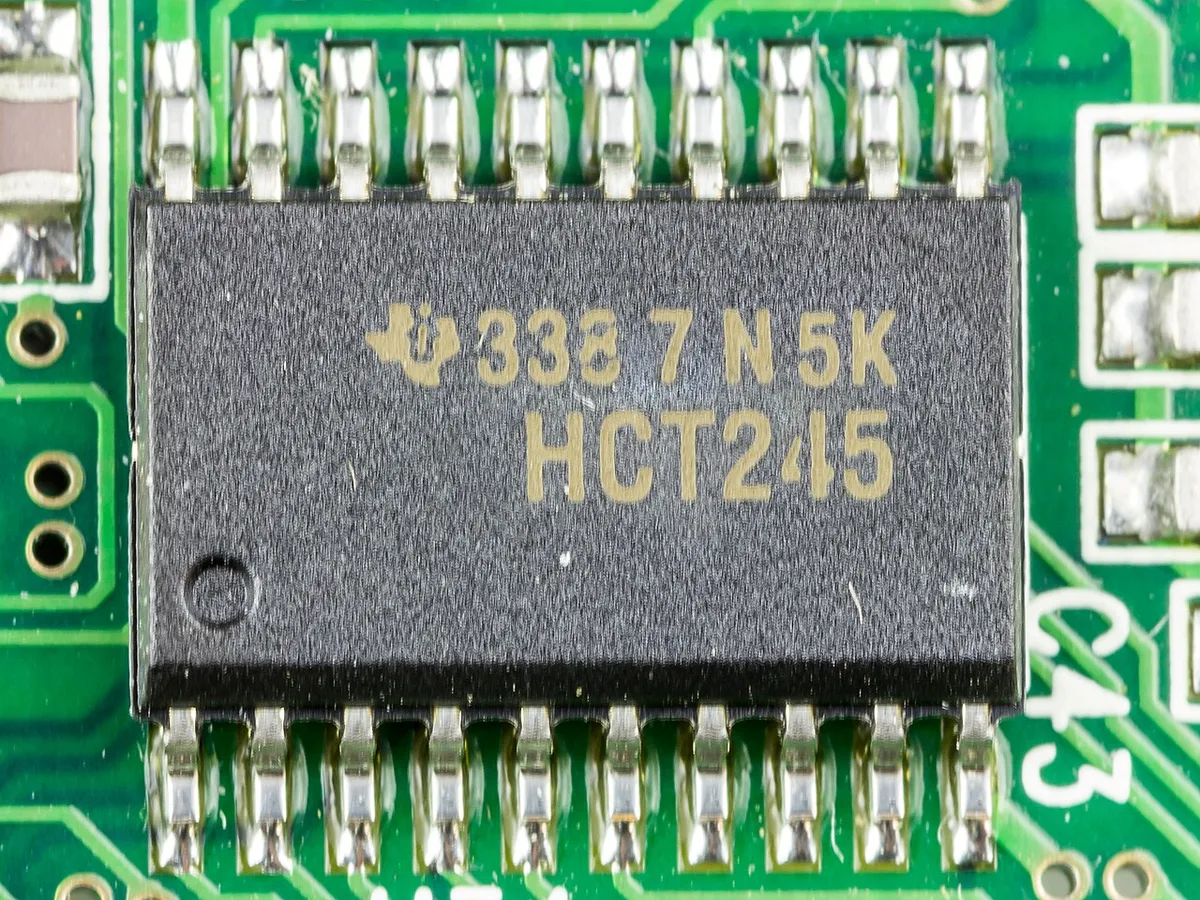
Image source: Wikimedia Commons / Raimond Spekking (CC BY-SA)
If you mainly play esports titles at 1080p, integrated Radeon can be enough. If you want AAA games at high settings, you should look for a discrete chip. Always check the exact GPU name, not just "Radeon Graphics."
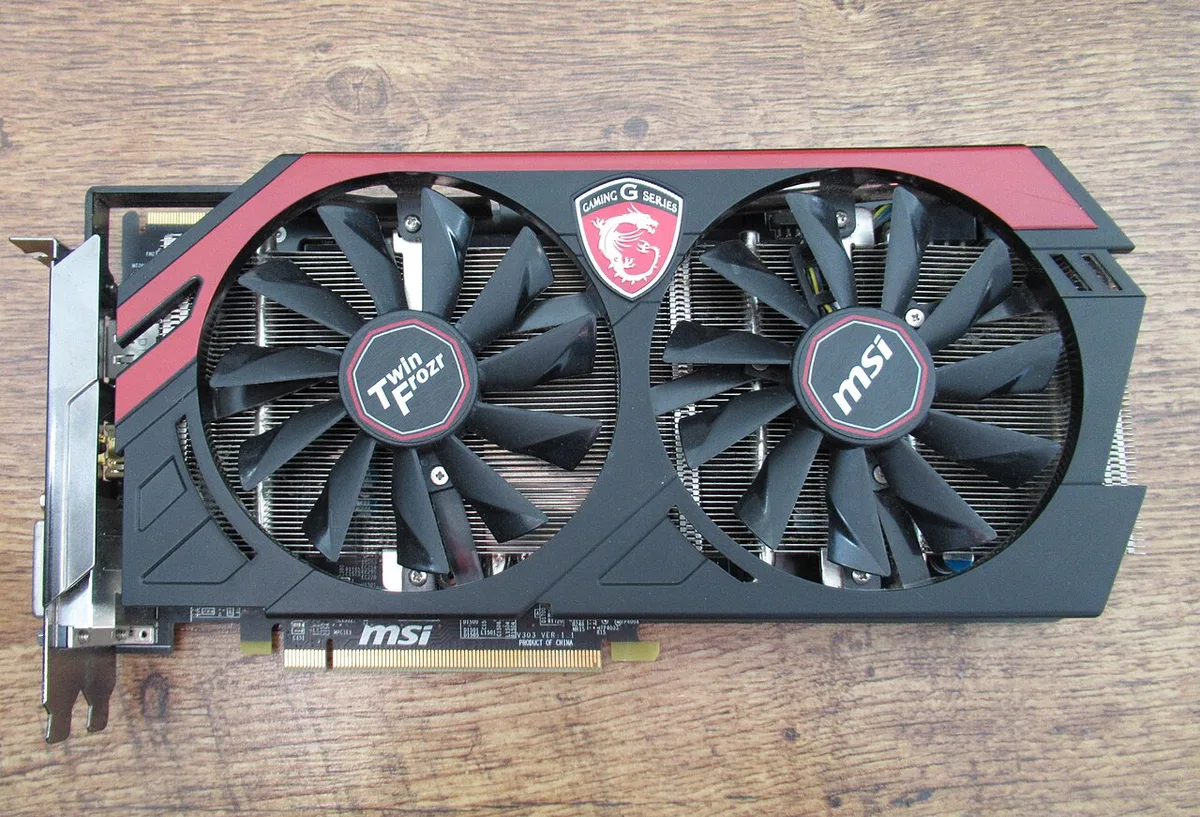
Image source: Wikimedia Commons / Robbie Klinkenberg (CC BY-SA)
Radeon vs. NVIDIA GeForce and Intel Arc
This is a comparison, not a brand loyalty test. Radeon laptops often win on value in the middle price range. NVIDIA GeForce mobile GPUs often lead in ray tracing and upscaling with DLSS.
Intel Arc is newer in laptops and can be strong in some creator tasks.
For many buyers, the best choice depends on the game list and the price. Radeon is often a smart buy for 1080p and 1440p gaming. GeForce may be better if you want DLSS, frame generation, or stronger ray tracing.
Intel Arc can make sense in budget and creator-focused machines.
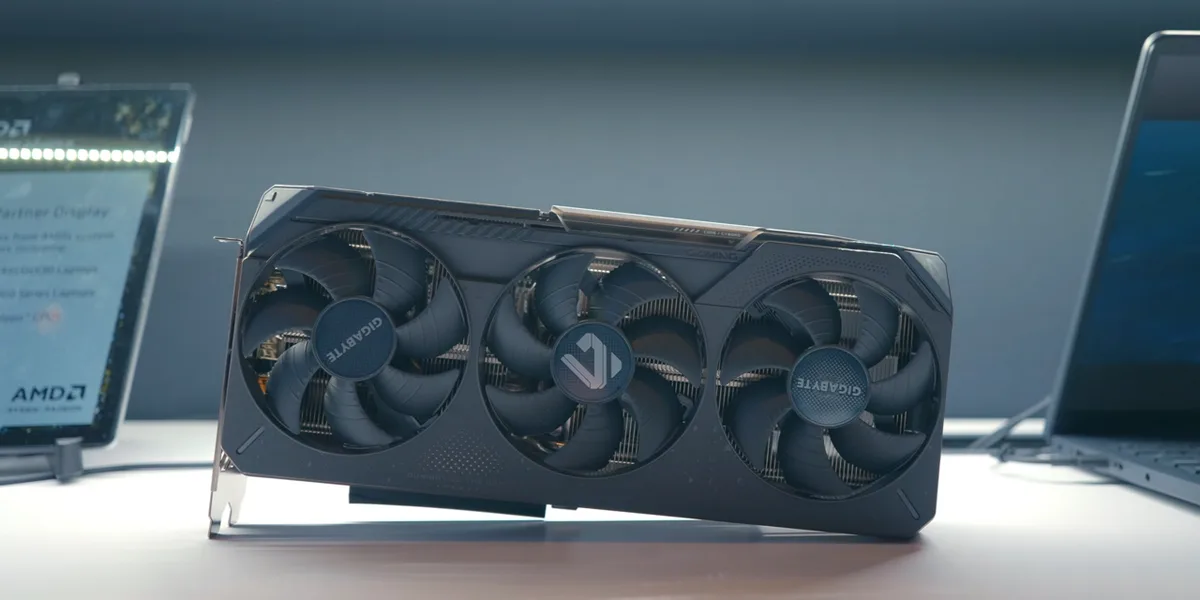
Image source: Wikimedia Commons / MoreThanTech (CC BY)
If you are comparing upscaling, read about NVIDIA's own upscaling tech and frame generation. If ray tracing matters to you, compare it with ray tracing on a gaming laptop.
How Radeon Laptop GPUs Differ by Tier, VRAM, and TGP
Radeon mobile GPUs are not one thing. The tier tells you the class. VRAM tells you how much texture memory the GPU has.
TGP tells you how much power the laptop gives that GPU.
A higher tier usually means more compute units and higher clocks. More VRAM helps with high-resolution textures and some modern games. TGP matters because a lower-watt version of the same chip can be much slower.
This is why GPU wattage and TGP are worth checking.
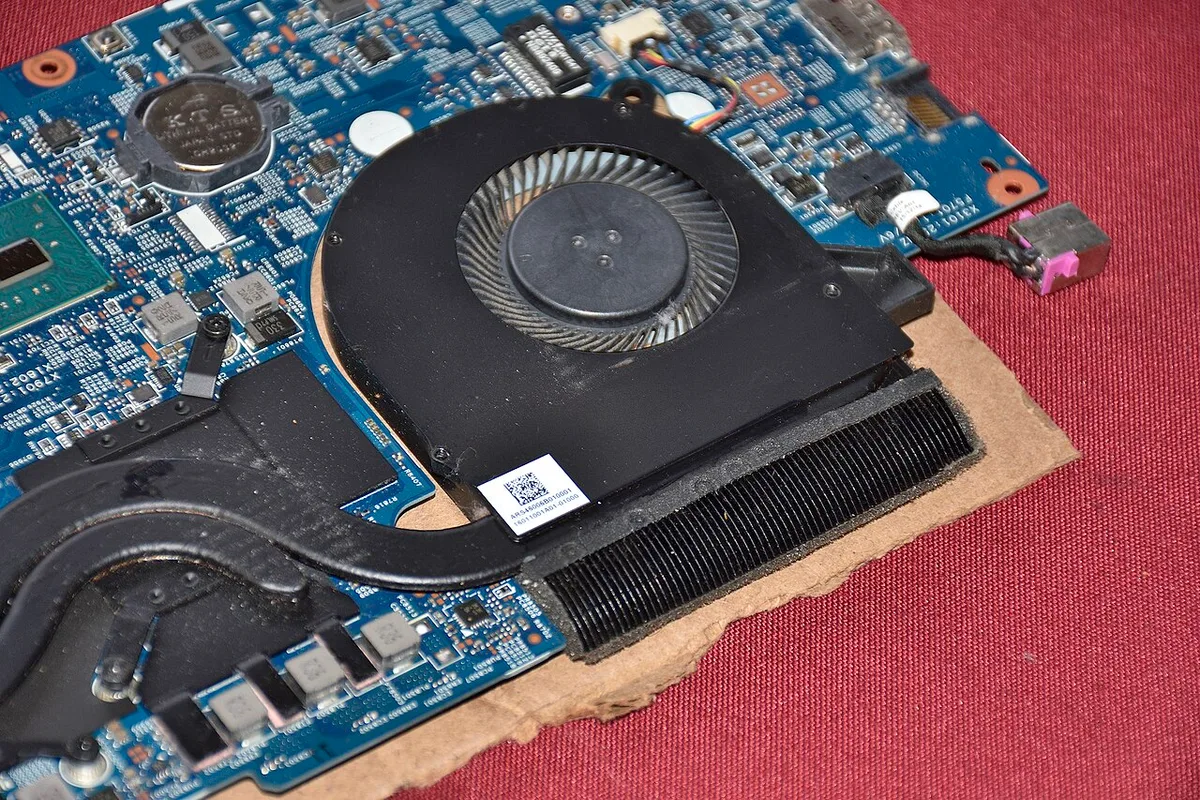
Image source: Wikimedia Commons / Saud (CC BY-SA)
For many buyers, 6GB or 8GB of VRAM is the practical starting point. If you want a deeper answer, compare 8GB VRAM and 6GB VRAM. You can also use a VRAM needs guide before choosing a model.
Real Gaming Performance at 1080p and 1440p
Radeon's strongest value often shows at 1080p. Many midrange Radeon laptops can run competitive games at high frame rates. At 1440p, the result depends more on the GPU tier and TGP.
A strong chip can handle many AAA games at medium to high settings.
Do not judge by the name alone. A low-power Radeon chip may struggle at 1440p. A higher-power version of a similar chip can feel like a different GPU.
Aggregate reviews report that cooling and power settings often matter as much as the chip name.
If you are choosing a mobile GPU, compare good gaming laptop GPUs and laptop vs desktop GPUs. For broader power context, see GPU power in gaming laptops. Official specs from AMD and display standards from VESA can help verify features like FreeSync support.
AMD Advantage Features: FSR, FreeSync, SmartShift, and SAM
FSR is AMD's upscaling tech. It renders at lower resolution then reconstructs detail. That can boost frame rates in supported games.
FreeSync reduces screen tearing when the panel and GPU sync refresh. SmartShift moves power between CPU and GPU based on workload. SAM can improve performance when a compatible Ryzen CPU and Radeon GPU are paired.
These features matter most when the laptop is tuned well. A good cooling system and sensible power limits help. FSR is most useful at 1080p or 1440p.
FreeSync is best on a matching high-refresh display. SmartShift can help in balanced workloads. SAM needs the right platform support.
Do not assume every feature works on every model. Check the laptop specs and AMD Software settings. Some features need game support.
Others need BIOS updates. If you want a deeper look at power sharing, see dynamic boost on a gaming laptop GPU.
| Feature | What it does | Best for |
|---|---|---|
| FSR | Upscales lower-res frames | Higher FPS |
| FreeSync | Syncs refresh rate | Smoother motion |
| SmartShift | Shares CPU/GPU power | Balanced loads |
| SAM | Improves memory access | Ryzen + Radeon setups |
Who a Radeon Gaming Laptop Fits Best
Radeon gaming laptops fit buyers who want strong 1080p value. They also suit esports players and students. Many midrange models balance price and performance well.
If you want a thinner machine, integrated Radeon is lighter and quieter.
They are less ideal for heavy ray tracing buyers. They may also be less ideal if you want the widest game-specific upscaling support. NVIDIA often leads there.
Intel Arc can be better for some creator workflows. Radeon still makes sense for many mixed-use buyers.
If you are pairing the GPU with a processor, consider Ryzen 5 for gaming laptops or Ryzen 7 for gaming laptops. The CPU choice affects frame rates and battery life. It also affects how well SmartShift works.
Common Buying Mistakes and What to Check Before Purchase
The biggest mistake is buying by brand name alone. Check the exact GPU tier, VRAM, and TGP. A low-power version of a familiar chip can disappoint.
Also check cooling, screen refresh rate, and battery size.
Another mistake is ignoring power delivery. A high-end Radeon GPU needs the right adapter. Thermal throttling can cut performance in compact chassis.
Driver cleanup matters too. Old driver files can cause crashes or low FPS.
Before buying, verify the GPU wattage and how TGP affects performance. Read the manufacturer spec sheet. Check independent reviews for sustained performance.
Look for clear cooling vents and a strong power brick.
FAQs About AMD Radeon Graphics in Gaming Laptops
Is AMD Radeon good for gaming laptops?
Yes, for many buyers. Midrange Radeon laptops often offer strong 1080p value. Performance depends on the exact chip, VRAM, and TGP.
Check cooling and game benchmarks before buying. Higher tiers handle 1440p better than entry models.
What is the difference between Radeon and Radeon RX?
Radeon can mean integrated or lower-end graphics. Radeon RX usually names a discrete gaming GPU. The RX model number shows the tier.
Always check the full name. Two laptops with similar names can perform very differently.
Is 6GB VRAM enough for a gaming laptop?
It can be enough for 1080p gaming today. Some newer games use more texture memory. 8GB is safer for longer use. Settings and resolution matter.
Compare 6GB VRAM and 8GB VRAM before choosing.
Does Radeon support ray tracing?
Some newer Radeon mobile GPUs support ray tracing. Results vary by game and settings. NVIDIA often leads in ray tracing performance.
Check benchmarks for the exact GPU. Lower-tier chips may struggle with ray tracing enabled.
Can I upgrade a Radeon laptop GPU?
Usually no. Most laptop GPUs are soldered to the board. You can update drivers and settings instead.
Some laptops support external GPU docks. Check the manufacturer manual. Plan your purchase around the GPU you want now.
Final Verdict: Should You Buy a Radeon Gaming Laptop?
Buy one if you want good value at 1080p or 1440p. Radeon laptops often balance price and performance well. Check the exact GPU tier, VRAM, TGP, and cooling.
Skip it if ray tracing or DLSS matters most. For many gamers, a well-chosen Radeon model is a smart buy.