If you're shopping for a gaming SSD, you've probably seen "DRAM cache" thrown around like a badge of honor. That's where the confusion starts. You're really asking what is an ssd dram cache and does gaming need it after seeing DRAM slapped on spec sheets like a must-have feature.
The honest answer is less dramatic. DRAM helps the drive manage data, but it is not a magic speed button for every game.
As of 2026, many Gen4 NVMe drives list about 1 GB of DRAM per 1 TB of NAND, while DRAM-less models lean on Host Memory Buffer or a pseudo-SLC cache. Those different paths can feel similar in short game loads. They separate more during large installs, heavy multitasking, and long sustained writes.
The Real Problem: DRAM Marketing Has Gamers Confused
DRAM cache sounds like RAM for your SSD, so it's easy to assume more is always better. The catch is simple. The DRAM stores the drive's mapping table, not your game files.
That table tells the controller where data lives in NAND flash. When it fits in fast memory, lookups are quicker and more consistent. When it does not, the drive may use system RAM through HMB or move data more often.
For gaming, the main benefit is consistency, not a huge FPS jump. Game loading is mostly random reads, and a good DRAM-less SSD can still feel fast. The difference shows up more when you install a 100 GB game while downloading, updating, or streaming.
- DRAM cache helps metadata lookups.
- It is not extra game storage.
- It matters most under mixed workloads.
- It matters least for short, read-heavy game loads.
what is an ssd dram cache and does gaming need it
An SSD DRAM cache is dedicated memory for the drive's mapping table. It helps the controller find data fast. Gaming does not always need it.
For most game loads, a good DRAM-less SSD performs well. Heavy installs and mixed workloads benefit more from DRAM.

Image source: Wikimedia Commons / Siarhei Besarab (CC BY-SA)
How an SSD DRAM Cache Actually Works
The key part is the Flash Translation Layer. It maps logical addresses to physical NAND pages. That map grows as the drive fills, so fast access to it matters.
Dedicated DRAM keeps much of that map close to the controller. Aggregate reviews report steadier latency and fewer dips during random reads. Per NVMe ecosystem documentation, HMB can offload part of this work to host memory, but it depends on available system RAM.
A pseudo-SLC cache is different. It speeds up writes by treating TLC or QLC NAND like faster SLC. It can help installs, but it can also shrink as the drive fills.
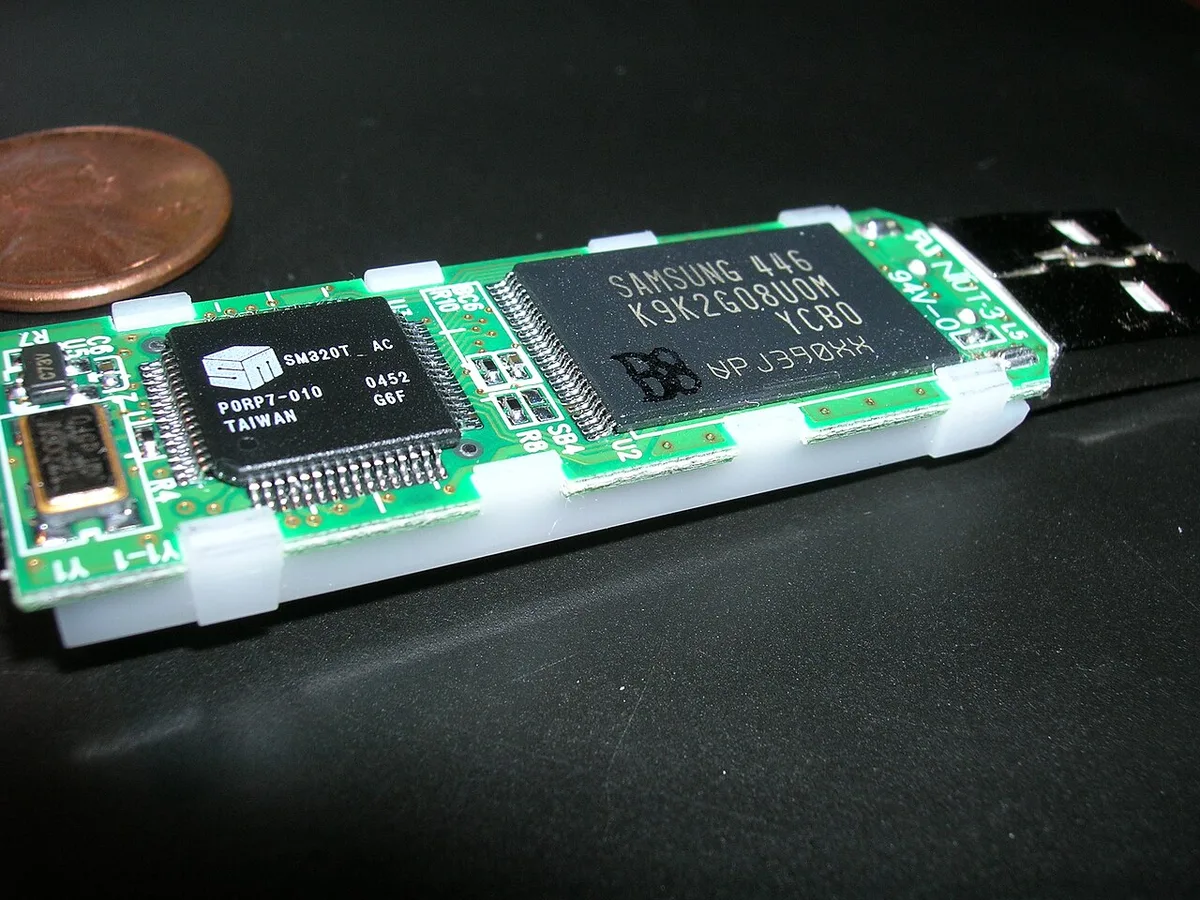
Image source: Wikimedia Commons / Nrbelex (CC BY-SA)
DRAM vs DRAM-less vs HMB: The Three SSD Paths
There are three common paths. Each one trades cost, consistency, and complexity. None is automatically wrong.
| Path | How it works | Best fit |
|---|---|---|
| DRAM SSD | Dedicated DRAM holds mapping data | Heavy multitasking, large installs |
| DRAM-less with HMB | Uses a slice of system RAM | Budget builds with enough RAM |
| DRAM-less without HMB | Relies on NAND and controller tricks | Very cheap or older systems |
DRAM models usually cost more per GB. They also tend to stay calmer when the drive is half full. DRAM-less models can be excellent value, especially with TLC NAND and a strong controller.
HMB is the middle ground. It can work well on desktops with 16 GB or more of RAM. It is less predictable on laptops with tight memory or older platforms.
If you are planning storage planning around game size, remember that capacity affects cache behavior too.
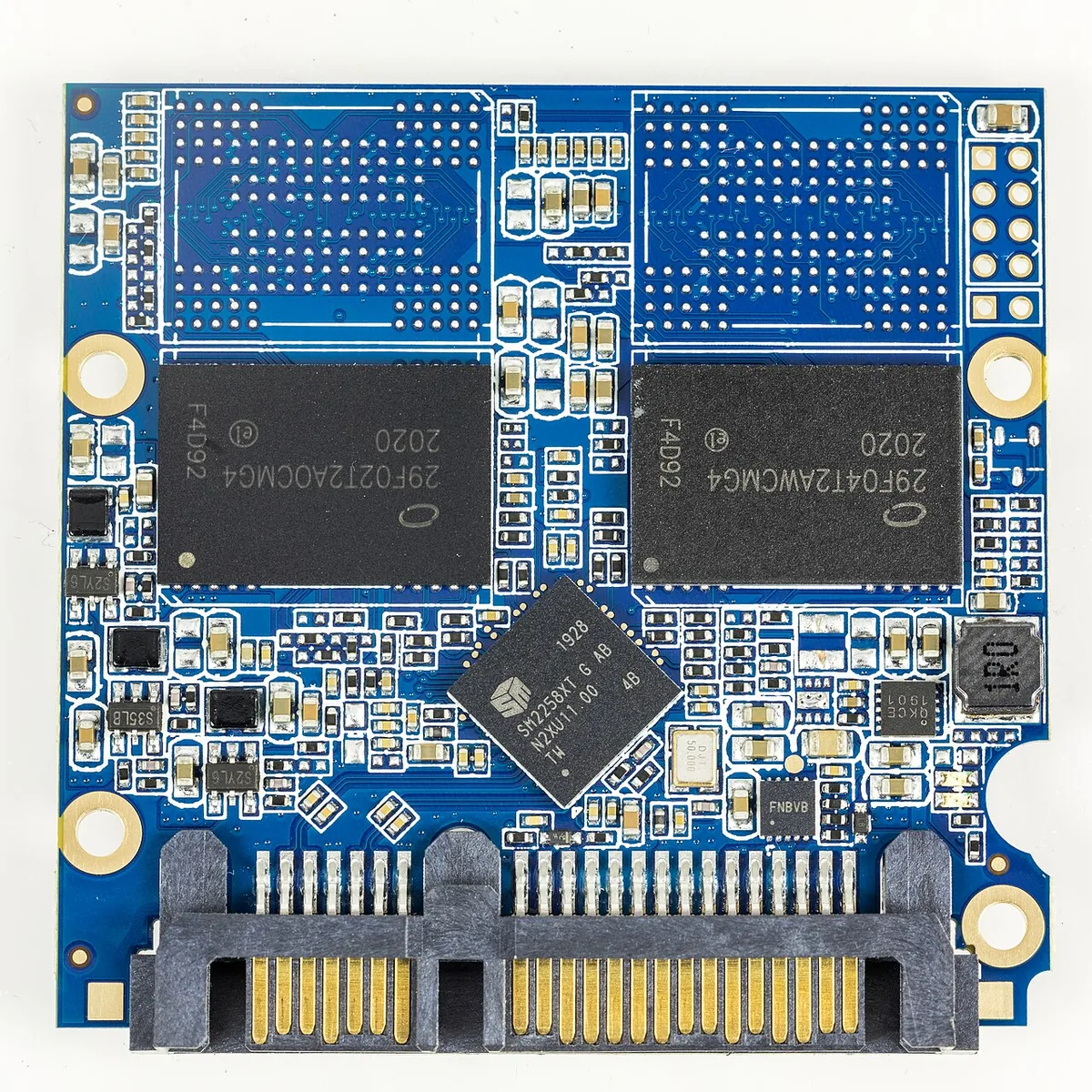
Image source: Wikimedia Commons / Raimond Spekking (CC BY-SA)
When DRAM Matters (and When It Doesn't)
Use if/then logic here. If your PC has 8 GB of RAM and you multitask while gaming, DRAM or strong HMB matters more. If you have 32 GB of RAM and play one game at a time, a good DRAM-less SSD is often fine.
If you download and install games often, sustained write behavior matters. If you mostly load into matches, random read consistency matters more. If your drive stays below 75% full, cache behavior is usually calmer.
If it is nearly full, performance can drop on many models.
- Choose DRAM if you want predictable mixed workloads.
- Choose HMB if you want value and have spare system RAM.
- Choose a strong DRAM-less TLC drive if budget is tight.
- Avoid QLC-only drives for heavy install habits unless the price is right.
For NVMe game loading, the interface and NAND quality often matter before DRAM. For an SSD vs HDD upgrade, any decent SSD is a bigger jump than adding DRAM. Standards bodies such as JEDEC publish memory and storage specs that help compare endurance and signaling claims.
Decision Branches: Which SSD Fits Your Gaming Setup
If you have 16 GB of RAM or more and mostly play games, a strong DRAM-less TLC drive is usually enough. If you stream, record, or install large games often, DRAM or strong HMB is safer.
If your motherboard has a Gen4 M.2 slot, prioritize PCIe Gen4 TLC over Gen3 DRAM. If you only have Gen3, DRAM can help consistency. If the slot shares lanes with SATA ports, check the manual before installing.
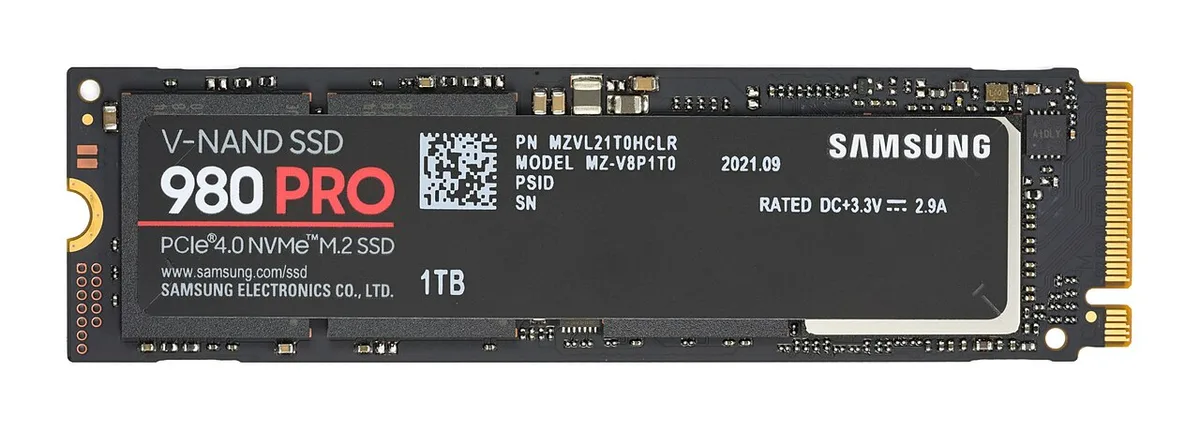
Image source: Wikimedia Commons / D-Kuru (CC BY-SA)
| Gamer profile | Safer choice | Why |
|---|---|---|
| Budget single-player | DRAM-less TLC | Good reads, lower cost |
| Streamer or multitasker | DRAM NVMe | Steadier mixed workloads |
| Large game hoarder | 2 TB TLC | Less fill pressure |
| Older desktop | Gen3 DRAM | Better consistency |
If your system memory needs are already tight, avoid HMB drives. If you plan a memory upgrade timing soon, a DRAM-less drive may be fine now. Check thermal pads and slot spacing before buying.
Real Scenarios: Matching Drives to Gamers
A casual gamer with a 1 TB DRAM-less TLC drive and 16 GB RAM will see fast loads. Game installs may slow only near full capacity. That is normal.
A streamer recording gameplay while downloading a patch puts mixed pressure on the SSD. DRAM helps here because metadata work increases. HMB can work, but it depends on free system RAM.
A handheld PC user cares about power and heat. Smaller DRAM-less drives can be efficient, but sustained writes still matter. Check real reviews for thermal behavior.
A PS5 expansion user should focus on Gen4 speed and heatsink fit. DRAM is not the main buying filter. Capacity and sustained performance matter more.
Mistakes Gamers Make When Buying an SSD
Do not buy by sequential speed alone. Random 4K performance and NAND type matter more for game feel. A cheap QLC drive can look fast on the box but slow during installs.
Do not ignore drive fill. Many SSDs lose consistency above 80 percent capacity. Leave free space.
Do not assume HMB works everywhere. Some laptops limit host memory. Check reviews for your exact model.
Do not chase Gen5 for gaming unless you have cooling and budget. Gen4 is still the practical sweet spot as of 2026.
Do not skip firmware updates. Manufacturers fix cache and throttling behavior through updates. Use official tools only.
Costs, Specs, and What's Actually Worth Paying For
Price per GB changes often, but DRAM usually adds a modest premium. Pay for TLC NAND first. Pay for DRAM second if your workload needs it.
| Spec | Good target | Why |
|---|---|---|
| NAND | TLC | Better endurance and consistency |
| DRAM | 1 GB per 1 TB | Enough for most users |
| TBW | 600+ on 1 TB | Longer useful life |
| Interface | Gen4 NVMe | Strong gaming value |
| Fill level | Under 80% | Avoids slowdown |
A 2 TB drive can be better value than 1 TB plus an external drive. It also reduces fill pressure. If budget is tight, a DRAM-less 1 TB TLC drive is still a major upgrade from HDD.
Frequently Asked Questions
Does an SSD DRAM cache increase FPS?
No. DRAM does not raise frame rates. It improves consistency and latency.
Gaming FPS depends mostly on GPU and CPU.
Is a DRAM-less SSD bad for gaming?
No. A good DRAM-less TLC SSD is fine for gaming. It may slow during large installs or mixed workloads.
Most game loads stay fast.
What is HMB on an SSD?
HMB uses a small part of system RAM for the drive's mapping table. It helps DRAM-less SSDs. It works best when your PC has spare RAM.
Should I buy TLC or QLC for gaming?
Choose TLC if possible. It handles sustained writes better. QLC can be fine for light use if the price is low and the SLC cache is large.
Does drive size affect DRAM performance?
Yes. Larger drives often have more DRAM or mapping room. They also stay below risky fill levels longer.
A 2 TB drive can feel more consistent.