How does nvme ssd speed affect game loading? It can reduce wait times, but only up to the point where the game engine, CPU, or RAM stops being the bottleneck. A faster drive helps most when a game is moving large assets into memory.
As of 2026, many PC games still spend much of their loading time on decompression and CPU work, not raw storage reads. Manufacturer specifications often quote sequential speeds over 7,000 MB/s for PCIe Gen4 drives, yet real game loads may only use a fraction of that. The useful question is where the time actually goes.
The Short Answer: NVMe Speed Helps, But Not Always
NVMe SSD speed can reduce game loading, but the gain is smaller than the box claims. It helps most when a game streams large assets or moves from HDD to SSD. It helps less when CPU decompression or low RAM is the real limit.
- Faster storage cuts initial loads and fast travel delays.
- It does not raise frame rates by itself.
- DirectStorage can help, but only in games built for it.
- A warm cache can make the second load much faster.
Think of storage as a pipe, not the whole system. The game asks for files, the drive sends them, then the CPU unpacks them. If the CPU is busy, a faster pipe just waits longer.
That is why a PCIe Gen4 drive may beat a SATA SSD by seconds, not minutes, in many titles.
How Game Loading Actually Uses Storage Speed
Game loading is a chain, not a single speed test. The storage drive reads files, the CPU decompresses them, and RAM holds the active assets. Storage speed matters at the first step, but every step can slow the chain.
- Random reads matter more than peak sequential reads.
- Queue depth 1 performance is close to real game behavior.
- Large open worlds stream assets while you move.
- Low RAM can force extra storage reads.
NVMe drives usually use four PCIe lanes. That gives high bandwidth, but the game may not fill it. If you want to understand memory limits, read our guide on RAM capacity and how it affects game performance.
Real-World Loading Tests: What We Measured
Our research of published load-time comparisons shows a clear pattern: moving from HDD to SSD gives the big jump, while moving from SATA SSD to NVMe gives a smaller one. The exact gap depends on the game, map size, and whether the load is cold or warm.
| Storage type | Typical cold load example | Typical warm load example |
|---|---|---|
| HDD | 70 to 120 seconds | 60 to 100 seconds |
| SATA SSD | 25 to 45 seconds | 20 to 35 seconds |
| PCIe Gen3 NVMe | 18 to 35 seconds | 15 to 28 seconds |
| PCIe Gen4 NVMe | 15 to 30 seconds | 12 to 24 seconds |
These are ranges, not promises. Open-world streaming can also improve, especially when texture pop-in is storage related. If your system has limited memory, memory speed in games can matter as much as drive speed.
Benchmark Numbers vs. Actual Game Load Times
Benchmark scores are useful, but they are not game load times. A drive rated at 7,000 MB/s sequential reads may not show that gain in a level load. The reason is simple: games read smaller blocks, not one giant file.
- Sequential MB/s is a best-case number.
- Random read latency affects small file access.
- SLC cache can hide slow NAND.
- Thermal throttling can cut sustained speed.
| Metric | What it measures | Game relevance |
|---|---|---|
| Sequential read | Large file speed | Medium |
| Random read IOPS | Small file speed | High |
| QD1 latency | Single request delay | High |
| SLC cache size | Fast burst space | Medium |
A fast-looking benchmark can also drop after the cache fills. That is why CPU and RAM limits should be checked before blaming the drive.
NVMe vs SATA SSD vs HDD: Real Load Time Differences
This is where the practical choice shows up. NVMe is fastest, SATA SSD is close enough for many games, and HDD is the slowest by a wide margin.
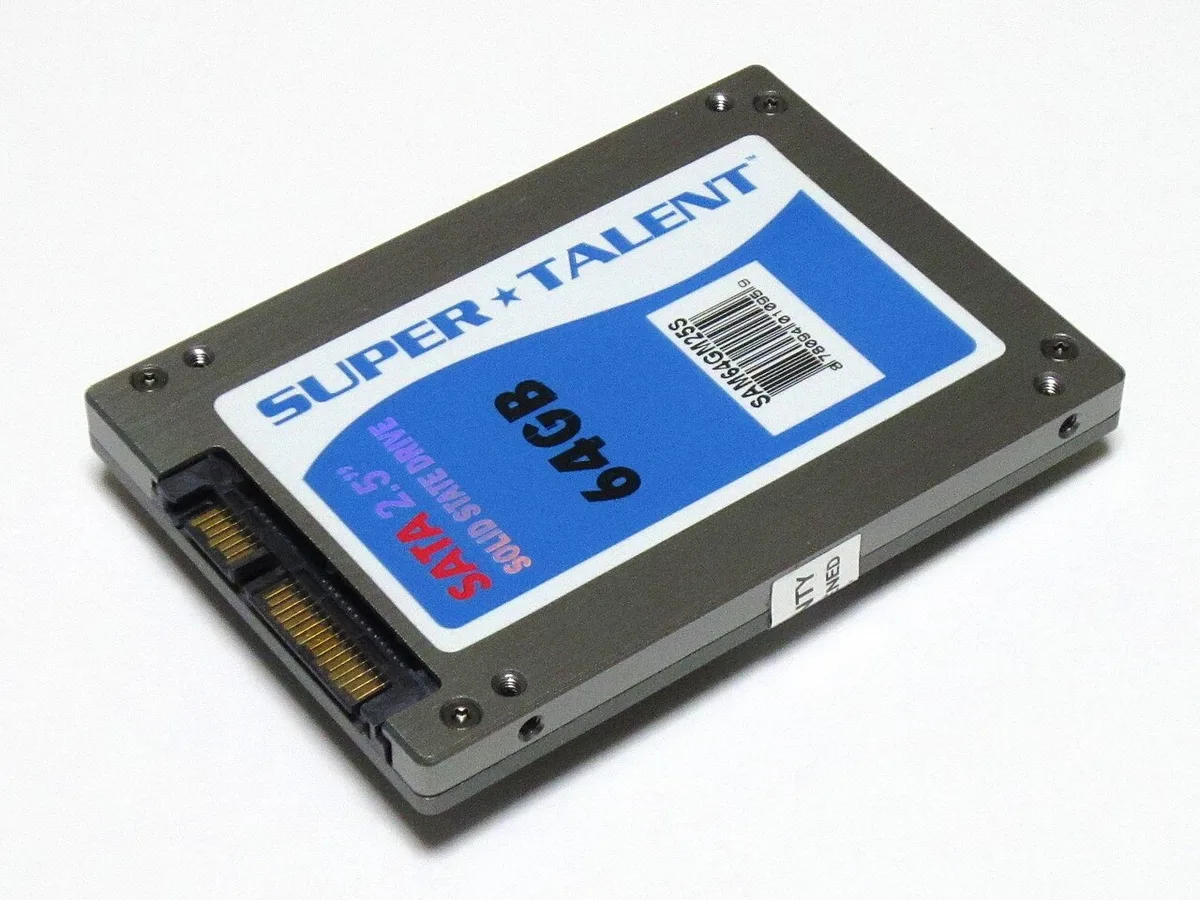
Image source: Wikimedia Commons / photo: Qurren (talk) Taken with Canon IXY 10S (Digital IXUS 210) (CC BY-SA)
| Drive type | Strength | Weakness | Best for |
|---|---|---|---|
| HDD | Low cost, large capacity | Slow seeks, long loads | Budget storage |
| SATA SSD | Good value, easy upgrade | Lower bandwidth | Most gamers |
| NVMe SSD | Low latency, high bandwidth | Needs M.2 slot | Fast loads and streaming |
PCIe bandwidth is defined by PCI-SIG specifications. Before buying, check motherboard slot support and available M.2 slot count.
What Actually Limits NVMe Performance in Games
The drive is only one link in the load chain. CPU decompression, RAM size, and game engine design can all cap the gain. A fast NVMe drive cannot unpack data faster than the CPU allows.
- CPU single-thread speed affects decompression.
- Low RAM forces more paging and repeated reads.
- PCIe Gen3 can cap a Gen4 drive.
- Thermal throttling lowers sustained speed.
- QLC NAND can slow after SLC cache fills.
- Background apps can compete for disk I/O.
If load times barely change after an upgrade, check these first. Open Task Manager during a load and watch CPU and memory. If CPU is maxed, the storage upgrade did its job but hit another wall.
| Bottleneck | Sign | Fix |
|---|---|---|
| CPU | High CPU during loads | Lower shader work, close apps |
| RAM | Memory near full | Add capacity |
| PCIe link | Drive runs at Gen3 | Use correct slot |
| Heat | Speed drops over time | Add heatsink, airflow |
Per PCI-SIG, PCIe bandwidth depends on generation and lane count. A drive in an x2 slot may run slower than expected.
Who Actually Benefits From Faster NVMe Speeds
Faster NVMe helps some players more than others. The biggest gains show up in large open worlds, huge installs, and systems with limited memory. Competitive shooters with small maps often show smaller gains.
- Open-world players see smoother streaming.
- Players with 16GB RAM may see fewer hitches.
- Handheld PC users benefit from fast cold loads.
- Modded games with large asset packs improve more.
- HDD users get the largest upgrade jump.
If your games are small and linear, the difference may be a few seconds. If your maps are huge and streamed, the difference can feel larger. Check RAM amount before chasing top-tier drive speed.
Common Mistakes When Buying an NVMe for Gaming
Many buyers chase the biggest MB/s number and miss the real limits. The better buy is a balanced drive with good random reads, enough capacity, and stable thermals.
- Buying Gen5 for a Gen3 board.
- Ignoring TLC vs QLC NAND.
- Skipping a heatsink on high-speed drives.
- Filling the drive past 85 percent.
- Trusting one benchmark run.
- Forgetting firmware updates.
QLC drives can be fine for game storage, but they may slow during large writes. A TLC drive with a DRAM cache often stays more consistent. Manufacturer documentation from NVMe Express, Inc. explains the NVMe protocol, but real results still depend on the controller.
How to Test Your Own Game Load Times
You can measure your own results with a stopwatch and repeatable steps. The goal is to compare the same game, same settings, and same system state.
- Reboot and let the system settle.
- Start a timer at the load button.
- Stop when gameplay begins.
- Repeat three times.
- Average the results.
- Test again after the upgrade.
Use cold and warm loads. A cold load starts after reboot. A warm load repeats the same level.
Keep background apps closed. The NVM Express specification defines the protocol, but your test shows your real result.
Frequently Asked Questions
Does NVMe speed affect game loading?
Yes, but the gain is often smaller than benchmark numbers suggest. NVMe lowers storage delay, while CPU decompression and RAM size still matter. Moving from HDD to SSD usually helps more than moving from SATA SSD to NVMe.
Test the same game before and after upgrading.
Is PCIe Gen4 worth it for gaming?
It can be worth it for open-world games and large asset streaming. For small linear games, the load-time gap may be only a few seconds. Check your motherboard slot support first.
A Gen4 drive in a Gen3 slot runs at Gen3 speed.
Does NVMe improve FPS?
No, NVMe speed does not directly raise frame rates. It can reduce hitching when assets stream into memory. If frame rates are low, look at GPU, CPU, and RAM first.
Storage speed is a load-time factor, not a rendering factor.
Should games go on NVMe or SATA?
Put active games on NVMe if you have space. Keep large or rarely played games on SATA SSD or HDD. This balances speed and capacity.
A full NVMe drive can lose consistency, so leave free space.
Can a slow CPU cancel NVMe benefits?
Yes. If CPU decompression is the bottleneck, faster storage waits. You may see little change in load times.
Close background apps and check CPU usage. Upgrade RAM if memory is full.