You're mid-match and your ping spikes out of nowhere. Your character rubber-bands across the screen. The question of whether a gaming laptop needs Ethernet pops into your head for the first time.
For competitive players, the answer often matters more than the laptop's GPU.
Wi-Fi has come a long way. Wi-Fi 6E and Wi-Fi 7 can hit multi-gigabit speeds in ideal conditions. But speed isn't the issue for gaming.
Latency, jitter, and packet loss are. The IEEE 802.3 Ethernet standard delivers a stable, dedicated link that wireless can't fully replicate. Let's walk through when you actually need that cable.
does a gaming laptop need Ethernet
Not always. Casual gamers on strong Wi-Fi 6 or 7 usually do fine. Competitive players chasing low ping benefit most from a cable.
Cloud gaming users need wired for stability. Your router's distance and interference level decide the rest.
The short version: it depends on your game and your network. Casual single-player titles don't care about your connection at all. Competitive shooters and cloud gaming do.
Everything else sits somewhere in between.
Here's what most guides miss. They treat Ethernet as a universal upgrade. It isn't.
A wired connection won't fix a slow internet plan. It won't reduce server-side lag. It only stabilizes the link between your laptop and your router.
So the real question isn't whether Ethernet is better. It is. The real question is whether your current wireless setup is already good enough.
For many players, it is. For others, that cable is the difference between winning and losing. We'll break this down by game type, network environment, and your personal tolerance for lag.
By the end, you'll know exactly which camp you fall into.
The Real Problem: Unstable Online Gaming
Most gamers blame their internet plan when matches feel laggy. The real culprit is usually the last few feet between your router and your laptop. Wireless signals compete with neighbors, microwaves, and walls.
Each interference source adds jitter and packet loss.
Jitter is the variation in ping between packets. Packet loss is data that never arrives. Both cause rubber-banding, delayed hit registration, and dropped inputs.
These problems hit hardest in fast-paced games like CS2, Valorant, and Apex Legends.
Aggregate user reviews and network testing data show that congested apartment buildings suffer the worst wireless instability. Dense neighborhoods have dozens of overlapping Wi-Fi networks. Your laptop jumps between channels trying to find a clear one.
Background apps stealing bandwidth make it worse by competing for airtime on the same wireless adapter.
A wired Ethernet connection sidesteps all of this. The cable creates a dedicated path from laptop to router. No interference, no channel hopping, no surprises during clutch moments.
FCC broadband benchmarks confirm that wired latency stays consistent even under heavy load.
The problem isn't speed. Your Wi-Fi might show 500 Mbps and still feel terrible in-game. Gaming needs consistency, not bandwidth.
A 25 Mbps wired connection often outperforms a 500 Mbps wireless one in real matches.
Here's a quick self-check. Open your game's network stats overlay. Watch your ping for five minutes during a match.
If it swings by more than 15 ms, you have a stability problem. If it holds steady, your wireless is fine.
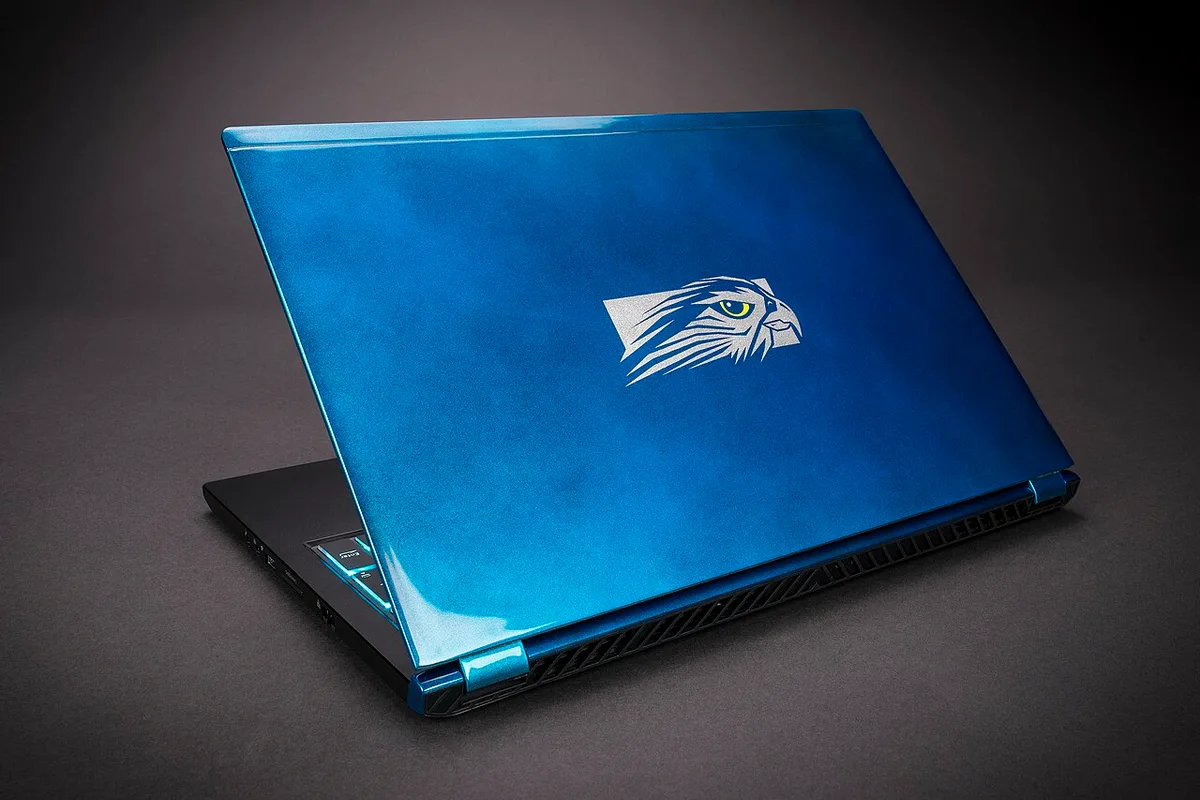
Image source: Wikimedia Commons / Falcon Northwest (CC BY-SA)
Why Wired vs Wireless Matters for Gaming
Speed tests lie to gamers. Your Wi-Fi might show 500 Mbps download and still feel terrible in-game. Gaming doesn't need bandwidth.
It needs consistency.
Ethernet delivers three things wireless struggles with. First, lower ping, often 1 to 5 ms from laptop to router. Second, near-zero packet loss.
Third, stable jitter under 1 ms. Wi-Fi 6 and 7 narrow the gap but can't eliminate environmental interference.
The trade-off is convenience. Ethernet ties you to a cable. You lose the freedom to game from your couch or bed.
For some players, that trade-off isn't worth it.
Image source: Wikimedia Commons / Slick
Manufacturer specs from Intel and Realtek confirm that wired NICs maintain consistent throughput under load. Wireless adapters throttle when competing for airtime. This matters during downloads, streams, and background updates.
Graphics driver updates running in the background can spike wireless latency without warning.
The hidden issue is bufferbloat. When your network is busy, packets queue up. Ping spikes even on fast connections.
Ethernet with a good router handles queues better. Some gaming routers prioritize game traffic through QoS settings.
As of 2026, Wi-Fi 7 introduces Multi-Link Operation. It bonds multiple bands for better stability. Early tests show improvement, but wired still wins for competitive play.
The gap is shrinking. It isn't gone.
One more factor: upload speed. Streaming on Twitch or Discord needs stable upstream. Wireless upload fluctuates more than wired.
If you stream while gaming, Ethernet helps both directions.
The Variables That Decide Your Answer
Four factors determine whether you need Ethernet. Check each one honestly.
Game type. Competitive shooters and fighting games demand low, stable ping. Single-player and turn-based games don't care. Cloud gaming depends entirely on connection stability.
Router distance and placement. A router in the next room on the same floor works fine on Wi-Fi. A router two floors down through concrete walls does not.
Network congestion. Shared dorm networks and dense apartments create heavy interference. Rural homes with few neighbors rarely have this problem.
Your tolerance. Some players shrug off a 60 ms ping. Others tilt at 25 ms. Know your threshold.
| Scenario | Wi-Fi Likely Fine | Ethernet Recommended |
|---|---|---|
| Casual single-player games | Yes | No |
| Competitive shooters, under 20 ms ping target | No | Yes |
| Cloud gaming (GeForce NOW, Xbox Cloud) | Risky | Yes |
| Dorm or dense apartment | Risky | Yes |
| Rural home, router in same room | Yes | Optional |
Overheating during long sessions can also affect network adapter performance. Thermal throttling sometimes hits the NIC alongside the GPU. If your laptop runs hot, test your ping before and after a cooling pad.
Manufacturer control software sometimes includes network priority settings. Check your laptop's utility app. Some brands let you prioritize game traffic at the adapter level.
This helps wireless but doesn't replace a cable.
The Ethernet Decision Tree: Which Path Are You On?
Walk through these branches in order. Stop when you hit a clear answer.
Branch 1: What games do you play?
- Single-player or turn-based only → Wi-Fi is fine. Skip to the end.
- Competitive multiplayer or cloud gaming → Continue to Branch 2.
Branch 2: Where is your router?
- Same room or next room, same floor → Continue to Branch 3.
- Two or more walls away or different floor → Use Ethernet. Done.
Branch 3: How congested is your network?
- Rural or suburban, few neighbors → Wi-Fi likely works. Test first.
- Dense apartment or dorm → Use Ethernet. Done.
Branch 4: Test your actual ping.
- Under 20 ms with zero packet loss on Wi-Fi → Wi-Fi is enough.
- Over 30 ms or any packet loss → Get the cable.
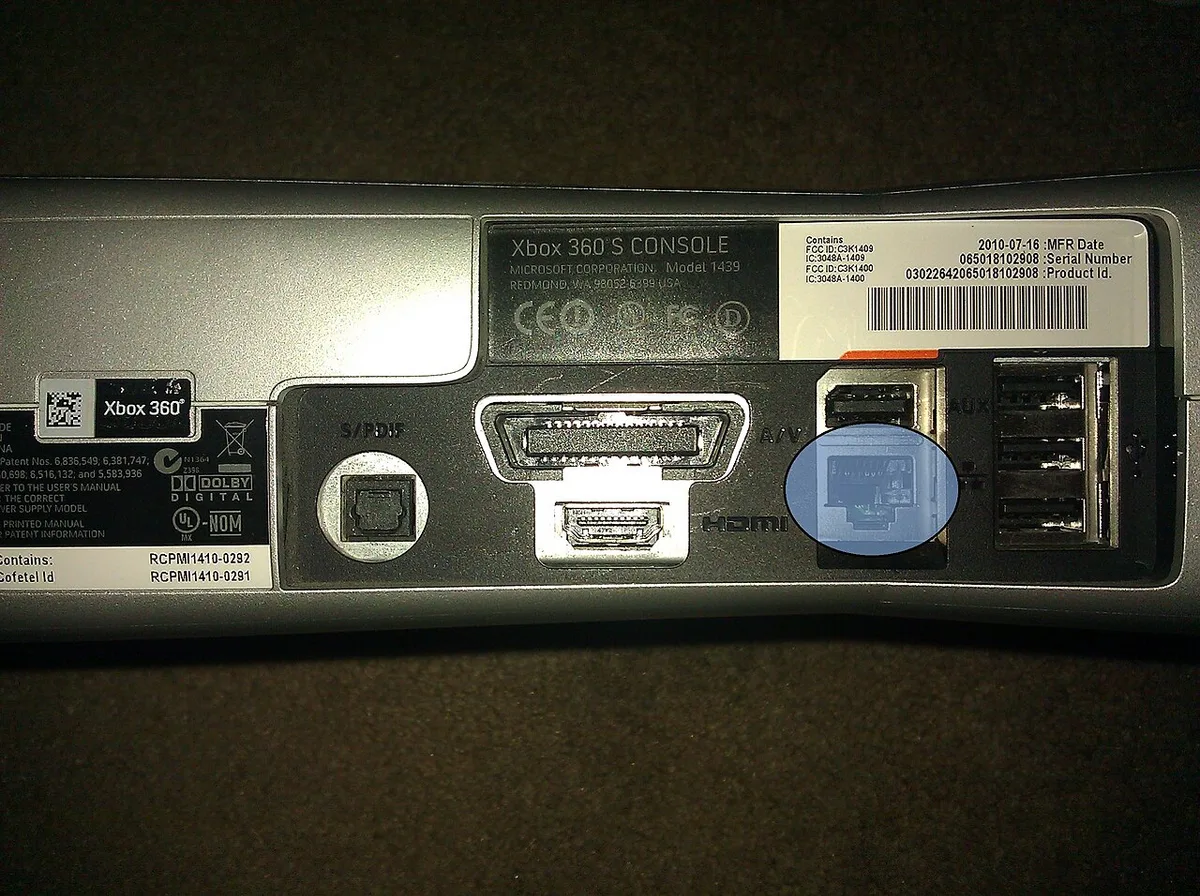
Image source: Wikimedia Commons / Sbuckl3 (CC BY-SA)
Most gaming laptops include an RJ45 port on the rear or side. Thin models drop it to save space. If yours lacks one, a USB-C or Thunderbolt Ethernet adapter works.
Aggregate reviews report that Intel and Realtek-based adapters perform closest to built-in ports.
Silent mode throttling can quietly reduce network adapter performance on some laptops. Check your power settings before blaming your connection. Turbo mode boosting thermals sometimes does the opposite, increasing fan noise but stabilizing clocks.
Test both modes during a match.
If you're still unsure, run a week-long test. Play your usual games on Wi-Fi. Note any lag spikes.
Then borrow a cable and repeat. Compare the two weeks. The difference, or lack of it, tells you everything.
One last tip. Don't buy expensive cables. Cat6 handles 1 Gbps up to 100 meters.
That covers any home. Spend the savings on a better router if needed.
Ethernet vs Wi-Fi 6/6E/7 and Other Fixes
Wi-Fi 6 and 6E improved latency and capacity. Wi-Fi 7 adds Multi-Link Operation. Wired still wins for consistency.
The gap is smaller than it used to be, but it has not closed.
| Option | Best for | Main limitation |
|---|---|---|
| Ethernet (Cat6) | Competitive play, streaming | Cable routing |
| Wi-Fi 6/6E | Casual gaming, same room | Interference |
| Wi-Fi 7 | Newer laptops, crowded networks | Still wireless |
| Mesh Wi-Fi | Large homes | Added hop latency |
| Powerline adapter | No cable run possible | Electrical noise |
| MoCA adapter | Coax available | Needs coax outlets |
If your router is close, try the 6 GHz band first. It has less congestion than 2.4 or 5 GHz. Keep router firmware updated.
Enable QoS if your router supports it. Background apps stealing bandwidth can ruin wireless even on fast plans, so close launchers and updaters before matches.
How to Test Whether You Actually Need a Cable
Start with a baseline. Open your game's network stats overlay. Watch ping for five minutes during a real match.
Note any spikes or packet loss.
Then run three checks:
- Speed test for raw throughput.
- In-game ping for real match latency.
- Bufferbloat test for latency under load.
If ping stays under 20 ms with zero packet loss, Wi-Fi is enough. If it swings by more than 15 ms, get the cable. Test at the same time of day you usually play.
Evening congestion changes results.
Manufacturer control software can show adapter settings and priority options. Check it before buying hardware. Sometimes a simple setting change fixes the issue.
Mistakes Gamers Make When Deciding
- Treating download speed as gaming performance. Speed does not fix jitter.
- Buying expensive cables. Cat6 handles 1 Gbps up to 100 meters.
- Ignoring router placement. Moving the router often beats buying gear.
- Testing at the wrong time. Morning tests hide evening congestion.
- Blaming the ISP before checking local interference.
- Assuming turbo mode settings fix network issues. They change power and thermals, not Wi-Fi stability.
Frequently Asked Questions
Does Ethernet lower ping in every game?
No. It stabilizes the path to your router. Server distance still matters.
If your ping is already low and stable on Wi-Fi, Ethernet may only shave a few milliseconds. Competitive players notice. Casual players often do not.
Is Wi-Fi 7 as good as Ethernet for gaming?
Closer, but not equal. Multi-Link Operation improves stability. Interference still exists.
For tournaments, wired remains standard. For home play, Wi-Fi 7 can be good enough.
Can a USB-C Ethernet adapter match a built-in port?
Usually yes for 1 Gbps. Intel and Realtek-based adapters perform well. Cheap adapters may overheat or drop link.
Check reviews and driver support before buying.
Should I disable Wi-Fi when using Ethernet?
Yes. Disable wireless in settings or use airplane mode. This prevents the laptop from routing traffic over Wi-Fi.
It also reduces interference and confusion.
Does Ethernet help cloud gaming?
Yes. Cloud gaming streams video and inputs. Stable latency matters more than raw speed.
Wired reduces stutter and input delay.
Your Personal Decision Guide
Use Ethernet if you play competitive shooters, use cloud gaming, live in a dorm, or see ping spikes. Stay on Wi-Fi if you play casually, sit near the router, and get stable ping. If unsure, run the week-long test.
Keep a Cat6 cable as a backup either way.
1 thought on “Does a Gaming Laptop Need Ethernet? Here’s the Truth”
Comments are closed.