Does Dell own Alienware? Yes, and that fact changes how you should compare their PCs. Dell acquired Alienware in 2006.
Today Alienware operates as Dell's premium gaming brand. Both lines share manufacturing scale and support systems. That shared backbone is the real story for buyers.
As of 2026, shoppers usually compare Alienware with Dell's G-Series. The brands target different budgets and priorities. One leans premium.
The other leans practical. Knowing the ownership link helps you read specs and warranty terms with less confusion.
does Dell own Alienware
Yes. Dell owns Alienware. Dell acquired the company in 2006.
Alienware now works as Dell's premium gaming brand. The two brands share support and supply chains. That makes ownership clear for buyers.
How the Dell and Alienware Relationship Actually Works
Dell bought Alienware in 2006. Alienware stayed a gaming-focused brand. Dell kept its broader consumer and business lines separate.
The result is one parent and two distinct identities.
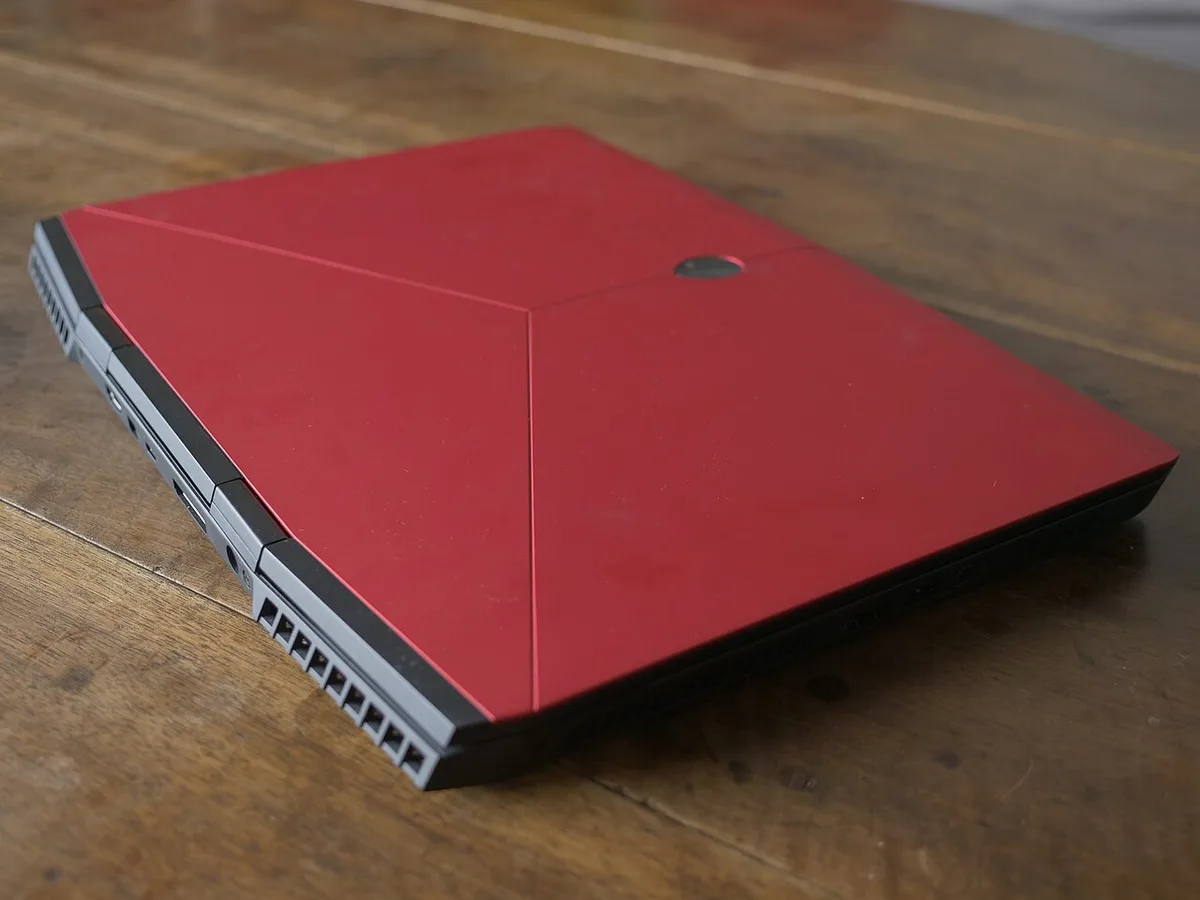
Image source: Wikimedia Commons / Mfaure (CC BY-SA)
For you, ownership shows up in practical ways. Dell handles manufacturing scale. Alienware keeps premium design and cooling.
Support often routes through Dell's systems. Parts and service tags usually follow Dell's process.
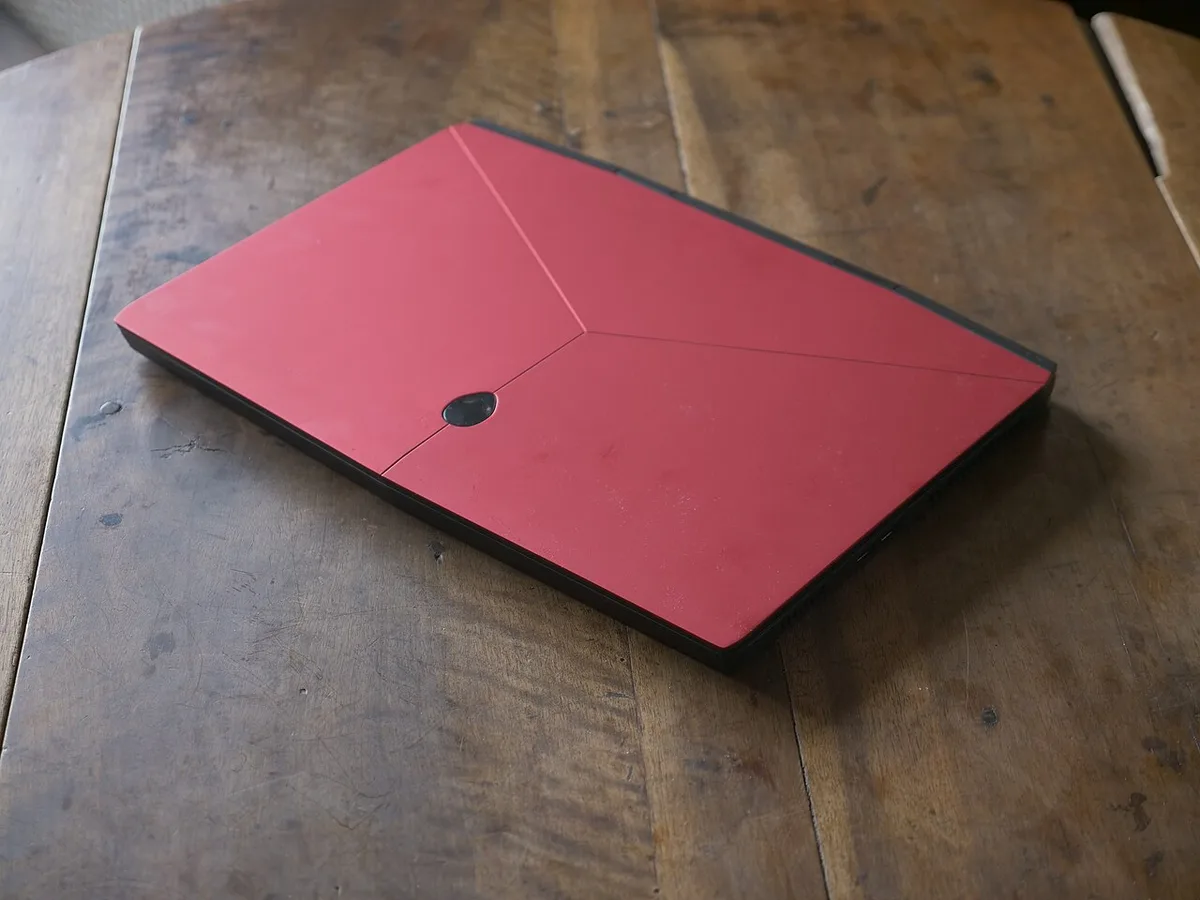
Image source: Wikimedia Commons / Mfaure (CC BY-SA)
This is not a simple badge swap. Alienware still has its own design language. Dell G-Series still targets value.
The brands overlap in components but not in positioning. That overlap can confuse first-time buyers. If you want to judge chassis quality, our guide to checking gaming laptop build quality can help.
Where Dell G-Series and Alienware Differ on Hardware
Alienware systems usually push cooling and design harder. Dell G-Series systems usually prioritize value and easier service. Both can use similar CPUs and GPUs.
The difference often sits in thermals, materials, and layout.
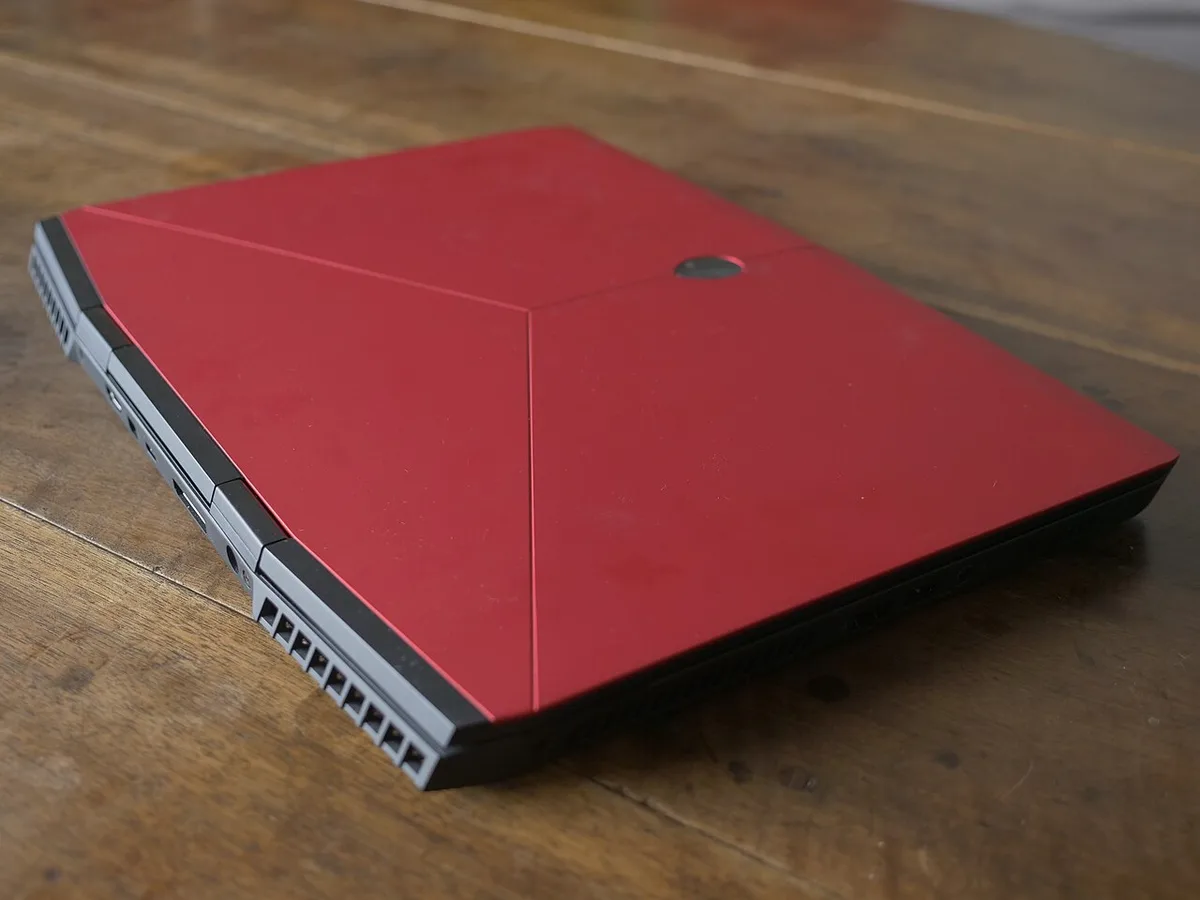
Image source: Wikimedia Commons / Mfaure (CC BY-SA)
- Cooling: Alienware Cryo-Tech systems aim for sustained performance. G-Series cooling is simpler but often adequate.
- Design: Alienware uses distinct chassis styling. G-Series looks more mainstream.
- Parts: Some Alienware parts are proprietary. G-Series parts are often more standard.
- Upgrades: Both have limits in laptops. Desktops usually offer more room.
If you are comparing thin machines, our article on whether thin gaming laptops are actually good for gaming adds useful context.
Dell vs. Alienware: Side-by-Side Comparison
| Feature | Dell G-Series | Alienware |
|---|---|---|
| Price position | Value-focused | Premium |
| Cooling | Simpler, adequate | More aggressive |
| Design | Mainstream | Distinct gaming style |
| Serviceability | Often easier | More proprietary |
| Best for | Budget gamers | Enthusiasts |
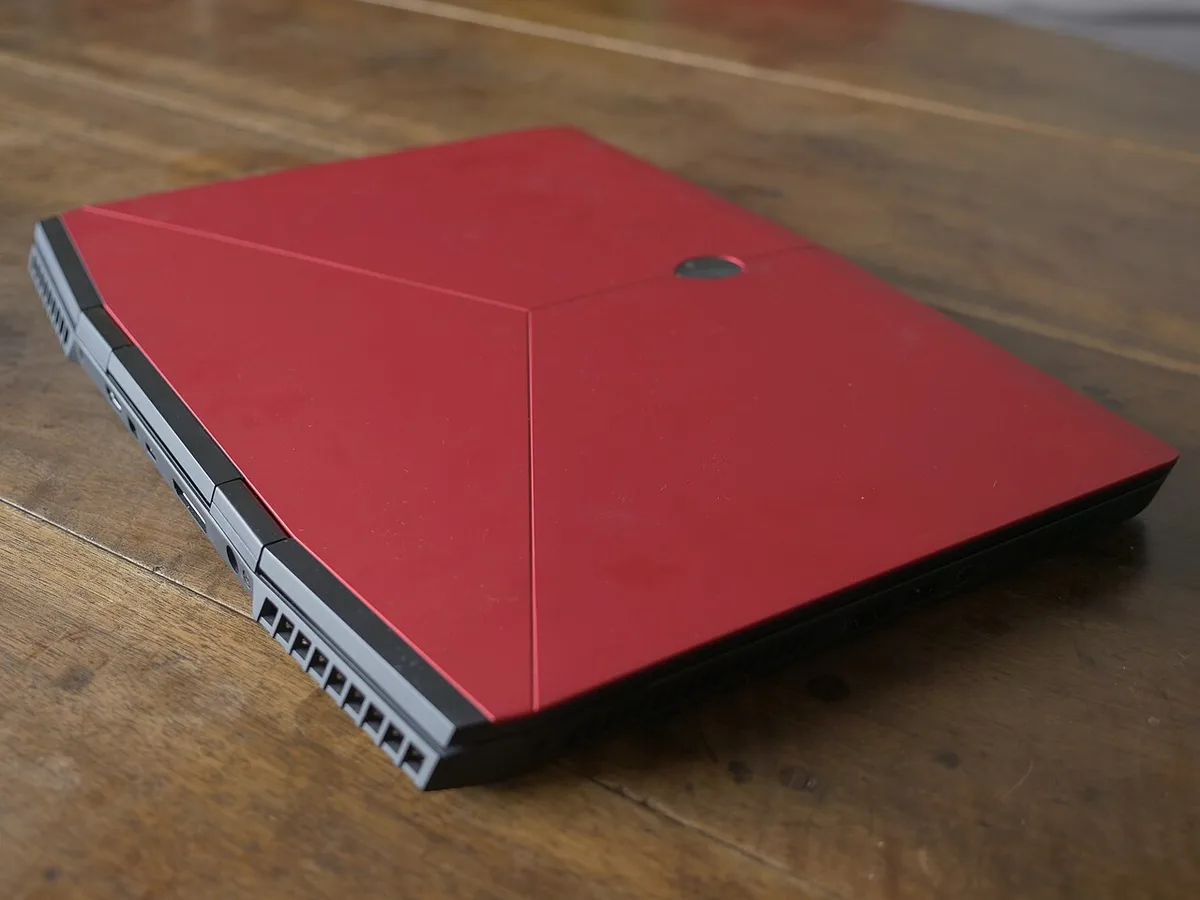
Image source: Wikimedia Commons / Mfaure (CC BY-SA)
The table shows the pattern. G-Series fits tighter budgets. Alienware fits premium buyers.
Neither is automatically better. Your workload decides it. If you are weighing similar brand splits, our comparison of HP Omen and Victus shows how sub-brands can differ.
Which One Fits Your Use Case
- Budget gaming: Dell G-Series is usually the safer starting point.
- Premium performance: Alienware may fit better for sustained loads.
- Streaming: Either works if cooling and ports match your setup.
- Portable play: Compare weight, size, and battery life closely.
- Long sessions: Prioritize cooling and keyboard comfort.
- Warranty peace: Dell's support network applies to both brands.
If you mostly play esports titles, a G-Series may be enough. If you want maximum sustained performance, Alienware may fit. For creators, compare ports and thermals.
For students, value and weight matter most. If daily work matters too, our guide on whether a gaming laptop can be used for work every day is worth a look.
What You'll Pay: Pricing, Value, and Support
Alienware usually costs more for similar core specs. Dell G-Series usually costs less. The gap comes from cooling, design, and premium positioning.
As of 2026, that pattern still holds across most laptop and desktop lines.
Value is not just the sticker price. You should compare warranty terms, service access, and part availability. Dell Outlet can lower cost on refurbished systems.
Financing options may also affect total cost over time. If you travel with your machine, our guide on how to carry a gaming laptop safely can help you protect that investment.
| Buying Factor | Dell G-Series | Alienware |
|---|---|---|
| Upfront cost | Lower | Higher |
| Refurbished options | Often available | Sometimes available |
| Warranty choices | Standard and extended | Standard and extended |
| Part sourcing | Often simpler | Sometimes proprietary |
Support usually runs through Dell's systems for both brands. You can use the service tag to check coverage and order parts. Accidental damage plans may be worth it for students or frequent travelers.
Always read the exclusions before buying. For charger care on the road, see our tips on how to travel with a gaming laptop charger safely.
Common Mistakes When Choosing Between Dell and Alienware
Many buyers assume Alienware is a separate company. It is not. That mistake can lead to false comparisons.
Both brands sit under Dell Technologies.
- Buying the most expensive model without checking thermals.
- Ignoring weight and size for daily carry.
- Assuming every Alienware part is easy to replace.
- Skipping warranty comparison between configurations.
- Overlooking Dell Outlet refurbished options.
- Choosing looks over ports and cooling.
Another common mistake is judging only by CPU and GPU names. Cooling and power limits matter just as much. A cheaper chassis with better airflow can outperform a premium chassis in long sessions.
If you care about longevity, our article on how long a gaming laptop chassis lasts is useful. Comfort also matters during long play, so read whether gaming laptops are comfortable for long sessions before you decide.
How to Pick the Right One for You
Start with your budget and your games. Then compare cooling, weight, and upgrade paths. Do not start with brand loyalty.
Start with your actual use case.
- List your must-have specs and ports.
- Set a firm budget range.
- Compare thermals and noise levels.
- Check warranty and support options in your region.
- Review weight and battery life.
- Consider refurbished units if available.
If you mostly play esports titles, a G-Series may be enough. If you stream or edit video, Alienware may fit better. Creators should compare USB and display ports carefully.
Students should prioritize value and portability. Parents should check accidental damage coverage. Use Dell's official site to verify current configurations and support terms.
FAQs About Dell and Alienware
Is Alienware still owned by Dell?
Yes. Dell acquired Alienware in 2006. Alienware now operates as Dell's premium gaming brand.
The two brands share support and manufacturing scale.
Is Alienware better than Dell G-Series?
Not always. Alienware often offers stronger cooling and premium design. Dell G-Series often offers better value.
The better choice depends on your budget and workload.
Do Alienware and Dell use the same support system?
Yes, support usually routes through Dell. You can use the service tag to check warranty and order parts. Coverage terms still vary by product and region.
Are Alienware parts harder to replace?
Sometimes. Some Alienware designs use proprietary layouts. Dell G-Series models are often easier to service.
Always check upgrade and repair details before buying.
Should I buy refurbished Dell or Alienware?
It can be a smart option. Dell Outlet offers refurbished systems with warranty coverage. Availability changes by region and model.
Compare condition, warranty, and price carefully.
Final Verdict: Dell or Alienware?
Dell owns Alienware, but the brands serve different buyers. Dell G-Series is usually the better value pick. Alienware is usually the better premium pick.
Neither is automatically the right choice for everyone.
Choose G-Series if budget and practicality matter most. Choose Alienware if you want premium cooling and design. Compare thermals, ports, warranty, and weight before you buy.
Then check Dell's current listings and support terms. That final check matters more than brand name.