If you are asking what CPU is best for a gaming laptop, start here: most gamers do not need the most expensive chip. The right processor is the one that matches your games, your budget, and the laptop's cooling.
Manufacturer specs and aggregate benchmark data show that mobile CPUs with a 45 watt base power rating often deliver the best balance of frame rates and battery life. We will walk through Intel, AMD, suffixes, and tiers so you can choose with confidence.
The Short Answer: Which CPU Is Actually Best for a Gaming Laptop?
For most buyers, a mid-tier mobile Core i7 or Ryzen 7 with an H suffix is the sweet spot. It gives strong gaming performance without the heat, noise, and price jump of top-tier chips. If you stream, edit video, or play CPU-heavy strategy games, step up to Core i9 or Ryzen 9.
If budget is tight, a Core i5 or Ryzen 5 is still a solid gaming CPU when paired with a good GPU.
Quick picks:
- Casual and esports gaming: Core i5 or Ryzen 5 H
- Most AAA gaming: Core i7 or Ryzen 7 H
- Streaming plus creation: Core i9 or Ryzen 9 H or HX
- Thin and light laptops: HS or U series chips
The GPU still carries most frames, so do not overspend on the CPU. Check GPU still carries most frames for that balance.
Why the CPU Is Not the Hero in a Gaming Laptop
Most modern games lean on the graphics card. The CPU handles physics, AI, draw calls, and background tasks. Once the GPU is busy, extra CPU cores add little FPS.
In our research, the gap between mid-tier and top-tier mobile CPUs in many games is small, while heat and fan noise grow fast. Laptop cooling matters more than the badge on the chip.
A 45 watt H series chip can boost high for short bursts. A 55 watt plus HX chip needs strong cooling to hold those speeds. In a thin chassis, it may throttle and perform closer to a cooler chip.
That is why a well-cooled Core i7 often beats a hot Core i9.
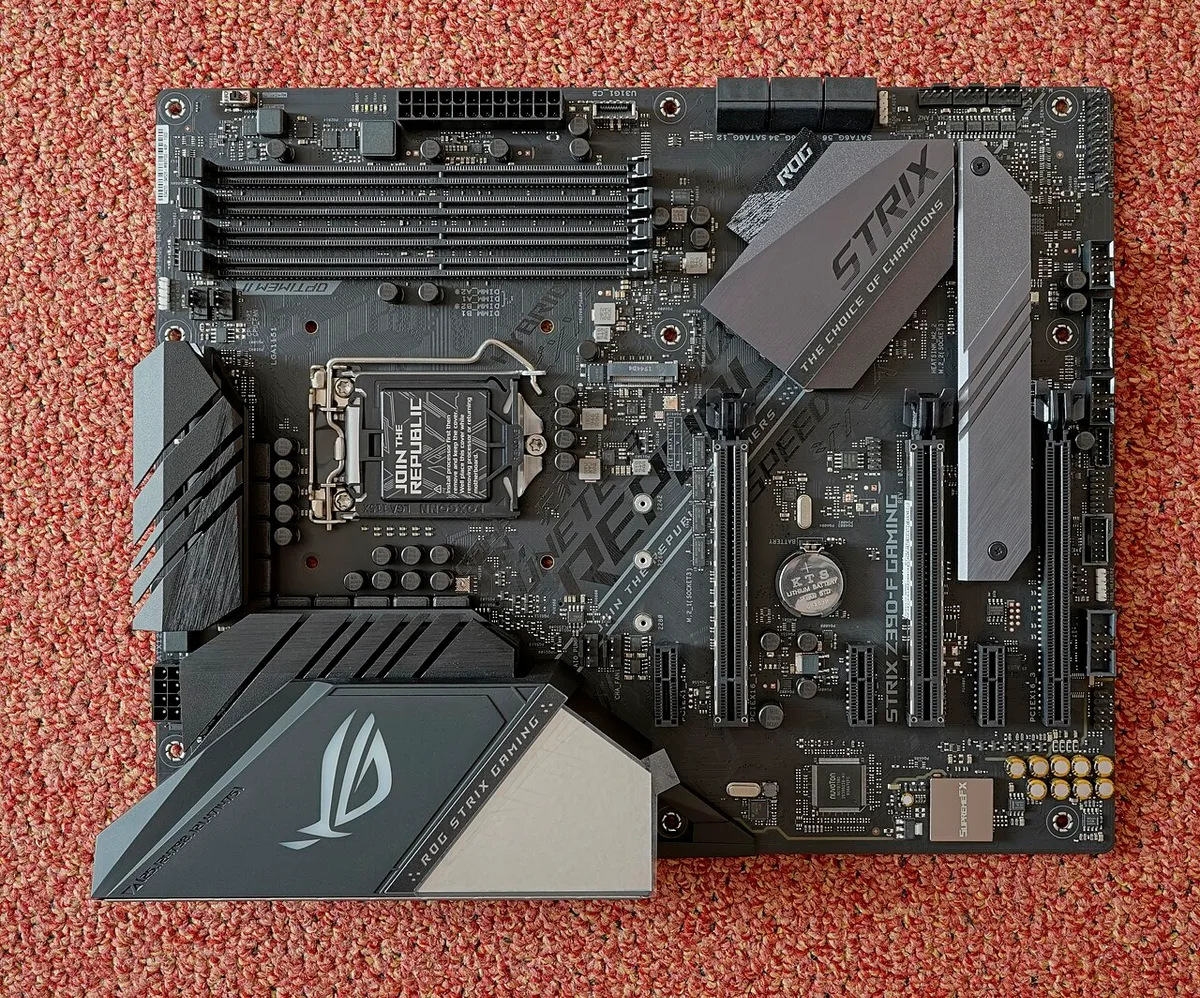
Image source: Wikimedia Commons / PantheraLeo1359531 (CC BY)
A dedicated graphics card explains why the GPU leads. specs that actually matter helps you rank features.
Intel Core vs AMD Ryzen Mobile: The Real Battle
Both brands make excellent mobile CPUs. Intel leans on hybrid cores and strong single-core speed. AMD leans on efficient multi-core designs and strong integrated graphics on some chips.
Your best choice depends on price, thermals, and the specific laptop model.
Intel Core mobile chips use performance cores and efficiency cores. AMD Ryzen mobile chips use Zen cores across the stack. In aggregate reviews, Intel often leads in lightly threaded game performance.
AMD often leads in multi-threaded work and battery life on comparable laptops. Neither is a bad pick.
Use reading spec sheets carefully to compare real specs, not marketing names. Manufacturer pages at Intel and AMD list exact core counts and power limits. Intel and AMD are the places to verify SKUs.
| Pick | Strength | Tradeoff |
|---|---|---|
| Intel Core H | Strong single-core speed | Can run hot in thin laptops |
| AMD Ryzen H | Strong multi-core efficiency | Model availability varies |
| Either mid-tier | Best value for gaming | Top-tier gains are small |
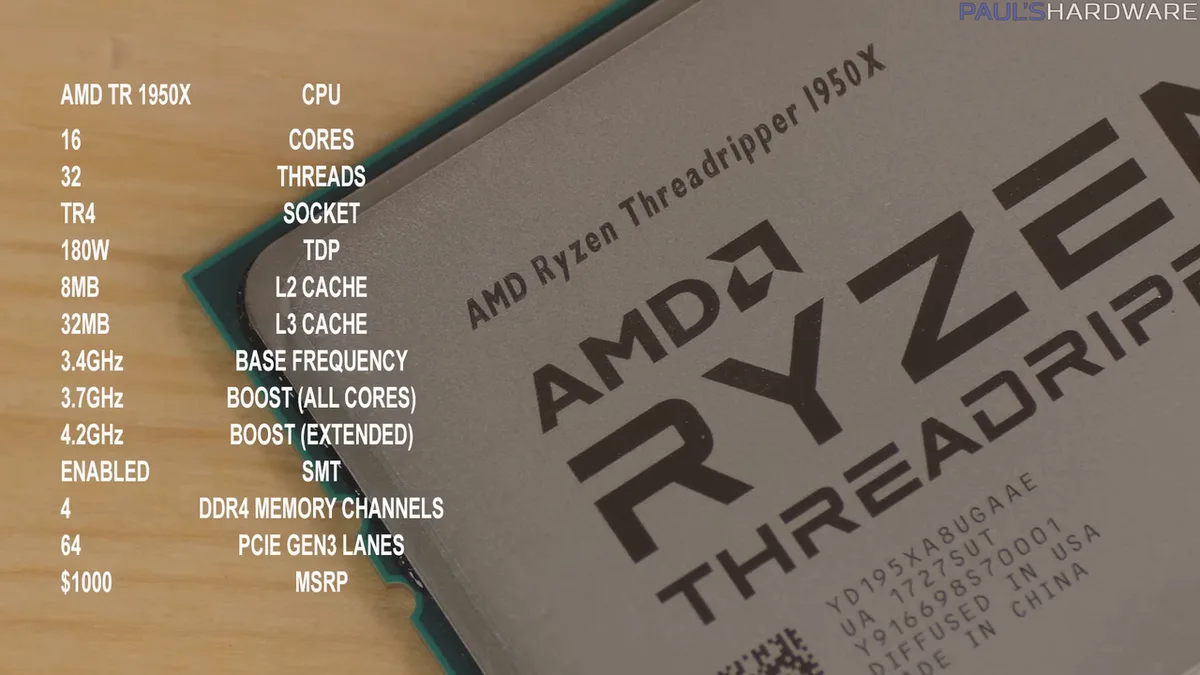
Image source: Wikimedia Commons / Paul's Hardware (CC BY)
H, HS, HX: What the Suffix Means (and Why It Matters)
The suffix tells you the power class. H means high performance, usually 45 watts base power. HS means thinner and lighter designs, often 35 watts.
HX means maximum performance, often 55 watts or more. U means low power for ultraportables.
For gaming, H is the most common and balanced choice. HS can be great in thin laptops if cooling is good. HX is best only in large, well-cooled laptops with strong power delivery.
A small laptop with an HX chip is a common mistake.
| Suffix | Base power | Best for |
|---|---|---|
| H | 45W | Most gaming laptops |
| HS | 35W | Thin and light gaming |
| HX | 55W+ | Desktop replacement |
| U | 15-28W | Light gaming only |
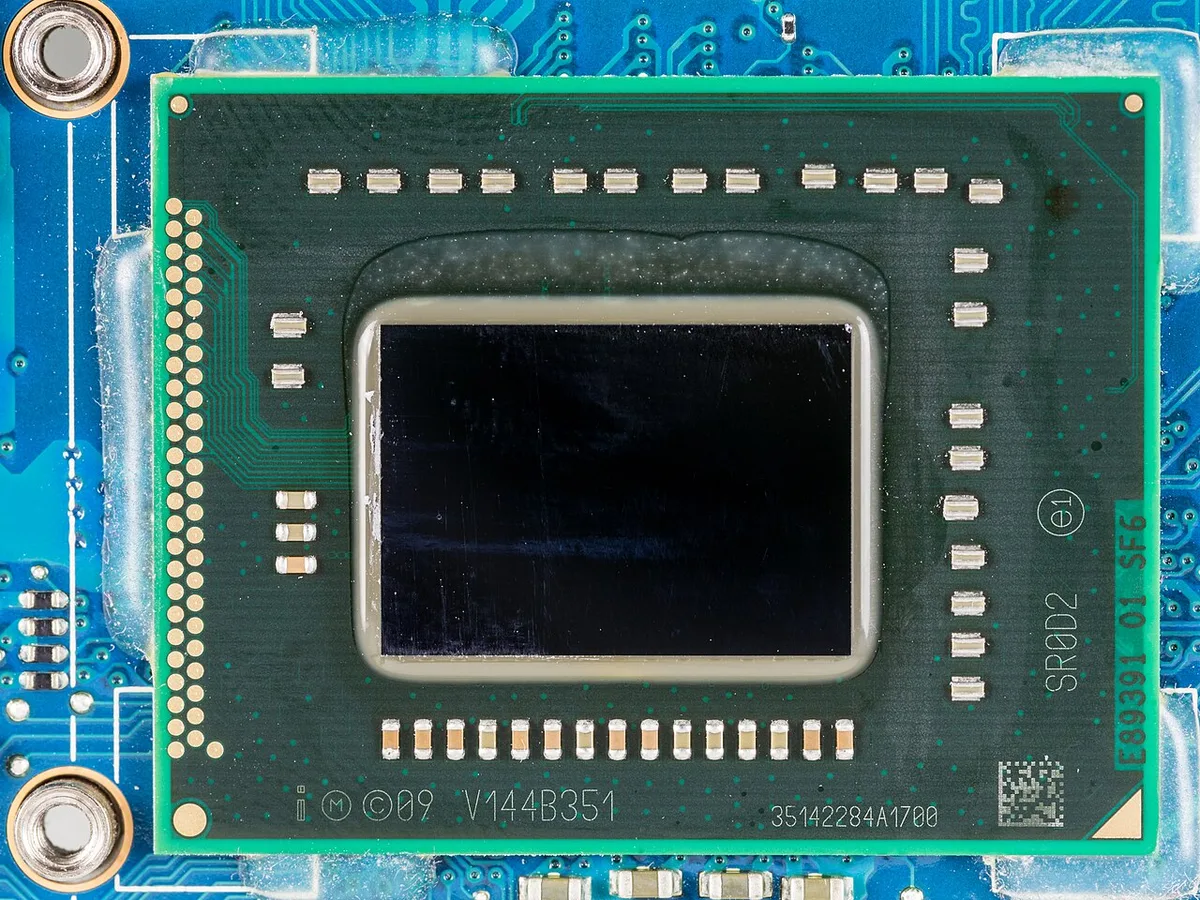
Image source: Wikimedia Commons / Raimond Spekking (CC BY-SA)
parts you can upgrade later is worth reading because the CPU is usually soldered.
Core i5 vs i7 vs i9 (and Ryzen 5/7/9): Tier by Tier
Think of tiers as good, better, and best. Core i5 and Ryzen 5 handle 1080p gaming well. Core i7 and Ryzen 7 are the safest buy for most people.
Core i9 and Ryzen 9 are for heavy multitasking, streaming, and top-end laptops.
Do not assume the top tier is always better. In many gaming laptops, the i7 and i9 share the same cooling limits. The i9 may boost higher for short bursts, but sustained gaming can look similar.
That is why mid-tier chips are often the better value.
| Tier | Best for | Watch out for |
|---|---|---|
| 5 series | Budget gaming | Lower multi-core headroom |
| 7 series | Most gamers | Price jumps by config |
| 9 series | Creation and streaming | Heat and battery drain |
If you want a balanced buy, start with the 7 series. Move up only if your games or work truly need it. reading spec sheets carefully helps compare exact SKUs.
Best Gaming Laptop CPU for Each Type of Gamer
If you play esports titles, a Core i5 or Ryzen 5 is enough. These games reward fast single-core speed more than core count. A mid-tier chip keeps costs down and battery life up.
If you play big AAA games, choose Core i7 or Ryzen 7. You get stronger 1% lows and smoother multitasking. This is the tier I'd start with for most buyers.
If you stream or edit, choose Core i9 or Ryzen 9. Extra cores help encoding and rendering. Pair it with a laptop that has strong cooling.
If you want thin and light, choose an HS chip. It balances gaming and portability. entry-level expectations helps set realistic targets.
match games to requirements keeps the pick grounded.
| Gamer type | CPU tier | Why |
|---|---|---|
| Esports | Core i5 / Ryzen 5 | Fast single-core speed, lower heat |
| AAA gaming | Core i7 / Ryzen 7 | Best balance of FPS and value |
| Streaming and creation | Core i9 / Ryzen 9 | Extra cores for encoding |
| Thin and light | HS series | Better portability, lower power |
What You're Really Paying For: Price, Power, and Benchmarks
Price often follows cooling, not just the CPU badge. As of 2026, many mid-tier laptops land in the mid price band. Top-tier chips add cost but small FPS gains in many games.
Power limits matter more than clock speeds. A 45 watt chip that holds boost beats a 55 watt chip that throttles. Look for sustained power, not just peak turbo.
Benchmarks help, but use game-specific tests. Cinebench shows CPU strength. In-game FPS shows real use.
Check 1% lows, not just averages.
| Metric | Why it matters |
|---|---|
| Base TDP | Shows intended power class |
| Sustained boost | Shows real laptop performance |
| 1% lows | Shows smoothness, not just averages |
| Temps | Shows cooling limits |
A realistic budget keeps the CPU in perspective. comparing value helps avoid overpaying for small gains.
The Mistakes That Waste Your Money (and How to Match the CPU to the Laptop)
Buying an HX chip in a thin laptop is a common error. It may throttle and run loud. A cooler H chip can feel better in daily use.
Matching matters. Pair CPU tier to GPU tier and cooling. A weak GPU bottlenecks a strong CPU.
A strong GPU with a mid-tier CPU is often the smarter buy.
Do not ignore battery. High-TDP chips drain fast. If you travel, HS or lower-TDP H may suit better.
Check soldered parts before you buy, since the CPU usually cannot be replaced.
Common mistakes:
- Buying the top tier for games that are GPU bound
- Ignoring fan noise and surface temps
- Trusting peak turbo clocks over sustained power
- Skipping cooling reviews
- Paying extra for cores you will not use
price drivers explains why some laptops cost more without gaming faster.
Frequently Asked Questions
Is Intel or AMD better for gaming laptops?
Neither is always better. Intel often shows stronger single-core speed in some games. AMD often shows stronger multi-core efficiency and battery life.
Pick based on the laptop model, cooling, price, and your workload.
Do I need a Core i9 or Ryzen 9 for gaming?
No, most gamers do not. A Core i7 or Ryzen 7 handles modern games well. Choose a 9 series chip if you stream, render, or want top-end multitasking headroom.
What does the H in a laptop CPU mean?
H means high performance. It usually signals a 45 watt base power class. These chips are built for gaming and heavier work.
They need good cooling to stay fast.
Can I upgrade a gaming laptop CPU later?
Usually no. Most gaming laptop CPUs are soldered to the board. You cannot swap them later.
Choose carefully at purchase, and plan around GPU and storage upgrades instead.
Does CPU affect FPS more than GPU?
Usually no. The GPU affects FPS more in most games. The CPU matters most for 1% lows, physics, AI, and background tasks.
A balanced CPU and GPU pairing is the goal.
How much power should a gaming laptop CPU have?
For gaming, 45 watts is a common sweet spot. HS chips near 35 watts suit thin laptops. HX chips above 55 watts fit large, well-cooled machines.
Match power to chassis size.
Final Verdict: The CPU I'd Actually Buy
For most people, I'd buy a well-cooled Core i7 or Ryzen 7 H chip. It gives strong gaming performance, good multitasking, and better value than top-tier parts. It also avoids the heat and battery penalties of HX chips.
Choose Core i5 or Ryzen 5 if budget matters most. Choose Core i9 or Ryzen 9 if you stream or create. Whichever tier you pick, check cooling, sustained power, and the GPU pairing.
features worth paying for can help finalize the shortlist.