The high-pitched noise from a charger brick is rarely harmless. It can indicate benign coil whine or a serious capacitor failure. First, identify the noise type by listening carefully.
Coil whine is a steady, high-pitched tone that often appears under load and is typically inaudible at idle. Capacitor squeal sounds like a sharp, intermittent whine that may change with voltage or temperature. Fan noise is a rhythmic hum, while ground loop buzz is a low-frequency hum that stops when unplugged.
Use a smartphone to record the noise and compare it to known examples. This helps distinguish harmless coil whine from dangerous issues like bulging capacitors. If the noise only happens when the laptop is charging but not connected, it's likely the charger.
If it occurs even when the laptop is off, the problem might be elsewhere. Proper identification prevents unnecessary repairs or safety risks. For example, a capacitor that's failing may emit a high-pitched squeal that worsens over time, while coil whine is usually constant and harmless.
Always verify the noise source by unplugging the charger and listening to the laptop's internal components. If the noise stops, the charger is the culprit. If it continues, the laptop's charging circuit or fan might be at fault.
Documenting when the noise occurs, during gamingsessions, and whether it changes when you shift the cable. A quick log of those details helps narrow the culprit before you open the brick or contact support.
If the whine only shows up at high load, a failing inductor or capacitor is more likely than simple coil whine. If it is constant from the first charge, a faulty transformer or potting issue could be to blame.
You might hear nothing for weeks, then a sudden squeal during a long gaming session. Heat accelerates capacitor aging, so a brick that ran quietly at first can turn loud after a year of daily use. Write down when the noise starts and what you were doing.
That pattern tells you whether you need a warranty claim or a replacement.
Condition Variables That Change the Fix Path
Warranty status is the biggest variable. A brick under manufacturer warranty should go back for RMA, not a DIY fix. Age matters too.
Older adapters with dried-out electrolytic caps are likely failing.
Noise onset timing matters. Sudden whine often means a component is dying. Constant whine from day one is usually coil whine.
Load level matters. Whine under full GPU load points to the inductor or transformer. Whine at idle suggests the switching controller or a capacitor.
Voltage match matters. Using a 19V brick on a 20V laptop forces the internal regulator to work harder. That extra strain can create noise and heat.
Some users also compare this to other laptop noise issues, such as charging buzz fix or buzzing after games close.
The Decision Tree: RMA, Repair, or Replace
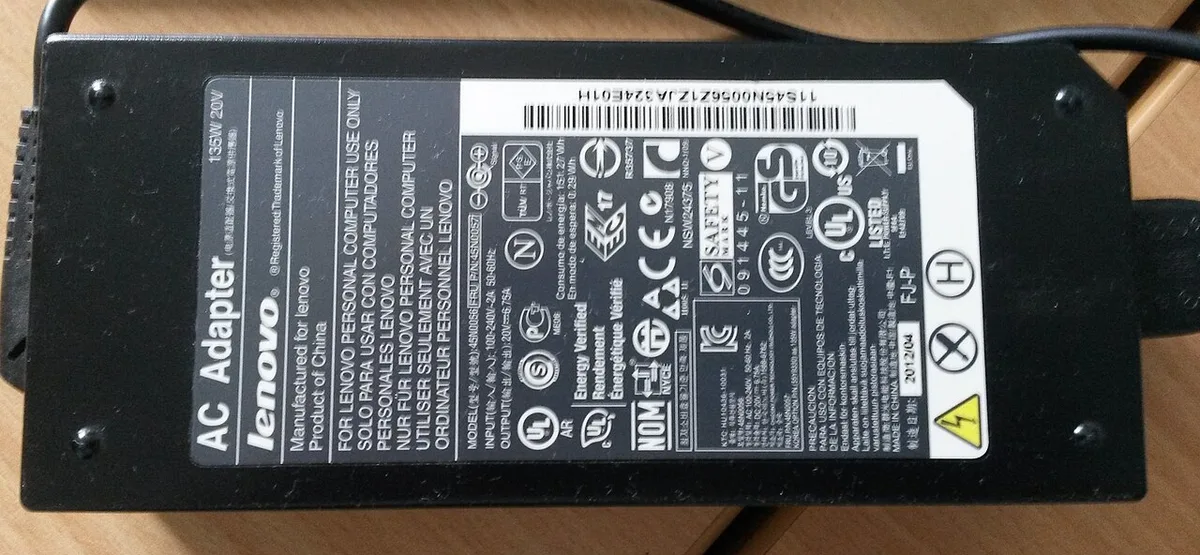
If the brick is under warranty, contact the manufacturer first. They may replace it free. If out of warranty and the noise is benign coil whine, you can live with it or try epoxy damping.
If the noise is a capacitor squeal or comes with heat or smell, replace the brick. Do not open a glued brick unless you know how to discharge capacitors. Replacing the whole brick is safer than poking inside.
| Condition | Best Action |
|---|---|
| Under warranty | RMA through manufacturer |
| Out of warranty, coil whine | Leave alone or dampen with epoxy |
| Out of warranty, capacitor squeal | Replace immediately |
| Burning smell or visible bulge | Stop use, replace now |
| DIY repair attempt | Only if experienced with high-voltage electronics |
Whine that only happens while plugged in often matches whine when plugged in. Noise tied to heavy loads overlaps with whine during gaming sessions.
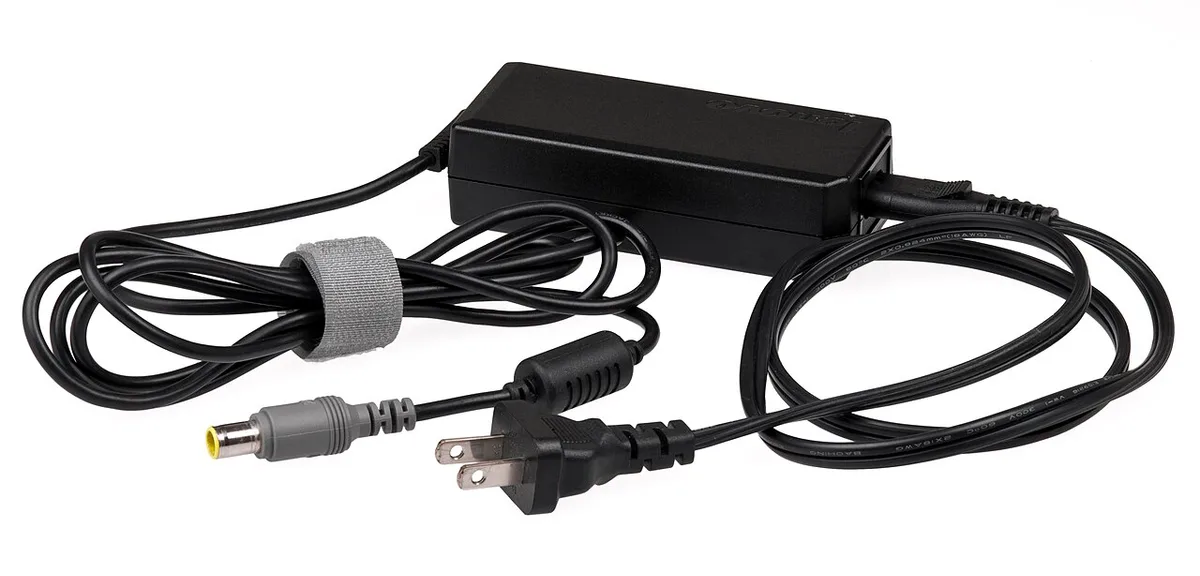
Step-by-Step Troubleshooting Process
Start with isolation and safety. Work through these steps before you spend money.
- Unplug the charger from the wall and the laptop.
- Wait ten minutes for internal capacitors to discharge.
- Plug the brick into the wall with no laptop attached.
- Listen for the noise. If it persists, the charger is the source.
- Plug into a different outlet on another circuit.
- Run a heavy game or benchmark to reproduce the noise.
- Note whether the pitch changes with load.
- If under warranty, photograph the noise condition and contact support.
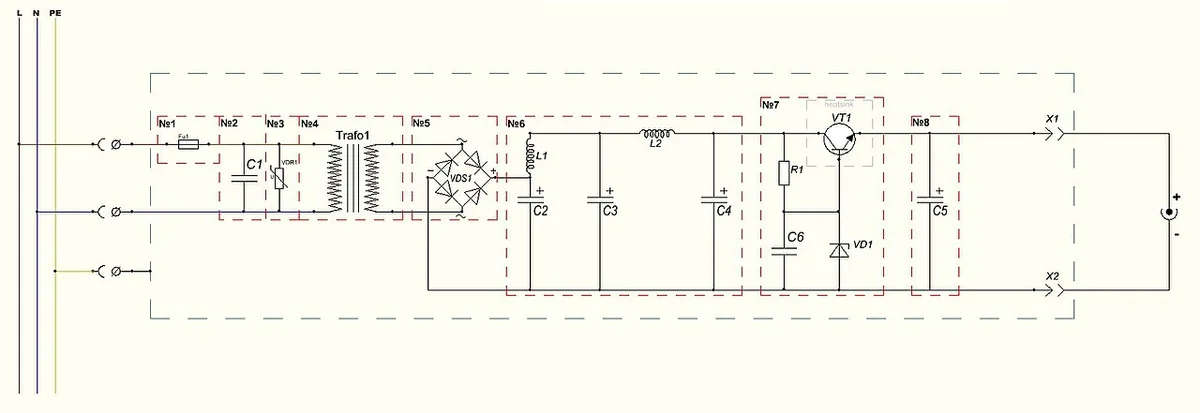
- If out of warranty and you decide to open it, inspect for bulging capacitors, loose windings, or cracked potting.
- For benign coil whine, apply a small dot of non-conductive epoxy to the whining inductor. Reassemble and retest.
Common Mistakes & Safety Precautions
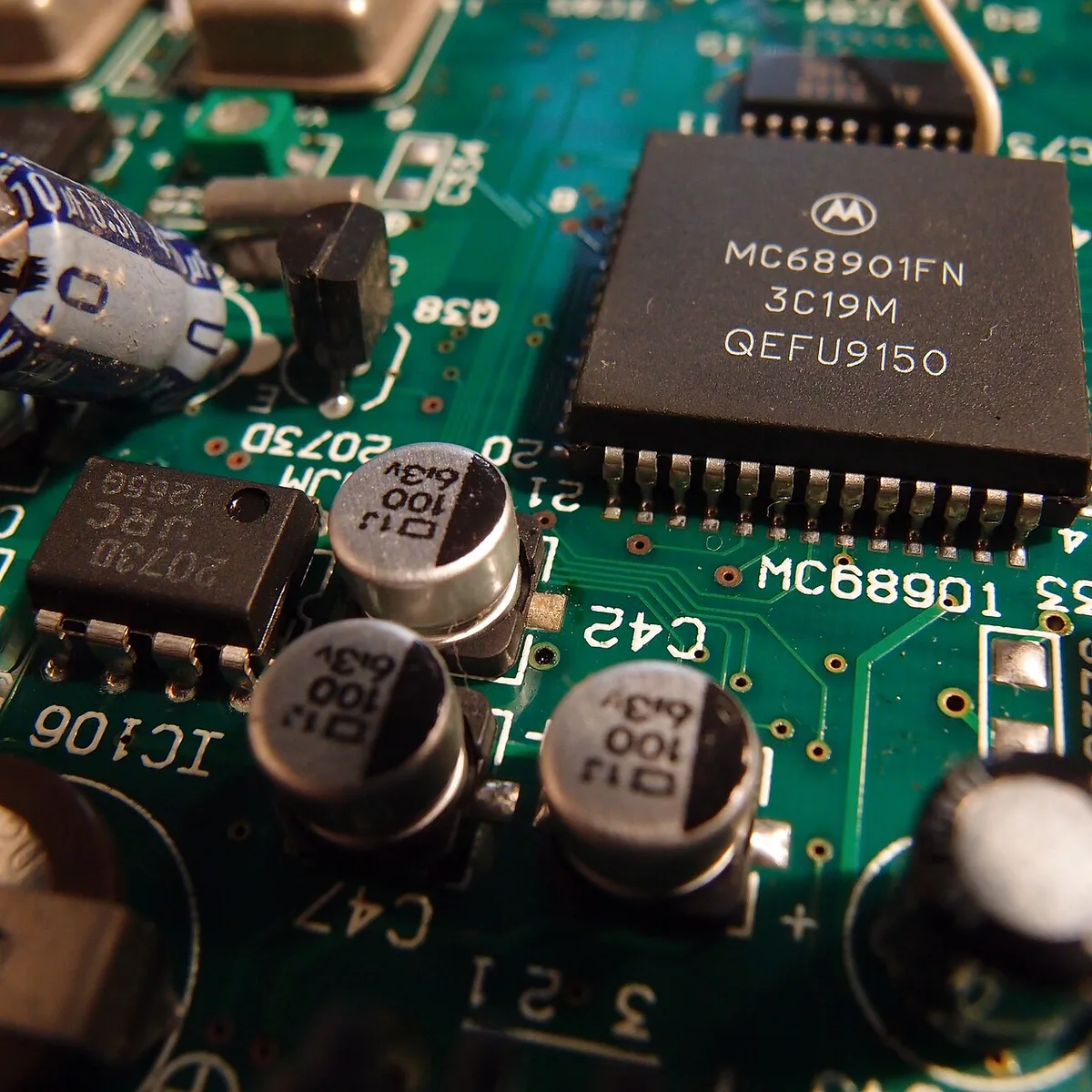
The biggest mistake is opening a sealed brick without discharging it first. Bulk capacitors can hold a lethal charge long after unplugging. Never touch the board or solder joints until you are sure the charge is gone.
Another mistake is assuming all high-pitched noise is harmless coil whine. A squealing capacitor can fail catastrophically. Do not use conductive glue or metal shims to silence a whining coil.
That can cause a short.
Avoid cheap uncertified replacements that lack UL or CE markings. They often skip proper insulation and potting. For electrical safety guidelines, consult OSHA's workplace standards.
When you retire a bad brick, follow local e-waste disposal rules. Finally, do not ignore a burning smell or discolored housing. Those are signs of imminent failure.
Cost, Time & Final Decision Guide
RMA replacement takes one to three weeks and costs nothing if you are under warranty. A certified third-party brick runs thirty to seventy dollars and ships in a day or two. An OEM brick costs sixty to one hundred fifty dollars.
A DIY epoxy fix costs under five dollars but adds risk and voids warranty.
| Option | Typical Cost | Time to Fix | Risk Level |
|---|---|---|---|
| Manufacturer RMA | $0 | 1–3 weeks | None |
| Certified third-party brick | $30–$70 | 1–2 days | Low if UL/CE listed |
| OEM replacement | $60–$150 | 1–3 days | None |
| DIY epoxy dampening | <$5 | 1 hour | Medium, voids warranty |
| Professional repair | $40–$100 | 3–7 days | Low if certified tech |
If the brick is under warranty, RMA is the clear choice. If out of warranty and the noise is pure coil whine, a certified replacement is safer than opening the brick. If you see bulging caps or smell burnt plastic, stop using it and buy a replacement today.
For many users, the decision mirrors other laptop power choices, such as picking between laptop control apps or managing fan profiles.
Frequently Asked Questions
Is coil whine dangerous for my laptop?
No, coil whine is vibration from the inductor or transformer. It does not damage the laptop or charger. It is annoying but electrically harmless.
Can I use a higher wattage charger to stop the noise?
A higher wattage brick with the same voltage and polarity will work. It may run cooler and quieter under load because it is not stressed. Do not use a different voltage.
Why does the noise stop when I unplug the laptop?
The charger stops switching at high frequency when there is no load. No switching means no magnetostriction and no whine. That confirms the brick is the source.
How do I know if a capacitor is failing?
Look for bulging tops, leaked electrolyte crust, or a cracked vent. A multimeter can check ESR, but visual signs are usually obvious. If you see any, replace the brick immediately.
Will epoxy on the coil void my warranty?
Yes, opening a sealed brick voids the manufacturer warranty. Only attempt epoxy damping if the warranty is already expired and you accept the risk.