When you ask what is the difference between ethernet and wifi for pc gaming, the answer goes beyond simple speed. Ethernet delivers wired, sub‑10 ms latency and near‑zero packet loss, while Wi‑Fi offers flexibility but introduces variability that can affect fast‑paced titles. Understanding these nuances helps you match the right connection to your play style.
As of 2026, Wi‑Fi 6E and Wi‑Fi 7 promise higher bandwidth, yet Ethernet still holds the edge in jitter control. A typical Ethernet ping sits between 1‑5 ms, while Wi‑Fi can hover around 10‑50 ms under ideal conditions. Cable category matters too, Cat6a and Cat7 support up to 10 Gbps, far beyond most gaming routers.
The sections that follow break down exactly where each technology shines and why you might pick one over the other.
What Is the Difference Between Ethernet and Wifi for Pc Gaming
what is the difference between ethernet and wifi for pc gaming?
Ethernet provides wired, sub‑10 ms latency and no interference.
Wi‑Fi delivers wireless convenience but can add 10‑50 ms lag and occasional drops.
Choose Ethernet for competitive titles; Wi‑Fi suits casual play where mobility matters.
The Latency & Stability Gap: Ethernet vs Wi-Fi at a Glance
The core battle comes down to latency and stability.
- Ethernet: latency 1‑5 ms, packet loss under 0.1 % (steady for esports).
- Wi‑Fi: latency 10‑50 ms, packet loss 1‑5 % even under perfect conditions.
These numbers explain why high‑rank shooters feel smoother on a cable.
If you still see random drops, see Fix Random Gaming PC Crashes: Step‑by‑Step Troubleshooting.
How Each Connection Actually Works for Gaming
Wired Ethernet sends data over twisted‑pair copper or fiber, using full‑duplex communication that lets upload and download happen simultaneously. A PC’s NIC (network interface card) receives frames, and the OS processes them with minimal queuing.
Wireless Wi‑Fi relies on radio frequencies (2.4 GHz or 5 GHz) and modulates packets through OFDM. The adapter must compete for airtime with other devices, which introduces latency spikes.
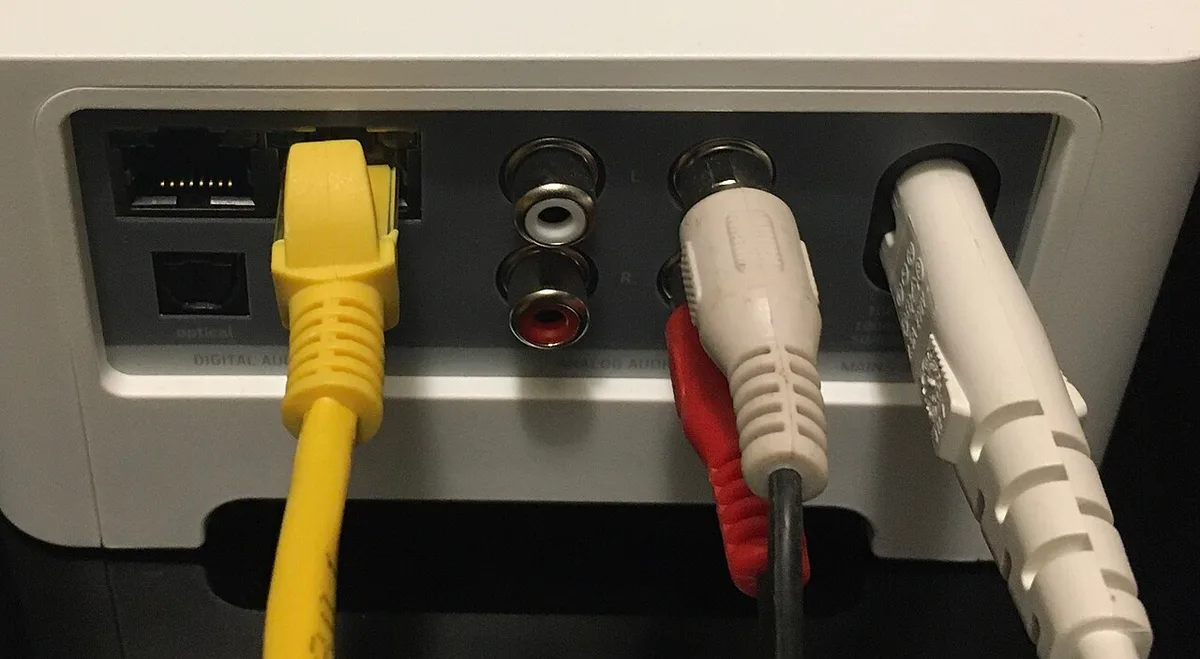
Image source: Wikimedia Commons / Pittigrilli (CC BY-SA)
The diagram visualizes how Ethernet frames travel directly to the router, while Wi‑Fi signals contend for space.
Ethernet cable basics are straightforward. Cat6a and Cat7 cables support up to 10 Gbps and keep crosstalk low, essential for long gaming sessions.
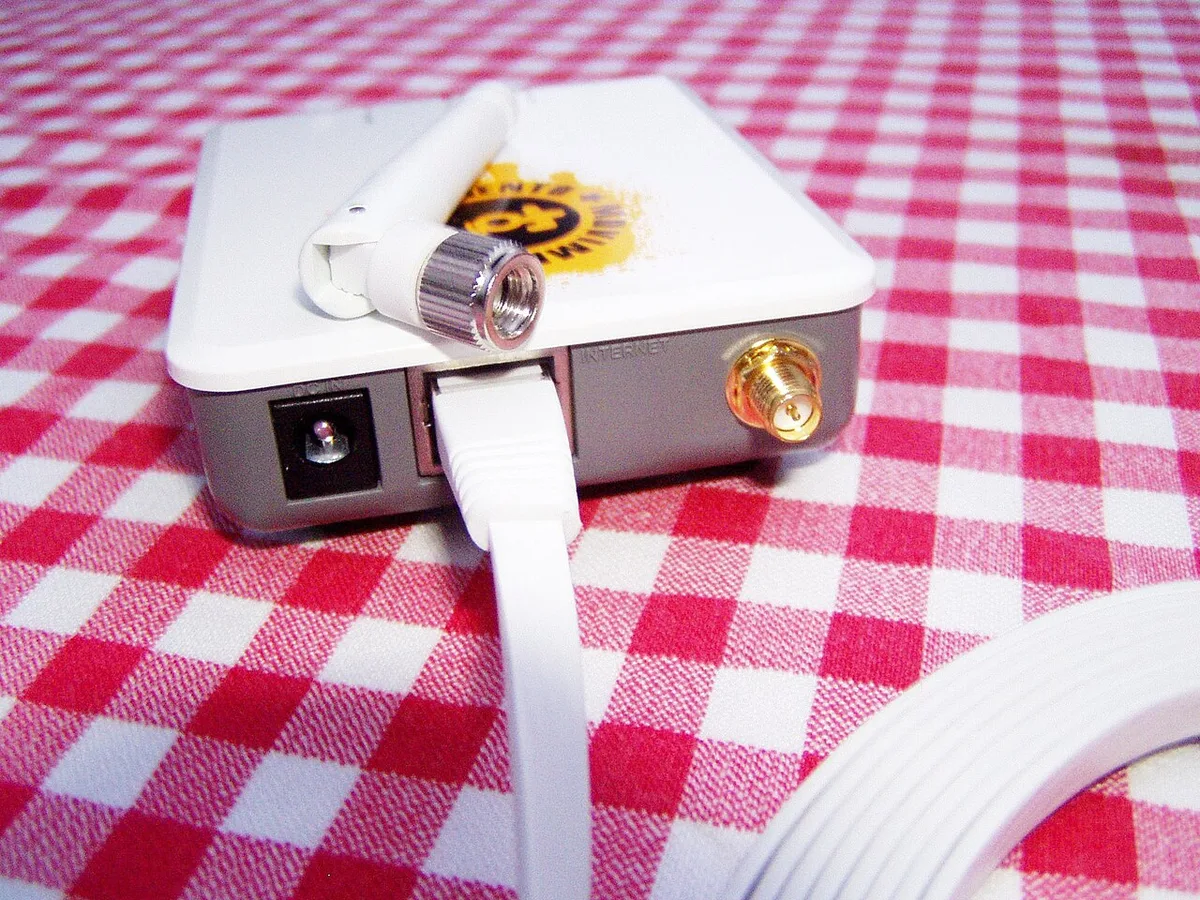
Image source: Wikimedia Commons / Didier Misson (CC BY-SA)
For a deeper look at the standards, consult the IEEE 802.3 Ethernet standard and the IEEE 802.11ax (Wi‑Fi 6) specification.
Direct Comparison: Latency, Packet Loss, and Jitter
| Metric | Ethernet (Typical) | Wi‑Fi (Typical) |
|---|---|---|
| Latency (ping) | 1‑5 ms | 10‑50 ms |
| Packet loss | <0.1 % | 1‑5 % |
| Jitter | <1 ms | 2‑10 ms |
These values illustrate why Ethernet wins for latency‑sensitive play.
Which Should You Choose? Best Use Cases for Every Gamer
- Competitive esports: Ethernet is the clear pick; low ping and zero loss give you the edge.
- Casual and story‑driven titles: Wi‑Fi works fine; you gain freedom to move and set up anywhere.
- Multi‑device households: Wi‑Fi handles streaming, voice chat, and gaming simultaneously, though you may need a quality router.
- Streaming while gaming: A wired connection reduces interference and preserves upload stability.
- Portable or travel setups: Wi‑Fi is essential; you can’t drag a cable to a LAN party.
Cost, Gear & Specs You Actually Need
Building a gaming rig on a budget starts with the right cable. Cat6 is around $5‑$15 per meter and covers 250 MHz, enough for 1‑2 Gbps speeds. Upgrade to Cat6a (~$15‑$30/m) for 10 Gbps support.
A gaming router should support Wi‑Fi 6 or newer and have Gigabit Ethernet ports. Look for routers under $150 that can handle QoS and beamforming.
If you must go wireless, a PCIe Wi‑Fi 6E card gives lower latency than USB adapters and fits a desktop’s expansion slot.
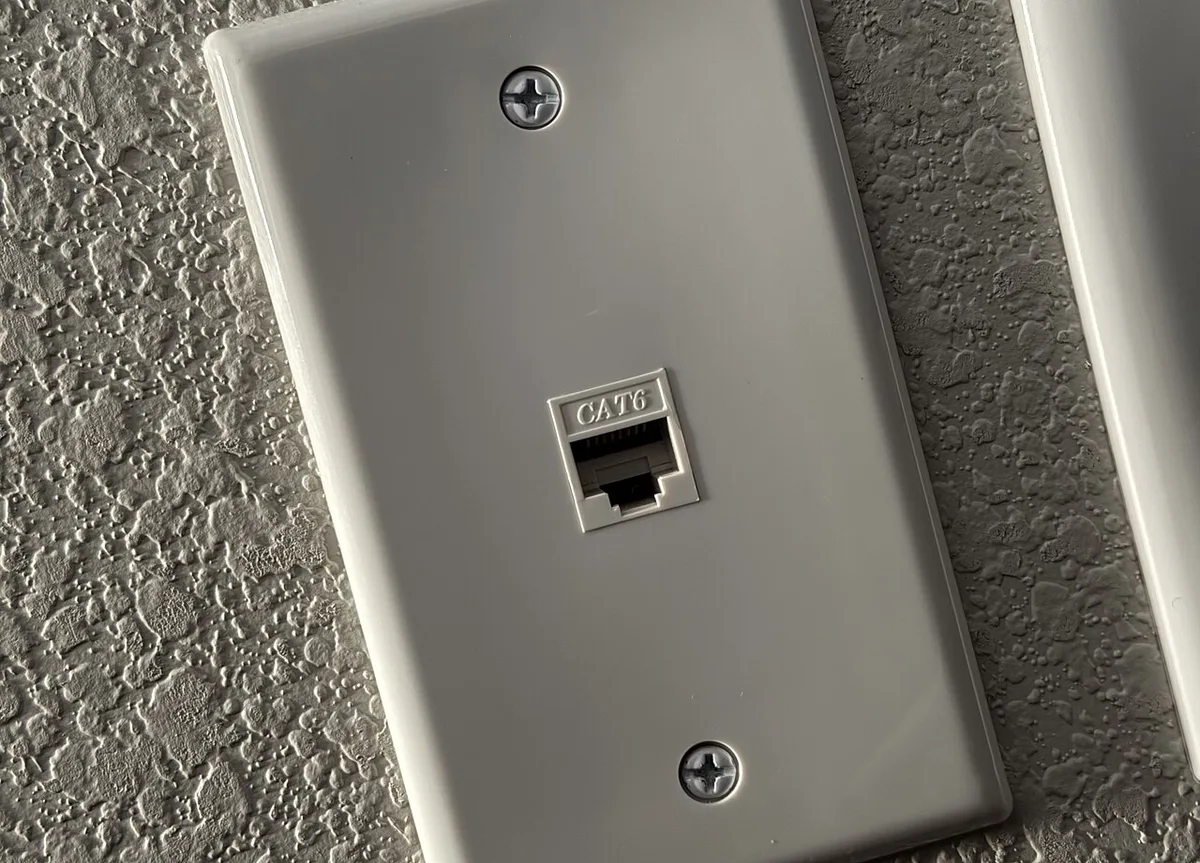
Image source: Wikimedia Commons / Tony Webster (CC BY)
For a thorough guide on router selection, see Why Does a Gaming PC Show a Black Screen? which details connection‑related troubleshooting steps.
Frequently Asked Questions
What is the exact speed difference between Ethernet and Wi‑Fi for gaming?
Ethernet can reach up to 10 Gbps with Cat6a/7, while Wi‑Fi 6E tops out around 4.8 Gbps; most gamers see far less than those limits.
Does using a Wi‑Fi 6 router make the lag negligible compared to Ethernet?
Even the best Wi‑Fi 6 routers still add 10‑30 ms latency and occasional drops, so Ethernet remains superior for competitive play.
Can I mix Ethernet and Wi‑Fi on the same PC?
Yes, a PC can have both connections, but Windows will typically prioritize the active default route; you can set the preferred interface in network settings.
Rookie Mistakes That Kill Your Connection
Running a flat cable under a carpet crushes the pairs and creates crosstalk.
Use proper cable management clips instead.
Placing the router inside a cabinet blocks 5 GHz signals.
Move it to an open shelf at head height.
Forgetting to update router firmware leaves known bugs unfixed.
Check the vendor site monthly.
Using a cheap USB Wi‑Fi dongle on a desktop adds latency spikes.
A PCIe Wi‑Fi 6E card costs little more and performs far better.
Skipping Quality of Service settings lets background downloads choke your match.
Enable gaming priority in the router UI.
If you still see random freezes, review Why Your Gaming PC Freezes During Intense Gameplay for hardware‑side causes.
Final Verdict: Ethernet or Wi-Fi for Your Rig?
Choose Ethernet if you play ranked shooters or fighting games where every millisecond counts.
The wired link gives you sub‑10 ms ping, near‑zero jitter, and immunity to neighbor interference.
Stick with Wi‑Fi if you game on a laptop, move rooms often, or share the network with family streaming 4K video.
Modern Wi‑Fi 6E and Wi‑Fi 7 routers handle mixed loads well enough for casual sessions.
A hybrid approach works too: wire the desktop, keep Wi‑Fi for mobile devices.
Run a single Cat6a drop to your desk and let the router handle the rest.
For future upgrades, see How to Plan a Gaming PC Upgrade Path Without Wasting Money to align network gear with GPU cycles.
Per the IEEE 802.11be (Wi‑Fi 7) specification, the next generation promises deterministic latency, but Ethernet remains the baseline for competitive integrity.
1 thought on “Ethernet vs WiFi: Which Is Better for PC Gaming?”
Comments are closed.