If you've ever shopped for a gaming laptop and wondered what does H mean in a laptop processor, you're not alone. That single letter sits at the end of model names like Intel Core i7-13700H, and it tells you a lot about how the chip will perform. The short version: H means high performance.
These processors are built for sustained heavy workloads, not thin-and-light portability.
As of 2026, Intel and AMD both use H-series labels, but the rules behind them aren't identical. Manufacturer specifications indicate that most H-class chips carry a 45-watt base power rating, compared to 15 to 28 watts for U-series parts. That gap shapes everything from fan noise to battery life.
Let's break down exactly how it works.
what does H mean in a laptop processor
H means high performance. Intel and AMD use it for 45-watt mobile chips. These processors target gaming and creator workloads.
They trade battery life for sustained speed. Most H-series laptops pair with discrete GPUs.
Why the Suffix Matters More Than the Brand Name
The suffix on a processor name is the single most useful clue you have before opening a spec sheet. It tells you the power class, and power class drives almost everything else about the laptop. Brand names like Intel Core i7 or AMD Ryzen 7 are marketing tiers.
They say "this is a mid-range chip" but not how it behaves in a chassis.
A processor's suffix signals its base power rating in watts. That rating determines how much heat the chip produces and how much cooling the laptop needs. More heat means a thicker chassis, louder fans, and shorter battery life.
Less heat means a slim machine that stays quiet but throttles under load.
So when you compare two laptops with the same brand tier, the suffix often matters more than the number. An Intel Core i5 with an H suffix can outperform an Intel Core i7 with a U suffix in sustained tasks. The same holds for AMD.
A Ryzen 5 H-series chip will usually beat a Ryzen 7 U-series chip in rendering or compiling.
Manufacturer specifications indicate that H-class parts are rated at 45 watts base power. U-class parts sit at 15 watts. That threefold gap is not marketing.
It is a thermal budget, and it shows up in real use.
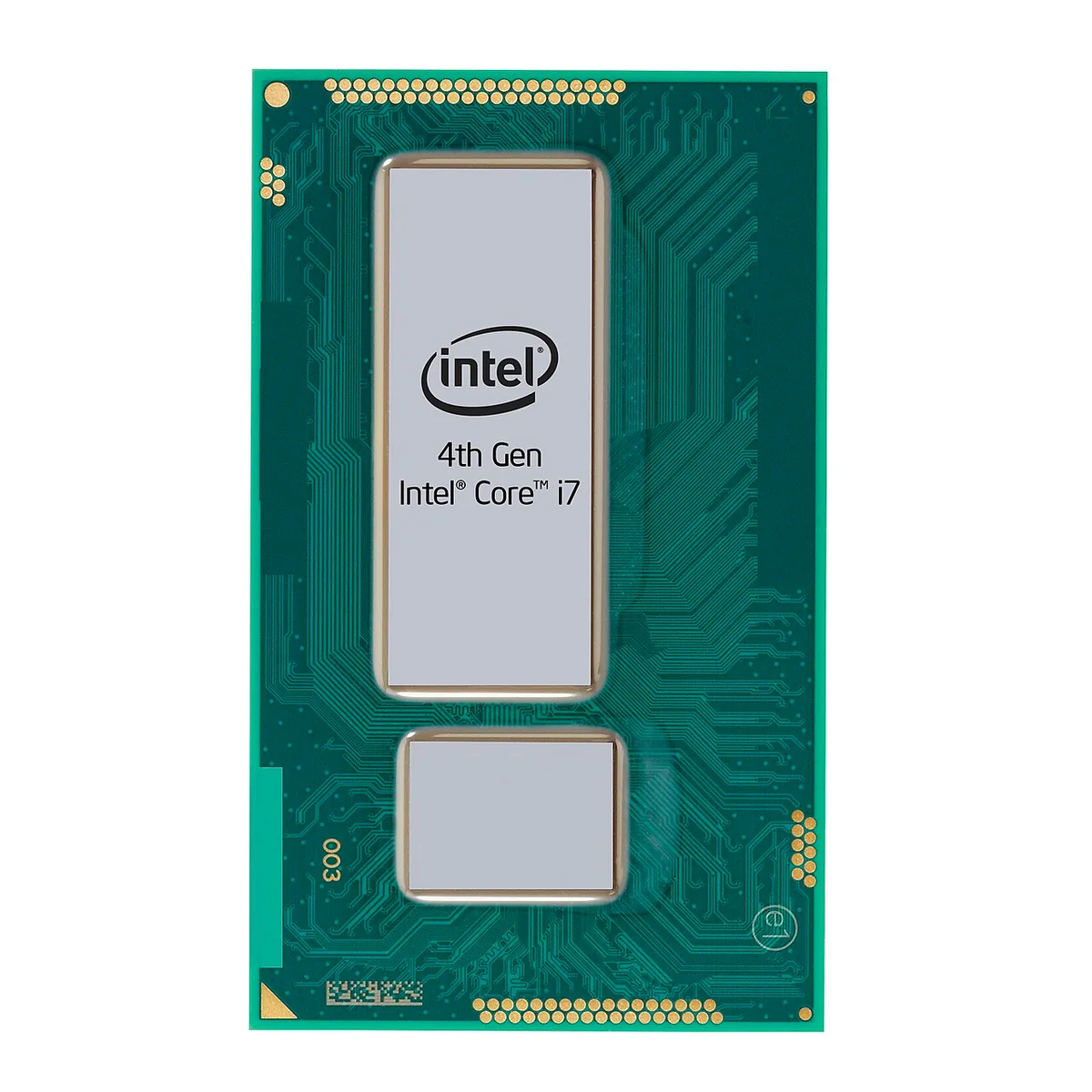
Image source: Wikimedia Commons / Intel in Deutschland (CC BY-SA)
Think of the suffix as a shorthand for the laptop's personality. H means "I am built for sustained heavy work." U means "I am built for all-day battery life." P means "I am somewhere in between." HS and HX are Intel-specific variants that fine-tune this further.
Aggregate reviews report that buyers who ignore the suffix often end up disappointed. They buy a powerful-sounding i7 and get a machine that throttles during long renders. Or they buy a U-series chip expecting gaming performance and get stuttering.
The suffix prevents both mistakes.
If you want to decode spec sheets, start with the suffix, not the model number. Once you know the suffix, you can predict the laptop's size, noise, and battery life before you even read a review. For a deeper dive, check which specs matter most for your workload.
Intel H-Series vs. AMD Ryzen H-Series: Same Letter, Different Rules
Intel and AMD both print an H on their mobile processors, but the two companies mean slightly different things by it. Intel's H-series covers 45-watt chips across Core i5, i7, i9, and the newer Core Ultra lines. AMD's Ryzen H-series covers 35 to 45-watt chips across Ryzen 5, 7, and 9.
The overlap in power range is real, but the product stacks differ.
Intel's H-series has historically offered more core variety. You will find 6-core, 8-core, 12-core, and 14-core options depending on generation. AMD's H-series has leaned on 8-core designs with strong multithreaded performance per watt.
Both approaches work, but they favor different workloads.
Intel ARK product specifications list base and turbo power for every H-series SKU. AMD's product pages do the same. The key number to check is not the peak boost clock.
It is the sustained power limit, often called PL1 or cTDP, that the OEM allows the chip to hold.
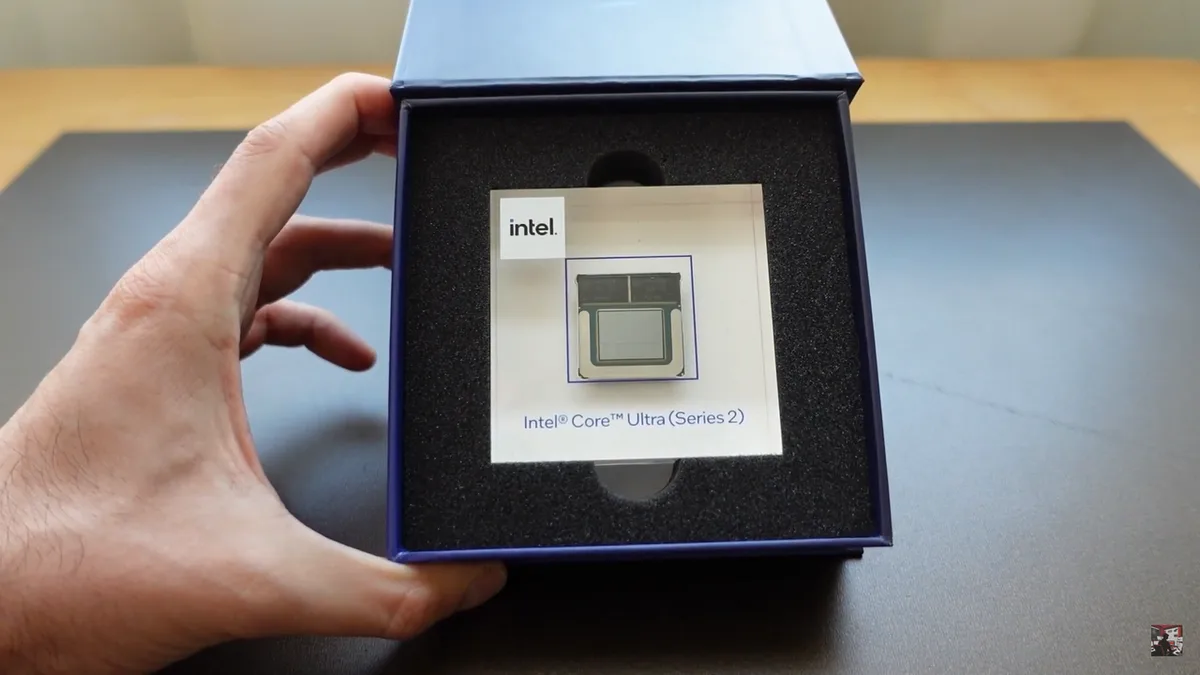
Image source: Wikimedia Commons / DecodingIT (CC BY)
OEM tuning matters more than the brand on the box. Two laptops with the same Intel Core i7-13700H can perform differently because one OEM sets a 45-watt sustained limit and another sets 35 watts. The same is true for AMD Ryzen H-series chips.
Always check the laptop's thermal design, not just the processor name.
For buyers weighing CPU versus GPU balance, the brand question is secondary. What matters is whether the H-series chip in that specific laptop can sustain its rated power without throttling. A well-cooled AMD H-series machine often beats a poorly cooled Intel H-series machine in sustained tasks.
H vs. U, P, HS, and HX: Side-by-Side Breakdown
Five suffixes cover most modern laptop processors. Each maps to a power class and a use case. Here is how they compare.
| Suffix | Base Power | Typical Use | Battery Life |
|---|---|---|---|
| U | 15W | Thin-and-light, office work | Best |
| P | 28W | Balanced ultrabooks | Good |
| HS | 35W | Slim gaming, creator laptops | Moderate |
| H | 45W | Gaming, content creation | Fair |
| HX | 55W+ | Mobile workstations, top gaming | Shortest |
U-series chips prioritize battery life and quiet operation. They handle web browsing, office apps, and light photo editing without breaking a sweat. They rarely appear in gaming laptops.
P-series chips sit in the middle. They offer more performance than U-series parts while keeping a slim chassis. Many premium ultrabooks use P-series chips for a balance of speed and portability.
HS-series chips are Intel's answer to slim gaming laptops. They deliver near-H performance in a thinner chassis with better battery life than full H-series parts. The tradeoff is a lower sustained power ceiling.
H-series chips are the workhorses. They sustain 45 watts and pair well with discrete GPUs. Most mid-range and high-end gaming laptops use H-series processors.
HX-series chips are the heavyweights. They run at 55 watts or more and often feature unlocked multipliers. These appear in thick gaming laptops and mobile workstations.
They deliver desktop-class performance but at the cost of battery life and portability.
If you are comparing entry-level expectations, note that budget gaming laptops often use H-series chips paired with entry-level GPUs. The H suffix alone does not guarantee top-tier performance. The GPU and cooling matter just as much.
The Specs That Actually Change the Experience (TDP, Cores, Heat)
The suffix tells you the power class. The specs inside that class determine the actual experience. Three factors dominate: TDP, core count, and thermal design.
TDP, or thermal design power, is the maximum heat a processor generates under sustained load. For H-series chips, this is typically 45 watts. But manufacturers can set higher or lower limits through cTDP.
A laptop with a 35-watt cTDP setting will run cooler and quieter but slower. A 55-watt setting will push harder and louder.
Core count matters for multitasking and rendering. Modern H-series chips range from 6 to 16 cores. More cores help with video encoding, 3D rendering, and compiling code.
For gaming, 6 to 8 cores is usually enough. Extra cores help if you stream or run background tasks while gaming.
Heat is the hidden variable. A processor can only sustain its rated power if the cooling system can remove the heat. Aggregate reviews report that two laptops with identical H-series chips can differ by 20 percent or more in sustained performance due to cooling alone.
Fan noise, chassis thickness, and heat pipe design all play a role.
When shopping, check three things. First, the sustained power limit the OEM sets. Second, the cooling hardware: heat pipes, fan count, and vent placement.
Third, real-world benchmark reviews that measure sustained performance, not just peak scores.
Parts you cannot upgrade include the processor and cooling system. Once you buy, you are locked in. So choose a laptop with headroom in both areas.
Manufacturer specifications from Intel and AMD confirm the base power ratings. But only independent testing reveals how a specific laptop handles that power. Look for reviews that measure Cinebench scores over 10-minute runs, not just single-pass results.
That data tells you whether the H-series chip in that chassis can actually sustain its rated performance.
Who Should Buy an H-Series Laptop and Who Shouldn't
If you game, edit video, compile code, or run heavy multitasking, an H-series laptop is usually the right call. The extra sustained power keeps frame rates stable and render times shorter. It also pairs better with a discrete GPU than U-series parts.
If you mostly browse, write, stream video, or work on battery all day, skip H-series. A U-series or P-series machine will be lighter, quieter, and last hours longer. You will not feel the missing power in light tasks.
Students and travelers often overbuy. They see a high model number and assume better. In reality, an H-series chip in a thin chassis can run hot and loud.
Check cooling before buying.
Budget matters too. H-series laptops cost more and usually need a bigger charger. If your budget is tight, consider entry-level expectations and decide if the extra power is worth the price.
Real-World Performance: Gaming, Rendering, and Battery Life
Gaming performance depends on both CPU and GPU. In CPU-bound games, an H-series chip can raise minimum frame rates and reduce stutter. In GPU-bound games, the difference between H and U is smaller but still visible in 1 percent lows.
Rendering and compiling show the biggest gap. A 45-watt H-series chip can finish a video export or code build much faster than a 15-watt U-series chip. Aggregate reviews report differences of 30 to 50 percent in sustained multicore tasks, depending on cooling.
Battery life takes the hit. H-series laptops often deliver 4 to 7 hours of mixed use, while U-series machines can reach 10 to 14 hours. Gaming on battery with an H-series chip drains fast and may reduce performance.
Heat and noise are part of the deal. Under load, H-series laptops run louder and warmer. If you work in quiet spaces, this matters.
A well-cooled design helps, but it cannot remove the extra heat entirely.
Common Mistakes When Choosing an H-Series Laptop
- Ignoring the suffix and buying only by brand tier.
- Assuming all H-series chips perform the same across laptops.
- Overlooking cooling and chassis thickness.
- Expecting long battery life from a 45-watt chip.
- Pairing an H-series CPU with a weak GPU and expecting top gaming.
- Buying HX when you only need H performance.
- Skipping reviews that measure sustained, not peak, performance.
Each mistake comes from treating the processor name as the whole story. The name is a starting point. The laptop's power limits and cooling decide the result.
If you want to avoid repair surprises, read repair cost realities before buying. H-series machines often run hotter, which can stress components over time.
Final Verdict: Which Suffix Should You Choose?
Choose U if battery life and quiet work matter most. Choose P if you want balance in a slim machine. Choose HS if you want slim gaming with better endurance.
Choose H if you want strong sustained performance for gaming and creation. Choose HX only if you need maximum power and accept the size, heat, and battery tradeoffs.
For most gamers, H is the sweet spot. It has enough power for high frame rates and pairs well with mid-range to high-end GPUs. It also avoids the bulk and battery drain of HX.
If your work is light, do not pay for H. The extra power will sit unused while the battery drains faster. Match the suffix to the workload, not the marketing.
Before buying, compare value for money across models with the same suffix. Two H-series laptops can differ widely in cooling, screen, and GPU quality.
Frequently Asked Questions
Is H better than U in a laptop processor?
Yes for sustained performance. H-series chips run at higher power and handle gaming, rendering, and heavy multitasking better. U-series chips are better for battery life, quiet operation, and light daily tasks.
The better choice depends on your workload.
Does H mean the laptop is a gaming laptop?
Not always. H indicates high performance, but the laptop may be a creator machine, workstation, or premium all-rounder. Gaming depends on the GPU, cooling, and display too.
An H-series CPU alone does not make it a gaming laptop.
Is HX better than H?
Yes in raw power. HX chips run at 55 watts or more and often have unlocked multipliers. They suit mobile workstations and top-tier gaming laptops.
They also bring more heat, noise, weight, and shorter battery life.
Can I upgrade an H-series laptop processor later?
Usually no. Most laptop CPUs are soldered to the motherboard. That means you cannot swap the processor later.
Choose the right suffix and cooling at purchase, because upgrade limits are strict.
Does H-series always mean 45 watts?
Usually, but not always. Intel and AMD list base power around 45 watts for H-series parts. OEMs can set lower or higher sustained limits through cTDP.
Always check the laptop's actual power settings and cooling.
Should I buy H or HS?
Buy H for maximum sustained power and better pairing with strong GPUs. Buy HS for a slimmer chassis, lower heat, and better battery life. HS is often the better pick for portable gaming if you do not need peak multicore performance.