does a gaming laptop need a gaming mouse? Not always. It depends on the games you play, your skill level, and whether you game at a desk or on the go.
Some players do fine with a trackpad. Competitive players usually do not.
Manufacturer specs show polling rates up to 1000 Hz on many gaming mice, while most laptop trackpads run far lower. That gap matters in fast games. Here's how to decide what fits your setup.
does a gaming laptop need a gaming mouse
No, not for every game. Casual games work on a trackpad. Competitive shooters and MOBAs benefit from a mouse.
Travel setups may favor a compact wireless mouse. Your genre and skill decide it.
The Real Question Isn't "Need"—It's What You Play and How You Play
The real question is fit. A gaming laptop already handles the heavy lifting. The mouse only changes control.
If you play slow games, the trackpad may be enough. If you play ranked shooters, it probably is not.
Think about your setup too. A desk gives room for a mousepad. A couch or train seat does not.
Your answer changes with that.
Quick Answer: When a Gaming Mouse Actually Matters
A gaming mouse matters most in fast, precise games. It matters less in turn-based or casual games. Use this quick guide.
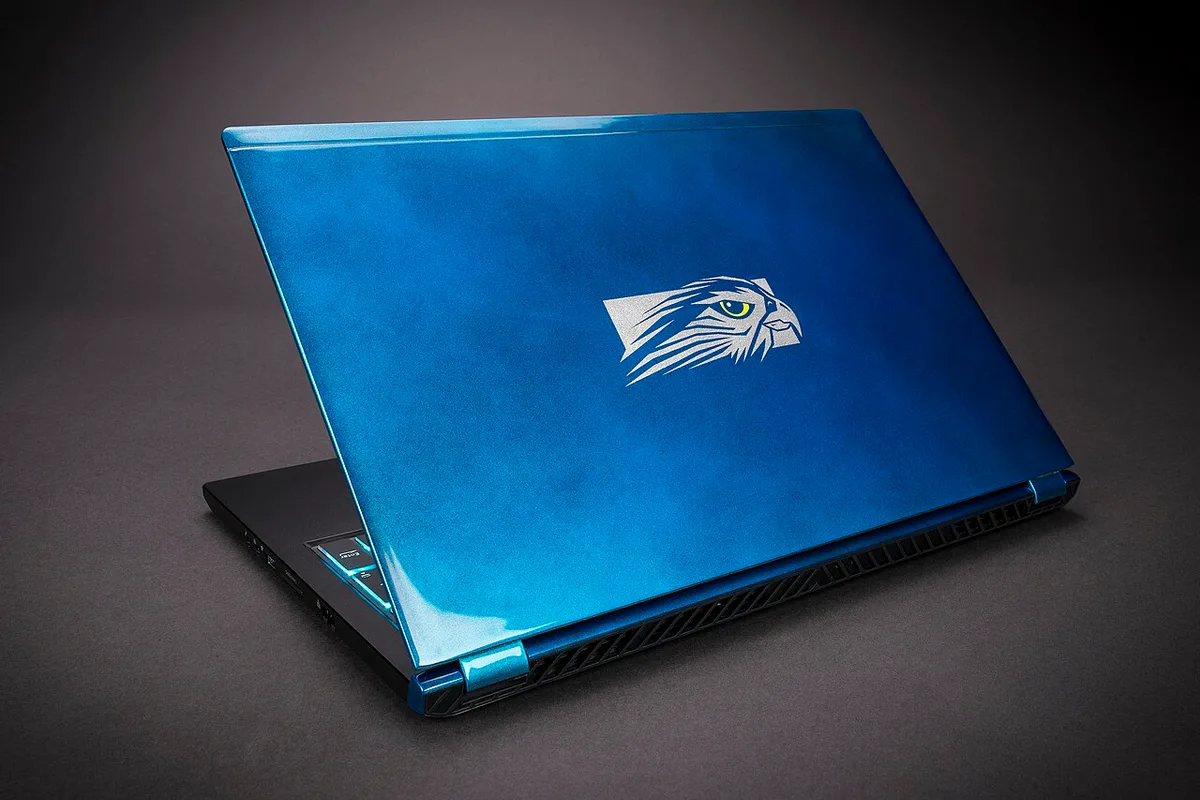
Image source: Wikimedia Commons / Falcon Northwest (CC BY-SA)
- Competitive FPS: You likely want a gaming mouse.
- MOBA or RTS: A mouse helps with speed and clicks.
- Casual indie games: A trackpad often works.
- Travel gaming: A small wireless mouse is useful.
- Hybrid work and play: One good mouse can do both.
If you only play slow games, save your money. If you chase ranks, buy the mouse. For many laptop gamers, the middle ground is a simple office mouse first.
How Laptop Trackpads Hold Up by Game Genre
Trackpads have improved. Precision trackpads track well for normal use. Still, gaming adds speed, pressure, and repeated clicks.
That is where they struggle.
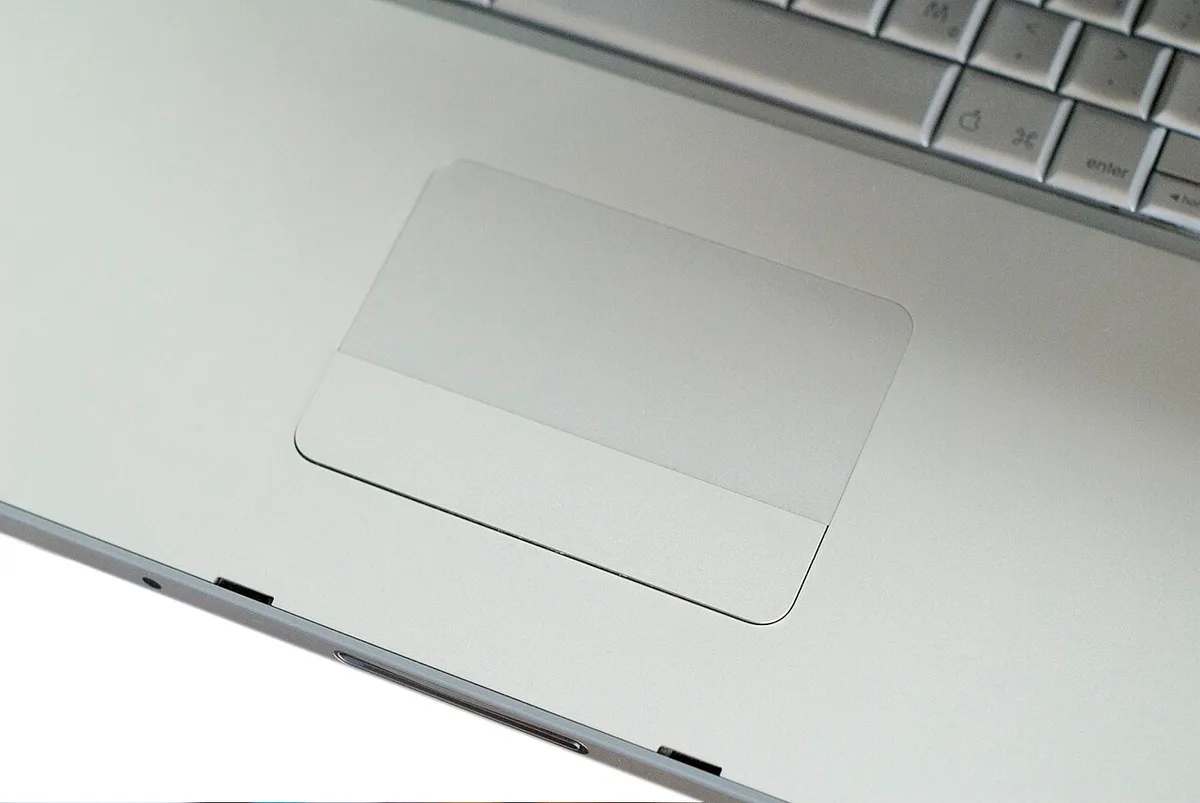
Image source: Wikimedia Commons / Highway of Life (CC BY-SA)
| Game type | Trackpad experience | Better choice |
|---|---|---|
| Turn-based strategy | Fine for slow turns | Trackpad or office mouse |
| Casual platformers | Okay, but tiring | Office mouse |
| MOBAs | Hard to aim and click fast | Gaming mouse |
| Competitive FPS | Poor for flicks and tracking | Gaming mouse |
| Racing or flight sims | Awkward without wheel or stick | Controller or wheel |
The trackpad is not broken. It is just built for pointing, not gaming. If you play competitive shooters on your laptop, a mouse is a clear upgrade.
The Condition Variables That Change Your Answer
Four things decide this for you. Check them in order.
Game genre
Fast games need speed. Slow games need less.Skill level
New players may not feel the gap. Ranked players will.Play location
Desk space helps. Travel limits it.Budget
A cheap office mouse beats a trackpad in many games.
Use if/then logic here. If you play ranked FPS, get a gaming mouse. If you play casual games on the couch, try the trackpad first.
If you travel often, pick a light wireless model. If you are unsure, borrow a mouse and test for one week.
A good gaming laptop can still feel limited without the right input device. That is why many buyers also compare portable and desktop setups before adding peripherals.
Decision Branches: Trackpad, Office Mouse, or Gaming Mouse
Here are the three practical paths.
Branch 1: Stay with the trackpad
Best for casual players with small spaces. It costs nothing and works for slow games. It is worst for long sessions and fast aiming.
Branch 2: Buy an office mouse
Best for students and hybrid users. It fixes comfort and basic aiming. It lacks gaming sensors and extra buttons.
Branch 3: Buy a gaming mouse
Best for competitive and MMO players. It gives better tracking, lower latency, and useful buttons. It costs more and needs a surface.
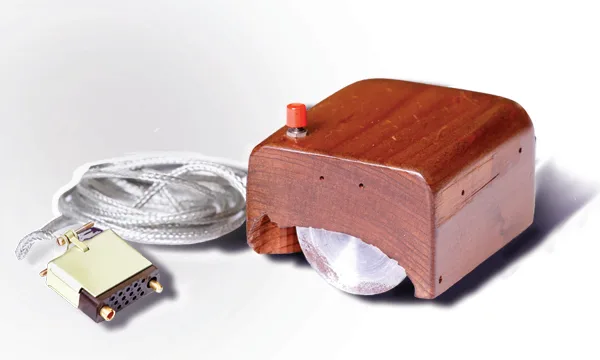
Image source: Wikimedia Commons / SRI International (CC BY-SA)
Pick one based on your branch. Do not buy a premium mouse for casual play. Do not force ranked play on a trackpad.
For laptop owners who also edit or render, input comfort matters beyond games. A mouse can help with creative laptop work too.
Gaming Mouse Features Worth Paying For on a Laptop
You do not need every feature. Focus on the ones that change feel and control.
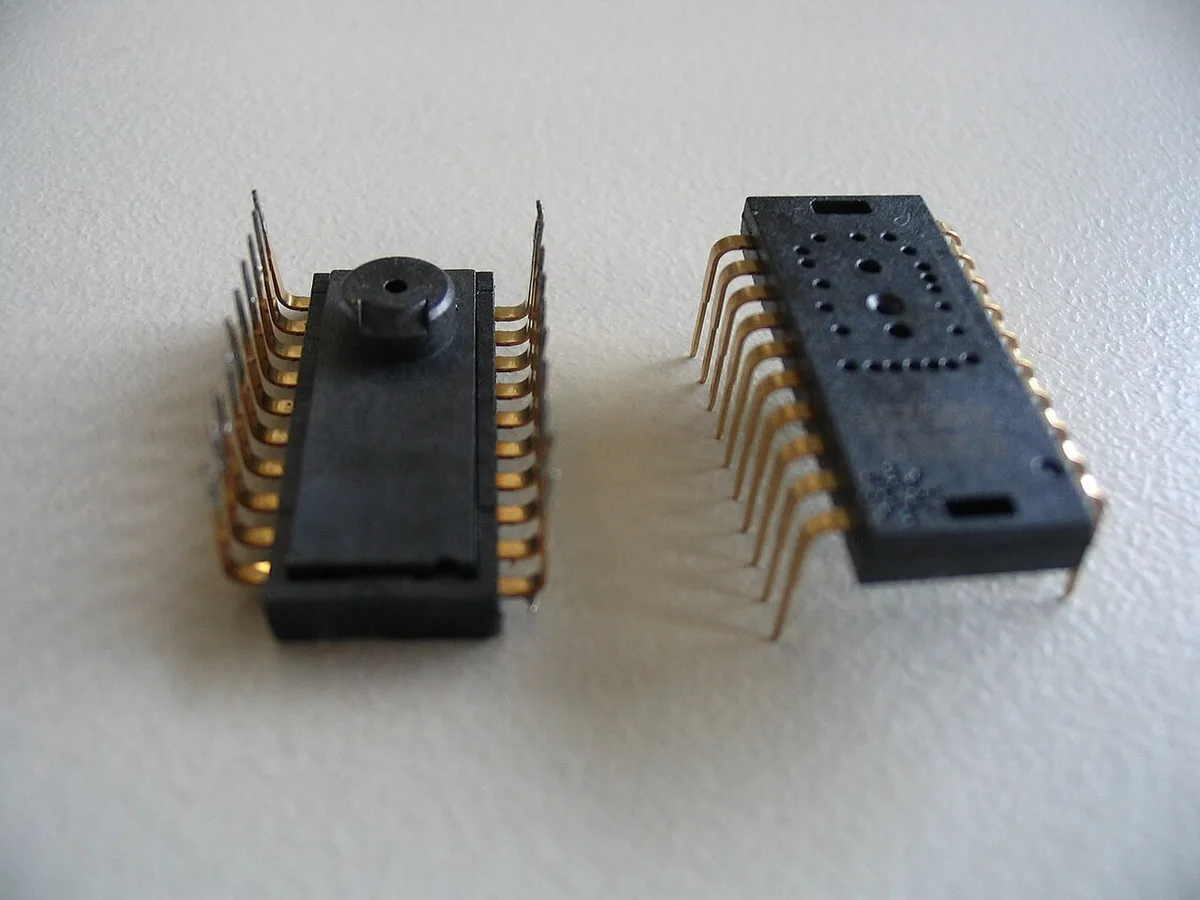
Image source: Wikimedia Commons / Thomas Fürst
Wired vs. Wireless: Which Makes More Sense Here
Wired mice are simple. They never need charging. They can feel slightly heavier due to cable drag.
Wireless mice are cleaner on a laptop desk. Good models use a 2.4 GHz dongle, not just Bluetooth, for lower latency.
| Feature | Worth paying for | Skip if casual |
|---|---|---|
| Reliable sensor | Yes | No |
| 1000 Hz polling | Yes for competitive | Maybe |
| Light weight | Yes for FPS | Not needed |
| Extra buttons | Yes for MMO/MOBA | Often |
| RGB lighting | No | Yes |
| Ultra-high DPI | No | Yes |
Per USB Implementers Forum HID standards, mouse input travels through standard USB protocols. That is why basic compatibility is easy. For wireless, Bluetooth SIG standards help, but competitive players often prefer a dongle.
If you game on a small desk, a light mouse with a good sensor beats a flashy one. If you also care about long sessions, ergonomics matter more than RGB. Many people who use a gaming laptop for school and gaming benefit from one reliable mouse for both tasks.
Common Mistakes When Choosing a Mouse for Laptop Gaming
Many buyers chase specs that do not change real play. That leads to wasted money and poor comfort.
- Buying ultra-high DPI: 32,000 DPI sounds impressive. Most players use far lower. Sensitivity matching matters more.
- Using Bluetooth for ranked games: Bluetooth can add latency. A 2.4 GHz dongle is usually better for fast games.
- Skipping a mousepad: A good sensor still needs a clean, consistent surface.
- Ignoring grip and size: A mouse that is too small or too large causes strain.
- Copying pro settings blindly: Pro DPI only works with matching in-game sensitivity.
- Overbuying buttons for FPS: Extra buttons help MMOs. They add weight and clutter for shooters.
If you make one change, fix sensitivity first. Set DPI and in-game sensitivity together. Test in a training mode.
Adjust in small steps.
Real Scenarios: What Different Laptop Gamers Should Do
Your situation decides the right input. Here are common cases.
Scenario 1: Casual student gamer
You play indie games and Minecraft on a small desk. The trackpad may be fine. An office mouse adds comfort for long homework sessions.
Scenario 2: Ranked Valorant player
You need fast flicks and stable tracking. Use a light gaming mouse with a 1000 Hz polling rate. A mousepad is worth it.
Scenario 3: Frequent traveler
You game in hotels and trains. A compact wireless mouse is the sweet spot. Keep a small pad in your bag.
Scenario 4: MMO or MOBA player
You use many abilities. A mouse with extra buttons saves keyboard work. Weight matters less here.
Scenario 5: Hybrid work and play
You edit, browse, and game on one laptop. One reliable mouse covers all tasks. This is where gaming laptop value for school and gaming really shows.
Frequently Asked Questions
Does a gaming laptop need a gaming mouse for Fortnite?
Not always. Casual Fortnite play works on a trackpad or office mouse. Ranked play benefits from a gaming mouse.
Is a regular mouse good enough for gaming?
Yes for slow or casual games. It is weaker for fast aiming and repeated clicks.
Is wireless gaming mouse good for laptop gaming?
Yes if it uses a 2.4 GHz dongle. Bluetooth is fine for casual play. Competitive players usually prefer the dongle.
Can you play FPS on a laptop trackpad?
You can, but it is hard. Flicks and tracking suffer. A mouse makes aiming easier.
Do gaming mice work with any gaming laptop?
Usually yes. Standard USB and wireless dongles are widely supported. Check the maker's specs if unsure.
Should I buy a mousepad with a gaming mouse?
Yes if you want consistent tracking. A clean desk helps. A pad helps more.
Final Verdict: Your Personal Decision Guide
Use this simple guide.
- If you play casual games only: Try the trackpad first.
- If you play ranked shooters: Buy a light gaming mouse.
- If you travel often: Choose a compact wireless model.
- If you play MMOs or MOBAs: Pick a mouse with extra buttons.
- If you are unsure: Start with an office mouse. Upgrade later if needed.
A gaming laptop does not require a gaming mouse. The right input depends on your games, skill, and setup. Match the tool to the task, and you will save money while playing better.