To check CPU cooler clearance in a pc case, you measure the real space around the CPU socket, not just the case's advertised maximum height. The cooler's height, RAM height, VRM heatsinks, fan placement, and side-panel gap all need to clear at once. A dry-fit before final assembly catches problems that a spec sheet cannot.
Manufacturer specifications often list one maximum cooler height. That number assumes an empty case with standard RAM and no top fan. As of 2026, many compact and mid-tower cases still need a hands-on check before you trust that figure.
how to check cpu cooler clearance in a pc case
Measure from the CPU socket area to the side panel. Compare that number to the cooler's stated height. Leave room for RAM, VRM heatsinks, and cables.
Check top and front radiator paths too. Dry-fit before final assembly.
Why Photos and Diagrams Matter More Than the Spec Sheet
A spec sheet gives one number. A photo or diagram shows the full path the cooler must pass through. That difference matters because cases are not empty boxes once the build starts.
A large air cooler may fit the height limit on paper. It can still hit tall RAM, a VRM shroud, or a bulged glass panel. A top-mounted AIO may clear the motherboard.
It can still block a fan bracket or press against memory modules.
Visual checks also help with small details. Cable headers near the top edge can steal a few millimeters. Fan frames can sit lower than the case wall.
A screw head on a motherboard can rub a fin stack.
If you are planning a full build, keep the whole system in view. A tight cooler fit can affect routing, airflow, and noise. It can also change how you handle the power side of the build, so it helps to know the right power budget before parts arrive.
The Visual Fit Points That Actually Decide Compatibility
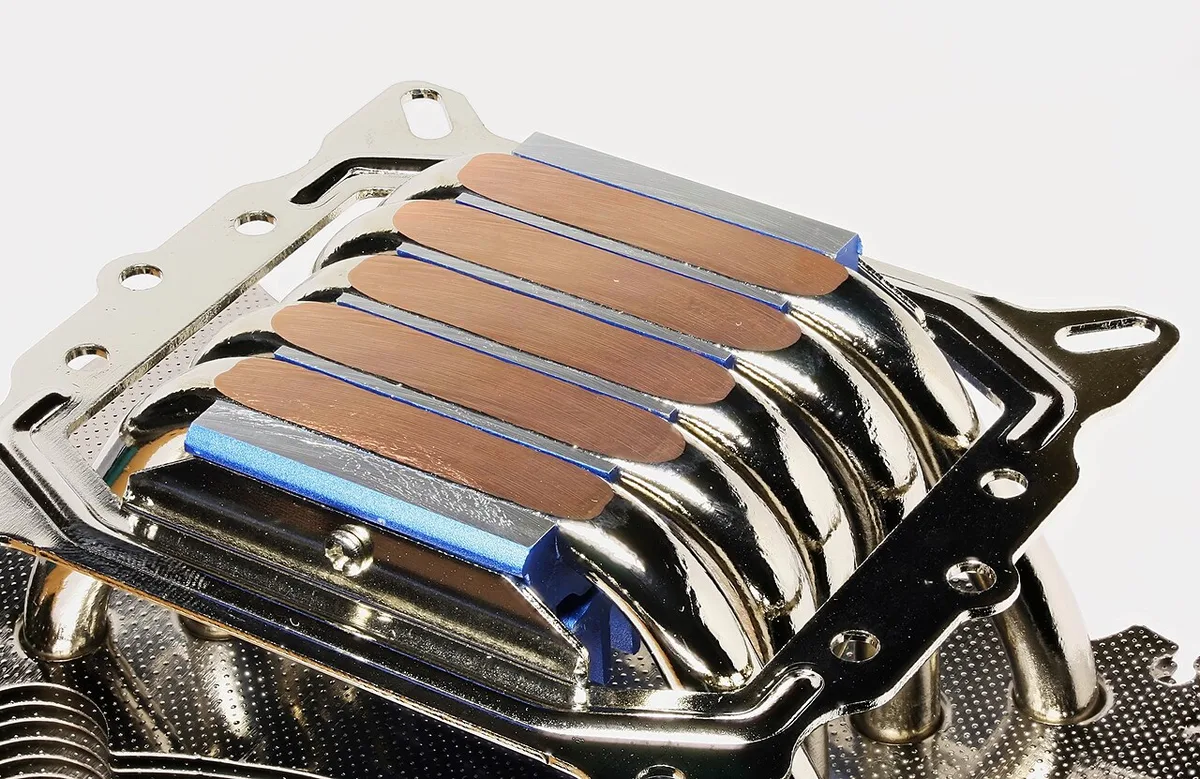
Image source: Wikimedia Commons / D-Kuru (CC BY-SA)
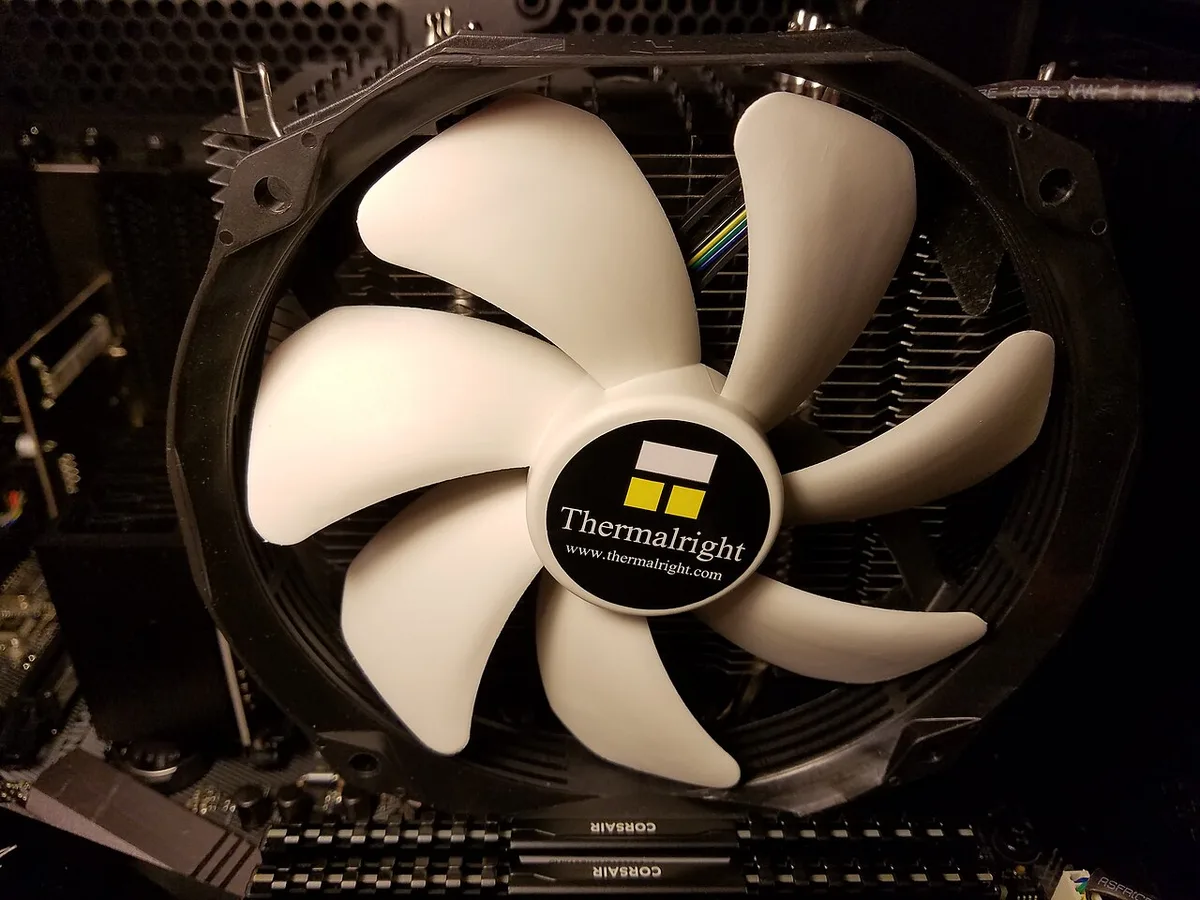
Image source: Wikimedia Commons / Bretwa (CC BY-SA)
The real fit test happens at a few specific points. Check each one before you buy or install parts.
- CPU socket to side panel: This is the main height check for tower coolers.
- RAM to heatsink: Tall RGB memory can block a cooler base or fan.
- VRM heatsink to fan frame: Large fans can scrape motherboard armor.
- Top panel to fan or radiator: Top mounts need room for the full stack.
- Front panel to GPU: A front radiator can reduce graphics card space.
- Side panel to cooler: Glass and steel panels have different inner gaps.
- Pump head to RAM: AIO blocks can need more vertical room than expected.
A bulged side panel can add useful clearance. A flat tempered glass panel may remove that margin. Mesh panels often sit closer to the cooler than they look from outside.
Manufacturer documentation is the best starting point. Case manuals and cooler manuals usually list height, width, and fan sizes. Intel and AMD socket documentation also helps when you need to confirm motherboard layout.
How to Measure CPU Cooler Clearance Step by Step
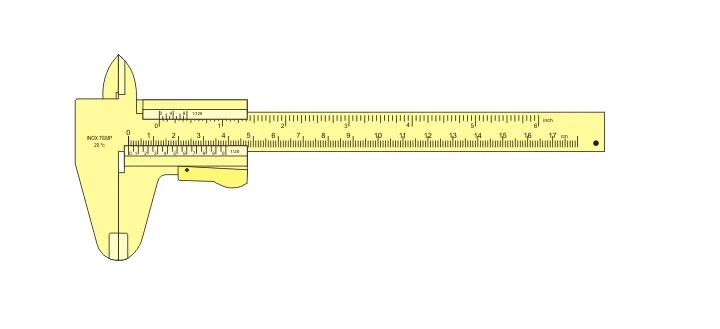
Image source: Wikimedia Commons / Joaquim Alves Gaspar (CC BY)
Use a digital caliper when possible. A metal ruler works, but soft tape can bend and add error. Measure in millimeters for the cleanest comparison.
| Step | What to check | Tool or method |
|---|---|---|
| 1 | Case interior height at cooler location | Caliper or ruler |
| 2 | Cooler height and fin-stack width | Spec sheet plus caliper |
| 3 | RAM height and clearance zone | Caliper |
| 4 | Top or front radiator stack | Caliper |
| 5 | Side-panel gap | Feeler or visual check |
| 6 | Dry-fit without paste | Hands and light pressure |
- Confirm the motherboard standoff height and socket position.
- Measure from the motherboard tray to the side panel at the cooler location.
- Subtract space needed for cable headers, fan frames, and panel lips.
- Measure the cooler from base to top of the fan or heatsink.
- Add RAM height if the cooler overhangs the memory slots.
- Check top and front paths with fans installed.
- Dry-fit the cooler with no thermal paste.
- Close the panel and look for pressure points.
A dry-fit tells you more than the numbers. It shows whether a fan cable can rub a fin. It also shows whether the panel touches the heatsink when you press it closed.
If your system has had random shutdowns under load, do not assume cooling is the only issue. A failing power supply can create similar symptoms.
Air Coolers vs. AIOs: Clearance Behaves Differently
Air coolers and liquid coolers create different clearance problems. A tower cooler is one tall object. An AIO spreads parts across the case.
| Cooler type | Main clearance risk | Best visual check |
|---|---|---|
| Tower air cooler | Height and RAM overhang | Side view with panel off |
| Top-flow air cooler | Low height but wide spread | Top-down view |
| 240mm or 280mm AIO | Top stack and VRM clearance | Top panel path |
| 360mm AIO | Front stack and GPU length | Front and side view |
| Low-profile cooler | Fan height but wide base | Motherboard area |
Tower air coolers are simple to measure. The problem is usually one number: cooler height. Add fan thickness if the fan sits above the heatsink.
AIOs are more complex. The radiator thickness plus fan thickness plus bracket can exceed the case's top clearance. The pump head may also sit close to tall RAM.
Front mounting can reduce GPU length by a large amount.
If you choose an AIO for a high-end graphics card, check both cooler and GPU paths. A PSU choice for a high-end graphics card matters too, but it does not fix a radiator that blocks the card.
Common Visual Mistakes That Cause a Build to Fail
- Measuring from the case floor instead of the motherboard tray.
- Forgetting that RAM height adds to the clearance problem.
- Ignoring VRM heatsinks and rear I/O shrouds.
- Assuming a flat glass panel has the same gap as a steel panel.
- Counting radiator thickness but not fan thickness.
- Forgetting top panel lips, fan grilles, and bezel edges.
- Installing the cooler before checking cable headers.
- Tightening a side panel against a heatsink.
- Trusting a community measurement without checking case revision.
- Skipping the dry-fit because the spec sheet looks close.
The most common mistake is treating maximum cooler height as a hard yes or no. It is only a starting point. Real builds have RAM, cables, fan frames, and panels in the way.
A second common mistake is forgetting that cooler weight matters. Large air coolers can stress the motherboard if the case is moved. That is a handling issue, not just a clearance issue.
If your build also uses a modern power connector, learn what ATX 3.1 means for your PSU before final cable routing. Good cable planning leaves more room around the cooler.
Real-World Scenarios: SFF, Mid-Tower, and Full-Tower Builds
Small form factor cases are the hardest. Every millimeter counts, and the cooler often shares space with the PSU and GPU.
In a typical SFF build, the CPU socket sits close to the side panel. A 120mm tower cooler may fit the height limit but still hit a full-height RAM kit. Low-profile coolers and slim fans are common here.
Top-flow designs can help because they spread heat sideways instead of upward.
Mid-tower cases give more room, but they still have traps. A 165mm tower cooler usually fits. Add tall RGB memory and it may not.
Top-mounted AIOs need the full stack checked. A 240mm radiator with two fans can exceed the top clearance by 10 to 15mm.
Full-tower cases are the most forgiving. Most large air coolers fit with room to spare. The risk shifts to front radiators and GPU length.
A 360mm front radiator can steal 60mm or more from the graphics card.
Scenario one: a 140mm tower cooler in a mid-tower with 42mm RAM. The cooler clears the panel by 5mm. The RAM does not clear the fan.
Swap to low-profile memory and the build works.
Scenario two: a 280mm AIO on top of a compact case. The radiator fits. The fans hit the VRM heatsink.
Switch to slim fans and the gap returns.
Scenario three: a front 360mm radiator in a full-tower. The radiator fits. The GPU no longer fits.
Move the radiator to the top or choose a shorter card.
If you are building around a powerful graphics card, also check how to choose a PSU for a high-end graphics card so the whole system fits together.
Expert Tips for a Clean, Safe Fit
Leave a small gap, not just enough. A 2mm margin is risky. Aim for 5mm or more where possible.
Check the panel type before you buy. A bulged side panel adds clearance. A flat tempered glass panel does not.
Measure the inner gap, not the outer dimension.
Use the cooler's real height, not the heatsink alone. Many coolers list heatsink height without the fan. Add fan thickness before you compare numbers.
Check RAM height before choosing memory. A 32mm cooler overhang with 45mm RAM means contact. Low-profile kits often sit under 35mm.
Route cables before the final install. Headers near the top edge can steal clearance. A modular PSU makes this easier because unused cables stay out of the case.
Photograph the fit points. A phone photo of the gap is useful later. It helps if you upgrade parts or troubleshoot noise.
Handle glass panels with care. Tempered glass can shatter if it hits a heatsink edge. Support the panel with both hands when closing.
Lift large air coolers by the base, not the fan. Heavy heatsinks can bend motherboard brackets if pulled sideways.
When to Dry-Fit Instead of Trusting Measurements
Dry-fit when the numbers are close. If the margin is under 5mm, test it physically.
Dry-fit when you mix brands. A case spec and a cooler spec come from different sources. Tolerances stack up.
Dry-fit when RAM is tall. Memory height varies by kit and by RGB shroud. The spec sheet rarely matches the installed height.
Dry-fit when using top or front radiators. The full stack is hard to predict. Fans, radiators, brackets, and panel lips all add up.
Dry-fit when the case is new to you. A first build in an unfamiliar chassis has surprises. Screws, standoffs, and cable channels sit where you do not expect.
Dry-fit without thermal paste. Mount the cooler loosely. Check all angles.
Remove it before final assembly. This avoids paste mess and repeated mounting.
A dry-fit also reveals cable routing problems. A fan wire caught in a fin stack is easy to fix before paste is applied.
If your build has ever shut down under load, check more than cooling. An underpowered PSU can cause the same symptom.
Frequently Asked Questions
How do I measure CPU cooler clearance accurately?
Measure from the motherboard tray to the side panel at the cooler location. Use a digital caliper in millimeters. Compare that number to the cooler's full height including fan.
Does RAM height affect CPU cooler fit?
Yes. Tall RAM can block a tower cooler's fan or heatsink base. Check the cooler's overhang and the memory's height together.
Is the case's maximum cooler height reliable?
It is a starting point, not a guarantee. It assumes standard RAM and an empty case. Real builds have cables, fans, and panels in the way.
Can a side panel touch the cooler?
Yes. Flat glass panels have little inner gap. A bulged panel adds room.
Always close the panel gently and check for pressure.
Should I dry-fit a CPU cooler before final install?
Yes, especially when the margin is small. Dry-fit without thermal paste. Check all angles and cable paths first.
Do AIOs have clearance issues too?
Yes. The radiator thickness plus fan thickness plus bracket must fit the mount. The pump head can also hit tall RAM or VRM heatsinks.
What tool is best for measuring clearance?
A digital caliper is best. A metal ruler works. Avoid soft tape measures because they bend and add error.
How much clearance should I leave?
Aim for 5mm or more where possible. A 2mm margin is risky. Panels, cables, and tolerances can eat small gaps quickly.