Choosing how to choose an nvme ssd for a gaming pc gets easier once you stop chasing peak read speeds and start matching the drive to your motherboard, workload, and budget. A fast drive on the wrong slot or with poor sustained performance can feel no better than a cheaper model in real games. The right pick balances PCIe generation, NAND type, cache behavior, thermals, and capacity.
As of 2026, most gaming boards still top out at PCIe 4.0, while PCIe 5.0 drives can exceed 12,000 MB/s but often cost far more per gigabyte. For many builds, a good 1TB or 2TB PCIe 4.0 TLC drive with a heatsink is the practical sweet spot. The sections below walk through the specs that actually change your experience.
Why Your NVMe SSD Choice Actually Affects Gaming
NVMe stands for Non-Volatile Memory Express, and it is the protocol that lets an SSD talk to your CPU over PCIe lanes instead of the older SATA bus. In games, that mainly means faster asset loading, smoother open-world streaming, and less texture pop-in. It does not usually raise your frame rate, but it can make a big difference in how responsive the game feels.
The biggest gains show up in games with large worlds, frequent level loads, or DirectStorage support. DirectStorage lets the GPU read game data directly from the SSD, reducing CPU overhead. Aggregate benchmark data shows PCIe 4.0 drives often cut load times versus SATA SSDs, while the jump from Gen4 to Gen5 is smaller in most current titles.
Capacity matters too. A nearly full drive slows down and wears faster, especially on QLC models. That is why many builders pair their boot drive with a larger game library drive.
If you are weighing space needs, our guide on how much storage a gaming pc really needs can help you avoid buying too small.
PCIe Gen3 vs Gen4 vs Gen5: What Your Motherboard Can Actually Use
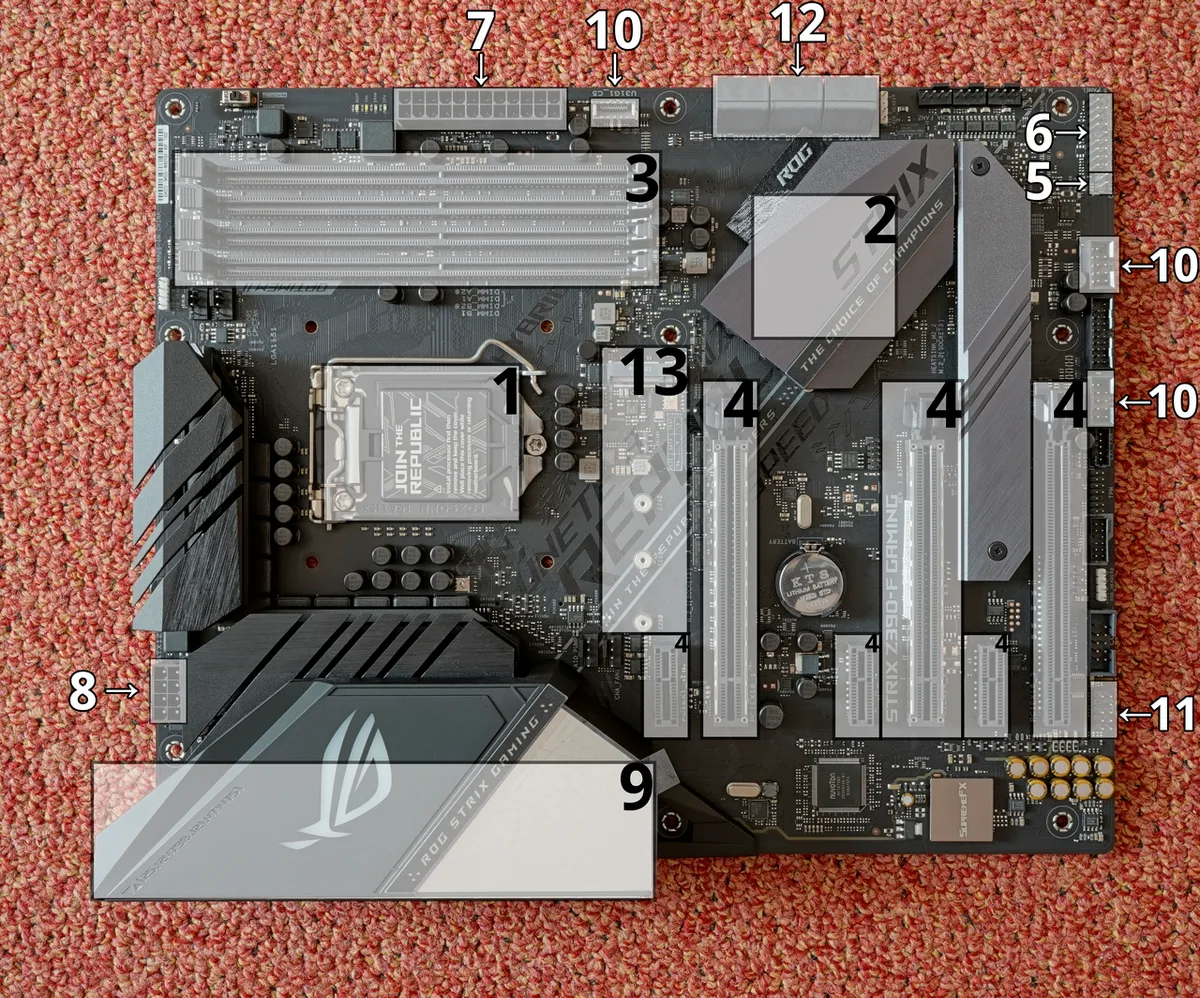
Image source: Wikimedia Commons / PantheraLeo1359531 (CC BY)
PCIe generation is the first filter. A Gen5 drive in a Gen3 slot will still work, but it will run at Gen3 speeds. That means you may pay a premium for performance your board cannot deliver.
Check your motherboard manual for the M.2 slot generation before shopping.
Here is a simple comparison:
| PCIe generation | Typical top speed | Best fit |
|---|---|---|
| Gen3 | ~3,500 MB/s | Older boards, budget builds |
| Gen4 | ~7,000 MB/s | Most gaming PCs today |
| Gen5 | 12,000+ MB/s | High-end boards with cooling |
For most gamers, Gen4 is the value leader. Gen3 is still fine for older systems and can be a strong budget choice. Gen5 makes sense only if your board supports it, your case has airflow, and you are willing to pay more.
Heat is the catch with Gen5. These drives can throttle without a proper heatsink or active cooling. Manufacturer specs often list peak speeds that assume ideal cooling.
Real-world sustained performance can be lower if the drive gets hot.
If you want to understand the gaming impact more deeply, see our breakdown of how nvme ssd speed affects game loading. It separates marketing speed from the speeds you actually feel.
TLC vs QLC NAND and the SLC Cache Write Cliff
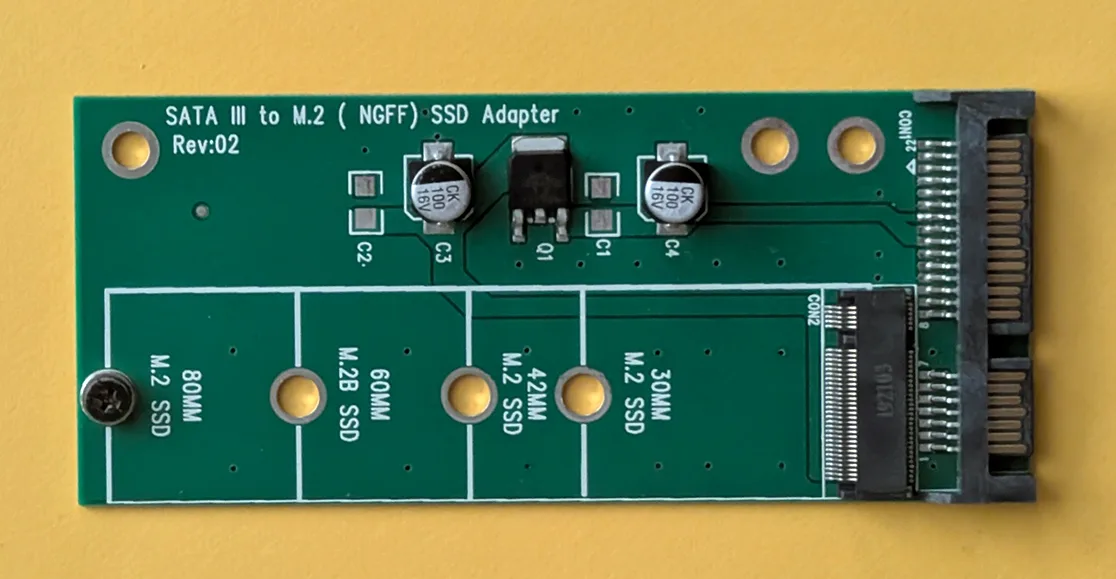
Image source: Wikimedia Commons / Siarhei Besarab (CC BY-SA)
NAND flash type affects endurance, price, and sustained write speed. TLC stores three bits per cell and is the common choice for mainstream gaming drives. QLC stores four bits per cell and usually costs less per gigabyte, but it can slow down sharply after its SLC cache fills.
The SLC cache is a fast buffer that absorbs writes before they settle into slower NAND. During a huge game install or file copy, that cache can fill. On some QLC drives, speeds then drop to a fraction of the advertised rate.
That is the write cliff, and it is one of the most misunderstood SSD behaviors.
TLC drives are generally safer for heavy installs, frequent updates, and long-term use. QLC can still be fine for a secondary game library if the price is right and you do not move huge files often. For a primary OS and game drive, TLC is usually the better buy.
Endurance ratings, measured in TBW, also favor TLC in many cases. TBW means terabytes written over the warranty period. Higher TBW is better if you install and delete games often.
Always check the capacity-specific rating, because a 2TB model may have a much higher TBW than a 500GB model.
DRAM vs DRAM-Less: Why It Matters Under Sustained Load
DRAM is a small memory chip on the SSD that stores the mapping table for where data lives. Drives with DRAM often handle random reads, sustained writes, and heavy multitasking better. DRAM-less drives can still be good, especially when they use Host Memory Buffer, or HMB, to borrow a small amount of system RAM.
HMB helps DRAM-less drives stay responsive in normal desktop use. In gaming, the difference may be small for simple game loading. It becomes more noticeable during large installs, shader compilation, or when the drive is nearly full.
DRAM-less designs are common in budget and compact drives. They can save money and power, which matters in laptops and small-form-factor PCs. The tradeoff is that sustained performance may dip more under heavy load.
When comparing two similar drives, do not assume DRAM is always worth the price. Look at real sustained write tests, not just peak speeds. A well-tuned DRAM-less drive with good HMB can beat a poorly cooled DRAM drive.
Form Factor, Slot Compatibility, and Heatsink Fit
Most gaming SSDs use the M.2 2280 form factor, meaning 22mm wide and 80mm long. Some laptops and handheld PCs use 2230 or 2242 drives. Buying the wrong length can mean the drive does not fit or the mounting screw lands in the wrong spot.
Check three things before buying. First, confirm the slot supports NVMe, not just SATA M.2. Second, check whether the slot is PCIe x4, since some slots are x2 and cap speed.
Third, confirm clearance under the GPU, heatsink, or motherboard armor.
Heatsinks matter more as speeds rise. A Gen4 drive may be fine with a basic motherboard heatsink. A Gen5 drive often needs a larger heatsink or active cooling.
If your board has a built-in M.2 heatsink, use it and make sure the thermal pad contacts the drive properly.
Single-sided drives are easier to fit in tight spaces. Double-sided drives can run warmer and may not fit under some laptop heatsinks. For desktop gaming builds, either can work, but clearance and cooling should guide the choice.
When upgrading storage, many builders also revisit memory. If you are planning a full platform refresh, our guide on how to choose compatible ram for a gaming motherboard is a useful next step. It keeps the storage and memory choices aligned with the same board limits.
External standards help here too. PCIe lane and slot behavior are defined by PCI-SIG, while NVMe protocol details come from NVM Express. Manufacturer documentation is the best place to confirm exact slot support, heatsink height, and warranty terms.
Side-by-Side Comparison of Popular Gaming NVMe SSDs
When you shop for a drive, marketing focuses on peak sequential speeds. That number is easy to advertise but rarely tells the whole story. A better comparison looks at sustained write speed, 4K random performance, endurance, and price per gigabyte.
Here is a simplified comparison of common drive classes as of 2026:
| Drive class | Typical seq read | Sustained write | Endurance | Best for |
|---|---|---|---|---|
| Budget Gen3 | ~3,500 MB/s | Moderate | Lower | Older boards |
| Mid Gen4 TLC | ~7,000 MB/s | Strong | Good | Most gamers |
| High Gen4 TLC | ~7,400 MB/s | Very strong | High | Enthusiasts |
| Gen5 TLC | 12,000+ MB/s | Strong | High | Top-end builds |
| Budget Gen4 QLC | ~5,000 MB/s | Weak after cache | Lower | Secondary storage |
The mid-range Gen4 TLC tier is where most gamers get the best value. It delivers fast load times without the Gen5 premium. High-end Gen4 drives add stronger sustained writes and higher endurance, which helps if you install games often.
Gen5 drives lead on paper but need better cooling and a compatible board. They also cost more per gigabyte. For many players, that extra speed does not translate into noticeably faster game loading.
If you are still deciding between storage types, our guide on the difference between an ssd and hdd for gaming explains why even a basic SSD beats a hard drive.
Best NVMe SSD for Each Gaming Scenario
Different builds call for different drives. The best choice depends on your board, case space, and how you use storage.
Budget 1080p build: A reliable Gen3 or entry Gen4 drive with 1TB capacity works well. You get fast boot and load times without overspending. Look for TLC NAND and a decent warranty.
Mainstream 1440p build: A mid-tier Gen4 TLC drive in 1TB or 2TB is the sweet spot. It handles large installs, updates, and multitasking smoothly. This is the safest recommendation for most gamers.
High-end 4K build: If your board supports Gen5 and has good cooling, a Gen5 TLC drive makes sense. Pair it with a strong heatsink. Otherwise, a top Gen4 drive is still excellent.
Small-form-factor or laptop: Choose a single-sided DRAM-less or HMB drive with low power draw. Check physical fit and thermal clearance before buying. Compact cases punish hot drives.
Secondary game library: A larger QLC drive can be a smart value pick here. You get more capacity for the money. Just avoid using it for your OS or heavy scratch work.
Mistakes That Waste Money or Hurt Performance
Small oversights can erase the benefit of a fast drive. These are the most common ones we see.
- Buying Gen5 for a Gen3 board
- Skipping the heatsink on a hot drive
- Filling the drive past 85 percent capacity
- Cloning without checking alignment or partitions
- Ignoring BIOS updates for M.2 support
- Trusting peak speed over sustained tests
- Buying from unverified sellers with counterfeit risk
- Forgetting to enable TRIM after install
Another common error is assuming more speed always means better gaming. In most titles, the jump from Gen4 to Gen5 is hard to notice. Spend the difference on capacity or a better GPU instead.
Also watch for slot sharing. Some boards disable SATA ports when certain M.2 slots are used. Check the manual before installing.
Frequently Asked Questions
Does NVMe speed matter for gaming FPS?
No. NVMe speed mainly affects load times and asset streaming, not frame rate. A faster drive will not raise your FPS in most games.
It can reduce stutter in open-world titles with heavy streaming.
Is 1TB enough for a gaming PC?
For most gamers, 1TB is the minimum practical size. Modern games often exceed 100GB each. If you play many titles, 2TB is safer and reduces wear from constant installs and deletes.
Should I get a heatsink for my NVMe SSD?
Yes for Gen4 and especially Gen5 drives. Heat causes throttling, which cuts real performance. A basic motherboard heatsink is often enough for Gen4.
Gen5 usually needs a larger heatsink or active cooling.
Can I use an NVMe SSD in an older motherboard?
Only if the board has an M.2 slot that supports NVMe. Some older boards only support SATA M.2. A Gen5 or Gen4 drive will still work in a Gen3 slot, but at Gen3 speeds.
Is QLC bad for gaming?
Not always. QLC is fine for a secondary game library where cost per gigabyte matters. It is less ideal as a primary OS drive because sustained writes and endurance are weaker.
TLC is the safer default for most builds.
How do I know if my drive is throttling?
Check SMART data and temperature logs during a large file copy or game install. If temps climb past roughly 70 to 80 degrees Celsius and speeds drop sharply, throttling is likely. Better cooling or a heatsink usually fixes it.
Final Recommendation
For most gaming PCs in 2026, a 1TB or 2TB PCIe 4.0 TLC drive with a heatsink is the best buy. It offers strong load times, good endurance, and fair pricing. Gen3 still works for older boards, and Gen5 is a luxury for high-end systems.
Match the drive to your slot, cooling, and capacity needs first. Then compare sustained performance and endurance, not just peak speeds. That approach saves money and avoids the most common mistakes.
If you are planning a broader upgrade, our guide on when to upgrade gaming pc memory helps you time storage and RAM changes together. Pairing both upgrades can reduce downtime and simplify the build process.
For authoritative protocol details, the NVM Express organization publishes the NVMe specification at nvmexpress.org. PCI-SIG defines PCIe lane and signaling standards at pcisig.com. Manufacturer documentation remains the best source for slot support and warranty terms.