What is the difference between single channel and dual channel ram? It comes down to how many memory paths your CPU can use at once. Single channel sends data through one path.
Dual channel splits work across two paths for more bandwidth. Manufacturer specifications and aggregate benchmarks show the gap is real but workload dependent. A matched pair can nearly double memory bandwidth, which helps CPU-bound games and integrated graphics.
You do not need the most expensive kit to get the benefit.
what is the difference between single channel and dual channel ram
Single channel uses one memory path. Dual channel uses two matched paths. Dual channel gives more bandwidth.
Real gains depend on your workload. Games and integrated graphics benefit most.
How Memory Channels Actually Work
Your CPU has a memory controller. It talks to RAM through channels. Each channel is a 64-bit data path on DDR4 and DDR5.
One DIMM in one channel means single channel. Two matched DIMMs in two channels means dual channel.
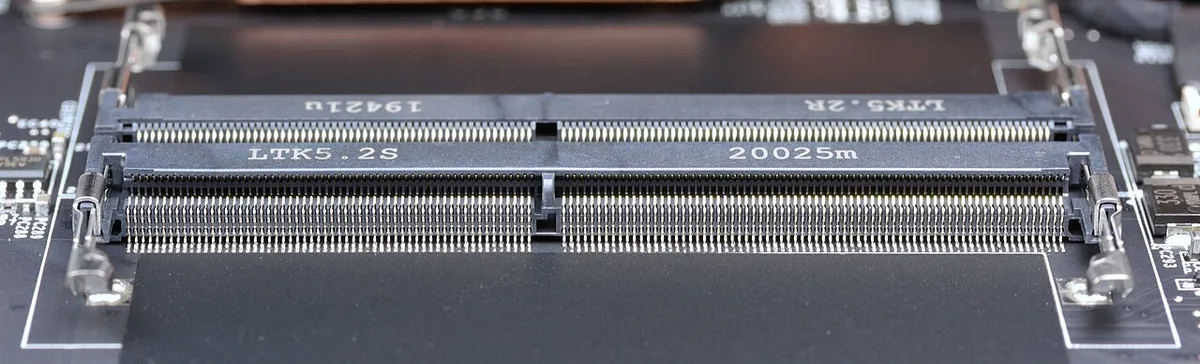
Image source: Wikimedia Commons / D-Kuru (CC BY-SA)
The motherboard decides slot layout. Most boards use four slots in two channels. Populating the right pair matters.
Wrong slots can force single channel even with two sticks.
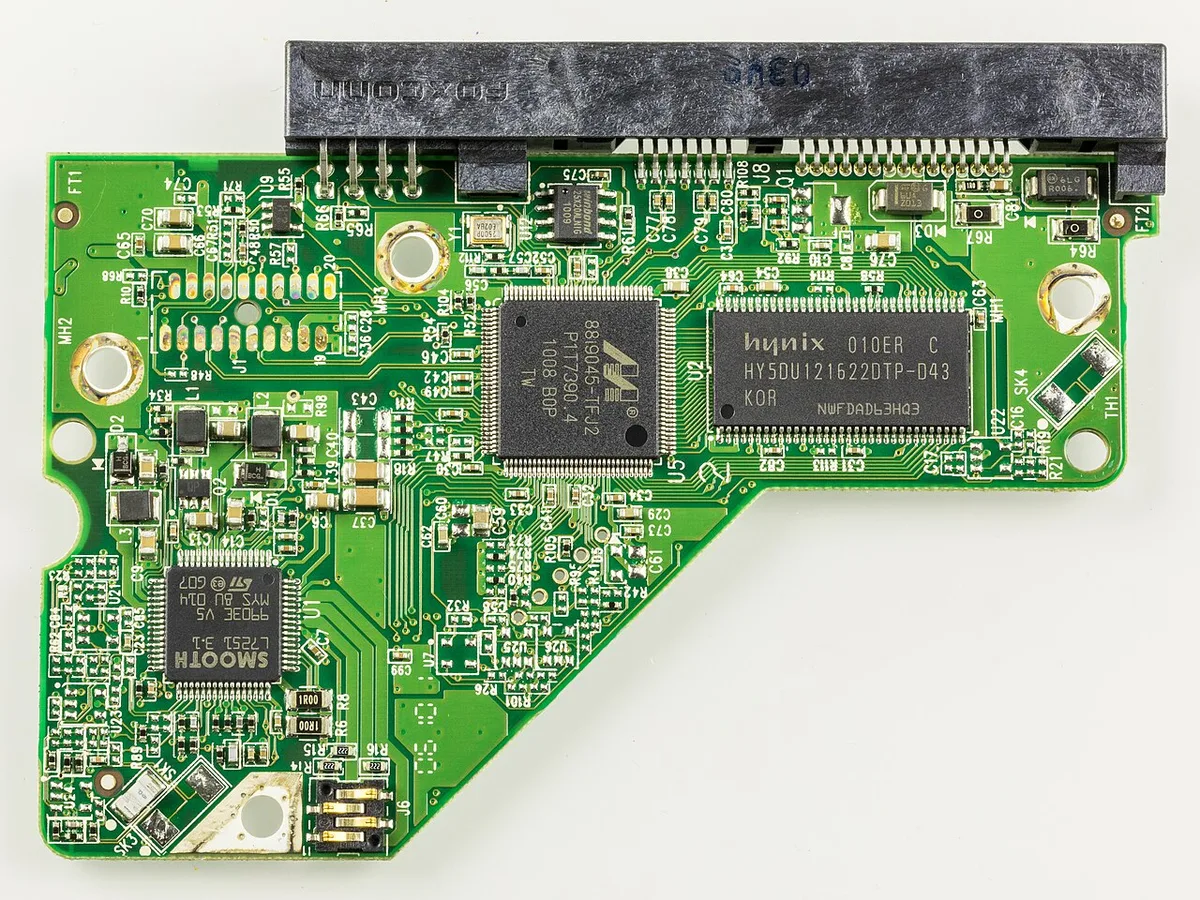
Image source: Wikimedia Commons / Raimond Spekking (CC BY-SA)
| Setup | Channels used | Data paths | Typical slots |
|---|---|---|---|
| Single channel | 1 | 1 x 64-bit | One stick |
| Dual channel | 2 | 2 x 64-bit | Matched pair |
Dual channel interleaves memory requests. That raises bandwidth more than latency. JEDEC defines DDR standards, and motherboard manuals define slot order.
Before you buy, check motherboard compatibility before a build to avoid slot and speed surprises.
Single Channel RAM Explained
Single channel RAM uses one channel. All data moves through one 64-bit bus. It is simple and cheap.
It works fine for light tasks.
- Lower cost for one large stick
- Easier future capacity jump
- Less bandwidth
- Can limit CPU-bound games
If you are sizing capacity, our guide on how much RAM a gaming PC actually needs can help. Single channel is not bad. It is just less bandwidth.
For office work, it is often enough.
Dual Channel RAM Explained
Dual channel RAM uses two channels at once. It needs a matched pair or compatible sticks. Bandwidth roughly doubles in theory.
Latency stays similar.
- Better gaming 1% lows
- Better integrated graphics performance
- Smoother multitasking
- Needs correct slot population
If you enable XMP, check motherboard memory overclocking features first. Matched kits are safest. Mixing sticks can downclock or fall back to single channel.
Side-by-Side Comparison
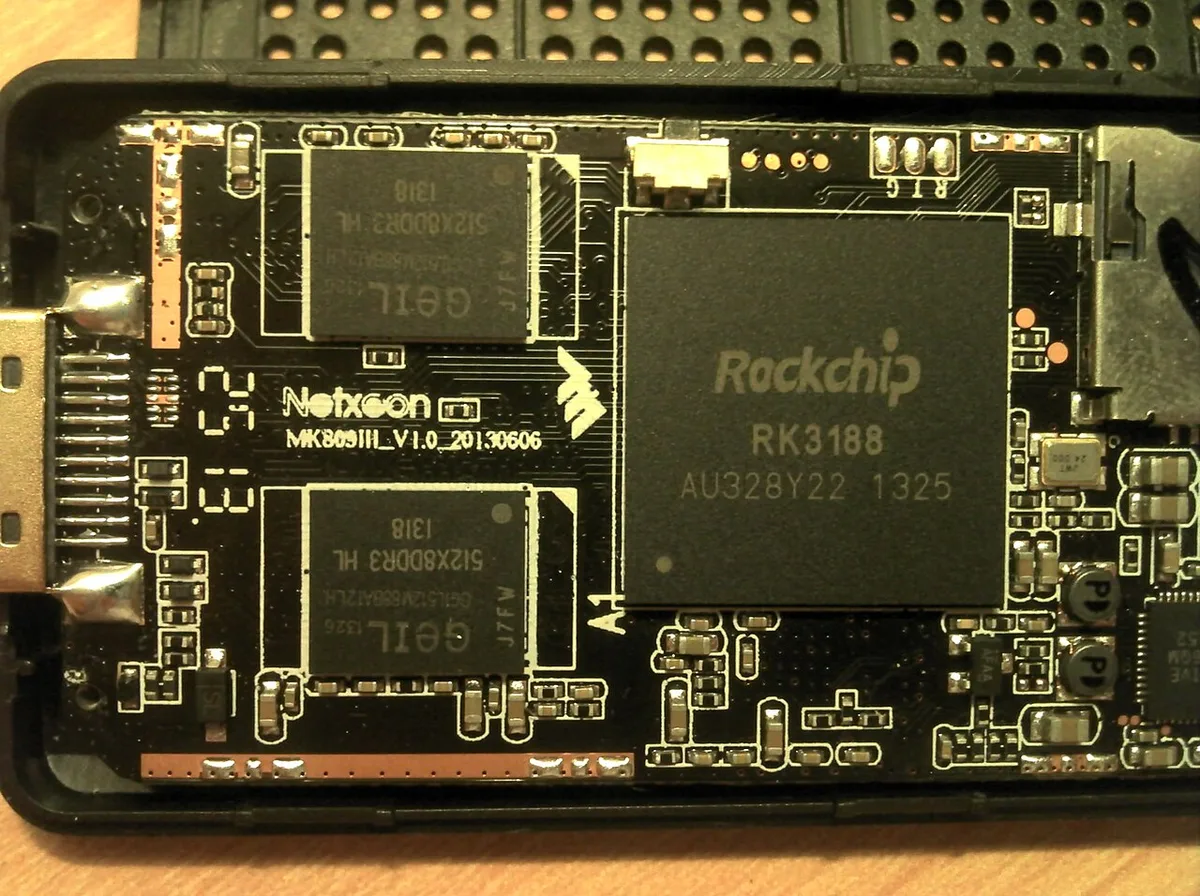
Image source: Wikimedia Commons / Cmuelle8
| Factor | Single channel | Dual channel |
|---|---|---|
| Channels used | 1 | 2 |
| Theoretical bandwidth | Lower | Higher |
| Typical setup | One stick | Matched pair |
| Gaming benefit | Small | Noticeable in CPU-bound titles |
| Integrated graphics benefit | Limited | Stronger |
| Upgrade cost | Lower upfront | Kit premium |
| Mismatch risk | None | Possible |
Choose single channel for budget or one-stick builds. Choose dual channel for gaming and multitasking. If you want features that matter on a gaming board, compare chipset features that matter for gaming before finalizing the build.
Real-World Performance: Games, Editing, and Everyday Use
Dual channel shines in CPU-bound games. Titles that stress the processor see higher 1% lows and smoother frame pacing. GPU-bound games see almost no change because the graphics card is the bottleneck.
Content creation is a different story. Video editors and 3D artists see faster render times and shorter compile times. The extra bandwidth feeds the CPU more data per second.
Everyday tasks barely move the needle. Web browsing, email, and office apps stay the same. The difference shows up under heavy load, not light use.
Integrated graphics users benefit the most. An iGPU shares system RAM for video memory. Dual channel can boost frame rates by a large margin in that case.
If you are sizing total capacity, our guide on how much RAM a gaming PC actually needs can help.
Which Configuration Is Right for Your Situation
If you game on a discrete GPU, dual channel is worth it. The cost gap is small. The 1% low improvement is real.
If you run integrated graphics, dual channel is almost mandatory. The performance jump is the biggest of any workload.
If you are on a tight budget, a single large stick works. You can add a matching stick later. Just verify the motherboard has a free slot in the right channel.
If you edit video or render 3D, choose dual channel with more capacity. Bandwidth and memory size both matter there.
If you upgrade a laptop, check the manual first. Some laptops have one soldered stick and one slot. That setup may not run true dual channel.
Common Mistakes When Buying or Installing RAM
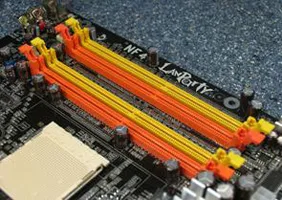
Image source: Wikimedia Commons / User:Matrix87
The most common mistake is populating the wrong slots. Many boards want the second and fourth slots, not the first and third. Check the manual before installing.
Mixing capacities triggers asymmetric dual channel. That mode is slower than a matched pair. It still beats single channel, but you lose peak bandwidth.
Mixing speeds causes downclocking. The system runs at the slowest stick's speed. Buy a matched kit to avoid this.
Forgetting to enable XMP or EXPO is another common miss. Default JEDEC speeds are conservative. Enable the profile in BIOS for full speed.
If you are unsure about memory features, review motherboard memory overclocking features first.
Not checking the QVL leads to training failures. The QVL lists tested kits. Use it when buying.
Frequently Asked Questions
Does dual channel RAM double performance?
No. It roughly doubles theoretical bandwidth. Real-world gains are smaller and workload dependent.
CPU-bound games and integrated graphics see the biggest improvement.
Can I mix two different RAM sticks?
Yes, but with caveats. The system may downclock to the slowest speed. It may also fall back to single channel or asymmetric mode.
A matched kit is always safer.
How do I check if RAM is running in dual channel?
Open Task Manager and look at the memory section. It shows channel count. CPU-Z also reports it.
BIOS screens usually show it too.
Is single channel RAM bad for gaming?
Not bad, but limiting. Discrete GPU gaming sees small gains from dual channel. CPU-bound titles benefit more.
Integrated graphics users see a much larger gap.
Does DDR5 change the dual channel story?
Partially. Each DDR5 DIMM has two 32-bit sub-channels. That improves bandwidth even in single-stick setups.
True dual channel still adds more bandwidth on top.
Should I buy one 16 GB stick or two 8 GB sticks?
For gaming and multitasking, two 8 GB sticks in dual channel is better. For future upgrades or tighter budgets, one 16 GB stick leaves room to add later. Match speed and timings either way.
Final Verdict: Which Should You Choose?
Dual channel is the better default for most builds. The cost difference is small. The bandwidth gain is real in the right workloads.
Single channel is fine for light use and tight budgets. It is not a mistake, just a tradeoff.
Buy a matched kit when you can. Verify slot order in the manual. Enable XMP or EXPO in BIOS.
Then confirm channel mode in CPU-Z or Task Manager.
If you are still choosing a board, our guide on how to choose a motherboard for a gaming PC can help you pick one with the right slot layout.