Fortnite is not the hardest PC game to run, but there is a big difference between simply launching the game and getting the smooth, responsive experience you want during fast fights. If you are looking for the best budget gaming laptop for Fortnite, you should pay attention to the GPU, processor, RAM, cooling, and especially the display refresh rate instead of buying whatever laptop has the biggest “gaming” label on the box.
For this guide, I focused on laptops that make sense for Fortnite without pushing you into premium gaming-laptop prices. The goal is straightforward: smooth 1080p gameplay, enough CPU power for busy Battle Royale matches, a high-refresh display, and hardware that will remain useful beyond Fortnite.
Epic Games currently recommends 16GB of RAM, an NVMe SSD, and at least GTX 960-level graphics for Fortnite on PC. That means every laptop here has enough graphics power for the game, although models shipping with 8GB or 12GB of RAM will benefit from a memory upgrade.
I also checked the Amazon.com product listings while preparing this guide. The laptops below are currently listed on Amazon, but prices, sellers, configurations, and stock can change.
Disclosure: As an Amazon Associate, we may earn from qualifying purchases.
| Product | Best For | Key Hardware | Display | Check Price |
|---|---|---|---|---|
| Acer Nitro V RTX 4050 | Best Overall | Core i5-13420H, RTX 4050 | 15.6-inch FHD 144Hz | Amazon |
| HP Victus 15 RTX 4050 | Best Ready-to-Play Pick | Core i5-13420H, RTX 4050, 16GB RAM | 15.6-inch FHD 144Hz | Amazon |
| MSI Thin 15 RTX 4050 | Best for Gaming + Multitasking | Ryzen 5 7535HS, RTX 4050, 32GB RAM | 15.6-inch FHD 144Hz | Amazon |
| ASUS TUF A15 RTX 3050 | Best Lower-Cost RTX Pick | Ryzen 7 7435HS, RTX 3050 | 15.6-inch FHD 144Hz | Amazon |
| Lenovo LOQ RTX 3050 | Best Budget Display | Ryzen 5 7235HS, RTX 3050 | 15.6-inch FHD 144Hz | Amazon |
1. Acer Nitro V Gaming Laptop – RTX 4050
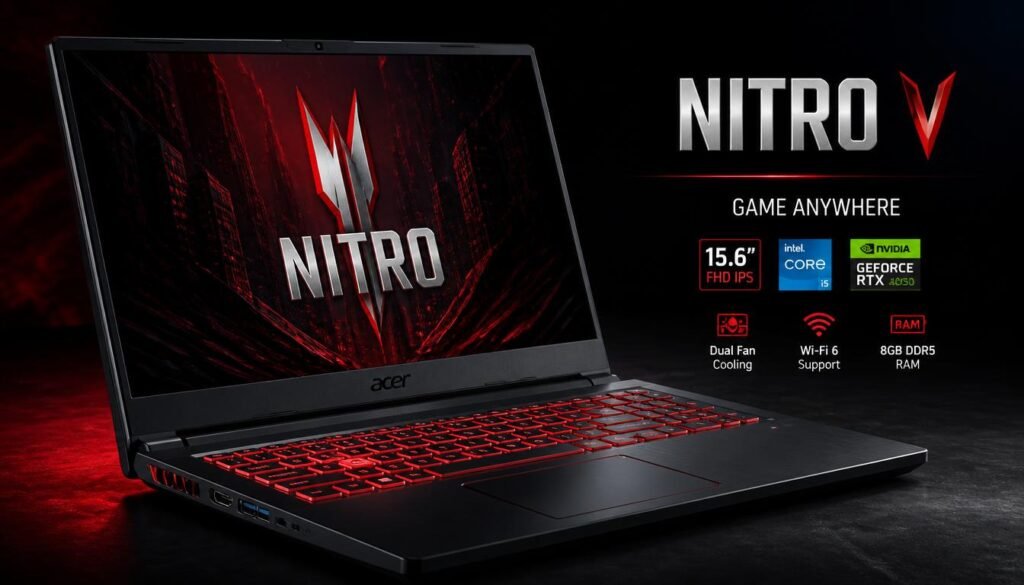
If I were trying to balance Fortnite performance and price without moving into expensive enthusiast hardware, the Acer Nitro V would be the first laptop I would check.
This configuration pairs an Intel Core i5-13420H processor with an NVIDIA GeForce RTX 4050 Laptop GPU. Amazon lists it with a 15.6-inch Full HD IPS 144Hz display, 8GB of DDR5 memory, a 512GB Gen 4 SSD, Wi-Fi 6, and a backlit keyboard.
That combination makes sense for Fortnite because the RTX 4050 gives you considerably more breathing room than older entry-level gaming GPUs. You can prioritize competitive settings and high frame rates, but you also have enough GPU power to increase visual quality when you are playing more casually.
The 144Hz screen matters here. Fortnite is a fast game, and motion clarity becomes especially noticeable when you are building, editing, tracking enemies, or quickly turning during close-range fights. A 144Hz panel is a much better match for this type of gaming than the standard 60Hz screens still found on many inexpensive laptops.
The weak point is the standard 8GB of RAM. Fortnite can run with 8GB, but Epic’s current recommended specification is 16GB. If you regularly keep Discord, Chrome, recording software, or other apps open while playing, upgrading to 16GB is one of the first improvements I would make.
Pros
- RTX 4050 offers strong value for 1080p Fortnite
- 144Hz Full HD IPS display
- Fast PCIe Gen 4 SSD
- Good balance between CPU and GPU performance
- Wi-Fi 6 support
- Strong choice for competitive settings
Cons
- Only 8GB RAM in this configuration
- Gaming battery life will be limited
- Fans can become noticeable during heavy gaming
- Build is more functional than premium
Verdict
The Acer Nitro V gets the basics right where they matter most. You are paying for useful gaming hardware rather than luxury materials.
If the price is competitive when you shop, this is my best overall budget Fortnite laptop from this list. Just factor a RAM upgrade into your budget if you plan to keep the machine for several years.
2. HP Victus 15 Gaming Laptop – RTX 4050
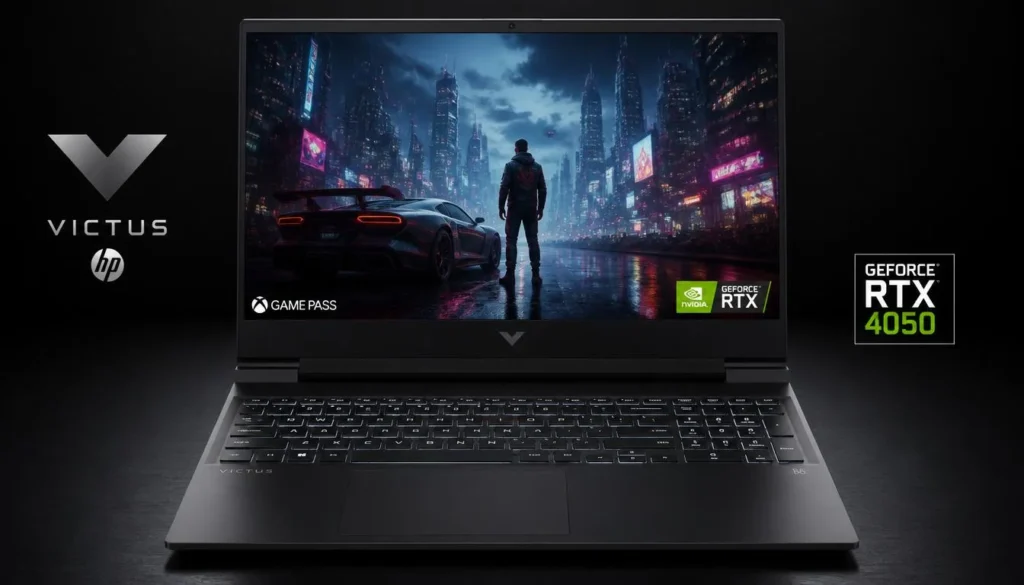
The HP Victus 15 is the option I would look at if you want a Fortnite laptop that requires less upgrading immediately after purchase.
Amazon lists this configuration with a 13th Gen Intel Core i5-13420H processor, NVIDIA GeForce RTX 4050 6GB graphics, 16GB DDR4 RAM, a 512GB PCIe NVMe SSD, and a 15.6-inch Full HD 144Hz display.
That 16GB of RAM is important. It already matches Epic Games’ current recommended memory specification for Fortnite, so you are less likely to run into the multitasking limitations found on some cheaper 8GB gaming laptops.
The Core i5-13420H and RTX 4050 are also a sensible match. Fortnite can become CPU-sensitive when you are chasing very high frame rates, while the dedicated RTX GPU gives you flexibility if you move away from low competitive settings and start increasing graphical quality.
The 144Hz panel is another strong point. There is little reason to buy an RTX 4050 specifically for an esports-focused game and then pair it with a slow 60Hz display. HP avoids that problem here.
I also like that the Victus design is relatively restrained. It still looks like a gaming laptop, but it is not covered in aggressive angles and excessive RGB. That makes it easier to use for school, university, work, or everyday browsing without feeling as if you carried a desktop gaming setup into the room.
Pros
- RTX 4050 dedicated graphics
- 16GB RAM out of the box
- 144Hz Full HD display
- Strong Core i5 H-series processor
- 512GB NVMe SSD
- More understated design than many gaming laptops
Cons
- 512GB storage can fill quickly
- DDR4 rather than newer DDR5 memory
- Battery performance drops significantly during gaming
- Chassis is not especially compact
Verdict
For someone who does not want to buy a laptop and immediately start shopping for a RAM upgrade, the HP Victus 15 is an easy model to recommend.
If its price is close to the Acer Nitro V, compare the final checkout prices carefully. The Victus already includes 16GB of RAM, which can make the slightly higher purchase price worthwhile.
3. MSI Thin 15 Gaming Laptop – RTX 4050
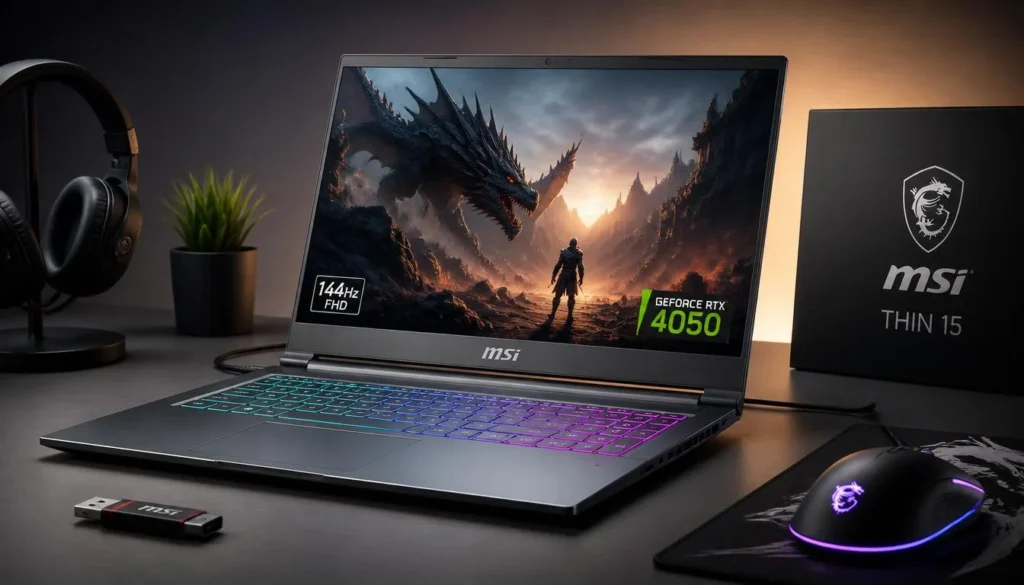
The MSI Thin 15 is interesting for players who want their budget gaming laptop to do much more than run Fortnite.
The Amazon configuration checked for this guide combines an AMD Ryzen 5 7535HS processor with NVIDIA GeForce RTX 4050 graphics, a 15.6-inch Full HD 144Hz display, 32GB of RAM, and a 1TB PCIe SSD. The listing also specifies Wi-Fi 6E and USB-C connectivity.
For Fortnite alone, 32GB of RAM is more than you need. But there is a reason this configuration can still make sense.
Maybe you play while running Discord, Chrome, Spotify, OBS, or streaming software. Maybe you also edit clips for TikTok or YouTube. In those situations, extra memory gives the system considerably more room to work.
The 1TB SSD is useful too. Fortnite is probably not going to be the only game installed on your machine, and a 512GB drive can start feeling restrictive surprisingly quickly once Windows, applications, recordings, and several modern games are added.
The RTX 4050 keeps this firmly in the competitive-gaming category rather than basic entry-level territory. Paired with the 144Hz screen, it gives Fortnite players a good foundation whether they prefer Performance Mode or a more visually attractive graphics setup.
One thing I would check carefully before ordering is the exact seller and configuration. Amazon often carries multiple RAM and storage variants of the same laptop, so confirm that the specifications in your cart match the version you actually want.
Pros
- RTX 4050 GPU
- 144Hz Full HD display
- 32GB RAM on the selected configuration
- Large 1TB SSD
- Wi-Fi 6E
- Good option for streaming and multitasking
Cons
- 32GB RAM is unnecessary if you only play Fortnite
- Configuration and seller options can vary
- Thin gaming laptops still become warm under sustained loads
- Check current pricing against the Victus and Nitro V before buying
Verdict
The MSI Thin 15 is not my first choice if your only goal is to spend as little as possible. Its advantage is that you get a more complete machine for gaming, recording, browsing, streaming, and everyday work.
If the 32GB/1TB configuration is discounted close to the price of other RTX 4050 models, it can become one of the strongest values in this group.
4. ASUS TUF A15 Gaming Laptop – RTX 3050
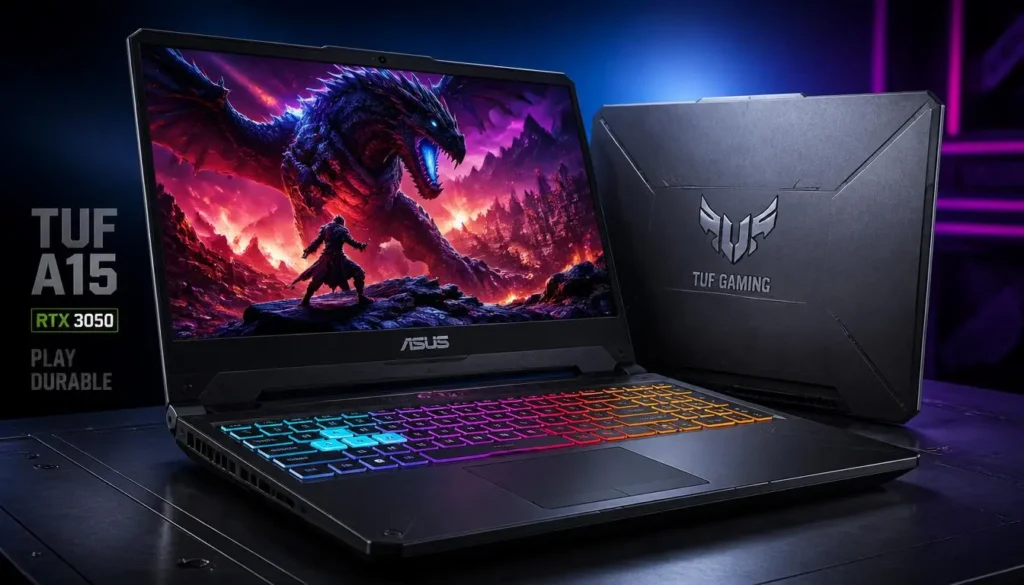
Not every Fortnite player needs an RTX 4050. If the price gap is large enough, the ASUS TUF A15 with RTX 3050 graphics can still make sense as a lower-cost gaming option.
Amazon lists this TUF A15 with an AMD Ryzen 7 7435HS processor, NVIDIA GeForce RTX 3050 Laptop GPU, 8GB DDR5 memory, a 512GB PCIe 4.0 SSD, and a 15.6-inch Full HD 144Hz IPS display. The listing indicates that the RAM can be expanded up to 32GB.
The Ryzen 7 processor is one of the more attractive parts of this configuration. Fortnite can benefit from good CPU performance when you lower graphics settings and try to maximize responsiveness, so having a capable H-series processor helps keep the laptop balanced.
The RTX 3050 is older and slower than the RTX 4050. That is the tradeoff. I would not buy the RTX 3050 model if an RTX 4050 laptop costs only a little more.
But budget buying is all about the actual price you pay. If this TUF A15 drops substantially below the RTX 4050 alternatives, the equation changes. Fortnite is much less demanding than many current AAA games, and the RTX 3050 remains perfectly relevant for 1080p esports gaming.
Again, the 8GB RAM configuration is the part I would upgrade. Epic recommends 16GB, and moving to 16GB also makes Windows multitasking noticeably more comfortable.
Pros
- Powerful Ryzen 7 processor for the price class
- Dedicated RTX 3050 graphics
- 144Hz IPS screen
- DDR5 memory
- PCIe 4.0 SSD
- RAM can be upgraded
Cons
- 8GB RAM should ideally be upgraded
- RTX 3050 is considerably older than RTX 4050
- Only worth choosing when priced noticeably lower
- 512GB storage may eventually need expansion
Verdict
The ASUS TUF A15 is the type of laptop that becomes attractive when it goes on sale.
At a meaningful discount compared with an RTX 4050 machine, it is a sensible Fortnite laptop. If the price difference is small, however, I would spend the extra money on the newer GPU.
5. Lenovo LOQ Gaming Laptop – RTX 3050
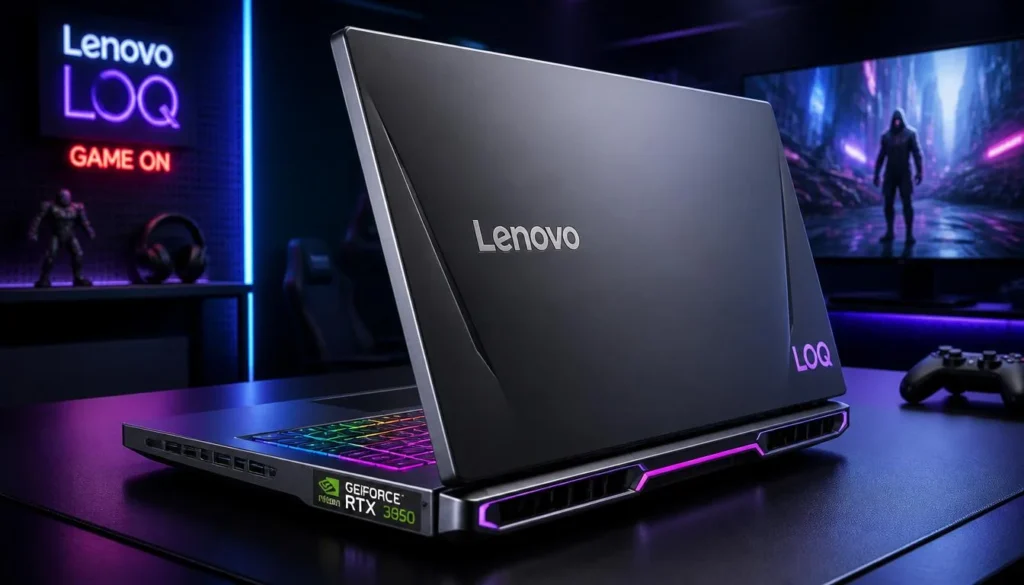
The Lenovo LOQ earns its place on this list because it focuses on the parts that actually improve the gaming experience rather than simply trying to look expensive.
The relevant Amazon configuration lists an AMD Ryzen 5 7235HS processor, NVIDIA GeForce RTX 3050 6GB graphics, 12GB DDR5-4800 memory, a 512GB PCIe 4.0 NVMe SSD, and a 15.6-inch 1080p IPS display with a 144Hz refresh rate. The display is also listed at 300 nits with 100% sRGB coverage and G-SYNC support.
That display specification is particularly attractive in a cheaper gaming laptop. Refresh rate is important for Fortnite, but image quality matters too. A decent IPS panel makes the machine more pleasant for videos, general browsing, content creation, and other games.
The RTX 3050 6GB provides enough graphics power to make this a genuine gaming laptop rather than a general-purpose notebook with gaming branding.
The 12GB of RAM is a slightly unusual middle ground. It is better than 8GB, but it still sits below Epic’s recommended 16GB specification. Fortunately, Amazon’s listed hardware information indicates two DDR5 SO-DIMM slots and support for higher memory capacity.
The Ryzen 5 7235HS has four cores and eight threads, so it is not as powerful as some of the CPUs above. For pure Fortnite use on a strict budget, though, it can still be a reasonable compromise when the price is right.
Pros
- RTX 3050 6GB dedicated GPU
- 144Hz IPS display
- 100% sRGB listed for this configuration
- G-SYNC support
- Upgradeable DDR5 memory
- Two M.2 SSD slots listed
Cons
- 12GB RAM is below Fortnite’s recommended 16GB
- Ryzen 5 7235HS is weaker than the higher-end CPUs above
- RTX 3050 trails RTX 4050 significantly
- Relatively heavy for everyday travel
Verdict
The Lenovo LOQ is worth watching when discounts make it clearly cheaper than RTX 4050 laptops.
I especially like it for buyers who care about the screen as much as raw GPU specifications. Upgrade the RAM later and it can become a capable inexpensive Fortnite setup.
Buyer’s Guide: 3 Things That Matter Most for Fortnite
1. Prioritize the GPU, but Do Not Ignore the CPU
For Fortnite, you do not need the most expensive GPU on the market.
An RTX 3050 can still make sense for a genuinely inexpensive Fortnite laptop. An RTX 4050, however, gives you more performance headroom and is the GPU tier I would target when the budget allows.
The CPU becomes increasingly important when you use lower competitive graphics settings and chase higher frame rates. That is why a balanced Core i5 H-series or Ryzen 5/7 H-series system can be a better Fortnite purchase than a laptop with a decent GPU paired with a weak processor.
2. Get a 120Hz or 144Hz Display
Do not underestimate the screen.
A cheap gaming laptop with powerful hardware and a 60Hz panel wastes part of its gaming potential. Fortnite involves constant movement, rapid camera turns, building, editing, and tracking.
Every laptop selected here uses a 144Hz Full HD display.
For a budget machine, 1080p at 144Hz is a very practical target. It is easier for the GPU to drive than a high-resolution 1440p or 1600p screen while still looking sharp on a 15.6-inch laptop.
3. Aim for 16GB of RAM
Epic Games currently lists 16GB RAM or higher as its recommended specification for Fortnite.
That does not mean Fortnite suddenly becomes unplayable with 8GB. The problem is everything happening around the game.
Windows is running. Discord may be open. Your browser may have several tabs. You might be recording gameplay or listening to music.
With 16GB, the laptop simply has more breathing room.
If you buy the Acer Nitro V or ASUS TUF configuration with 8GB, I would put a RAM upgrade near the top of the to-do list.
RTX 3050 vs RTX 4050 for Fortnite
For a new purchase, I prefer the RTX 4050 whenever the price difference is reasonable.
The RTX 3050 still works for Fortnite and can be a good choice on a strict budget, particularly because Fortnite is designed to run across a very wide range of PC hardware.
The RTX 4050 gives you more flexibility. It is better suited to players who want higher graphical settings, newer games besides Fortnite, or a laptop they intend to keep for several years.
The buying decision becomes simple:
Choose RTX 3050 when the laptop is substantially cheaper.
Choose RTX 4050 when the additional cost is manageable.
Do not pay nearly RTX 4050 money for an RTX 3050 laptop.
Frequently Asked Questions
What is the best budget gaming laptop for Fortnite?
The Acer Nitro V with RTX 4050 is my best overall pick from this list because it combines an Intel Core i5-13420H processor, RTX 4050 graphics, a 144Hz Full HD display, and fast SSD storage at a budget-oriented performance level. Its main weakness is the standard 8GB RAM configuration, which I would upgrade to 16GB.
Is 8GB RAM enough for Fortnite?
Fortnite can run with 8GB RAM, and Epic lists 8GB as part of its minimum PC specification. However, Epic’s recommended specification is 16GB RAM or higher, which is the better target for smooth gaming alongside Windows and background applications.
Is an RTX 3050 good enough for Fortnite?
Yes. An RTX 3050 gaming laptop can be a perfectly reasonable Fortnite machine, particularly at 1080p.
The more important question is price. If an RTX 4050 laptop costs only slightly more, the RTX 4050 is generally the smarter long-term purchase.
Is RTX 4050 overkill for Fortnite?
Not necessarily.
You do not need an RTX 4050 simply to launch Fortnite, but it makes sense if you want a high-refresh-rate experience, more graphics flexibility, better performance in other games, and more useful gaming headroom for the future.
Is 144Hz good for Fortnite?
Yes. A 144Hz screen is one of the features I would specifically look for when buying a Fortnite gaming laptop.
Fortnite is fast-paced, so the increased refresh rate can make movement appear smoother and make the laptop feel more responsive than a standard 60Hz display.
Should I buy a Core i5 or Core i7 laptop for Fortnite?
A modern H-series Core i5 is already enough for a strong Fortnite gaming laptop when paired with a capable dedicated GPU.
Do not automatically pay extra for an i7 if doing so forces you to accept a weaker graphics card. For a gaming-focused purchase, the overall CPU/GPU balance is more important than the processor badge alone.
Is 512GB storage enough for a Fortnite laptop?
It is enough to start with.
However, Windows, Fortnite, other games, recordings, updates, and applications can gradually consume a 512GB SSD. If you keep several large games installed at once, a 1TB SSD is more comfortable.
Should I keep a gaming laptop plugged in while playing Fortnite?
For the best gaming performance, generally yes.
Gaming laptops can reduce CPU and GPU power when operating only on battery. Using the original charger allows the laptop’s performance hardware to work closer to its intended power limits.
Final Verdict: Which Budget Fortnite Laptop Should You Buy?
For most buyers, I would start with the Acer Nitro V RTX 4050. The RTX 4050, Core i5-13420H, 144Hz display, and fast SSD give it the right foundation for Fortnite without pushing into premium laptop territory.
The HP Victus 15 RTX 4050 may be the better deal if its price is close, because the selected configuration already includes 16GB of RAM.
For players who also record, stream, edit clips, or multitask heavily, the MSI Thin 15 RTX 4050 stands out with its 32GB RAM and 1TB SSD configuration.
If your budget is tighter, compare the ASUS TUF A15 RTX 3050 and Lenovo LOQ RTX 3050. Both can be sensible Fortnite laptops when their prices are meaningfully lower than RTX 4050 alternatives.
The biggest mistake is buying by brand name alone. Compare the exact GPU, RAM, refresh rate, storage, and current Amazon price before checking out. A good budget Fortnite laptop is not necessarily the cheapest laptop – it is the one that gives you enough performance without making you pay for hardware you will never use.