If you've ever mashed three or four keys during a fighting game combo and only half of them registered, you've already met the problem behind what is N-key rollover on a gaming laptop keyboard. It sounds like a tiny spec, but it decides whether your inputs land or vanish. The short version is simple.
NKRO means every key can register at the same time. Most laptop keyboards cannot truly do that.
Per USB-IF HID specifications, standard USB keyboards often report through limited HID packets, and that shapes how many simultaneous presses a system can accept. A gaming laptop also adds matrix limits, firmware behavior, and power-saving rules. So the real question is not whether NKRO exists.
It is whether your specific laptop, game, and connection can deliver it.
what is N-key rollover on a gaming laptop keyboard
N-key rollover means every key can register at once. Many keyboards block some simultaneous presses. NKRO removes that blocking, though laptop hardware may limit true NKRO.
Some brands call zone anti-ghosting NKRO. Always verify with a real key-combination test before trusting marketing.
Why N-Key Rollover Actually Matters on a Gaming Laptop
Missed inputs feel random, but they usually follow patterns. A laptop keyboard is a grid of rows and columns, and the controller scans that grid quickly. When too many keys in the same row or column press together, the controller may not read them all.
That is why one combo works and another fails. You are not always pressing wrong. Sometimes the keyboard simply cannot report every key.
Here is where NKRO earns its keep:
- Fighting games need exact multi-button chords.
- Rhythm games need clean simultaneous hits.
- MMOs need modifier plus number combinations.
- Shortcut-heavy users need reliable chord input.
- Macro users need predictable trigger behavior.
If you only play shooters with WASD and one or two extra keys, you may never notice the limit. If you play games built around chords, the limit shows up fast.
The frustrating part is consistency. A combo that works on desktop may fail on the laptop. A combo that works on USB power may fail on battery.
That is why rollover is a workflow question, not just a spec question.
What N-Key Rollover Really Means (And What It Doesn't)
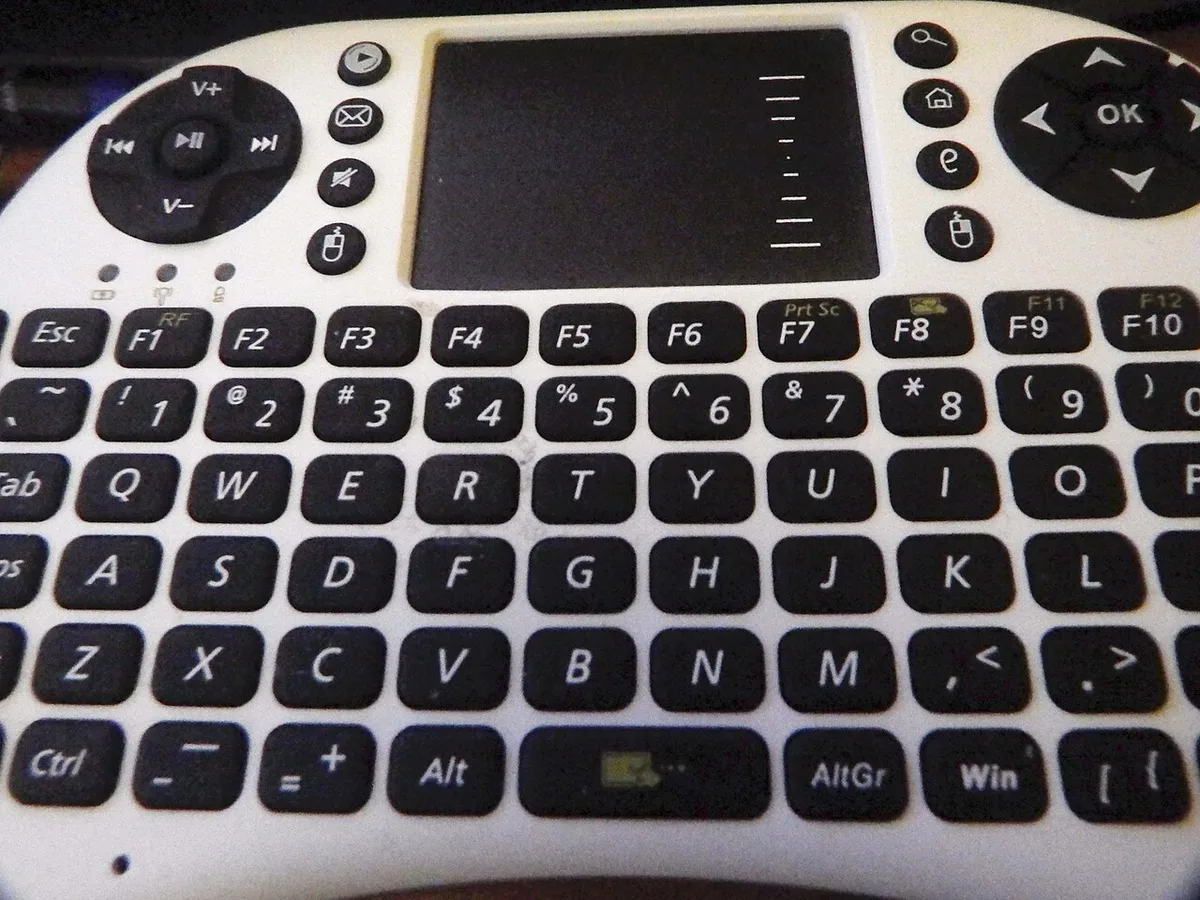
Image source: Wikimedia Commons / Делфина (CC BY-SA)
N-key rollover means the keyboard can send every key press at once. Ghosting means a key appears pressed when it is not. Anti-ghosting means the keyboard avoids that phantom behavior.
Those three ideas are related, but they are not the same.
A keyboard can have anti-ghosting and still not have true NKRO. It may allow ten keys in one zone but block a different ten-key group. That is partial rollover, not all-keys rollover.
True NKRO needs both hardware and protocol support. The matrix usually needs diodes or another isolation method. The controller needs to scan reliably.
The connection needs to report all keys.
Here is the simple breakdown:
- 2KRO or 3KRO means only a few keys register together.
- 6KRO means six keys plus modifiers register together.
- NKRO means the whole keyboard can register together.
- Zone anti-ghosting means selected key groups work together.
Marketing language often blurs these terms. "Anti-ghosting" can mean anything from basic protection to full rollover. Always look for the exact rollover count.
Laptop keyboards add extra constraints. Thin chassis leave less room for diodes and larger controllers. Battery power can limit wireless reporting.
Some firmware prioritizes power saving over scan rate.
If you want a deeper look at the firmware layer, what firmware does in a gaming laptop explains why keyboard behavior can change after updates.
The Hidden Variables That Change Your Answer
The answer changes based on your setup. A laptop on a desk with power connected behaves differently from the same laptop on battery. A wired external keyboard behaves differently from Bluetooth.
Those variables matter more than the badge on the box.
Start with the connection. Wired USB usually gives the most predictable rollover. A 2.4 GHz dongle can be strong, but it still depends on firmware and power.
Bluetooth is convenient, yet HID reporting limits can reduce simultaneous key counts.
Then check the power state. Some laptops change scan behavior when battery saving is active. That can make rollover look inconsistent even though nothing is broken.
Layout matters too. ANSI, ISO, and JIS layouts place keys differently. Anti-ghosting zones are often tuned around common gaming clusters, not every possible combination.
Here are the main condition variables:
- Wired or wireless connection
- Battery or AC power
- Laptop firmware version
- EC and keyboard controller behavior
- Keyboard layout
- Game input handling
- Anti-cheat or overlay software
A useful workflow is to test one combination at a time. Change only one variable. If rollover fails on battery but works on AC power, you have a power-state issue.
If it fails only in one game, the game may handle input differently.
If the behavior seems tied to firmware, what BIOS does on a gaming laptop helps you understand the lower-level settings that can affect device behavior.
Does Your Game Actually Need True NKRO?
Not every game needs true NKRO. Many popular games only need a handful of simultaneous inputs. Chasing NKRO for every setup can waste time and money.
Use this decision branch:
- If you play fighting games, true NKRO matters.
- If you play rhythm games, true NKRO matters.
- If you play MMOs with many modifiers, NKRO helps.
- If you play FPS games with basic movement, 6KRO is often enough.
- If you only type or browse, rollover rarely matters.
The game engine also matters. Some games read raw input. Others process keys through layers that can mask rollover issues.
A keyboard can be perfect while the game still drops an input.
Look at your actual key clusters. Do you press more than six keys at once? Do you need modifier keys plus number keys?
Do you use complex hotkey chords? If yes, test those exact combinations.
Do not trust a generic anti-ghosting claim. Test the keys you actually use. That is the only rollover test that matters.
If you suspect hardware trouble rather than a normal limit, how to diagnose gaming laptop hardware problems fast gives a practical starting point.
Built-In Laptop Keyboard vs External Gaming Keyboard
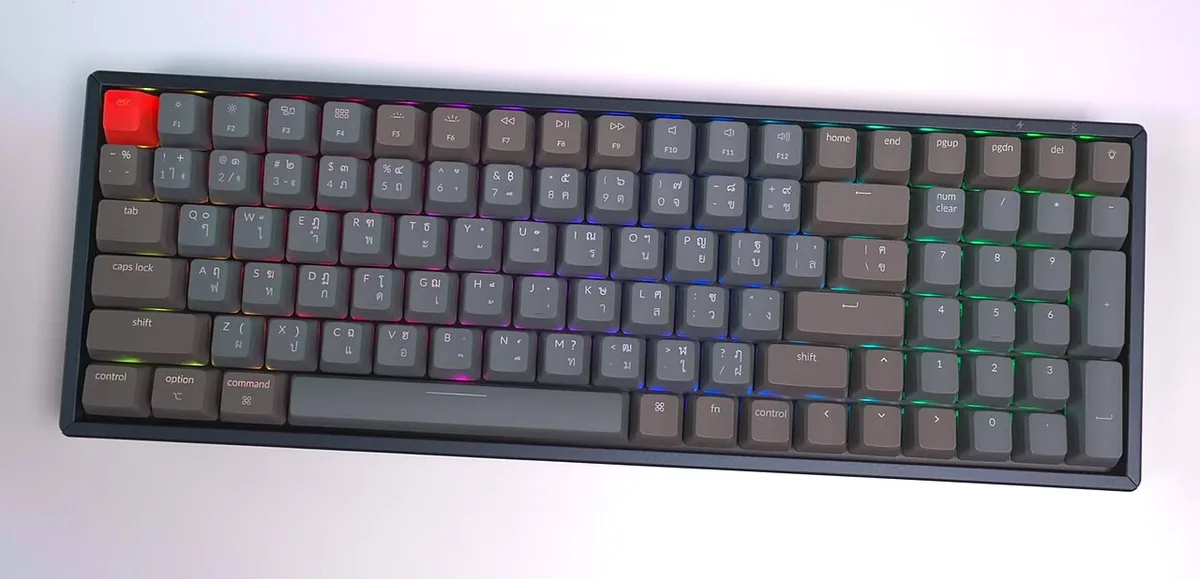
Image source: Wikimedia Commons / iMoD Official YouTube channel (CC BY)
A built-in laptop keyboard wins on portability. An external keyboard often wins on rollover consistency. That is the core tradeoff for most gamers.
Laptop keyboards are thin, light, and integrated. They are great for travel and quick sessions. They also face matrix, chassis, and firmware limits that external keyboards may avoid.
External keyboards can include diodes, larger controllers, and clearer rollover claims. Many also use wired or 2.4 GHz connections with stronger reporting. The downside is desk space, weight, and setup time.
| Option | Strength | Weakness | Best For |
|---|---|---|---|
| Built-in laptop keyboard | Portable and always attached | Rollover limits and vague specs | Travel and casual play |
| Wired external keyboard | Predictable reporting | Needs cable and space | Competitive combo play |
| 2.4 GHz external keyboard | Strong wireless performance | Dongle and battery needs | Desk gaming without cables |
| Bluetooth keyboard | Easy pairing | More reporting limits | Light gaming and typing |
If you travel often, the built-in keyboard may be enough. If you play chord-heavy games at a desk, an external keyboard is the safer bet.
Do not buy an external keyboard only for the NKRO label. Check the connection type, matrix design, and real test results. A cheap keyboard with true NKRO can beat an expensive one with vague anti-ghosting language.
If you use manufacturer control software to manage keyboard profiles, how to use gaming laptop manufacturer control software can help you find rollover or gaming-mode settings.
How to Test Rollover on Your Own Laptop
Testing rollover works best when you test the exact combinations you use. A generic online tester is useful, but your real game inputs matter more.
Start simple and keep variables controlled.
- Connect AC power.
- Open a rollover tester or text editor.
- Press your common movement combo.
- Add modifier keys one at a time.
- Repeat the same test on battery.
- Repeat it in your actual game.
| Test Scenario | What It Reveals |
|---|---|
| WASD plus three keys | Basic gaming rollover limit |
| Modifier plus number keys | MMO hotkey reliability |
| Tight chord cluster | Fighting or rhythm game behavior |
| Battery versus AC power | Power-state changes |
Per USB-IF HID specifications, USB reporting limits can affect how many keys register at once. That is why wired testing often gives the clearest result.
If a combination fails everywhere, the issue may be hardware or firmware. If it fails only on battery, power management is likely involved.
Mistakes Gamers Make When Reading Anti-Ghosting Specs
Anti-ghosting is not a promise of true NKRO. It often means selected key groups work together. That can be helpful, but it is not the same as all-keys rollover.
Common mistakes include:
- Treating anti-ghosting as full NKRO.
- Ignoring the specific key zones.
- Testing only easy combinations.
- Skipping modifier keys.
- Assuming wireless behaves like wired.
- Trusting marketing labels over real tests.
A keyboard can pass a casual test and still fail your main combo. The only reliable result comes from your actual key cluster.
Step-by-Step: Getting the Most Reliable Input From Your Laptop
If rollover feels inconsistent, work through the setup in order. Small changes often fix more than a new keyboard.
- Update firmware or EC safely if the manufacturer recommends it.
- Connect AC power for important sessions.
- Disable aggressive battery saving.
- Use wired or 2.4 GHz input for testing.
- Test your exact combos.
- Check in-game input settings.
- Decide on an external keyboard only after testing.
Power-saving modes can change keyboard behavior, so what silent mode does on a gaming laptop is worth checking if rollover changes on battery.
If firmware updates are involved, how to safely update gaming laptop BIOS helps you avoid turning a keyboard issue into a bigger problem.
Frequently Asked Questions
Is NKRO the same as anti-ghosting?
No. Anti-ghosting prevents phantom presses. NKRO means all keys register together.
A keyboard can avoid ghosting in selected zones while still blocking some real combinations. Check the exact rollover count, not the marketing label.
Can a gaming laptop keyboard have true NKRO?
Some can, but many cannot. Laptop matrices, chassis space, firmware, and power limits often reduce rollover. Manufacturer specs may say anti-ghosting instead of all-keys rollover.
Test your exact combinations to know what your model supports.
Does NKRO matter for FPS games?
Usually less than for fighting or rhythm games. Most FPS movement needs only a few simultaneous keys. NKRO still helps if you use complex hotkeys, voice chat, or many modifiers.
For standard WASD play, 6KRO is often enough.
Does battery power affect keyboard rollover?
It can. Some laptops reduce scan behavior or wireless reporting to save power. Test the same combos on AC power and battery.
If results differ, adjust power settings or use a wired connection for important sessions.
Should I buy an external keyboard for better rollover?
Buy one if your laptop drops real combos and external testing solves the issue. If your game only needs a few keys, an external keyboard may not improve results enough. Match the purchase to your tested input pattern, not the label.
Final Decision Guide: Is NKRO Worth Chasing?
Chase NKRO only when your inputs prove you need it. Start with testing, not shopping.
Use this decision guide:
- If you play fighting or rhythm games, prioritize tested rollover.
- If you play MMOs with heavy modifiers, NKRO helps.
- If you only play FPS games, 6KRO is often enough.
- If combos fail only on battery, fix power settings first.
- If combos fail everywhere, try an external keyboard.
- If specs are vague, test before buying.
The best setup is the one that registers your real combinations reliably. Labels matter less than results.