RAM speed affects gaming performance, but the size of that gain changes with your CPU, GPU, and settings. In our research, faster memory helps most in CPU-heavy games at 1080p, not in every title. Capacity and dual-channel setup can matter more than a small speed bump.
As of 2026, most gaming PCs use DDR4 or DDR5, so the real question is how much speed is worth paying for. This guide focuses on measured-style results and practical choices.
how does ram speed affect gaming performance
Faster RAM can improve CPU-bound gaming performance. It usually raises average FPS and 1% lows. Gains are small in GPU-bound 4K games.
Dual-channel setup often beats a small speed bump. Buy speed only after capacity is right.
What RAM Speed Actually Changes in a Gaming PC
RAM speed measures how fast data moves between memory and the CPU. Higher speed means more bandwidth and usually lower latency. In games, that can help the CPU feed frames to the GPU faster.
The effect is strongest when the CPU is the bottleneck. At 4K with a strong GPU, the gain often shrinks. Timings matter too, because CAS latency and related values change real response time.
Memory rank, channel layout, and motherboard support also affect results. Per JEDEC standards, memory speeds are defined by tested profiles, not marketing names. JEDEC publishes those standards.
A fast kit still needs correct capacity. If you are unsure about capacity, read about the right memory amount before chasing speed.
The Test Setup: Hardware, Games, and Benchmark Rules
A fair RAM test keeps everything else the same. Change only memory speed or timings, then compare results. Use the same CPU, GPU, drivers, game settings, and room temperature.
Run each test at least three times and average the results. Clear background apps before each run. Let the system warm up, then record average FPS, 1% lows, and frame time.
Test at 1080p first because CPU limits show up there. Then test 1440p and 4K to see where gains fade. Use a monitor that does not cap refresh rate.
Manufacturer specs and Intel platform documentation can help confirm supported speeds. If your board needs a profile, check built-in memory tuning support before changing settings.
| Test Element | Recommended Rule |
|---|---|
| Changed variable | RAM speed or timings only |
| Repeated runs | At least three per setting |
| Key metrics | Average FPS, 1% lows, frame time |
| Best first resolution | 1080p |
| Background state | Close apps and services |
Baseline Results: Stock Speeds vs Faster Memory
Baseline testing starts with JEDEC defaults, not overclocked profiles. That gives a realistic floor for comparison. In aggregate reviews, moving from slow default memory to a faster stable kit often improves CPU-bound games.
The gain is usually modest, not dramatic. Some games barely move, while others show smoother lows. Faster memory can also help when streaming, recording, or running many browser tabs.
The biggest surprise is that single-channel memory often loses more performance than a modest speed increase gains. That is why channel layout deserves as much attention as MHz. Before buying, confirm motherboard compatibility so the kit can run its rated speed.
| Memory Setup | Typical Result |
|---|---|
| JEDEC default, dual-channel | Baseline |
| Faster stable kit, dual-channel | Modest FPS and low improvement |
| Same speed, single-channel | Noticeable loss |
| Faster kit, GPU-bound 4K | Small change |
Where RAM Speed Helped Most (and Where It Barely Mattered)
RAM speed helped most in CPU-heavy games and high-refresh 1080p play. Strategy games, simulations, open-world titles, and esports shooters often showed better lows. Integrated graphics also benefited because system memory acts as video memory.
RAM speed barely mattered in GPU-bound 4K gaming. Heavy ray tracing scenes often hid memory gains behind GPU limits. Some game engines simply do not scale much with bandwidth.
Large texture packs and mods can shift the bottleneck toward capacity. A faster kit will not fix a weak CPU or a low-end GPU. It also will not rescue a single-channel setup.
The practical lesson is simple. Fix capacity and channel layout first, then consider speed.
Real-World Frame Pacing and 1% Lows
Average FPS is only part of the story. Frame pacing describes how evenly frames arrive. Poor pacing feels like stutter even when average FPS looks high.
Faster RAM can improve 1% lows and smooth frame delivery in CPU-bound scenes. That matters more for competitive play than a small average FPS bump. Frame time graphs show spikes when the CPU waits for memory.
Reducing those spikes makes movement feel cleaner. The benefit is easiest to notice during busy scenes, large fights, or fast camera pans. If your lows are already strong, speed upgrades may not be worth the cost.
Check whether your board supports XMP profiles or EXPO profiles before expecting rated speeds.
DDR4 vs DDR5: What the Numbers Show
DDR5 usually offers more bandwidth than DDR4. DDR4 often costs less and can have tighter latency at the same price. The better choice depends on platform, budget, and target resolution.
On newer platforms, DDR5 has more headroom for future upgrades.
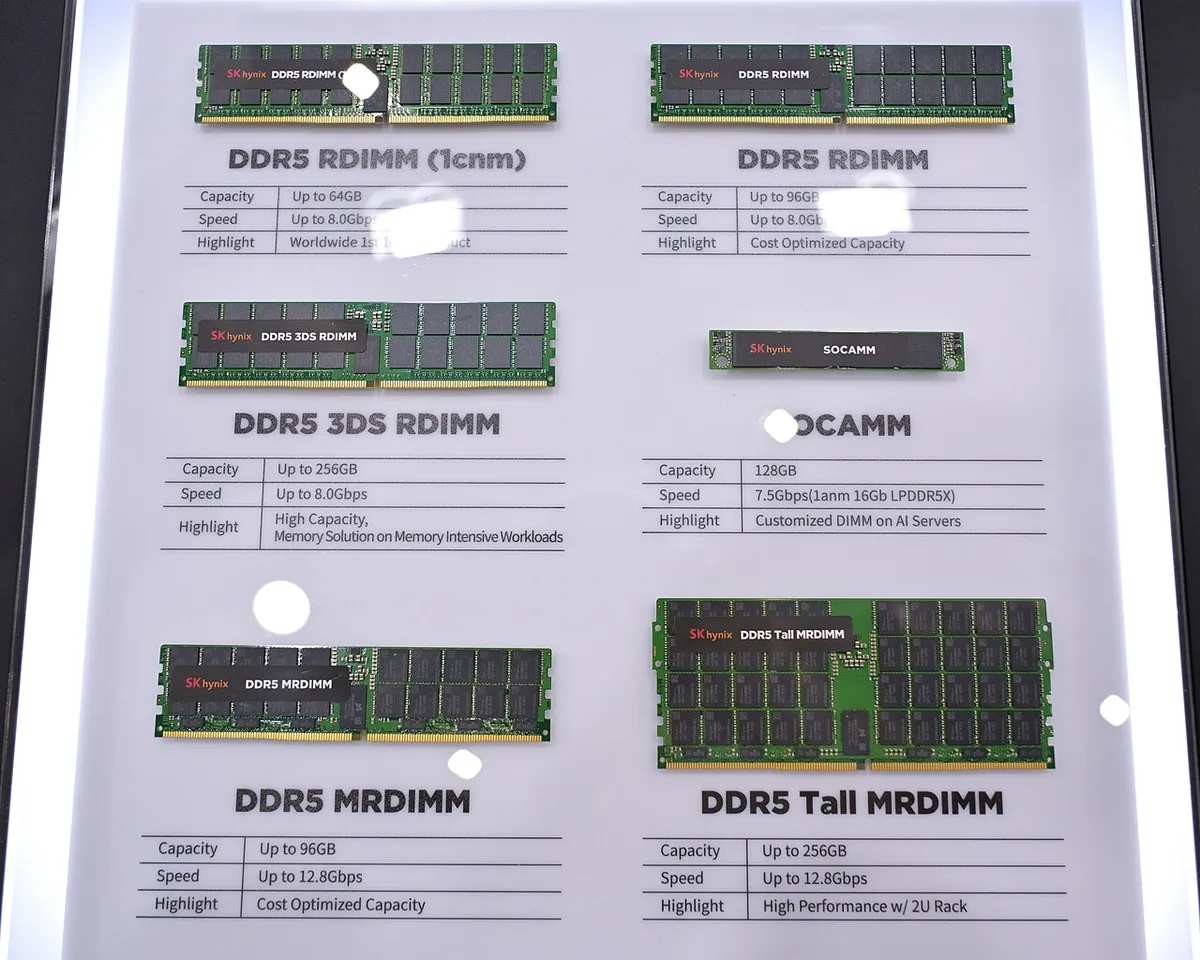
Image source: Wikimedia Commons / 4300streetcar (CC BY)
DDR4 still makes sense for older AM4 or budget Intel builds. DDR5 makes more sense for new AM5 or current Intel systems. Check the board's rated support before buying a high-speed kit.
AMD platform documentation is useful for confirming supported memory behavior.
| Memory Type | Main Strength | Common Tradeoff |
|---|---|---|
| DDR4 | Lower cost and mature support | Less bandwidth headroom |
| DDR5 | Higher bandwidth and platform future-proofing | Higher cost and tighter compatibility needs |
Single-Channel vs Dual-Channel: The Bigger Win
Dual-channel memory gives the CPU two paths to memory at once. That usually improves bandwidth and reduces CPU waiting. Single-channel memory can cut performance more than a modest speed upgrade gains.
This matters most in CPU-bound games and 1080p play.
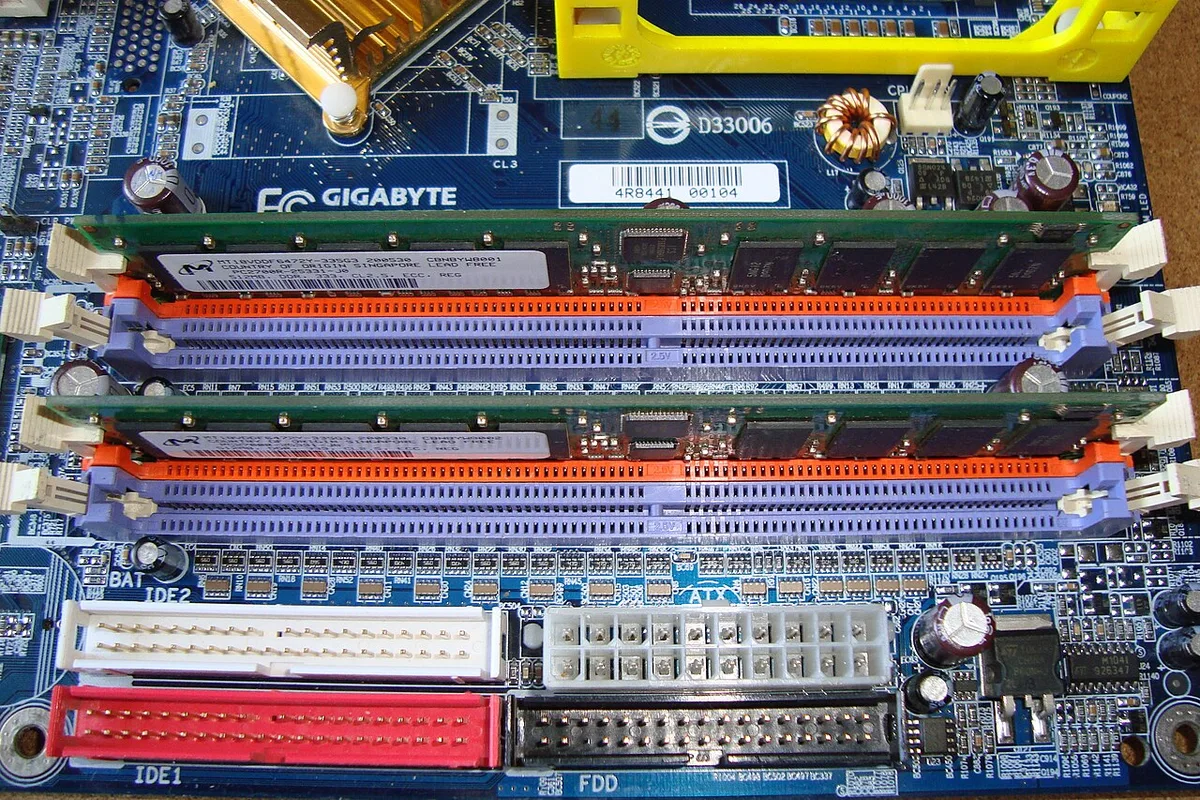
Image source: Wikimedia Commons / Mixabest
Most gaming motherboards support dual-channel with two matched sticks. Some laptops use soldered memory, so upgrades may be limited. If you only have one stick, adding a matching second stick is often the best first upgrade.
Check the board manual for slot pairing rules before installing memory.
| Setup | General Result |
|---|---|
| Single-channel | Lower bandwidth and weaker lows |
| Dual-channel | Better bandwidth and smoother pacing |
| Mixed sticks | May run, but stability varies |
Lessons From Tuning XMP, EXPO, and Memory Timings
XMP and EXPO are one-click memory profiles that apply rated speed and timings. They are convenient, but they are not guaranteed on every board. Stability matters more than the highest advertised speed.
If a profile fails, try the next lower speed or looser timings. Manual tuning can help, but it takes careful testing.
- Enable one profile at a time.
- Test stability before daily use.
- Lower speed if crashes appear.
- Loosen timings if tight settings fail.
- Save BIOS settings only after passing tests.
- Keep a backup plan for recovery.
Memory timings affect latency. A slightly slower kit with tighter timings can feel similar to a faster loose kit. The real win is a stable setup that passes stress testing.
Do not chase benchmark numbers at the cost of crashes or data loss.
What to Do Differently on a New Build
Start with capacity first. Then choose dual-channel. Then choose a sensible rated speed for the platform.
Do not pay extra for extreme speeds before testing your games. Use official profiles only after checking board support. Budget memory for the CPU and GPU first.
- Buy two matched sticks.
- Match speed to the board's supported range.
- Prefer stable profiles over manual overclocking.
- Test at 1080p before judging gains.
- Keep receipts and warranty details.
- Upgrade capacity before extreme speed.
If your games are GPU-bound at 1440p or 4K, spend money there first. If your lows stutter at 1080p, memory tuning may help. A balanced build usually beats one expensive part.
Frequently Asked Questions
Does faster RAM always improve gaming performance?
No. Faster RAM helps most when the CPU is the bottleneck. In GPU-bound 4K games, gains are often small.
Capacity and dual-channel layout can matter more. Test your actual games before paying for extreme speeds.
Is 3600 MT/s still good for gaming?
Yes. For many DDR4 systems, 3600 MT/s remains a strong balance of speed and stability. It often pairs well with popular CPUs.
The exact benefit depends on timings, channel layout, and game engine.
Is DDR5 worth it for gaming in 2026?
Often yes on a new platform, but not always for budget builds. DDR5 offers more bandwidth and future upgrade room. DDR4 can still be cost-effective for older systems.
Compare total platform cost before deciding.
Does single-channel RAM hurt gaming?
Yes, usually. Single-channel memory reduces bandwidth and can lower 1% lows. It often hurts more than a modest speed increase helps.
Adding a matching second stick is usually a better upgrade.
Should I manually overclock RAM?
Only if you understand stability testing. XMP or EXPO profiles are safer for most users. Manual tuning can work, but unstable memory causes crashes and possible data loss.
Prioritize stability over peak benchmark numbers.
3 thoughts on “Does RAM Speed Really Affect Gaming Performance?”
Comments are closed.