Liquid metal thermal interface material is a gallium-based alloy paste used between a processor and its cooler to move heat far faster than standard paste. If you've ever watched your CPU hit 95°C under load and wondered why, this stuff is often the answer enthusiasts reach for.
It's not for everyone, though. Manufacturer specifications indicate thermal conductivity values several times higher than conventional paste, but the same traits that make it fast also make it risky. Let's walk through what it is, how it works, and whether you should even touch it.
what is liquid metal thermal interface material
Liquid metal thermal interface material is a gallium-based alloy paste. It sits between a CPU and its cooler. It conducts heat far better than standard paste.
It is electrically conductive. It can damage aluminum and void warranties.
Why Liquid Metal TIM Demands Extra Care
Liquid metal TIM isn't ordinary paste. It's a conductive alloy that can destroy hardware if misapplied. That's why we treat it as a high-stakes topic, not a casual upgrade.
The alloy flows like a liquid at room temperature. It wets metal surfaces and fills microscopic gaps. Those same properties mean it can spread where it shouldn't.
A single stray drop can short SMD components near the die. Corrosion can eat away an aluminum heatsink base over months. Warranty claims often get denied once liquid metal is found inside.
So the real question isn't whether it cools better. It's whether you can apply it cleanly and live with the risk. Most PC builders never need it.
Enthusiasts chasing lower sustained temps might.
Our research shows the biggest failures come from rushing. People skip compatibility checks. They use too much material.
They forget to mask nearby components.
Treat every application like a surgical procedure. Clean surfaces, verify materials, and measure twice. If any of that sounds stressful, standard paste is the smarter choice.
What Liquid Metal Thermal Interface Material Actually Is
Liquid metal TIM is a eutectic alloy, most commonly a gallium-indium-tin blend. Galinstan is the best-known example. It stays liquid at typical room temperatures and melts below 20°C in many formulations.
Unlike silicone-based paste, it doesn't dry out. It doesn't pump out under thermal cycling. The interface stays stable for years once applied correctly.
The base metals matter. Gallium, indium, and tin combine to create low melting point and high conductivity. Some blends add bismuth or other elements to tweak the melting range.
You'll find it sold in small syringes or vials. Brands like Thermal Grizzly and Coollaboratory dominate this niche. Each gram costs far more than standard paste.
The key trait is electrical conductivity. This isn't an insulator. It conducts electricity like a wire.
That single fact drives almost every safety warning.
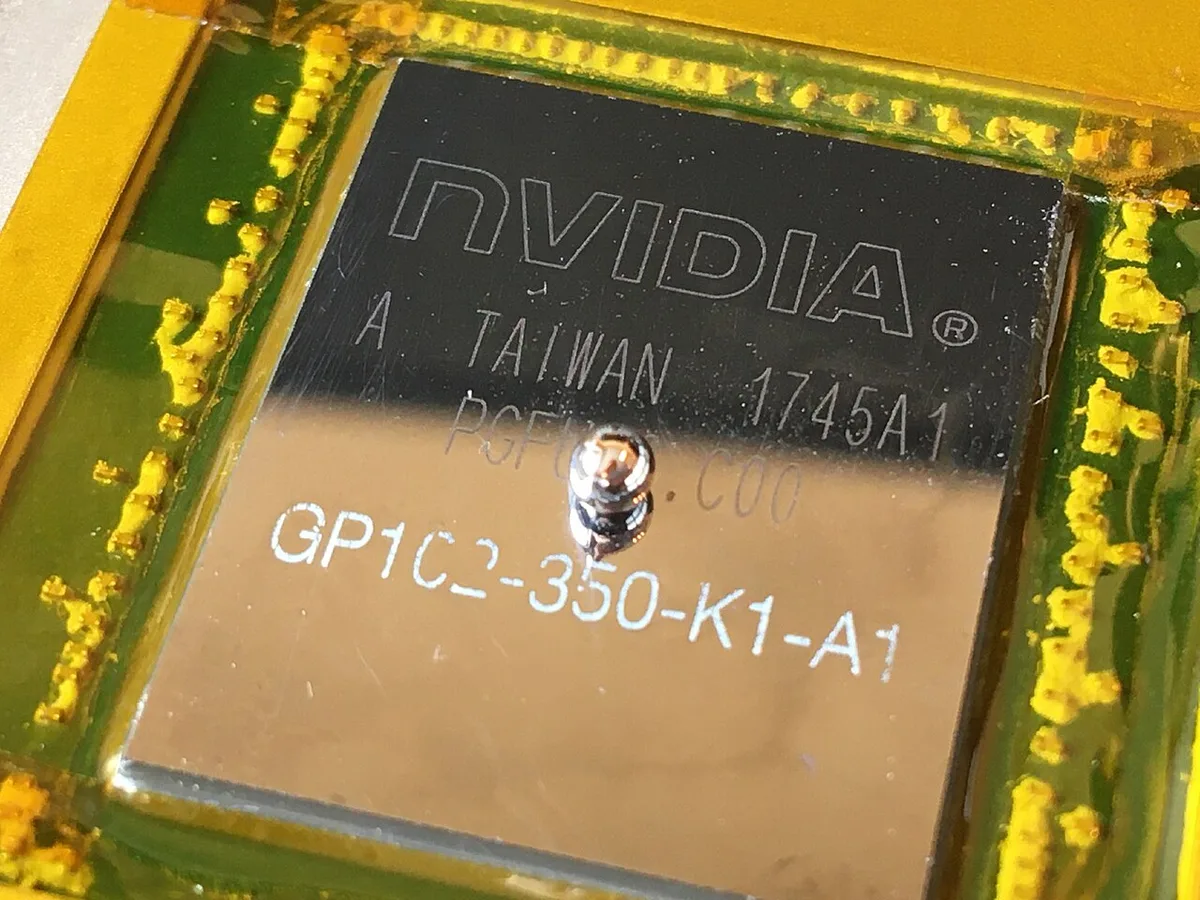
Image source: Wikimedia Commons / Phiarc (CC BY-SA)
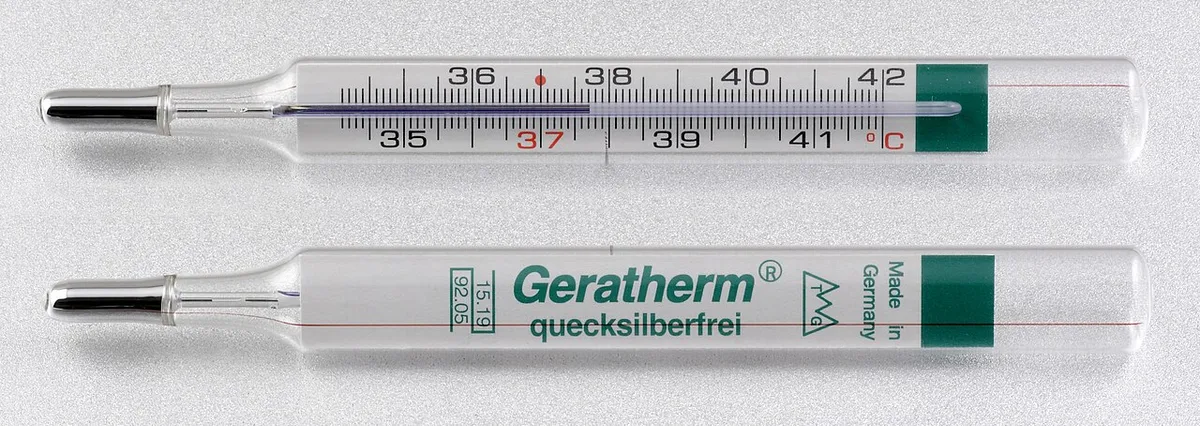
Image source: Wikimedia Commons / Gelegenheitsautor
How Liquid Metal TIM Works Inside a Cooling System
Heat leaves the processor through the integrated heat spreader. The TIM fills the gap between that spreader and the cooler base. Lower thermal resistance means faster heat transfer.
Liquid metal's advantage comes from its conductivity. Standard paste relies on suspended particles in a carrier. Liquid metal is the metal itself, so resistance drops sharply.
Wetting behavior helps too. The alloy spreads into surface imperfections. It creates a thinner, more uniform interface layer than paste can achieve.
Mounting pressure still matters. Too little pressure leaves voids. Too much can squeeze material out the edges.
A thin, even film is the goal.
Aggregate reviews report temperature drops of several degrees under load. Results vary by chip, cooler, and application quality. Expect modest gains, not miracles.
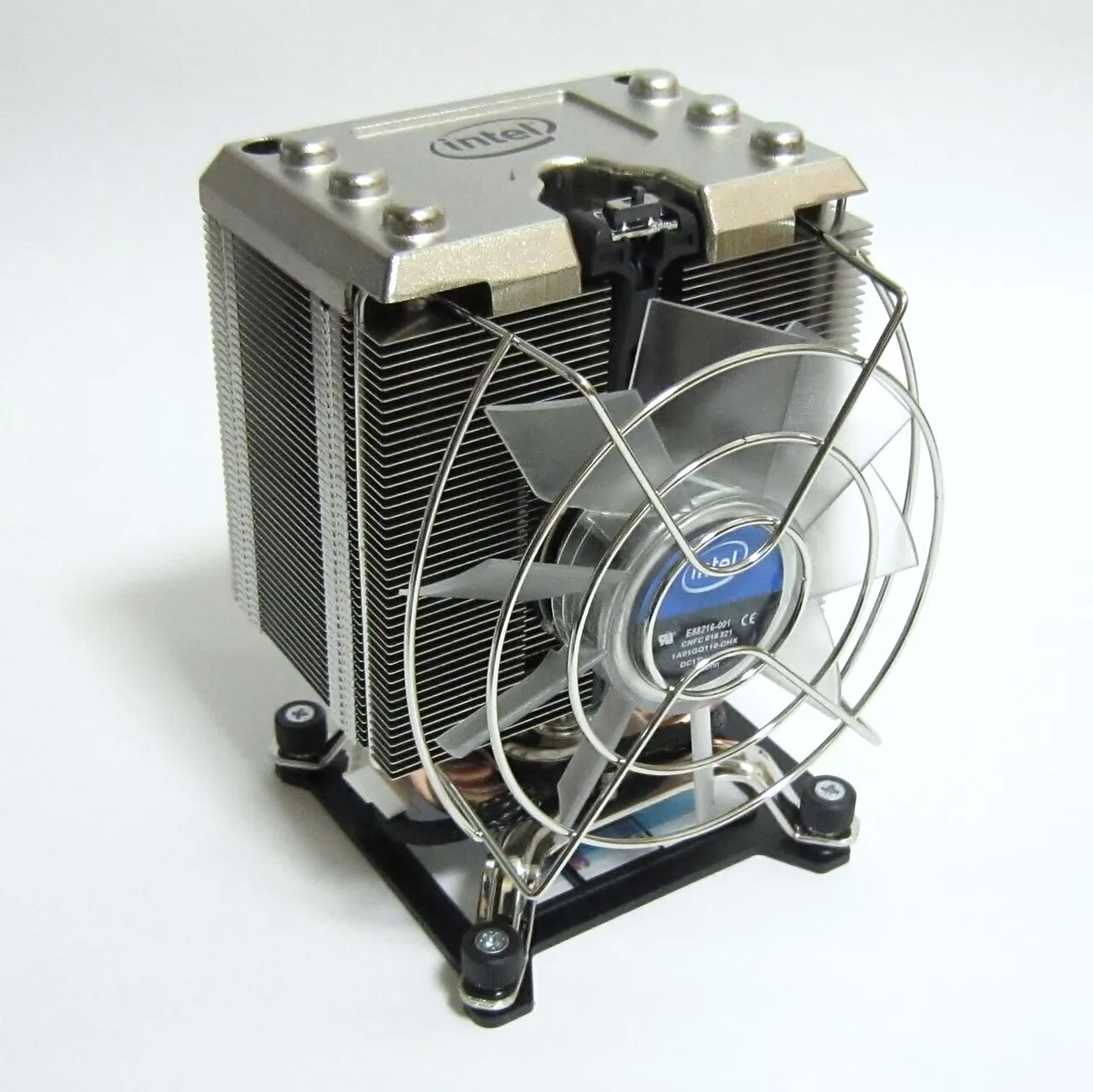
Image source: Wikimedia Commons / photo: Qurren (talk), with IXY 10S compact digital camera. (CC BY-SA)
Benefits and Drawbacks You Should Weigh First
The upside is real. Lower temperatures, longer interface life, and better sustained performance. The downside is real too.
Risk, cost, and compatibility headaches.
Here's how the tradeoffs stack up:
- Pro: Higher thermal conductivity, moves heat faster than standard paste.
- Pro: No drying or pump-out, stays stable for years.
- Pro: Better overclocking headroom, lower temps allow higher boosts.
- Con: Electrically conductive, shorts hardware if it migrates.
- Con: Corrosion risk, damages aluminum bases and bare copper.
- Con: Difficult application, needs precision and patience.
- Con: Warranty concerns, many manufacturers void coverage.
- Con: Higher cost, small tubes at premium prices.
Think about your goals honestly. If you're chasing a few degrees on a high-end chip, it might be worth it. If you just want a cooler running PC, better airflow and a good air cooler do more.
Our editorial analysis of user reviews suggests most people see 3 to 8°C improvement. That's meaningful but not transformative. Weigh that against the risk of a ruined motherboard.
Compatibility Checks and Risk Factors
Compatibility is the make-or-break step. Liquid metal reacts with aluminum. It can corrode bare copper over time.
Nickel-plated surfaces are generally safe.
Check your cooler base material first. Many AIOs and air coolers use aluminum. Those are off-limits unless the base is nickel-plated.
Manufacturer specs confirm which materials are safe.
Also inspect the CPU package. Direct-die setups need extra care. The die surface and surrounding SMDs are vulnerable to migration.
Galvanic corrosion is the hidden enemy. When two dissimilar metals contact through an electrolyte, corrosion accelerates. Gallium alloys can trigger this with aluminum.
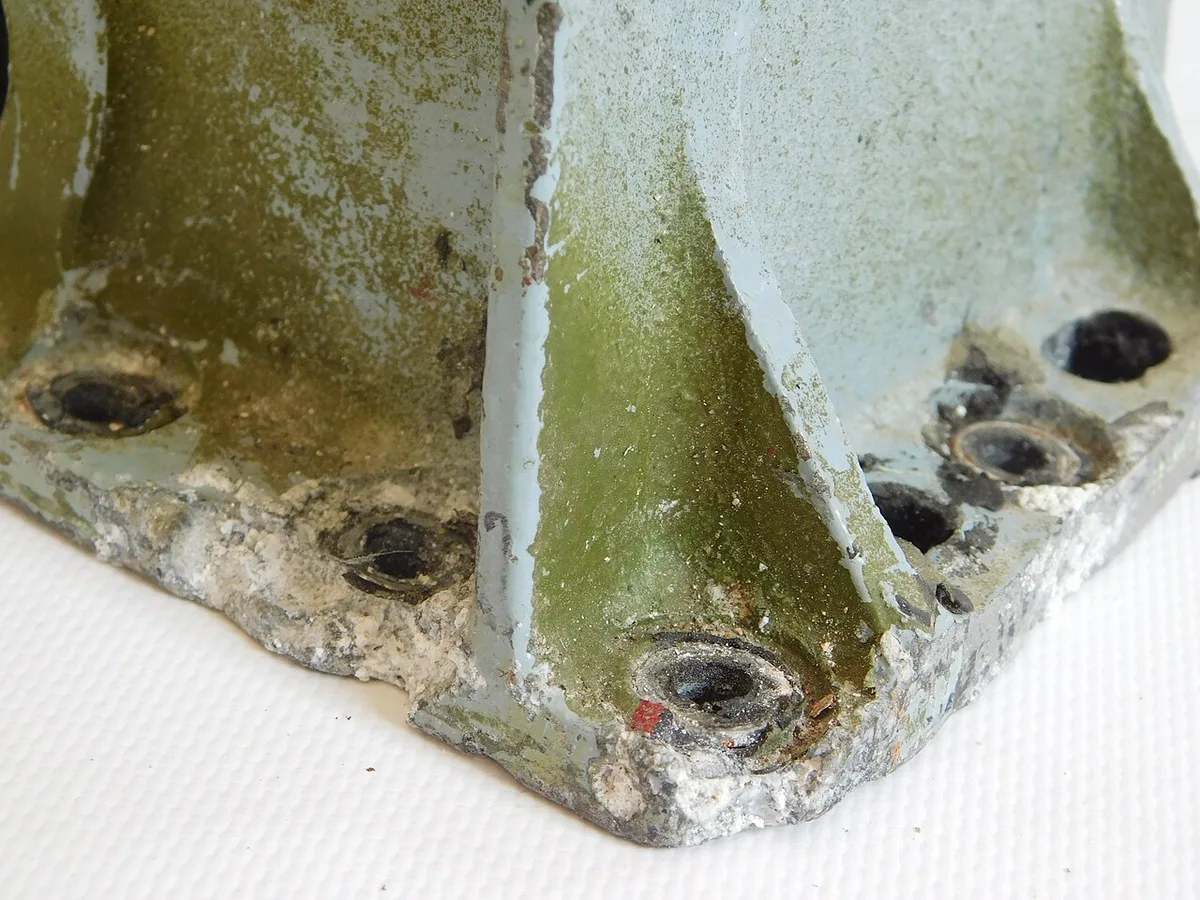
Image source: Wikimedia Commons / Александр Шоринов (CC BY)
Here's a quick compatibility reference:
| Component | Safe with Liquid Metal? | Notes |
|---|---|---|
| Nickel-plated copper | Yes | Preferred cooler base material |
| Bare copper | Caution | Can corrode over time |
| Aluminum | No | Galvanic corrosion risk |
| CPU IHS (nickel) | Yes | Most modern IHS are safe |
| Direct die (silicon) | Caution | Mask SMDs carefully |
Masking is non-negotiable. Use non-conductive tape or nail polish around the die. Protect every nearby component.
One drop in the wrong spot ends the build.
Also consider climate. Some alloys solidify in cold environments. Storage and shipping matter if you live somewhere freezing.
Check the datasheet melting point before buying.
If you're unsure about any material, stop. Standard paste works on everything. No compatibility roulette required.
How to Apply Liquid Metal TIM Safely
Application is where most people fail. The process demands patience, precision, and respect for the material. Rushing guarantees a mess or worse.
Start with a complete teardown. Remove the old TIM entirely using isopropyl alcohol and lint-free wipes. Inspect the surfaces for residue or damage before proceeding.
Mask everything nearby first. Use non-conductive tape or nail polish around the CPU die and surrounding SMDs. This step takes longer than the application itself but prevents disasters.
Apply a tiny amount. A single rice-grain-sized drop is usually enough. More material means more risk of migration.
You can always add more, but you can't easily remove excess.
Spread the material evenly across the entire contact surface. Many builders use the cooler base itself to spread it. Others use a small applicator.
The goal is a thin, uniform film with no dry spots.
Reassemble carefully. Mounting pressure should be firm but not excessive. Check for squeeze-out around the edges.
If you see bulging, remove the cooler and clean up before powering on.
Verify temperatures immediately after installation. Run a stress test and watch for unexpected spikes. If temps are worse than before, the application failed.
Clean and reapply.
Liquid Metal vs. Conventional Thermal Paste and Pads
The choice comes down to risk tolerance and hardware compatibility. Liquid metal wins on raw performance. Conventional paste wins on safety and versatility.
Conventional non-conductive paste uses ceramic or metal-oxide particles suspended in silicone or oil. It's electrically insulating. It works on aluminum, copper, and nickel alike.
Cleanup is simple with alcohol.
Thermal pads offer gap-filling convenience. They suit uneven surfaces and components without direct contact. Their conductivity is lower but installation is foolproof.
Phase-change materials melt at operating temperature to fill gaps. They offer a middle ground between paste and pads. Some premium coolers ship with PCM pre-applied.
Here's the side-by-side breakdown:
| Property | Liquid Metal | Conventional Paste | Thermal Pad |
|---|---|---|---|
| Thermal conductivity | Very high (15-70+ W/mK) | Moderate (5-12 W/mK) | Low-Moderate (1-8 W/mK) |
| Electrical conductivity | Yes | No | No |
| Corrosion risk | High (aluminum) | None | None |
| Application difficulty | High | Low | Very low |
| Lifespan | Years, stable | 2-5 years typical | Years, stable |
| Cost | Premium | Low-Moderate | Low |
| Compatibility | Limited | Universal | Universal |
Who should pick what? Liquid metal suits enthusiasts with compatible nickel-plated hardware who want maximum performance. Conventional paste suits everyone else.
Pads suit GPUs, VRMs, and uneven surfaces.
If you're still choosing a cooler, the right AIO liquid cooler and best air cooler both matter more than TIM choice. Get the cooler right first.
Specs, Pricing, and Real-World Performance Data
Numbers help set expectations. Manufacturer datasheets list thermal conductivity ranging from 15 W/mK to over 70 W/mK depending on formulation. That's roughly 3 to 10 times standard paste.
Real-world temperature improvements are more modest. Aggregate user reviews report 3 to 8°C drops on CPUs under load. Some see 10°C or more on poorly pasted chips.
Others see 1°C or less.
Pricing reflects the niche. A 1-gram syringe of premium liquid metal runs $10 to $20 as of 2026. That's 5 to 10 times the cost of standard paste per gram.
A single application uses a fraction of a gram, so one tube lasts years.
Melting points vary by alloy. Most gallium-indium-tin blends melt between 10°C and 20°C. Some formulations with bismuth push that higher.
Check the datasheet if you live in cold climates.
Thermal resistance is the metric that matters most. Liquid metal achieves lower Rth values than any paste. Manufacturer testing typically shows 0.005 to 0.02°C/W depending on interface area and pressure.
Service life is where liquid metal shines. No drying, no pump-out, no degradation. The interface remains stable for the life of the hardware.
Conventional paste needs reapplication every 2 to 5 years.
Cost per degree of improvement is the honest metric. If you spend $15 and gain 5°C, that's $3 per degree. Whether that's worth it depends on your budget and goals.
When to Skip It or Get Professional Help
Not everyone should use liquid metal. Most people shouldn't. Knowing when to walk away is as important as knowing how to apply it.
Skip it if your cooler base is aluminum. Skip it if you're uncomfortable with precision work. Skip it if your warranty matters more than a few degrees.
Skip it on laptops unless you know exactly what you're doing. Laptop cooling systems are cramped and unforgiving. One migration event can destroy the mainboard.
Consider professional help for direct-die applications. Delidding a CPU exposes the bare silicon. The margin for error shrinks dramatically.
Modding shops offer this service for a fee.
Seek help if you see corrosion, residue, or abnormal temperatures after application. Don't power on a system you suspect has liquid metal where it shouldn't. Clean first, diagnose second.
Also skip it for GPU repasting. GPU dies are surrounded by VRAM and capacitors. The risk-to-reward ratio is worse than CPUs.
Standard paste is the right call here.
If your PC runs hot, check how PC cooling affects gaming performance before chasing TIM upgrades. Better airflow and fan placement often solve the problem cheaper and safer. See best fan placement for practical guidance.
Frequently Asked Questions
Is liquid metal thermal paste safe to use?
It is safe when applied correctly on compatible hardware. The risks come from electrical conductivity and corrosion, not toxicity. Follow manufacturer guidelines, mask components, and verify compatibility first.
Does liquid metal damage CPUs?
It won't damage the CPU itself if applied properly. The risk is to surrounding components and incompatible cooler bases. Nickel-plated surfaces are generally safe.
Aluminum is not.
How much liquid metal should I use?
A single rice-grain-sized drop covers most CPU IHS surfaces. Too much causes squeeze-out and migration risk. Start small and spread evenly.
You can add more if coverage is incomplete.
Can I use liquid metal on a laptop?
You can, but it's not recommended for most users. Laptop interiors are cramped and unforgiving. Migration can destroy the mainboard.
Standard paste is the safer choice for laptops.
How long does liquid metal last?
It lasts for years without degradation. There's no drying or pump-out like conventional paste. The interface stays stable for the hardware's lifespan when properly applied.
Is liquid metal worth it over regular paste?
It depends on your goals and hardware. Expect 3 to 8°C improvement on compatible systems. For most users, better airflow and a quality cooler deliver more value.
Enthusiasts chasing every degree may find it worthwhile.