Your keyboard glow died the moment the BIOS update finished. The keys still type fine, which tells you something useful: the switch matrix works, only the lighting layer is gone. How to Fix Bios Update Broke Keyboard Rgb on a Gaming Laptop starts with working out which of those layers the flash actually touched.
Here's what most people miss. A BIOS update writes fresh code to an SPI flash chip, and your keyboard lights are usually driven by a separate Embedded Controller (EC). NIST's platform firmware resiliency guidance (SP 800-193) treats that controller as its own updatable component.
As of 2026, most gaming laptops still route keyboard lighting through that EC rather than through Windows.
How to Fix Bios Update Broke Keyboard Rgb on a Gaming Laptop
Here's how to fix keyboard RGB that broke after a laptop BIOS update. First, check the backlight setting inside BIOS. Next, hard power drain the laptop to reset the embedded controller.
Then reinstall the vendor lighting app so it detects the keyboard again. Last resort, reflash the BIOS or roll back a version.
Why Your Keyboard RGB Stopped Working After a BIOS Update
Three things usually happen, and only one of them is scary.
The flash reset your settings to defaults. Many BIOS menus carry a keyboard backlight policy or a "lighting in BIOS" toggle, and a fresh flash sets it back to off. Your lighting profile then has nothing telling it to switch on.
The package shipped a new EC firmware. Some vendor BIOS bundles include a controller update in the same file. When that happens, whatever the EC stored (brightness, per key colour, reactive mode) gets wiped, and the default is often dark.
Or the lighting app lost its grip on the hardware. Armoury Crate, Synapse, MSI Center and Vantage all talk to a vendor defined HID device. After a flash, that device can re-enumerate with a version the app doesn't recognise.
Here's the good news. This is almost never a dead keyboard. The EC also handles fan curves and USB power, which is why the same firmware layer gets blamed for a mouse that stutters mid-match.
Quick Checks Before You Touch the BIOS
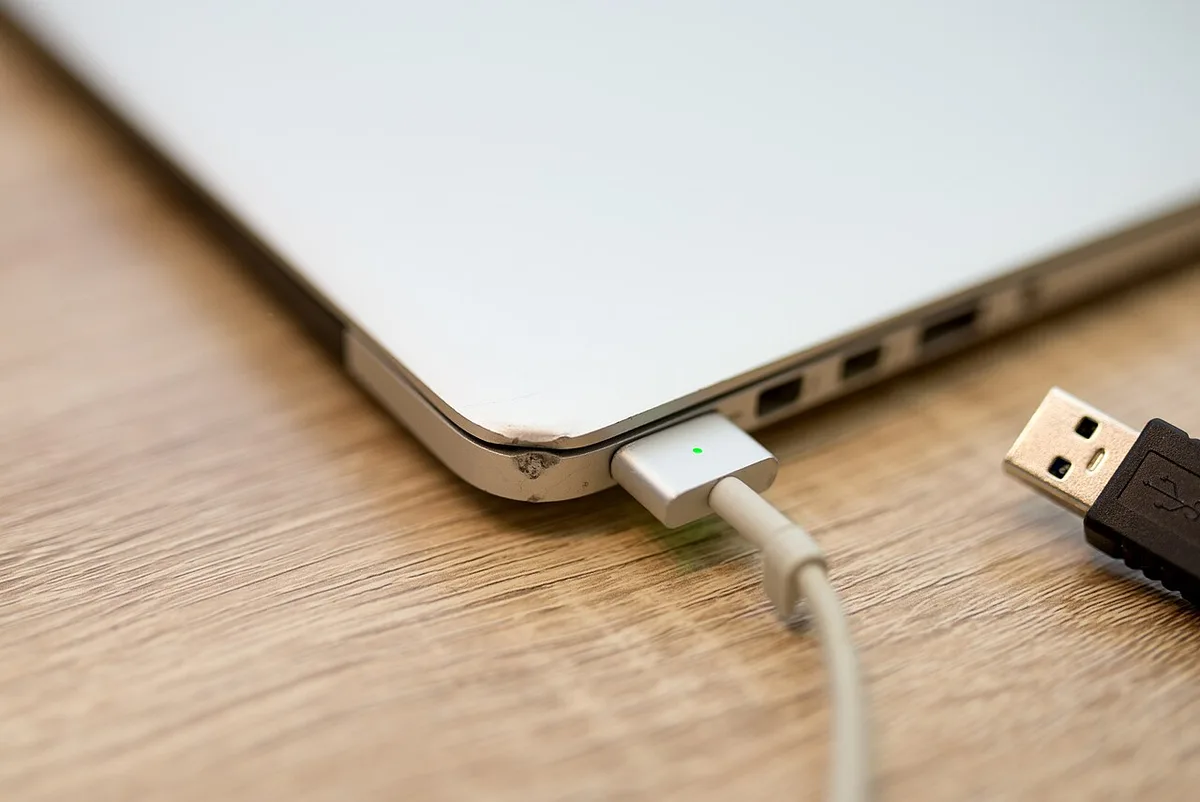
Image source: Wikimedia Commons / Shixart1985 (CC BY)
Does the backlight work in BIOS?
Reboot and tap the BIOS key (F2 or Del on most gaming laptops). Then try the backlight hotkey, usually Fn plus F5, F7, F9 or F10 depending on brand.
If it lights up in BIOS but not in Windows, your firmware is fine and the problem is software. That's the same logic as a component that works in firmware but fails in Windows. If it stays dark in BIOS too, the setting or the EC is the culprit.
Did it survive a restart and a sleep cycle?
Cold boot the machine twice before assuming anything. Then close the lid, wake it, and check again. If lighting only dies after sleep, you're looking at a power state issue, much like ports that go dark after sleep.
What does Device Manager say?
Look under Keyboards and under Human Interface Devices for a yellow warning triangle. A greyed out vendor device with an error code means the driver binding broke.
| Symptom | Likely cause | First move |
|---|---|---|
| All dark, works in BIOS | Vendor app or driver | Reinstall lighting software |
| All dark, dark in BIOS too | Backlight policy or EC | Check BIOS setting, then power drain |
| One colour or one zone only | Lighting profile or app sync | Reset profile to default |
| Fn backlight keys dead | Fn behaviour setting reset | Check BIOS keyboard options |
One more angle worth ruling out: a broader post update driver fault can look identical, the way a camera that quit after a Windows update mimics a dead sensor.
Fix It by Brand: ASUS, MSI, Razer, Lenovo, Dell, and HP
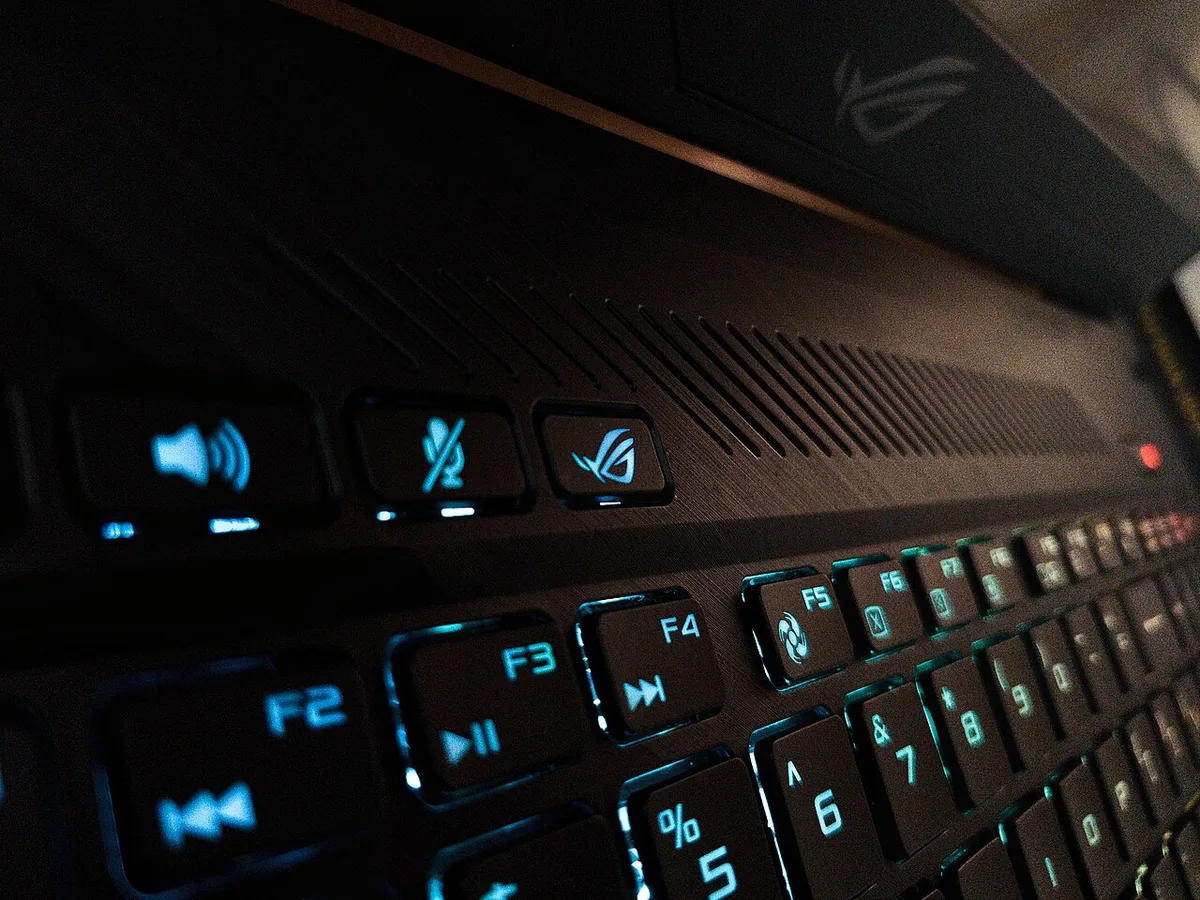
Image source: Wikimedia Commons / Aditya Oberai (CC BY-SA)
The recovery path genuinely differs per vendor, so start where your machine lives.
| Brand | Lighting app | First move |
|---|---|---|
| ASUS ROG / TUF | Armoury Crate (Aura) | Reinstall Armoury Crate with the vendor uninstall tool first |
| MSI | MSI Center | Check EC firmware revision in BIOS, then reinstall |
| Razer Blade | Synapse 3 | Restart Razer Chroma SDK service, force a device resync |
| Lenovo Legion | Vantage / Legion Space | Reseat the Lenovo gaming device driver, check BIOS backlight toggle |
| Dell / Alienware | Alienware Command Center | Check AlienFX power settings and BIOS keyboard illumination |
| HP OMEN | OMEN Gaming Hub | Set BIOS Keyboard Backlight policy back to enabled |
For ASUS, the uninstall step matters more than the reinstall. Armoury Crate leaves services behind, and stale ones are the number one reason the app can't see the keyboard after a flash. Grab the installer from ASUS support for your exact model, not a generic download.
Razer is its own case, since Synapse carries the firmware update channel. The current package is always on Razer's Synapse page. If Synapse refuses to launch, the leftover local profile folder is usually the blocker.
Whatever the brand, reinstall the version that matches your new BIOS. A mismatched app can also cause odd device behaviour, similar to an SSD that keeps dropping off USB-C after a firmware change.
Reset the Embedded Controller and Clear CMOS
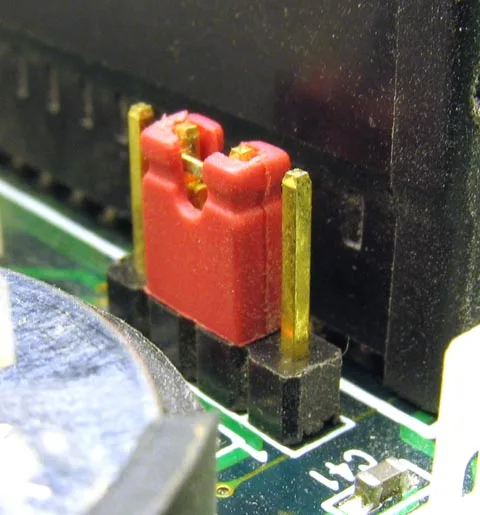
Image source: Wikimedia Commons / Fox89
This is the step that fixes the most cases, and it takes five minutes.
- Save your work and shut down properly. Don't use sleep or hibernate.
- Unplug the charger. On models with a removable battery, take it out.
- Hold the power button for 30 to 60 seconds. You're draining residual charge from the EC.
- Plug the charger back in and boot normally.
- Test the backlight hotkey, then open your lighting app.
A hard power drain clears volatile EC state and nothing else. Your files and BIOS settings stay put.
If that didn't help, an internal battery disconnect goes one level deeper. You open the bottom panel, unplug the main battery connector for a minute, then reconnect it. Two cautions.
It can affect warranty coverage, and you should never pry at or puncture a lithium pouch cell.
CMOS and RTC clearing is the deepest option on laptops, and it varies wildly. Some chassis have a small two pin header or a pinhole reset, others have nothing accessible. Check your model's maintenance manual before probing anything, because guessing at pads is how people damage a board.
If random input oddities keep appearing after the reset, an intermittent embedded controller fault shows up in places beyond lighting.
Recover with BIOS Flashback or a Firmware Rollback
If the power drain and the app reinstall both came up empty, the flash itself is now the suspect. Two routes remain: reflash the same version cleanly, or roll back to the previous one.
Start with USB BIOS Flashback if your chassis has it. ASUS ROG and several MSI models put a dedicated button and a labelled port on the shell. The useful part is that it runs without POST, so a black screen won't stop you.
Here's the drill:
- Format a USB stick to FAT32, 8GB or larger, with nothing else on it.
- Download the file for your exact model number, not the sibling SKU.
- Rename it to the convention stated in your model's manual.
- Hold the button for a few seconds, then leave the machine alone for 5 to 10 minutes.
Dell, Lenovo and HP use different recovery triggers, and Razer doesn't expose one at all. Pull the instructions from your own support page rather than guessing at key combos.
Rollback is where people get burned. Many vendors set downgrade prevention in firmware, so an older file gets rejected outright. Read the release notes for a line saying the version can't be reverted.
One more check. If the package bundled EC firmware, a rollback won't necessarily restore the old controller code.
Mistakes That Turn a Fix Into a Brick
Nearly every dead board story traces back to one of six avoidable moves.
- Flashing a neighbouring model's file. SKUs that share a chassis can ship different EC code. Match the full model designation every time.
- Running the flash on battery. Vendors often demand AC power plus 30% charge or more. The utility refuses for a reason.
- Cutting power to "speed things up". A half-written flash chip needs the crisis recovery route, if it's recoverable at all.
- Clearing CMOS as a first move. On a modern laptop that resets fan curves and boot order, and it can trip BitLocker into recovery. Suspend BitLocker or have your recovery key from your Microsoft account before you flash anything.
- Downloading the lighting app from a random portal. Get Armoury Crate, Synapse or MSI Center from the vendor or the Microsoft Store. Third party RGB "fixers" that poke at controller registers can leave it in a worse state.
- Assuming your SKU even has a backlight. Some base configurations ship without one, and no firmware work changes that.
The rule of thumb: one change, then test. Make two changes at once and you won't know which fixed it or which broke it.
When to Stop DIY and Contact the Manufacturer
Some symptoms tell you the problem sits below anything software can reach.
- Still no backlight in BIOS after a power drain and a CMOS reset.
- The machine won't POST, or the display never wakes after a failed flash.
- Lighting returned but the EC now reports wrong fan or battery behaviour.
- The backlight hotkey never worked from the day you unboxed it.
On warranty: flashing an official vendor BIOS usually doesn't affect coverage. Opening the chassis to unplug a battery sometimes does, depending on your region and terms. Read your own document instead of trusting a comment thread.
Before you open a ticket, gather the exact model and serial, the version you came from, the version you flashed, whether lighting works in BIOS, and what you've already tried. Support moves fastest when you lead with "works in BIOS, dark in Windows" or the reverse. Ask directly whether a newer EC or lighting package exists, because that's a free fix and often the real answer.
Also price the hardware path early. Most gaming laptops bond the keyboard to the palmrest, so a genuine fault means a full top case assembly.
Frequently Asked Questions
Why does my backlight work in BIOS but not in Windows?
Because the lights are driven by the embedded controller, and Windows adds a second layer on top. BIOS lighting proves the hardware and controller are alive. The fault sits in the vendor app, its driver binding, or a profile that loaded with brightness at zero.
Reinstall the app from the vendor.
Does a BIOS update wipe my lighting profiles?
Usually yes when the package includes EC firmware. Your stored colours, brightness and reactive settings live in controller memory, and a flash resets them to defaults. If only the BIOS region was rewritten, profiles often survive.
Either way, expect to rebuild your setup once.
Will rolling back the BIOS restore my RGB?
Only sometimes. A rollback restores the BIOS region, not necessarily the previous controller firmware. Plenty of vendors block downgrades entirely.
Try the power drain and app reinstall first, before you spend an hour on a rollback that gets rejected.
Can a BIOS update permanently kill keyboard lighting?
Rarely. Lighting loss after a flash is almost always configuration or controller state, and both are recoverable. Permanent failure needs a hardware fault, like a blown backlight driver or a failed LED strip.
Rule out software and firmware before you accept that.