are ASUS ROG gaming laptops good? Yes, many are strong gaming machines, but the answer depends on model, cooling, and price. ROG is ASUS's Republic of Gamers brand, and it covers budget Strix models through premium Zephyrus machines.
As of 2026, the best ROG laptops pair fast CPUs and RTX 40-series GPUs with high-refresh displays. Some models run hot or cost more than rivals. This guide breaks down the lineup so you can choose with confidence.
are ASUS ROG gaming laptops good
Yes, ASUS ROG gaming laptops are good for gaming when you match the model to your budget. Strix models favor power and value. Zephyrus models favor portability and creator work.
Cooling, GPU wattage, and price matter most. Check the exact SKU before buying.
What the ROG Lineup Actually Offers
ASUS Republic of Gamers, or ROG, sells several laptop families. Strix is the mainstream gaming line. Zephyrus leans thinner and lighter.
Flow is the compact convertible line. Scar targets top-tier performance.
Each line has many SKUs, so the name alone does not tell you the value. Check CPU, GPU wattage, RAM, storage, and panel before buying. The chassis materials also change by model.
You can learn how to inspect chassis materials before you order. ASUS lists current models on its ROG laptop lineup.
- Strix usually gives the best price-to-performance balance.
- Zephyrus is better if you carry the laptop often.
- Flow fits buyers who want tablet and gaming modes.
- Scar suits buyers who want maximum frame rates.

Image source: Wikimedia Commons / 玄史生
ROG Strix vs Zephyrus vs Flow vs Scar
The four ROG families serve different needs. Strix is usually the safest pick for most gamers. Zephyrus is the travel-friendly option.
Flow is niche but clever. Scar is the least portable and often the most expensive.
| Family | Best For | Common Tradeoff |
|---|---|---|
| Strix | Mainstream gaming | Can be bulky |
| Zephyrus | Portable gaming | Higher price |
| Flow | Flexible setups | Limited cooling |
| Scar | Maximum performance | Heavy and costly |
If you want a lighter machine, read about thin gaming laptops before choosing Zephyrus. NVIDIA lists laptop GPU details on its GeForce laptop page. Match the GPU TGP to the chassis size, not just the GPU name.

Key Specs, Thermals, and Real-World Performance
Performance comes from the full system, not one part. CPU, GPU TGP, cooling, and display all matter. A laptop with an RTX 4070 and weak cooling can lose to a better-cooled RTX 4060 system.
Manufacturer specs indicate many ROG models use tri-fan cooling, liquid metal, or vapor chambers. Aggregate reviews report strong 1080p and 1440p gaming, but fan noise rises under load. Slim chassis can throttle when vents are blocked.
Use a hard desk, not a bed or couch.
| Spec Area | What to Check | Why It Matters |
|---|---|---|
| GPU TGP | Wattage, not just model | Changes real FPS |
| Cooling | Fan design and vents | Controls throttling |
| Display | Refresh rate and resolution | Affects smoothness |
| RAM | Capacity and upgradeability | Helps creator tasks |
Before buying, run through build quality checks so the chassis feels solid. Also check port placement, hinge stiffness, and keyboard flex. These details affect daily use more than benchmark screenshots.

The Pros and Cons You'll Notice Day to Day
ROG laptops have clear strengths. They usually offer strong gaming performance, fast displays, and good keyboards. Many models include MUX switches, which can improve frame rates.
Premium lines also have color-accurate panels for creators.
The downsides are just as real. High-end models cost a lot. Some run loud during long sessions.
Battery life drops fast while gaming. Slim models may limit RAM upgrades. Software such as Armoury Crate can feel cluttered.
- Pros: strong gaming performance, premium displays, good keyboards, useful MUX switches.
- Cons: high prices, fan noise, battery drain, limited upgrades on some models.
If comfort matters, compare long session comfort before you commit. A powerful laptop is less useful if it hurts your wrists or neck. Try the weight and keyboard layout when possible.
Return policies matter too.
Who Should Buy One (and Who Should Skip It)
A ROG laptop fits buyers who game often and want one machine for work and play. It also suits people who value high refresh displays and strong GPUs. Students should check weight and charger size before buying.
Skip ROG if you only play light games or need all-day battery away from outlets. A cheaper laptop may do the job. Travelers should compare laptop weight and backpack fit before choosing a large model.
| Buyer Type | Good Fit? | Better Choice |
|---|---|---|
| Competitive gamer | Yes | Strix or Scar |
| Frequent traveler | Maybe | Zephyrus |
| Light gamer | No | Budget laptop |
| Creator and gamer | Yes | Zephyrus or Strix |
Common Buying and Ownership Mistakes
Many buyers focus on the GPU name and ignore wattage. That can lead to lower frame rates than expected. Others buy a thin model for heavy gaming and then complain about heat.
- Buying by series name instead of checking the exact SKU.
- Ignoring GPU TGP and cooling design.
- Blocking vents with soft surfaces.
- Paying extra for RGB instead of RAM or storage.
- Skipping warranty details and service locations.
- Expecting desktop-level battery life while gaming.
Check the exact CPU, GPU wattage, RAM, storage, and display before checkout. Read the warranty terms for your region. If you carry the laptop often, compare travel protection options too.
Long-Term Ownership: Upgrades, Battery, and Support
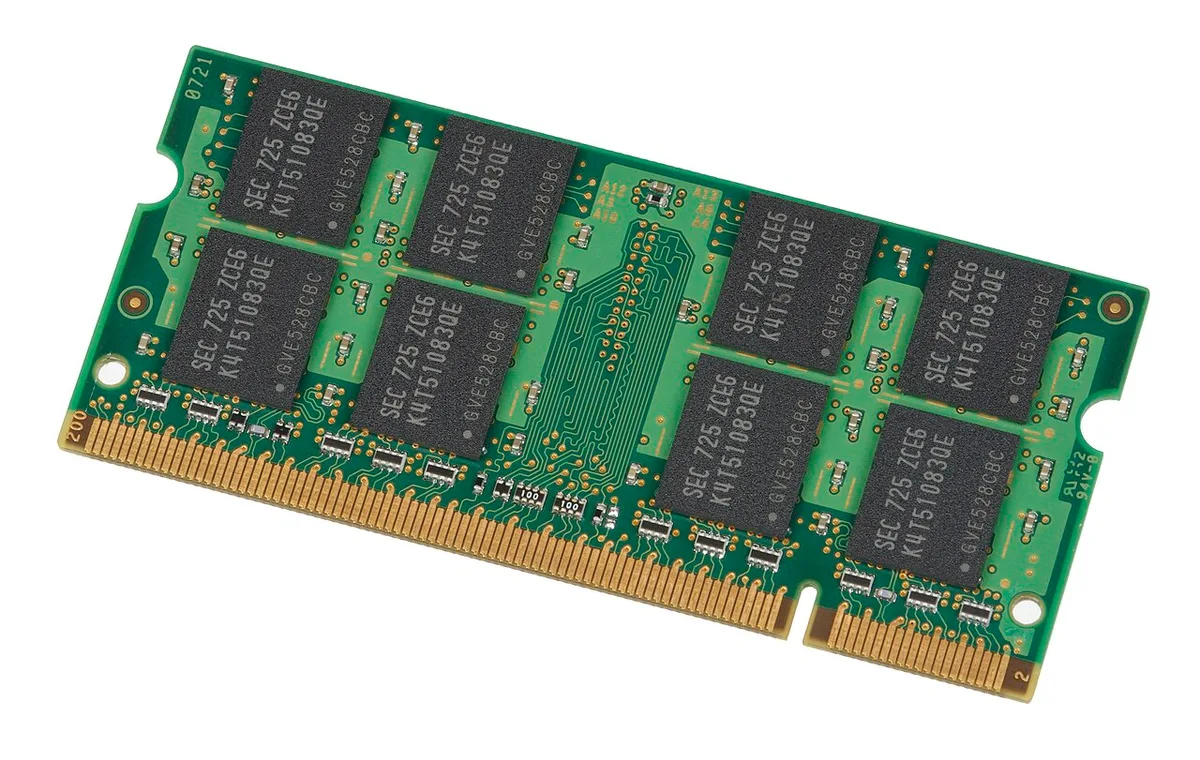
Long-term value depends on upgrade paths and support. Some ROG models allow RAM or SSD upgrades. Others use soldered memory, which limits future changes.
Battery health also declines with heat and charge cycles.
Aggregate reviews report that ROG batteries often need replacement after a few years of heavy use. Keep the laptop on a hard surface and use battery health modes when possible. Pack the charger carefully using charger packing tips.
For travel, also review carrying steps.
| Ownership Factor | What to Expect | Practical Tip |
|---|---|---|
| RAM upgrade | Model dependent | Check before buying |
| SSD upgrade | Usually possible | Choose larger drive if needed |
| Battery life | Falls during gaming | Use performance profiles |
| Fan noise | Rises under load | Clean vents regularly |
| Support | Varies by region | Register warranty early |
If hinges feel loose, follow hinge care guidance. If fans get loud in quiet rooms, see fan noise tips. For desk comfort, use an ergonomic desk setup.
Final Verdict: Which ROG Laptop Is Right for You
ROG laptops are good when you choose the right tier. Strix is the best all-around choice for most gamers. Zephyrus is better for portability.
Flow works for flexible setups. Scar is for buyers who want maximum performance and can accept weight.
| Priority | Best ROG Family | Why |
|---|---|---|
| Value | Strix | Strong performance for the price |
| Portability | Zephyrus | Thinner and lighter |
| Flexibility | Flow | Convertible design |
| Peak power | Scar | Highest-end configurations |
If you also use the laptop for work, review whether a gaming laptop works for daily work tasks. For audio issues during games, check audio crackle causes. For keyboard tuning, use keyboard response tips.
Frequently Asked Questions
Are ASUS ROG laptops good for everyday use?
Yes, many ROG laptops work well for everyday tasks like browsing, school, and office work. They can feel bulky, and battery life may be shorter than thin ultrabooks. If you only need light tasks, a cheaper laptop may save money.
Do ROG laptops overheat easily?
Some models run warm, especially thin chassis under heavy load. Larger Strix and Scar models usually cool better. Keep vents clear and use a hard surface.
Clean dust from fans regularly to maintain airflow.
Are ROG laptops worth the price?
They are worth it if you need strong gaming performance and a quality display. Budget Strix models often offer better value. Premium models cost more for portability and design.
Compare the exact GPU wattage before buying.
Can you upgrade RAM and storage?
It depends on the model. Some ROG laptops have upgradeable RAM and SSD slots. Others use soldered memory.
Check the service manual or manufacturer specs before purchase if upgrades matter to you.
How long do ROG laptops last?
With proper care, many last four to six years for gaming and longer for basic tasks. Battery wear and heat are the main limits. Keep the laptop clean, avoid blocked vents, and replace the battery when needed.
1 thought on “Are ASUS ROG Gaming Laptops Good? Pros, Cons & Verdict”
Comments are closed.