When should i repair or replace a gaming laptop? The answer depends on age, fault, parts cost, and how you use it. A cheap fix can make sense.
A dead motherboard often does not.
Aggregate repair estimates often land between $150 and $600 for common faults, while a new mid-range gaming laptop can cost $1,200 to $1,800. Manufacturer specs and warranty terms should guide the final call. Start with the five variables below.
when should i repair or replace a gaming laptop
Repair it when the fix costs under half the laptop's value. Replace it when the motherboard or GPU fails. Upgrade RAM or storage first if performance is the only issue.
Check warranty coverage before paying.
When a Gaming Laptop Is Actually Worth Repairing
A repair makes sense when the machine still has life left. Think of it like fixing a car with a solid engine but a bad alternator. If the chassis is sound and the main board works, a targeted fix is smart.
- The fault is isolated, like battery, fan, hinge, or port.
- Parts are available at fair prices.
- The laptop still runs your games at acceptable settings.
- You need the machine soon and cannot migrate easily.
- Warranty or accidental coverage offsets the bill.
If the repair quote gets close to replacement cost, pause. Good routine upkeep can delay this choice and protect your investment.
The Five Variables That Decide Repair vs Replacement
These five variables matter more than brand loyalty or sale prices. Use them in order.
| Variable | Why It Matters |
|---|---|
| Age and support window | Older units lose parts access and driver support |
| Fault type | Isolated faults are cheaper than board-level faults |
| Parts cost and availability | Scarce parts can make repair pointless |
| Performance needs | New games may need more than an old chassis can cool |
| Warranty status | Coverage can turn a costly repair into a free one |
A simple rule helps. If the fault is isolated and the laptop is under four years old, repair first. If the fault is systemic and parts are scarce, replace.
Keep your service interval realistic so small issues do not become big ones.
Quick Condition Branches: Repair, Upgrade, or Replace
Use if and then logic here. Do not guess from symptoms alone.
- If the battery swells or drains fast, stop heavy use and replace the battery or retire the unit.
- If the GPU shows artifacts or crashes under load, price a board repair before deciding.
- If the laptop only feels slow, upgrade RAM or storage first.
- If a hinge cracks but the chassis is intact, repair it soon.
- If the laptop will not power on, test the charger, port, and board in that order.
Random shutdowns can point to heat, power, or board trouble. Thermal paste timing also matters if temperatures spike during games.
Component-by-Component Repair Reality
Some parts are easy. Others are basically the whole machine.
| Component | Typical Repair Reality |
|---|---|
| Battery | Usually replaceable, but swollen packs need care |
| RAM | Easy if slots exist; impossible if soldered |
| Storage | Often the easiest upgrade |
| Fan | Common wear item, usually affordable |
| Hinge | Labor heavy, but cheaper than replacement |
| Display | Costly, but worth it on premium panels |
| Motherboard | Often the tipping point |
| GPU | Usually soldered and expensive to repair |
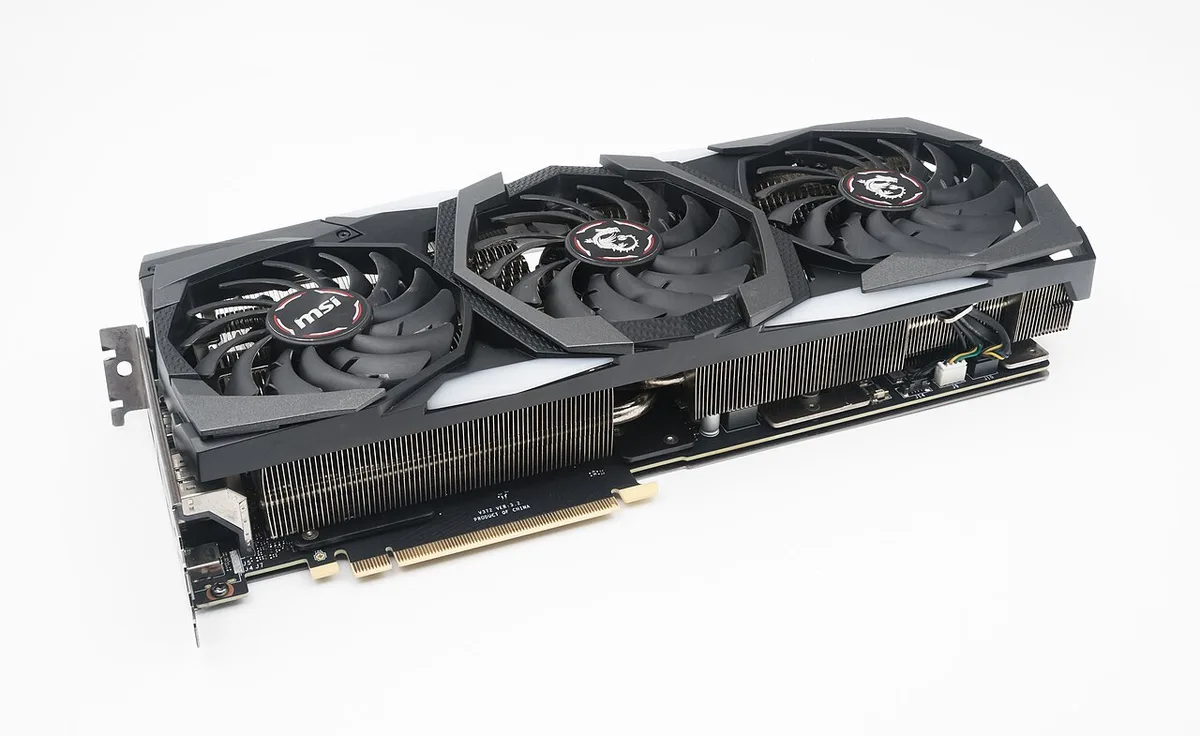
Image source: Wikimedia Commons / Jacek Halicki (CC BY-SA)
Before opening the case, check whether your parts are replaceable. A donor board can save money, but compatibility must be verified. If you plan to open the chassis, follow safe opening steps and avoid forcing plastic clips.
Real Costs: Parts, Labor, and Cost-per-Year
Prices vary by region and model, but the pattern stays consistent. Common repairs are modest. Board-level work is not.
| Repair Type | Typical Cost Range |
|---|---|
| Battery replacement | $80 to $200 |
| RAM or SSD upgrade | $60 to $250 |
| Fan replacement | $90 to $180 |
| Hinge repair | $120 to $300 |
| Display replacement | $200 to $500 |
| Motherboard or GPU repair | $300 to $900+ |
Labor often makes up 30 to 50 percent of the bill. Turnaround can range from two days to three weeks. Always ask for a written estimate and a parts warranty.
A useful test is cost per year. Divide the repair cost by the extra years you expect. If a $250 repair buys two more years, that is $125 per year.
If a $700 repair buys one year, replacement looks better.
Warranty terms matter too. FTC warranty guidance can help you understand coverage rights. For disposal of a retired unit, EPA electronics recycling guidance is a solid starting point.
If battery health is the main issue, a battery replacement guide can help you price the job accurately.
Safety, Warranty, and Right-to-Repair Considerations
Safety comes first. A swollen battery can vent or ignite, so stop charging and isolate the laptop. Do not puncture, compress, or keep it near heat.
Recycle it through an approved program.
Electrostatic discharge can kill a motherboard during a simple repair. Use a grounded strap and work on a clean, dry surface. Disconnect the battery before touching internal parts.
Warranty terms matter as much as the fault. Read the coverage window, parts list, and labor terms before paying. Magnuson-Moss warranty rules in the US limit tie-in conditions, but damage from improper repair may still be excluded.
As of 2026, several states have expanded right-to-repair laws, yet coverage varies by device and brand.
Data privacy is another risk. Back up files before service and wipe storage if you replace the unit. Ask how the shop handles drives and personal data.
For retirement, follow EPA electronics recycling guidance and avoid trash disposal.
Common Mistakes That Make the Decision Worse
The biggest mistake is replacing a laptop before diagnosing the real fault. A dirty fan or clogged vent can mimic a dying GPU. Clean first, test again, then decide.
Another mistake is treating every repair like a bargain. Labor, shipping, and downtime add up fast. A low parts quote may still become a poor value.
People also buy incompatible parts. Soldered RAM, proprietary batteries, and model-specific hinges are common traps. Check upgrade compatibility before ordering anything.
Skipping backups is risky too. A repair can expose data or trigger a reinstall. Back up saves, documents, and browser profiles before the appointment.
Finally, many owners ignore thermal habits. Dust buildup and old paste raise temperatures and shorten lifespan. Review thermal paste timing and fan cleaning before blaming the hardware.
Step-by-Step Decision Workflow
Use this workflow when the answer is not obvious.
- Name the symptom clearly. Note when it happens and what triggers it.
- Check warranty status. Ask the manufacturer or retailer what is covered.
- Get a written estimate. Include parts, labor, shipping, and warranty on the repair.
- Compare the estimate to replacement value. Use current refurbished and new prices.
- Check whether a targeted upgrade fixes the issue. RAM, storage, and paste are common wins.
- Decide based on cost per year and expected lifespan.
- Protect data before service.
- Plan recycling or trade-in if you replace.
A simple table helps.
| Step | Question to Answer |
|---|---|
| Symptom check | Is the fault isolated or system wide? |
| Warranty check | Is repair free or discounted? |
| Cost check | Is the quote under half replacement value? |
| Upgrade check | Will RAM, storage, or paste solve it? |
| Value check | How many more years do you expect? |
If the laptop is four years old and the board is dead, replacement usually wins. If it is two years old and only the battery failed, repair is likely smart. Check which parts are replaceable before you commit.
Follow safe opening steps if you inspect it yourself.
Frequently Asked Questions
Should I repair a five-year-old gaming laptop?
Usually only if the fault is cheap and isolated. Battery, fan, or storage repairs can make sense. Motherboard or GPU work rarely does.
Compare the quote to a refurbished replacement and factor in driver support.
Is a motherboard repair ever worth it?
Yes, when the laptop is newer and the quote stays well below replacement cost. Board-level work is risky and may not last. Get a written parts warranty before approving it.
Can upgrading RAM or storage delay replacement?
Yes, if performance is the only problem. More RAM helps multitasking and modern games. A faster SSD improves load times.
It will not fix a failing GPU or cracked chassis.
Does opening a gaming laptop void warranty?
Not always. It depends on the warranty terms and the repair type. Damage caused during service can be excluded.
Check FTC warranty guidance and your manufacturer's terms first.
When should I recycle instead of repair?
Recycle when the board is dead, parts are unavailable, or repair cost exceeds value. Remove and wipe storage first. Use a certified recycler and follow local e-waste rules.