What happens when a gaming pc power supply is underpowered depends on how far below demand the unit sits and whether it has protection circuits. A slightly short PSU may shut down cleanly, while a cheap one can destabilize the whole system. In our research, the difference usually comes down to protection behavior, not just wattage on the box.
Manufacturer specifications indicate that ATX units should deliver continuous power on the 12V rail, not just a peak number. That distinction shapes every symptom you see next.
what happens when a gaming pc power supply is underpowered
A weak PSU can cause shutdowns, black screens, crashes, or no boot at all. Good protection circuits usually shut the system down safely. Cheap units may let voltage ripple rise first.
The exact outcome depends on load, margin, and protection design. Check wattage, 12V amps, and connector quality before blaming the GPU.
The Variables That Decide Your Outcome (Wattage, Load, and Protections)
Start with total draw. CPU, GPU, fans, drives, and USB devices all pull from the same 12V rail. A PSU label shows continuous amps, not just a headline wattage.
If the label only lists peak power, treat it as a warning sign. Good units list continuous 12V amperage.
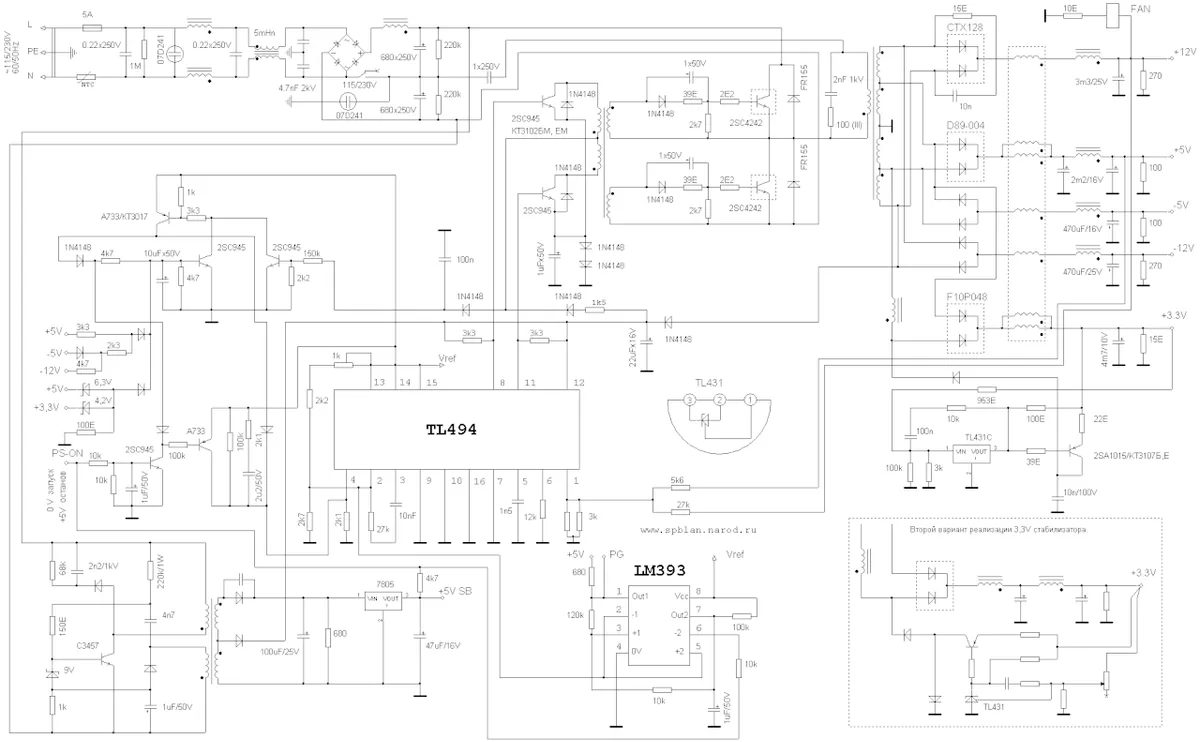
Image source: Wikimedia Commons / 万里毛叔
Three variables decide the outcome:
- Load margin, meaning how close the system runs to the PSU rating
- Transient spikes, meaning short GPU power bursts above the average
- Protection design, meaning OCP, OVP, UVP, OPP, SCP, and OTP behavior
If your system pulls 450 watts through a 500 watt unit, it may survive. If it pulls 480 watts through a 450 watt unit, it may not. The second case is where random shutdowns begin.
| Variable | Mild case | Risky case | What you notice |
|---|---|---|---|
| Load margin | Below 70 percent | Above 90 percent | Fan noise, warmth |
| Transient spike | Small and brief | Large and repeated | Black screen, driver crash |
| Protections | Modern and working | Missing or weak | Shutdown or possible damage |
Read the label before you guess. Look for continuous 12V amperage, not just total wattage. A 650 watt PSU with 50 amps on 12V is stronger than a 750 watt unit with 45 amps.
If you are comparing storage upgrades at the same time, review motherboard slot layout so power and space planning stays aligned.
Decision Branches: Mild, Moderate, and Severe Underpowering
If the PSU is only slightly underpowered, the system may boot and game normally. You may see occasional fan ramping or mild warmth. The fix is usually a power limit or a future upgrade, not panic.
If the PSU is moderately underpowered, symptoms become repeatable. Games crash after a few minutes. The PC reboots under load.
The GPU driver may reset. In this branch, reduce load first, then replace the unit soon.
If the PSU is severely underpowered, the system may fail to POST. It may click, spin fans, then stop. It may shut down during the Windows logo.
This branch needs immediate replacement, not tuning.
Use this simple decision path:
- If crashes only happen at max GPU load, lower the power limit first
- If crashes happen at idle or light load, stop using the PSU
- If you smell heat or see melted plastic, power off immediately
- If the PSU lacks protections, treat even mild symptoms as serious
A power limit can be a bridge. It is not a permanent fix for a bad unit. If you also see memory error patterns, do not assume RAM is at fault.
Power instability can corrupt data and mimic memory problems.
Symptoms and What They're Telling You
Symptoms are clues, not diagnoses. A black screen during gaming often points to a GPU power drop. A reboot without a blue screen often points to PSU protection triggering.
A blue screen can still be power related, but it needs more testing.
Common symptoms include:
- Random restarts during gaming
- Black screen with audio still playing
- Driver timeout and recovery messages
- Failed boot after a heavy gaming session
- USB devices disconnecting
- Hard drives dropping offline
- Coil whine from the PSU or GPU
If the PC shuts down cleanly, protections may be working. If it stutters, freezes, or corrupts files, the power may be unstable. That difference matters.
Clean shutdowns protect hardware. Dirty instability can stress storage and memory.
If you are checking system behavior, drive temps under load can help separate heat issues from power issues. Storage heat and power instability can both cause slowdowns, but the fixes differ.
When an Underpowered PSU Is Dangerous vs. Just Annoying
Annoying means stable but underperforming. The PC shuts down when pushed. You lose a match, not hardware.
Dangerous means heat, smell, melted connectors, or no protections. That is a fire and hardware risk.
Danger signs include:
- Burning smell from the PSU or cables
- Discolored or melted 12VHPWR or PCIe connectors
- PSU case too hot to touch
- Breaker trips when gaming
- Repeated restarts with no clear load pattern
- Unit has no safety certifications
Do not ignore connector heat. A loose 12VHPWR connector can overheat even when wattage seems adequate. Reseat it carefully and inspect the pins.
If damage is visible, replace the cable or PSU.
For safety guidance, reference standards such as IEC 62368-1 through the IEC. Also check for UL, CE, or equivalent marks on the unit. If your build uses four memory modules, review memory compatibility before adding more electrical load.
The practical rule is simple. If protections work and the unit stays cool, it is annoying. If protections are unknown or heat appears, it is dangerous.
Replace it before chasing other parts.
What to Do Right Now: A Step-by-Step Fix
Start by removing load. Close games, stop benchmarks, and let the system cool for ten minutes. If it only failed under heavy GPU load, you have breathing room.
Next, read the PSU label. Find continuous 12V amperage, not just total wattage. Compare that number with your CPU and GPU power draw.
Add at least 20 percent headroom above the combined peak.
Then measure real draw if you can. A wall meter gives a useful whole-system number. Software estimates help, but they miss transient spikes.
If the unit is only slightly short, use a temporary power limit. Drop GPU power by 10 to 20 percent in tuning software. Retest the same game or benchmark.
If stability improves, the PSU is likely the bottleneck.
Reseat every power connector. Check for looseness, heat, and discoloration. A poor connection can mimic an underpowered PSU.
If symptoms persist, replace the unit. Do not keep gaming through repeated shutdowns. That turns a cheap fix into a possible hardware loss.
Mistakes That Turn a Minor Problem Into a Costly One
Buying by wattage alone is the first mistake. A 750 watt label means little without 12V amperage. Always compare the 12V rail rating.
Using adapters is another common error. Molex to PCIe or cheap 12VHPWR adapters can overheat. They also hide weak cabling.
Use native cables from the PSU maker.
Do not assume every shutdown is normal. Some users treat random reboots as a gaming quirk. That habit can stress storage and memory over time.
Do not blame the GPU first. A weak PSU can cause driver crashes, black screens, and artifacting. Test power stability before replacing expensive parts.
Do not delay replacement when heat appears. A warm case, burning smell, or melted connector is not a tuning issue. Power off and replace the unit.
Do not mix old and new hardware carelessly. A new GPU on an old PSU is a classic failure pattern. Plan the PSU upgrade with the GPU upgrade.
Real Costs, Specs, and Numbers to Plan Around
Plan around continuous power, not marketing peaks. For a mid-range gaming PC, a 650 watt unit with strong 12V amperage is often enough. For high-end GPUs, 850 watts or more is safer.
| System type | Typical sustained draw | Safer PSU choice | 12V target |
|---|---|---|---|
| Entry gaming | 250 to 350 watts | 550 watts | 40 amps or more |
| Mid-range gaming | 350 to 500 watts | 650 watts | 54 amps or more |
| High-end gaming | 500 to 750 watts | 850 watts | 70 amps or more |
| Top-tier GPU builds | 750 watts plus | 1000 watts plus | 83 amps or more |
Leave headroom for spikes. GPU power can jump far above average for milliseconds. A PSU with margin handles those bursts without tripping protection.
Check efficiency at your real load. Most units are most efficient near 50 percent load. A 650 watt PSU running at 325 watts is in a good zone.
Watch ripple and regulation. Good units keep 12V ripple low and voltage stable. Manufacturer specs and Intel ATX guidance are useful references here.
If you are also planning storage changes, keep free space planning in mind. Power and storage planning often overlap during upgrades.
Frequently Asked Questions
Can an underpowered PSU damage my GPU?
Yes, it can stress it over time. Voltage drops and ripple can make the GPU work harder. Protection circuits usually prevent sudden damage.
Cheap units without protections are the real risk. Replace the PSU before chasing GPU problems.
Will lowering GPU power limit fix an underpowered PSU?
It can fix stability temporarily. A 10 to 20 percent limit reduces peak draw and spikes. It does not fix a bad or aging PSU.
Treat it as a bridge, not a permanent solution.
How do I know if my PSU wattage is enough?
Check continuous 12V amperage, not just total wattage. Add CPU and GPU peak draw, then add 20 percent headroom. Compare that to the PSU label.
A wall meter can confirm real system draw.
Is it safe to use adapters with an underpowered PSU?
It is risky. Adapters add resistance and heat. They can hide weak cables and poor connections.
Use native cables from the PSU manufacturer. Replace damaged connectors immediately.
Should I replace the PSU before upgrading the GPU?
Yes, if the current unit is already near its limit. A new GPU increases peak and transient draw. Upgrade the PSU first when headroom is low.
That protects both the new GPU and the rest of the system.
Final Verdict: Ride It Out, Throttle It, or Replace It
Ride it out only when load margin is healthy and protections are verified. The system should stay cool, quiet, and stable under full load. If those conditions are true, a small margin may be acceptable.
Throttle it when symptoms appear only at maximum GPU load. Lower the power limit, reduce overclocking, and plan a replacement. This buys time but does not fix the root cause.
Replace it when you see heat, smell, melted connectors, or repeated shutdowns. Also replace it when the unit lacks modern protections. Safety matters more than saving money.
If you are upgrading memory too, review memory compatibility for your board before adding more load. A stable power plan makes every other upgrade easier.
1 thought on “What Happens When Your Gaming PC PSU Is Underpowered?”
Comments are closed.