Figuring out how to avoid overpaying for a gaming laptop starts with one uncomfortable truth: the sticker price rarely tells you what you're actually getting. Two laptops with the same GPU name can perform 30% differently depending on wattage, cooling, and chassis. You're not just buying a spec sheet.
You're buying a whole system, and the gap between a smart buy and an expensive mistake is usually hidden in the fine print.
In our research, the average gaming laptop buyer overpays by roughly 15-25% by choosing maxed-out configs, paying MSRP for last-gen hardware, or skipping price tracking. Manufacturer specifications indicate that a mid-range RTX 4060 laptop running at full power often matches a pricier RTX 4070 running at restricted wattage. Let's walk through exactly what drives the price, where the real value sits, and how to buy with confidence.
how to avoid overpaying for a gaming laptop
Compare price per performance, not sticker price. Buy last-gen hardware at a discount. Track prices for two weeks before buying.
Skip OEM RAM and SSD upgrades. Check GPU wattage, not just the model name. Use refurbished and open-box programs with warranty.
Why Gaming Laptop Prices Are So Easy to Misread
Gaming laptop pricing looks simple on the surface. You see a GPU name, a CPU name, and a price. But the real cost lives in the details most shoppers skip.
Take GPU wattage. NVIDIA's RTX 4060 exists in laptops running anywhere from 35W to 140W. That's nearly a 4x performance spread under one name.
A 35W RTX 4060 in a thin chassis can lose to a 115W RTX 4050 in a thicker one. The spec sheet says "RTX 4060" either way. Aggregate reviews report that most buyers never check the wattage line, which is exactly where the overpaying happens.
Cooling is the second trap. A powerful GPU in a slim chassis throttles under load. You paid for performance you never actually get.
Manufacturer specs confirm that sustained boost clocks depend heavily on thermal design, not peak numbers. A laptop that hits 4.5 GHz for ten seconds then drops to 3.8 GHz is not the same machine as one holding 4.2 GHz indefinitely.
Then there's the branding markup. RGB lighting, premium chassis materials, and bundled software add $100-300 to the price without improving frame rates. Some of it matters for durability.
Most of it doesn't.
Image source: Wikimedia Commons / JD Hancock (CC BY)
Retailer pricing adds another layer. MSRP is a suggestion, not a rule. Street prices often sit 10-20% below MSRP within weeks of launch.
Buying on launch day means paying the highest price for the newest hardware. Waiting three to six months usually nets the same machine for less. Price history tools like Keepa and CamelCamelCamel show this pattern clearly.
If you're curious why the baseline is so high in the first place, our piece on the real cost drivers behind gaming laptops breaks it down.
The Specs That Actually Drive Price (and Which Ones Don't)
Not every spec moves the price needle equally. Knowing which ones matter saves you from paying for the wrong things.
The GPU dominates cost. It's roughly 30-40% of the laptop's total value. The CPU comes second at 15-20%.
Everything else is negotiation. RAM and storage are cheap at retail but expensive as OEM upgrades. A 16GB to 32GB RAM upgrade from the manufacturer often costs $150-250.
The same sticks cost $40-60 on the open market, and which specs you can upgrade later is worth checking before you pay the premium.
Here's what actually moves price versus what doesn't:
| Spec | Price Impact | Worth Paying For? |
|---|---|---|
| GPU tier (4060 to 4070) | High ($200-400) | Yes, for AAA gaming |
| GPU wattage (low to high) | Medium ($100-200) | Yes, almost always |
| CPU tier (i5 to i7) | Medium ($100-200) | Sometimes |
| RAM (16GB to 32GB) | Low retail, high OEM | No, upgrade later |
| Storage (512GB to 1TB) | Low retail, high OEM | No, upgrade later |
| Display (1080p to 1440p) | Medium ($100-200) | Depends on use case |
| Refresh rate (144Hz to 240Hz) | Low-Medium | Only for esports |
| Chassis material (plastic to aluminum) | Medium | For durability, not FPS |
| RGB lighting | Low | No |
| Webcam quality | Low | No, for gaming |
The display deserves special attention. A 1440p 165Hz IPS panel costs more than 1080p 144Hz, but the visual jump is real for single-player games. For competitive esports, 1080p 240Hz or 360Hz is the better spend.
Our guide on the best gaming laptop resolution covers this trade-off in detail.
One more trap: soldered RAM. Some thin gaming laptops solder 8GB or 16GB directly to the board with no upgrade path. You're locked in.
Always check whether the RAM is socketed before buying a base config. The same applies to single M.2 slots versus dual slots. What can't be upgraded later is the list to review before checkout.
Last-Gen vs. Current-Gen: Where the Real Value Lives
This is where most overpaying happens. Current-gen hardware launches at MSRP. Six months later, the same chip sells for less, and last-gen hardware drops even further.
As of 2026, RTX 30-series laptops still deliver solid 1080p performance at 30-40% below current-gen pricing. An RTX 3060 laptop at $700-800 plays most AAA titles at medium-high settings. That's the same money as a budget RTX 4050 laptop, but with more VRAM and better rasterization performance.
The gap narrows as you move up the stack, but at the budget tier, last-gen is often the smarter buy.
The catch is power efficiency and features. RTX 40-series brings DLSS 3 frame generation, better battery life, and lower heat output. If you play supported titles and value portability, current-gen earns its price.
If you play older or indie games, last-gen is fine.
CPU generations follow a similar pattern. Intel's 13th and 14th gen mobile chips are close in real-world gaming performance. AMD's Ryzen 7000 and 8000 series are neck-and-neck.
Buying one generation back usually saves $100-200 with no perceptible gaming difference.
The sweet spot for value is typically 3-6 months post-launch for current-gen, or 12-18 months for last-gen. That's when prices settle and sales begin. Launch week is the worst time to buy.
Black Friday, back-to-school season, and Prime Day consistently produce the deepest discounts.
Refurbished and open-box units push value further. Manufacturer outlets like Dell Outlet, Lenovo Outlet, and ASUS Renewed sell certified refurbished laptops with full warranty at 15-30% off. Open-box units at retailers like Best Buy often save 10-25% with minimal wear.
The key is verifying warranty status and return policy before purchase.
GPU Tiers Compared: RTX 4060 vs. 4070 vs. 4080 vs. 4090
The GPU is the single biggest price driver, so this comparison matters most. Here's how the tiers stack up for gaming laptops.
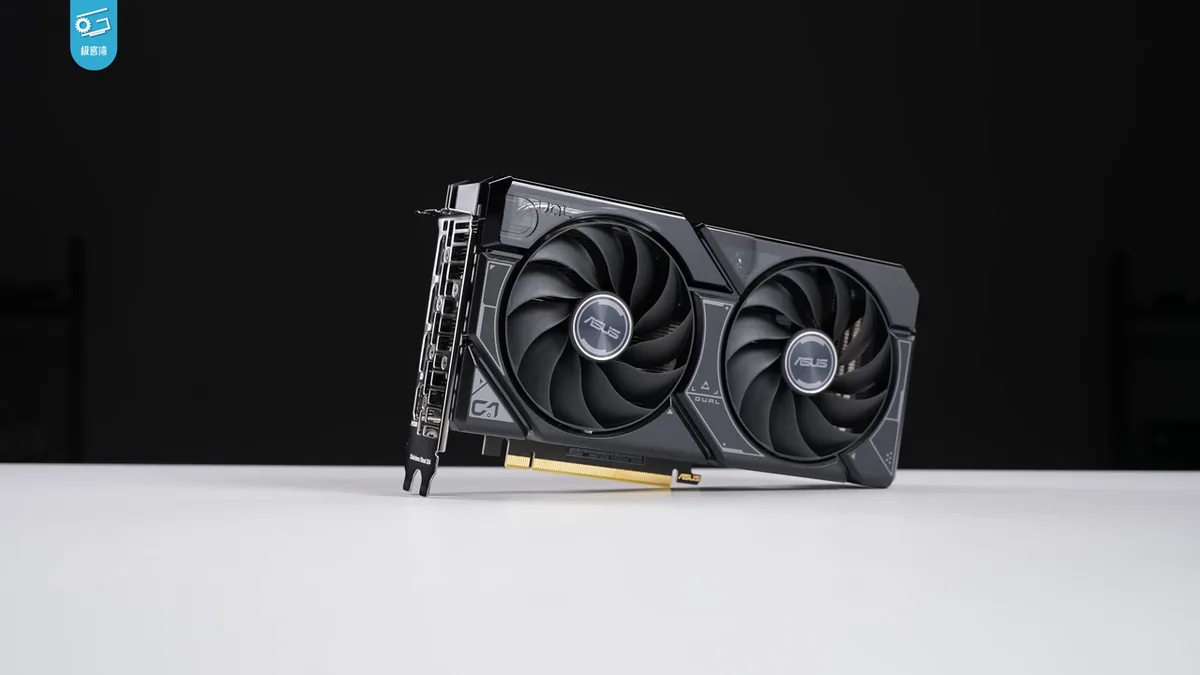
Image source: Wikimedia Commons / 极客湾Geekerwan (CC BY)
| GPU Tier | Best For | Typical Price Range | 1080p Performance | 1440p Performance | Power Draw |
|---|---|---|---|---|---|
| RTX 4060 | Budget 1080p gaming | $900-1,300 | High (60-100 FPS) | Medium (45-70 FPS) | 35-140W |
| RTX 4070 | Balanced 1440p | $1,200-1,800 | Very High (90-140 FPS) | High (60-90 FPS) | 35-140W |
| RTX 4080 | High-end 1440p/4K | $1,800-2,800 | Extreme (120+ FPS) | Very High (90-130 FPS) | 60-175W |
| RTX 4090 | Desktop replacement | $2,800-4,000+ | Extreme (150+ FPS) | Extreme (120+ FPS) | 80-175W |
The RTX 4060 is the value king. At full power (115-140W), it handles every current game at 1080p high settings above 60 FPS. It's the right pick for most buyers.
The trap is the low-wattage versions in thin laptops, which drop 20-30% in performance.
The RTX 4070 is the diminishing-returns threshold. It costs $200-400 more than the 4060 but delivers roughly 25-35% more performance. That's fair value for 1440p gaming.
Beyond this tier, price jumps faster than performance.
The RTX 4080 and 4090 are for enthusiasts and creators. The 4090 in particular is a desktop-class GPU crammed into a laptop chassis. It runs hot, loud, and expensive.
For pure gaming, the 4070 or 4080 is the smarter ceiling. Per NVIDIA's official specifications, the 4090 mobile has 16GB VRAM and a 256-bit memory bus, but real-world gaming gains over the 4080 mobile are modest at 1080p and 1440p.
VRAM matters more than most buyers realize. 8GB is the floor for modern AAA titles. 12GB is comfortable. 16GB is future-proofing. A 4060 with 8GB VRAM will struggle with texture-heavy games at high settings within two to three years. That's a real consideration when deciding between tiers.
For a deeper breakdown, which specs matter most for performance is a useful companion read.
One critical detail: always check the GPU power limit, not just the model. A 140W RTX 4060 outperforms a 100W RTX 4070 in many games. Our explainer on gaming laptop power limits shows why this number matters more than the GPU name itself.
For CPU pairing, don't overspend. A Core i5 or Ryzen 5 pairs fine with a 4060 or 4070. Stepping up to i7 or Ryzen 7 only matters for streaming, content creation, or CPU-heavy titles.
Whether CPU or GPU matters more depends on your workload, not a universal rule.
Best Value Picks by Budget and Use Case
The best value isn't one laptop. It's the tier that matches your games and screen. Buying above your needs wastes money.
Buying below them costs upgrades later.
| Budget | Best GPU Tier | Best For | Skip |
|---|---|---|---|
| Under $900 | RTX 4050 or last-gen RTX 3060 | 1080p medium settings | 1440p panels, 240Hz |
| $900 to $1,300 | Full-power RTX 4060 | 1080p high, light 1440p | 4K, heavy RGB |
| $1,300 to $1,800 | RTX 4070 | 1440p high settings | RTX 4090 |
| $1,800 and up | RTX 4080 | 1440p ultra, creator work | Thin chassis at top tier |
For esports, prioritize refresh rate and low latency over raw GPU tier. For AAA games, prioritize VRAM and wattage. For students, prioritize battery, weight, and upgradeability.
Our guide to choosing a laptop by budget helps map these trade-offs.
Check official GPU power ranges on NVIDIA's official site before trusting a listing. A low-wattage RTX 4070 can lose to a full-power RTX 4060 in real games.
The Smart Buyer's Workflow: How to Actually Avoid Overpaying
Follow this order. It keeps emotion out of the purchase.
- Define your games and target resolution.
- Set a hard budget ceiling.
- Filter by GPU wattage, not just GPU name.
- Check RAM and SSD upgradeability.
- Compare price history for two weeks.
- Check refurbished and open-box options.
- Calculate total cost with tax, shipping, and accessories.
- Buy during a major sale or with cashback.
If two laptops tie on performance, pick the cheaper one with better cooling and warranty. If a sale price looks too good, verify the seller and warranty before checkout. Reading specs like a pro makes wattage and panel details easier to spot.
Common Overpaying Mistakes (and How to Sidestep Them)
- Paying MSRP on launch day
- Buying maxed RAM or storage from the manufacturer
- Ignoring GPU wattage in the spec sheet
- Pairing a high-end GPU with a thin chassis
- Paying extra for RGB lighting or branding
- Skipping price history before buying
- Buying last-gen hardware at current-gen prices
- Missing warranty details on refurbished units
The biggest mistake is assuming the GPU name tells the whole story. It doesn't. Wattage and cooling decide real performance.
Features worth paying for separates useful upgrades from pure markup.
Frequently Asked Questions
Is a refurbished gaming laptop worth buying?
Yes, if it comes with a real warranty and return window. Manufacturer refurbished units often save 15 to 30 percent. Always check battery health, cosmetic grade, and warranty length before buying.
How much should I spend on a gaming laptop?
Most buyers get the best value between $900 and $1,500. That range covers full-power RTX 4060 and RTX 4070 machines. Spending more only makes sense for 1440p ultra settings or creator work.
Does GPU wattage really matter that much?
Yes. The same GPU name can run at very different power levels. A 140W RTX 4060 can beat a 100W RTX 4070 in many games.
Always check the power limit before buying.
When is the best time to buy a gaming laptop?
Black Friday, back-to-school season, and Prime Day usually bring the deepest discounts. Prices also drop three to six months after a new GPU launch. Avoid buying in the first few weeks.
Should I upgrade RAM and SSD myself?
Usually yes. OEM upgrades often cost far more than retail parts. Buy the base config with socketed RAM and at least one free M.2 slot.
Then upgrade later with compatible parts.
Final Recommendation / Verdict
Spend where performance lives. Prioritize GPU wattage, cooling, and a panel that matches your games. Save on OEM RAM, storage, RGB, and launch-day pricing.
Track prices, check refurbished options, and verify warranty terms. For most buyers, a full-power RTX 4060 or RTX 4070 laptop is the smartest long-term value.