A gaming PC for simulation games is a performance-focused desktop built for realism, immersion, and stable frame rates. It is not just a faster gaming rig. It also needs the right controls, display setup, and storage for large sim worlds.
Manufacturer specifications indicate that simulation games often stress one or two CPU cores, large memory pools, and high VRAM at once. As of 2026, many popular sims also benefit from fast NVMe storage and consistent frame delivery.
what is a gaming pc for simulation games
A gaming PC for simulation games is a performance-focused desktop. It is tuned for realism, immersion, and stable frame rates. It favors strong single-core CPU speed.
It also needs enough VRAM for high resolutions. The right peripherals matter as much as the PC.
Why a Simulation PC Is a Different Beast From a Regular Gaming Rig
A regular gaming PC chases average FPS in competitive shooters. A simulation PC chases smooth motion, wide views, and believable controls. That changes every buying decision you make.
Simulation games model physics, weather, traffic, and large worlds. They also feed force feedback, pedals, yokes, and VR headsets. Those tasks punish weak single-core speed and slow storage.
You are building a system plus a cockpit. The PC is only one part. Peripherals can cost as much as the tower.
If you want a simple starting point, review entry-level desktop basics before adding sim hardware. It helps set realistic expectations.
The Condition Variables That Actually Decide Your Build
Your sim type decides your priorities. Flight sims need CPU speed and VRAM. Racing sims need wheel torque and consistent frame times.
Space sims need storage and CPU headroom.
Your display path matters too. VR needs high FPS and strong GPU power. Triple monitors need wide rendering and desk space.
Ultrawide needs less hardware than triple screens.
Budget is the final filter. A cheap PC with great peripherals often feels better than a pricey PC with weak controls.
| Condition | Usually Matters Most | Common Trap |
|---|---|---|
| Flight sim | Single-core CPU speed | Buying GPU before CPU |
| Racing sim | Wheel torque and pedals | Cheap pedals with poor braking |
| VR sim | GPU power and cooling | Underestimating heat and power draw |
| Space sim | Storage and CPU headroom | Small SSD and slow load times |
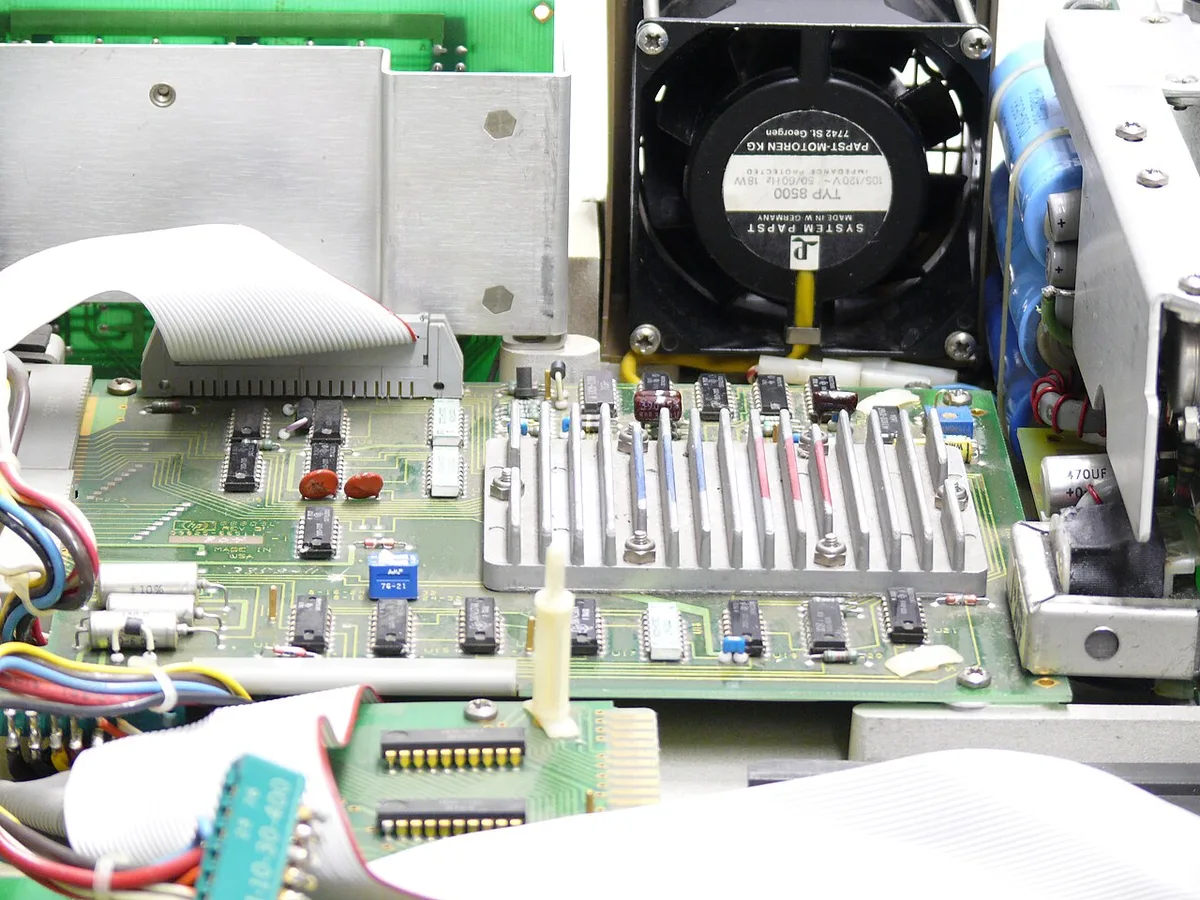
Image source: Wikimedia Commons / Thomas Schanz (CC BY-SA)
Decision Branches: Matching Your Sim Type to the Right Hardware
Start with your main sim. Then build around it. Do not buy for every possible genre at once.
If you mainly fly: Choose a strong CPU with high single-core speed. Add 16GB to 32GB of RAM. Use a mid to high-end GPU with 12GB VRAM or more.
Add a yoke, throttle quadrant, and rudder pedals.
If you mainly race: Prioritize a direct drive wheel with at least 8Nm torque. Use load cell pedals. Keep frame times steady at 90 FPS or higher.
A balanced CPU and GPU works well.
If you mainly explore space: Choose a large NVMe SSD, ideally 2TB or more. Add 32GB RAM. Use a capable GPU for high resolution.
Keep CPU cooling strong.
If you want VR immersion: Aim for a GPU with 16GB VRAM or more. Keep CPU thermals low. Use a headset with good tracking.
Test reprojection settings early.
For deeper component context, read how the components work together. It clarifies why one weak part can bottleneck the whole rig.
Peripherals, FOV, and Immersion: Where the Real Money Goes
The PC renders the world. Peripherals let you interact with it. In sim gaming, controls often matter more than raw FPS.
Force feedback teaches muscle memory. Direct drive wheels deliver stronger, cleaner feedback. Load cell pedals improve braking consistency.
HOTAS setups improve aircraft control and comfort.
Field of view changes immersion and awareness. Triple screens give natural peripheral vision. VR gives depth and scale.
Ultrawide is a simpler middle ground.
Do not ignore mounting. A loose wheel or HOTAS ruins realism. Use a solid desk clamp or cockpit frame.
Cable management also matters when you add many USB devices.
If you are comparing price tiers, mid-range performance tradeoffs can help you decide where to spend first.
VR vs Triple Monitor vs Ultrawide: Picking Your Display Path
VR gives the deepest sense of scale. It also demands the most GPU power. Triple monitors give natural peripheral vision.
Ultrawide is simpler and cheaper.
If you want immersion first, choose VR. If you want situational awareness, choose triple screens. If you want fewer cables and less desk work, choose ultrawide.
VR is best for cockpit feel and depth perception. It is harder on frame rates and can cause motion sickness. Triple monitors are best for racing lines and flight awareness.
They need desk space and careful FOV tuning. Ultrawide is best for casual simmers and small rooms.
| Display Path | Best For | Main Tradeoff |
|---|---|---|
| VR headset | Cockpit immersion | High GPU demand |
| Triple monitors | Peripheral awareness | Space and setup cost |
| Ultrawide monitor | Simple immersion | Narrower field of view |
If you use VR, test reprojection early. If you use triples, match monitor sizes and bezels. If you use ultrawide, set FOV manually for each sim.
Budget Tiers and What Each One Realistically Buys
Budget tiers matter more in sim gaming than in standard gaming. Peripherals can cost as much as the PC. Plan for both from the start.
Entry builds focus on playable frame rates and basic controls. Mid builds balance CPU speed, GPU power, and better peripherals. High builds chase VR, motion, and premium controls.
| Tier | Typical PC Cost | Realistic Outcome |
|---|---|---|
| Entry | $800 to $1,200 | 1080p, basic wheel or HOTAS |
| Mid | $1,500 to $2,500 | 1440p, solid direct drive or VR |
| High | $3,000+ | 4K, VR, motion platform |
Do not spend everything on the tower. A $2,000 PC with a $100 wheel feels worse than a $1,200 PC with a $400 wheel. Split the budget early.
As of 2026, GPU prices still swing often. Watch VRAM tiers before chasing raw model names. 12GB is a safer floor for high resolution simming.
Step-by-Step: Building and Tuning Your Simulation PC
Build in stages. Test each part before adding the next. This prevents costly mistakes.
- Pick your main sim and display path.
- Choose CPU and GPU around that sim.
- Add 32GB RAM if you use VR or large worlds.
- Install a 2TB NVMe SSD for sim libraries.
- Mount the wheel, HOTAS, or yoke firmly.
- Install drivers and firmware first.
- Calibrate pedals, wheel, and HOTAS.
- Tune FOV and force feedback.
- Benchmark frame times, not just FPS.
- Recheck temps after one hour of use.
Start with default force feedback settings. Then adjust in small steps. Too much torque masks tire detail and causes fatigue.
If frame times spike, lower render resolution before lowering graphics presets. Smooth motion matters more than visual detail in sims.
Common Mistakes That Wreck a Sim Build
The biggest mistake is buying a generic gaming PC. Sim games punish weak single-core speed and slow storage. They also need stable frame delivery.
Another mistake is ignoring USB bandwidth. Many peripherals plus VR can overwhelm cheap controllers. Use a quality motherboard and powered hubs if needed.
Cheap pedals are a common regret. Potentiometer pedals wear out and feel vague. Load cell pedals improve consistency and braking control.
Do not forget cooling. Compact cases run hot with high-end CPUs and GPUs. Poor airflow causes throttling during long sessions.
Avoid these errors:
- Buying GPU before CPU for flight sims
- Skipping VRAM for high resolution
- Using weak mounting for wheels
- Ignoring cable management
- Overclocking before stability testing
- Forgetting power supply headroom
Real Scenarios: Three Common Builds and What They Cost
These examples show realistic paths. They are not exact quotes. Prices vary by region and sales.
Flight sim build: A strong single-core CPU, 32GB RAM, 16GB GPU, and 2TB SSD. Add a yoke, throttle quadrant, and rudder pedals. Expect $2,500 to $4,000 total.
Racing sim build: A balanced CPU and GPU, 16GB to 32GB RAM, and a 1TB SSD. Add a direct drive wheel, load cell pedals, and a sturdy rig. Expect $2,000 to $3,500 total.
VR space sim build: A high-end GPU with 16GB or more VRAM, 32GB RAM, and 2TB SSD. Add a VR headset and good cooling. Expect $3,000 to $5,000 total.
Each build can scale up later. Start with the part that affects feel most. For racers, that is the wheel.
For pilots, that is controls and CPU speed.
1 thought on “What Is a Gaming PC for Simulation Games?”
Comments are closed.