Which gaming pc components are worth spending more on comes down to one question: what limits your frame rate at your target resolution? In most builds, the graphics card (GPU) does the heavy lifting, so it usually gets the biggest share of the budget.
That does not mean every part should be cheap. A weak power supply unit (PSU) or poor cooling can waste money you spent on faster silicon. The goal is to buy performance where it shows up in real gameplay, not just on a spec sheet.
Why the GPU Usually Deserves the Biggest Share of Your Budget
A discrete graphics card (GPU) renders every frame, so it has the clearest link to frames per second (FPS) and frame time consistency. If your monitor runs at 144Hz, the GPU often decides whether you actually see that smooth motion.
VRAM (video memory) matters too. More VRAM helps with high-resolution textures, ray tracing, and mods. It does not replace raw GPU power, but running out of VRAM causes stuttering.
A practical rule is to spend more on the GPU when you play at 1440p or 4K, use high refresh rates, or want ray tracing. Spend less when you play esports titles at 1080p and need a faster central processing unit (CPU) for high FPS.
| Target | Biggest Spend | Second Priority |
|---|---|---|
| 1080p esports | GPU | CPU |
| 1440p high refresh | GPU | CPU and cooling |
| 4K single-player | GPU | PSU and cooling |
Flagship cards often cost much more for small gains. For many builders, the mid-range sweet spot gives the best price-to-performance ratio. If you are setting a realistic build budget, lock the GPU tier first, then fit everything else around it.
A stronger GPU also keeps your build useful longer before the next upgrade.
When Spending More on the CPU Actually Pays Off
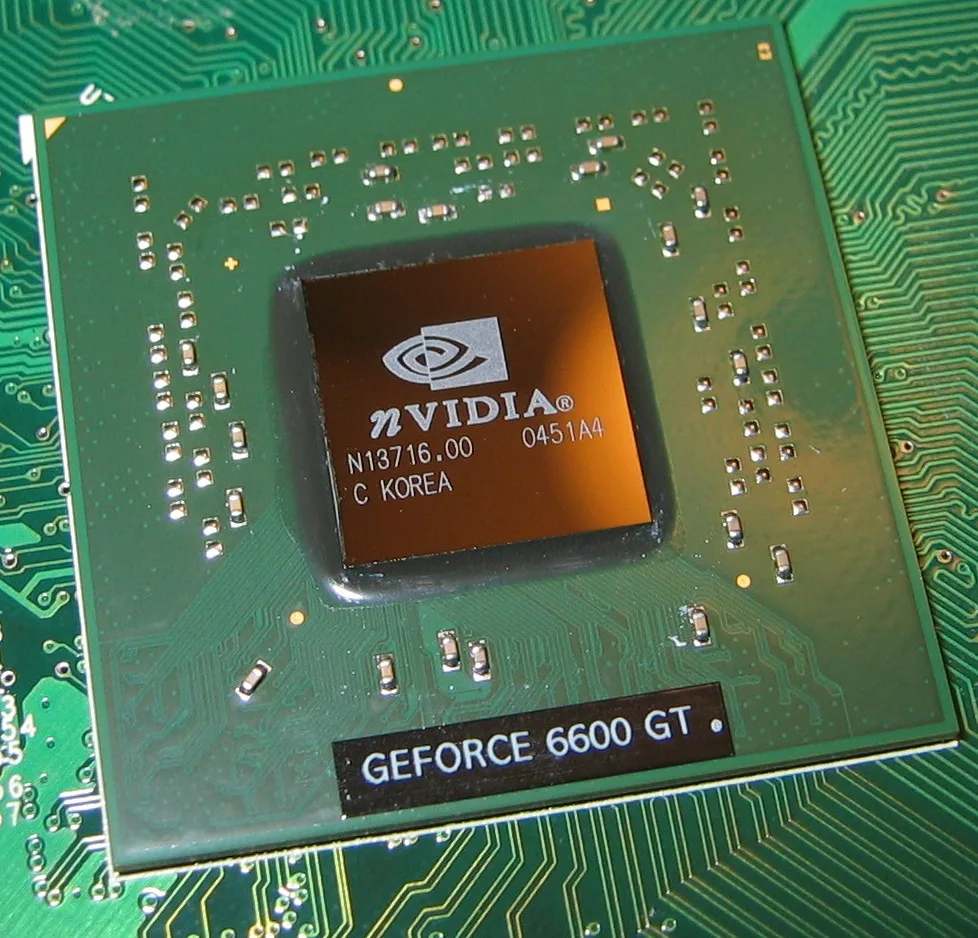
Image source: Wikimedia Commons / Berkut (CC BY-SA)
The CPU handles game logic, physics, background tasks, and frame delivery. It matters most when the GPU is not the bottleneck. That happens often at 1080p with very high refresh rates, in simulation games, or while streaming.
As of 2026, a solid mid-range CPU with strong single-core performance and enough cores for multitasking is enough for most gaming builds. Paying for a flagship CPU rarely adds much FPS in pure gaming. It can help if you edit video, compile code, or run heavy background apps.
Watch for platform longevity. A newer socket with a clear upgrade path can be worth more than a small clock-speed bump. Good cooling also lets a mid-range CPU stay at boost speeds without thermal throttling.
If you are splitting your budget across parts, treat the CPU as a support part, not the star. Match it to the GPU so neither part sits idle.
RAM and Storage: Where Mid-Range Beats Flagship
System memory (RAM) and storage are easy places to overspend. For most gaming PCs, 16GB of RAM is still the practical baseline. 32GB helps with streaming, heavy mods, and content creation.
RAM speed matters, but latency and stability matter too. A reliable kit at a sensible speed beats a flashy kit that causes crashes. Check motherboard support before buying.
For storage, an NVMe SSD (solid-state drive) makes load times and texture streaming feel fast. A SATA SSD is slower but still fine for game libraries. A hard disk drive (HDD) is best for bulk storage only.
PCIe Gen 5 storage exists, but many games do not show a clear benefit yet. Gen 4 NVMe is often the better value. Do not chase the newest storage label if the game load times barely change.
| Part | Good Value Choice | When to Spend More |
|---|---|---|
| RAM | 16GB DDR4 or DDR5 | 32GB for streaming or creation |
| Main SSD | 1TB Gen 4 NVMe | 2TB for large game libraries |
| Bulk storage | HDD or SATA SSD | Only for media archives |
If you want basic gaming PC hardware explained simply, RAM and storage are the first places to trim without hurting FPS.
The Component Most Builders Underfund: Power Supply and Cooling
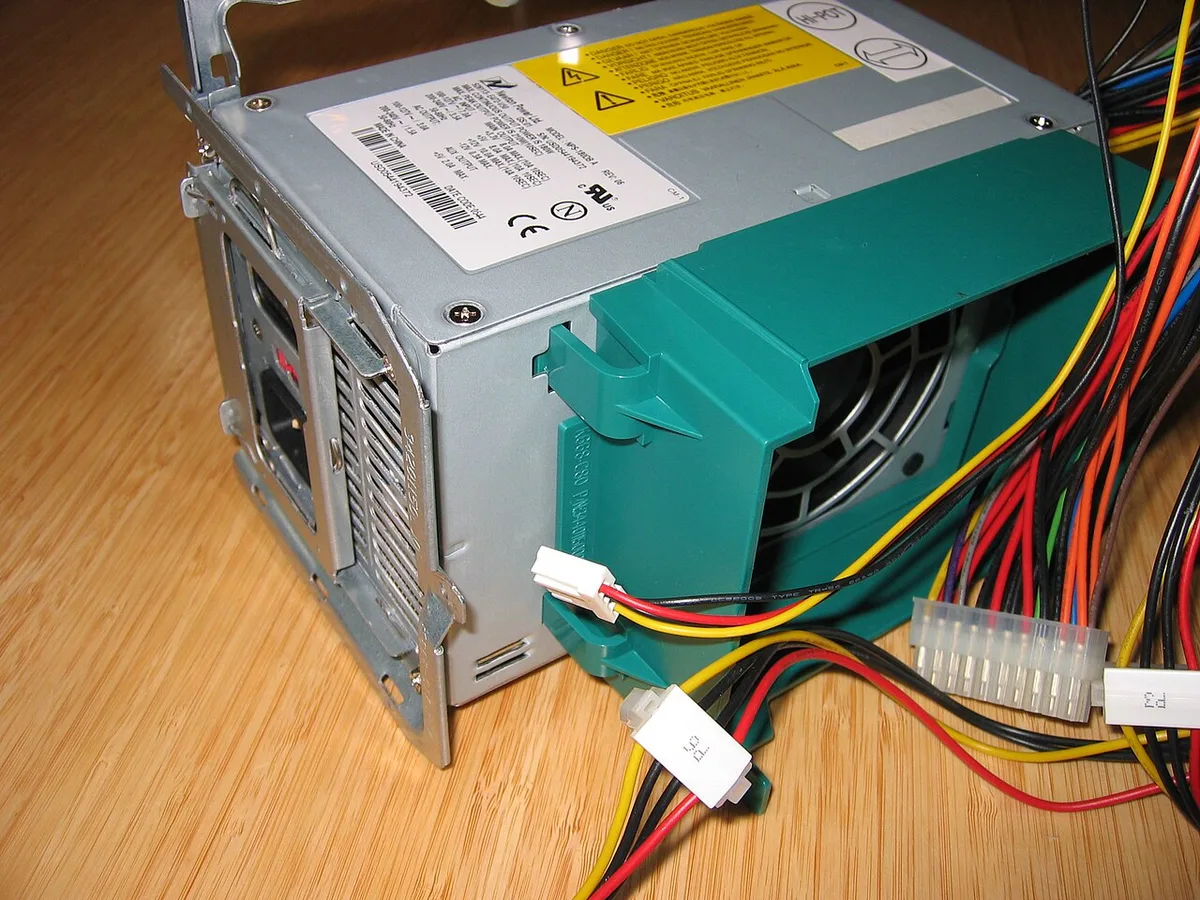
Image source: Wikimedia Commons / Hans Haase (CC BY-SA)
The PSU converts wall power into stable power for every component. Cheap units can cause crashes, noise, or worse. Look for an 80 Plus efficiency rating, enough wattage, and safety marks such as UL, ETL, or CE.
Cooling is just as important. A CPU cooler (air or liquid AIO) keeps boost clocks stable. Case airflow keeps the GPU and motherboard from heat-soaking.
Thermal throttling can turn an expensive GPU into an average one.
Spend more here when your GPU has high power draw, your case is small, or your room gets warm. Save money with a quality air cooler instead of a premium liquid cooler unless noise or space demands it.
A good PSU also protects your investment. It is not glamorous, but it is one of the safest places to avoid cutting corners. The 80 Plus certification program is a useful starting point for efficiency tiers.
Motherboard, Case, and Monitor: Where to Spend and Where to Save
The motherboard connects everything, so focus on the features you need. A mid-tier board with strong VRMs (voltage regulator modules) and good heatsinks is often enough. Paying for extreme overclocking features rarely helps a gaming build.
The case affects airflow, noise, and cable management. You do not need the most expensive case, but you do need one with mesh panels and room for your cooler. A cramped case can raise temperatures and make upgrades annoying.
The monitor is the final part of the chain. A great GPU cannot help if the monitor is slow or low resolution. Match the monitor to the GPU: 1080p high refresh for esports, 1440p for balance, or 4K for visual quality.
| Part | Spend More When | Save Money When |
|---|---|---|
| Motherboard | You need strong VRMs or many ports | You only need basic gaming features |
| Case | You want quiet airflow and easy building | You already have good ventilation |
| Monitor | Your GPU can feed high refresh rates | Your GPU is mid-range at 1080p |
If you are choosing between a mid-range gaming PC and a higher tier, the monitor often changes the experience more than a small CPU bump. Build around the screen you actually own.
Side-by-Side Budget Allocation for 1080p, 1440p, and 4K Builds
Start with the GPU, then fill the gaps. A simple way to allocate money is to set the GPU first, then match the CPU, RAM, storage, PSU, and cooling to it. The table below shows common percentage ranges for gaming-focused builds.
| Resolution | GPU | CPU | RAM + Storage | PSU + Cooling | Case + Monitor Share |
|---|---|---|---|---|---|
| 1080p esports | 30-35% | 25-30% | 15-20% | 10-15% | 10-15% |
| 1440p high refresh | 35-40% | 20-25% | 15-20% | 10-15% | 10-15% |
| 4K single-player | 40-45% | 15-20% | 10-15% | 12-18% | 10-15% |
At 1080p, the CPU carries more weight because many esports games can push very high FPS. At 1440p, the GPU and CPU need to stay balanced for smooth 1% lows. At 4K, the GPU dominates, and power delivery becomes more important.
If you are planning a realistic 1080p budget, start with the monitor refresh rate, then pick the GPU that can feed it. A realistic 1080p budget keeps you from overspending on a CPU that will sit idle.
For compact builds, the percentages shift. Smaller cases need better airflow and sometimes a higher-end cooler. If you are building small, an entry-level gaming PC can still be smart, but leave room for cooling and PSU quality.
Common Spending Mistakes That Waste Money
Most wasted money comes from buying the wrong tier, not from buying a bad part. The fixes are simple once you know what to check.
- Overspending on a flagship CPU for pure gaming. Mid-range CPUs often deliver nearly the same FPS.
- Underspending on the PSU. A cheap unit can cause crashes and put other parts at risk.
- Chasing PCIe Gen 5 storage. Many games do not show a clear benefit yet.
- Overbuying RAM capacity. 32GB helps creators, but many gamers do fine with 16GB.
- Pairing a weak GPU with an expensive CPU. That creates a GPU bottleneck.
- Paying for motherboard features you will never use. Basic gaming needs are often enough.
- "Future-proofing" with parts that age out anyway. Buy for your next two to three years, not five.
A good check is to price the build twice. First, build your dream list. Then remove one tier from the CPU, motherboard, and storage.
If FPS barely changes, the cheaper version is the smarter buy.
Real Build Scenarios: Where the Money Went and Why
These are example allocations, not measured test results. They show how the same priorities change by resolution and play style.
| Build Type | GPU Share | CPU Share | Key Spend Decision | Main Risk |
|---|---|---|---|---|
| 1080p esports | 32% | 28% | Faster CPU for high FPS | Overspending on GPU |
| 1440p all-rounder | 38% | 22% | Strong GPU and 16GB RAM | Weak PSU or cooling |
| 4K single-player | 44% | 16% | Top GPU and quiet cooling | CPU bottleneck in CPU-heavy games |
In the 1080p esports build, the money goes to the GPU and CPU together. The monitor is usually 1080p high refresh, so both parts matter. A faster CPU can improve frame delivery, but a mid-tier GPU is often enough.
In the 1440p all-rounder build, the GPU takes the lead. This is where 1% lows and texture quality show up most. A solid PSU and cooler keep the card from throttling during long sessions.
In the 4K single-player build, the GPU is the clear priority. The CPU can be modest, but it should not be outdated. Cooling and power delivery matter more because high-end GPUs draw more power and run hotter.
Expert Tips for Getting the Most Performance Per Dollar
Small choices often beat big upgrades. Use these tips before you buy.
- Match the monitor to the GPU. A 4K monitor needs a stronger card than a 1080p monitor.
- Check bottleneck balance at your target resolution. Do not guess.
- Buy a quality PSU with headroom. Extra wattage is cheaper than a failed build.
- Use a good air cooler before paying for liquid cooling. Many air coolers are quiet and effective.
- Reuse parts when they still perform well. A good case and PSU can last through several builds.
- Watch for platform upgrades. A newer socket can extend your upgrade path.
- Read manufacturer specs for power connectors and clearance. Case and cooler fit mistakes are common.
- Track price per frame, not just price. A cheaper card with better FPS per dollar is the better buy.
The PCIe standards body publishes the interface specs that determine bandwidth between parts. Checking those specs helps you avoid paying for speed you cannot use. PCI-SIG is a useful reference for PCIe generations.
If you build in a small case, airflow matters even more. A compact gaming PC can still perform well, but it needs careful cooling and PSU placement.
Frequently Asked Questions
Is the GPU always the most important part to upgrade?
Yes, for most gaming builds, the GPU is the biggest factor in FPS and visual quality. It matters most at 1440p and 4K. At 1080p, the CPU can matter more, especially in esports titles.
How much should I spend on a CPU for gaming?
Spend enough for strong single-core performance and stable boost clocks. A mid-range CPU is usually the best value. Flagship CPUs rarely improve gaming FPS enough to justify the extra cost.
Is 32GB of RAM worth it for gaming?
It is worth it if you stream, use heavy mods, or create content. For pure gaming, 16GB is still enough in most cases. Buy 32GB when your workload clearly needs it.
Should I buy a high-end PSU for a gaming PC?
Yes, if your GPU has high power draw or you want long-term stability. A quality PSU protects every other part. Look for 80 Plus efficiency and safety marks like UL or ETL.
Is PCIe 5.0 storage worth paying for?
Not for most gamers right now. Gen 4 NVMe storage is usually the better value. Pay for Gen 5 only if your workflow benefits from faster transfers.
Does a better motherboard improve gaming performance?
Usually no. A mid-tier board with good VRMs and cooling is enough for most builds. Spend more only if you need extra ports, stronger power delivery, or future CPU upgrades.