what is the difference between an ssd and hdd for gaming is a question that affects load times, stutter, and how much space your library can hold. The short answer is simple: SSDs use flash memory with no moving parts, while HDDs rely on spinning platters and a read head. That difference shapes speed, noise, price, and durability.
As of 2026, most new games are built around fast storage, so the choice matters more than it did a few years ago. We'll walk through the real trade-offs so you can match storage to your games, budget, and setup.
what is the difference between an ssd and hdd for gaming
An SSD stores data in flash memory with no moving parts. An HDD stores data on spinning magnetic disks. SSDs load games faster and reduce texture pop-in.
HDDs offer more capacity per dollar. Most gamers use an SSD for active games and an HDD for backup storage.
Why Your Game Storage Choice Actually Matters
Storage used to be a background spec. Now it shapes how games feel. Slow storage can stretch loading screens, delay texture detail, and make open worlds stutter while assets stream in.
Fast storage will not raise your frame rate by itself, but it removes delays that break immersion. If you are planning a build, check how many M.2 slots your board has before buying a drive. That small check prevents a frustrating return.
How SSDs and HDDs Work Differently
What's Inside an SSD
An SSD uses NAND flash memory, a controller, and often a small DRAM cache. There are no spinning parts. Data moves electronically, which is why random access is fast.
NVMe drives connect through PCIe lanes, while SATA drives use the older SATA interface.
What's Inside an HDD
An HDD uses spinning platters coated with magnetic material. A read/write head moves across the surface to find data. Speed depends on RPM, cache size, and how far the head must travel.
That mechanical movement is the main reason HDDs are slower for small random reads.
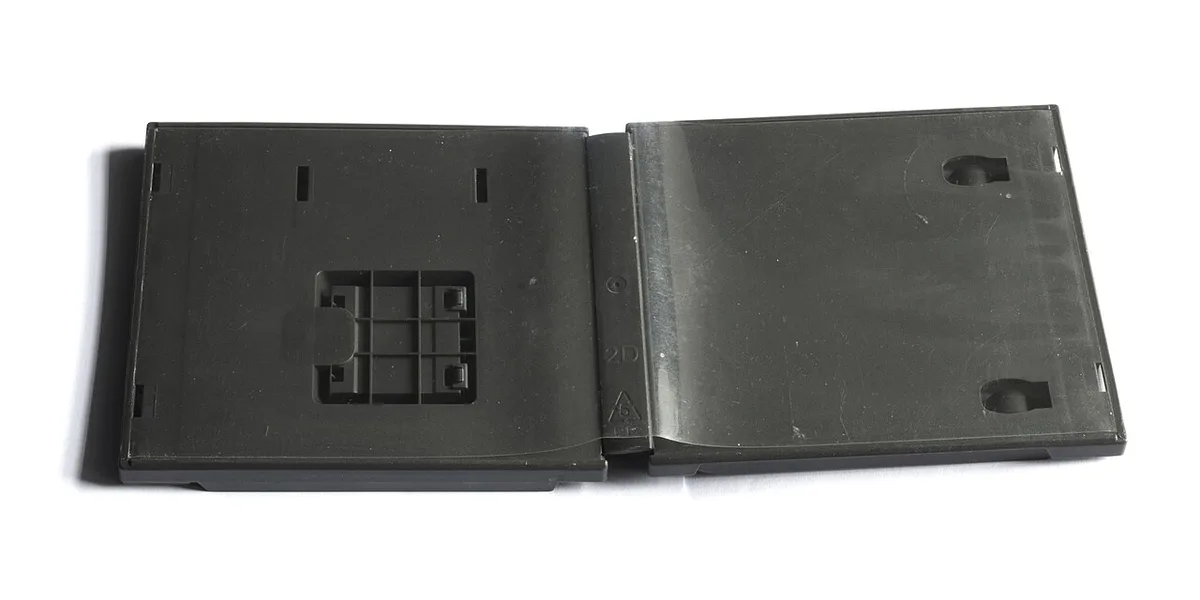
Image source: Wikimedia Commons / Multicherry (CC BY-SA)
PCI-SIG defines the PCIe interface that many NVMe drives use. JEDEC publishes memory standards that help define NAND behavior. If you are also choosing memory, DDR4 and DDR5 differences can help you plan the rest of the build.
SSDs for Gaming: Strengths and Trade-Offs
Where SSDs Shine
- Faster game and level loading.
- Better asset streaming in open-world games.
- Quiet operation with no moving parts.
- Lower power use in laptops and handhelds.
Where SSDs Fall Short
- Higher price per gigabyte than HDDs.
- High-capacity models can get expensive.
- Some QLC drives slow down when full.
- Heat can matter in tight M.2 slots.
If you are balancing storage with memory, compare how much RAM your games need with your drive budget. Both affect smoothness, but in different ways. RAM speed and gaming is another useful check when fine-tuning a system.
HDDs for Gaming: Strengths and Trade-Offs
Where HDDs Still Make Sense
- Low cost per gigabyte for large libraries.
- Easy bulk storage for older or less-played games.
- Simple upgrade path for desktops with spare bays.
Where HDDs Hold You Back
- Longer load times in many modern games.
- More noise and vibration.
- Slower random reads can cause texture pop-in.
- Mechanical parts are more sensitive to drops.
For active games, an SSD is usually the better primary drive. An HDD still works well as a secondary library drive.
SSD vs HDD: Side-by-Side Comparison
| Factor | SSD | HDD |
|---|---|---|
| Moving parts | None | Yes |
| Load times | Faster | Slower |
| Random reads | Much faster | Slower |
| Noise | Quiet | Noticeable |
| Capacity per dollar | Lower | Higher |
| Best use | Active games | Bulk storage |
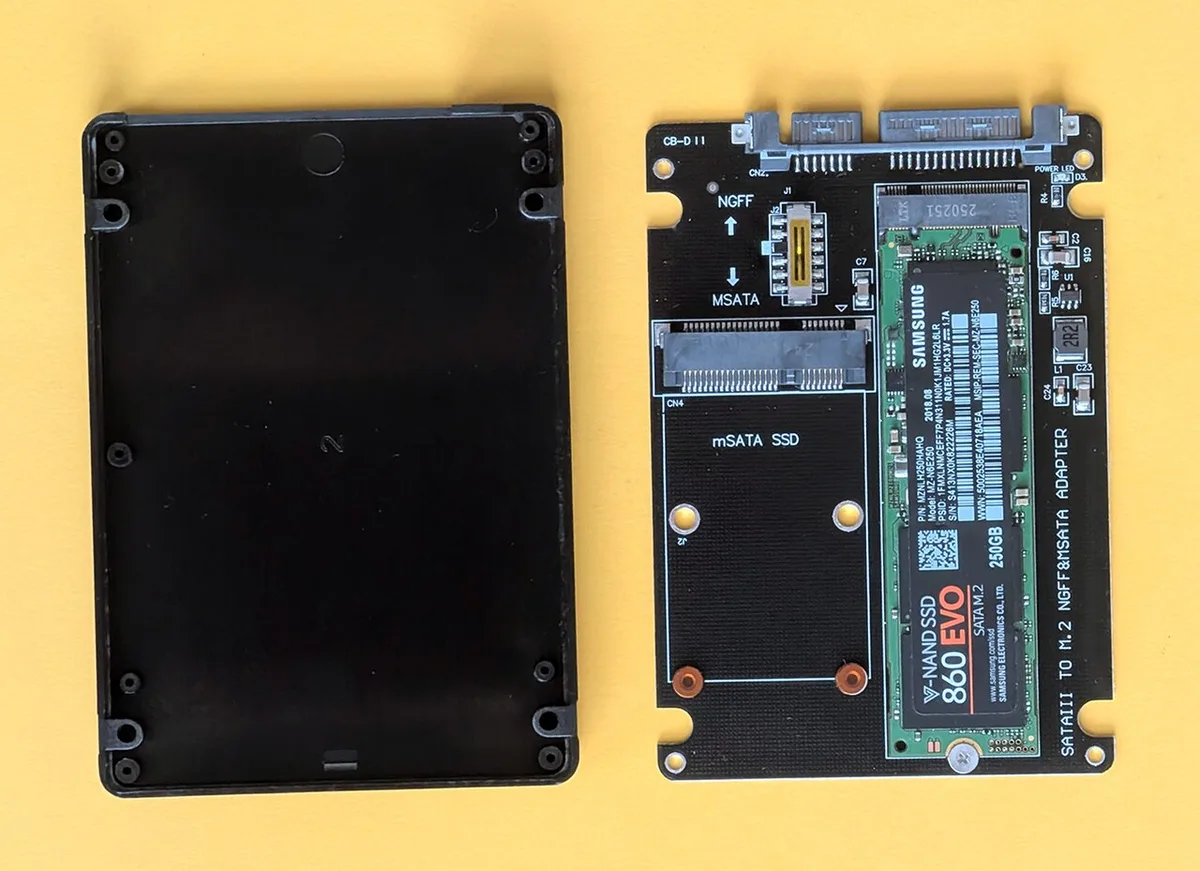
Image source: Wikimedia Commons / Siarhei Besarab (CC BY-SA)
Before buying, check board compatibility before buying storage so your drive, slot, and interface all match.
Best Storage Choice for Each Gaming Use Case
Budget and Casual Gamers
If you play a few games and want better load times without overspending, a 1 TB SATA SSD is a strong starting point. It is much faster than an HDD for everyday gaming. You can add a larger HDD later for older titles.
Competitive and Esports Players
Fast restarts and quick map loads matter here. An NVMe SSD is the better primary drive for active games. An HDD can still work for replays or backups.
Open-World and AAA Game Fans
Large installs and heavy asset streaming favor SSD storage. A 2 TB SSD is often a practical sweet spot. Keep an HDD for games you are not playing right now.
Console Gamers
Console storage rules are stricter than PC rules. Some consoles need approved expansion cards or specific drive formats. Check the official requirements before you buy.
Common Mistakes and Expert Tips for Gamers
Mistakes to Avoid
- Using an HDD as the only drive for modern games.
- Filling an SSD to near capacity.
- Buying an M.2 drive without checking slot support.
- Skipping backups before migration.
- Ignoring drive temperature in tight cases.
Pro Tips
- Keep 10 to 20 percent of SSD space free.
- Put the operating system and active games on the SSD.
- Use the HDD for archives and media.
- Update drive firmware when needed.
- Monitor SMART health data.
- Plan capacity before your library grows.
If you are unsure about board support, review motherboard ports for storage before ordering parts. That step saves time and returns.
Costs, Specs, and Real-World Performance Numbers
| Metric | Typical SSD | Typical HDD |
|---|---|---|
| Interface | NVMe PCIe or SATA | SATA |
| Sequential read | 500 to 7000 MB/s | 100 to 200 MB/s |
| Random reads | Much higher | Much lower |
| Noise | Quiet | Noticeable |
| Capacity sweet spot | 1 to 2 TB | 4 to 8 TB |
Real load times depend on the game, not just the drive. Some titles stream assets constantly. Others load most data once.
DirectStorage can help supported games use fast SSDs more efficiently. HDDs still cost less per gigabyte, so they remain useful for bulk storage.
Frequently Asked Questions
Is an SSD better than an HDD for gaming?
Yes, for active games. An SSD loads levels faster and streams assets more smoothly. An HDD costs less per gigabyte, so it works well for storing games you rarely play.
Will an SSD increase FPS?
No, not directly. FPS depends mainly on the GPU and CPU. An SSD reduces loading time and can reduce stutter from asset streaming.
Can I use both an SSD and an HDD?
Yes. Many gamers use an SSD for the operating system and current games. They use an HDD for archives, media, and older titles.
How much SSD space do I need for gaming?
Start with 1 TB if possible. Larger libraries benefit from 2 TB. Very large collections may need both an SSD and an HDD.
Is NVMe always better than SATA for gaming?
Not always. NVMe is faster, but SATA SSDs still beat HDDs by a wide margin. For many games, a good SATA SSD feels fast enough.
Final Verdict: SSD or HDD for Gaming
Choose an SSD for the games you play now. Choose an HDD for cheap bulk storage. If budget allows, use both.
Put active games on the SSD and archives on the HDD. That setup gives you speed where it matters and capacity where it helps. If you are building from scratch, choose the right motherboard so your storage plan has room to grow.
1 thought on “SSD vs HDD for Gaming: What’s the Difference?”
Comments are closed.