A dual chamber gaming pc case is easiest to understand when you picture a wall inside the case. That wall splits the interior into two compartments, so the visible parts and the hidden parts are not mixed together.
Manufacturer specifications often list a main chamber and a secondary chamber, with a partition between them. Many mid tower models support ATX boards, 360 mm radiators, and GPUs up to 400 mm, though each model differs. The layout is easier to understand when you see the divider and cable pass-throughs.
That visual context sets up the rest of this guide.
Why a Dual Chamber Case Makes Sense Only When You Picture the Layout
A dual chamber case is not just a case with extra space. It is a layout decision. The partition changes where parts sit, where cables travel, and where heat collects.
Think of the case as two rooms separated by a thin wall. The main room shows off the motherboard, GPU, and CPU cooler. The back room handles the power supply, drives, and cable mess.
This matters because the build looks cleaner from the front. It also gives you a dedicated place for cable routing and drive mounting.
The tradeoff is size. A split layout usually needs more width or depth than a basic single chamber tower. If you are comparing sizes, our guide to mid tower dimensions can help set expectations.
As of 2026, many dual chamber models are aimed at showcase builds, not compact desks. That is the first thing to check before buying.
What a Dual Chamber Case Actually Looks Like Inside
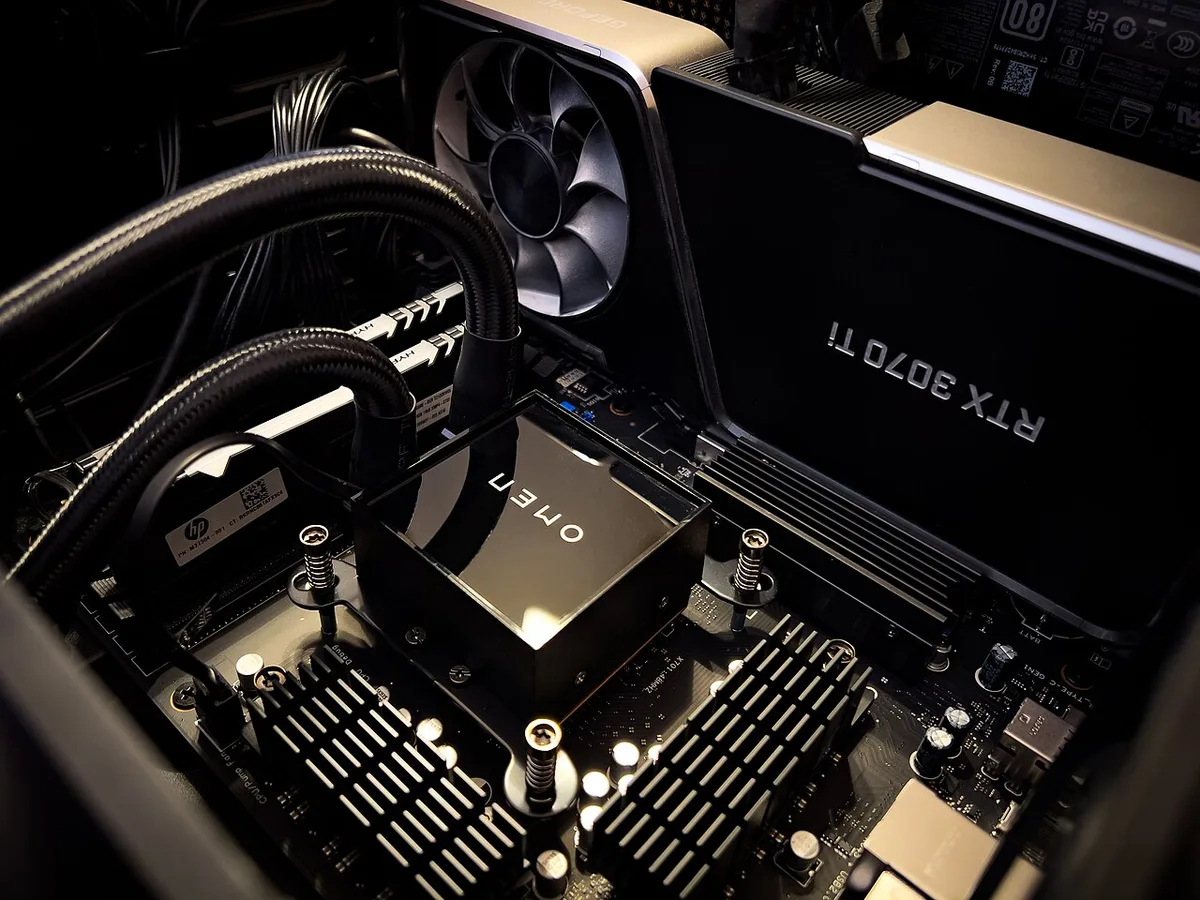
Image source: Wikimedia Commons / Jonathan Cutrer
Inside, the case is divided by a vertical or horizontal partition. One side is the display side. The other side is the service side.
Both sides matter, but they do different jobs.
The main chamber usually holds the motherboard, GPU, CPU cooler, and top or front fans. The secondary chamber holds the PSU, storage drives, and extra cable length. Grommets or cutouts in the partition let cables pass between the two sides.
The Partition Wall and Two Compartments
The partition is the defining part of the design. Without it, the case is just a larger tower with more empty space. With it, the layout becomes two organized zones.
Some partitions run top to bottom. Others split front and back. The exact shape affects fan placement, radiator support, and cable reach.
When checking a model, look at the cutouts first. A good partition has enough openings for the 24-pin cable, PCIe power, SATA cables, and fan headers. Tight openings can make a clean build harder.
Main Chamber vs Secondary Chamber
The main chamber is what you see through the glass. It is where airflow should stay clean and direct. The secondary chamber is where clutter goes away from the visible side.
The main chamber also carries most of the heat from the CPU and GPU. The secondary chamber can collect warmth from the PSU and drives, so it needs its own airflow plan.
Before buying, check GPU length clearance and CPU cooler height. Those two measurements decide whether the main chamber will actually fit your parts.
Visual Identifiers That Separate Dual Chamber From Panoramic Cases
A dual chamber case and a panoramic case can look similar at first. Both may use large glass panels and show off RGB. The difference is the internal wall.
A panoramic case usually wraps glass around the front and side for a wide viewing angle. A dual chamber case uses a divider to separate parts from cables. The glass may still be large, but the internal structure is different.
Look for these visual clues:
- A visible vertical or horizontal partition behind the motherboard area
- A rear or side zone for the PSU and drives
- Cable pass-throughs instead of open space behind the board
- A main chamber that looks uncluttered from the front
If you see a single open space with no divider, it is not a dual chamber layout. It may still be a great showcase case, but the cable path will be different.
Panoramic cases focus on viewing angle. Dual chamber cases focus on separation. That distinction helps you compare models without relying only on marketing photos.
How Airflow and Cable Routing Work Across the Partition
Airflow in a dual chamber case is split into two plans. The main chamber needs intake and exhaust for CPU and GPU heat. The secondary chamber needs enough movement to avoid warm, stale air around the PSU.
Cable routing also changes. Instead of hiding cables behind the motherboard tray, many dual chamber designs route them through the partition. This can look cleaner, but it requires careful cable length planning.
Intake and Exhaust Paths
In the main chamber, front or bottom fans usually pull cool air in. Top or rear fans push warm air out. The GPU and CPU cooler then sit in that moving air.
The secondary chamber often has fewer fan mounts. It may rely on PSU exhaust, small vents, or side mesh. If that side gets too warm, drives and cables can suffer over time.
Fan count matters here. If you are planning mounts, our guide on how many fans a case can support is a useful cross-check. Dual chamber layouts can eat up fan positions with the partition and brackets.
Cable Pass-Through and Hidden Routing
Cable routing is where dual chamber cases shine. The partition hides cables from the main view, so the build can look tidy even with non-modular cables.
The challenge is distance. Cables must reach through grommets without pulling on connectors. PSU cables that are too short can force awkward routing.
Use modular or semi-modular power supplies when possible. If you are unsure, review our article on modular, semi-modular, and non-modular PSUs. A cleaner PSU choice makes the secondary chamber easier to manage.
Route the heaviest cables first. Then add fan cables and small front panel leads. This order prevents a tangled bundle behind the partition.
Dual Chamber vs Single Chamber vs Panoramic Cases
Each layout has a different strength. The right choice depends on your build goals, desk space, and patience for cable routing.
| Layout | Best For | Main Strength | Main Drawback |
|---|---|---|---|
| Single chamber | Budget and simple builds | Lower cost and easier access | Cables stay visible |
| Dual chamber | Showcase and clean builds | Separated zones and tidy front view | Larger footprint |
| Panoramic | RGB display builds | Wide glass viewing angle | Less separation behind the glass |
A single chamber case is still the easiest option for many builders. It has fewer surprises and usually costs less. A dual chamber case adds structure, but only if you use that structure well.
A panoramic case can look stunning, but it does not automatically hide cables. Some panoramic designs still need careful routing to avoid a messy view.
If you are choosing a case size, compare full tower and mid tower layouts. Dual chamber models often sit in the mid tower or larger range, so desk space matters.
For a broader decision framework, see our guide on choosing a case for a gaming pc. It helps match layout, size, and cooling needs before you commit.
Common Visual and Build Mistakes to Avoid
A dual chamber case rewards careful planning. Most problems come from assuming the two chambers give you unlimited space. They do not.
Each zone has its own limits, and ignoring them leads to cramped builds.
GPU Sag and Clearance Conflicts
Vertical GPU mounting looks great, but heavy cards sag over time. A sag bracket helps, yet clearance still matters. Check the distance between the GPU and the side panel before you commit.
GPU thickness is another common issue. A 3.5-slot card may block nearby fan mounts or radiator brackets. Manufacturer specs usually list max GPU thickness in millimeters, so compare that number to your card.
Cable reach causes problems too. Vertical mounts often need longer PCIe power cables. If your cables barely reach, the GPU pulls on connectors and creates strain.
Overcrowding the Secondary Chamber
The secondary chamber is not a junk drawer. Stuffing extra drives, cables, and adapters back there blocks airflow and traps heat. It also makes future upgrades harder.
Plan the back chamber like a small project. Mount the PSU first, then route main cables, then add drives. Leave space around the PSU exhaust and any vents.
Label cables if you can. A few small tags save time during troubleshooting. Clean routing also makes dust filter cleaning easier later.
Costs, Sizes, and Specs to Check Before Buying
Dual chamber cases cost more than basic towers. The price reflects extra glass, brackets, and engineering. Expect entry models to start higher than standard mid towers.
Size is the second big factor. These cases are often wider or deeper to fit the partition. Measure your desk and monitor arm clearance before ordering.
Here is a quick spec checklist to compare models.
| Spec to Check | Why It Matters | Common Range |
|---|---|---|
| Max GPU length | Fits long cards | 340 to 420 mm |
| Max CPU cooler height | Fits tall air coolers | 160 to 185 mm |
| Max PSU length | Fits modular units | 160 to 220 mm |
| Radiator support | Cooling headroom | 240 to 420 mm |
| Motherboard support | Board compatibility | Mini-ITX to E-ATX |
Price tiers vary by region and brand. As of 2026, entry dual chamber cases often sit above standard mid towers, while premium models with panoramic glass cost significantly more. Always check the included accessories list, since some models ship without fans or vertical GPU mounts.
Weight is easy to overlook. Extra glass and steel make these cases heavy. If you move your PC often, look for sturdy handles or plan for two people during transport.
Best Builds and Use Cases for a Dual Chamber Layout
Dual chamber cases shine in showcase builds. If you want a clean front view with RGB lighting, the separated layout helps. The main chamber stays tidy while the mess stays hidden.
Custom liquid cooling is another strong fit. The partition gives you space for pump and reservoir placement without crowding the motherboard. Radiator mounts in the main chamber stay accessible.
Content creators and streamers also benefit. A clean build looks professional on camera. The secondary chamber keeps cable clutter out of the visible frame.
These cases are less ideal for small desks or frequent travelers. The larger footprint and weight add friction. Budget builders may also prefer a standard tower with better value per dollar.
If your goal is pure airflow on a tight budget, a high-airflow single chamber case may outperform a glass-heavy dual chamber model. Match the case to your actual priority, not just the look.
Frequently Asked Questions
What makes a case dual chamber?
A partition wall divides the interior into two compartments. One holds the visible components, and the other hides the PSU, drives, and cables. That physical divider is what defines the layout.
Are dual chamber cases better for cooling?
They can be, but only with good fan planning. The main chamber usually has strong airflow, while the secondary chamber may need extra attention. Poor venting in the back zone can trap heat.
Do all dual chamber cases support vertical GPUs?
No. Vertical mounting depends on PCIe riser support and bracket design. Some models include a riser, while others sell it separately.
Always check the accessory list before buying.
Are dual chamber cases harder to build in?
They require more planning, especially for cable routing through the partition. First-time builders can still succeed by following the manual step by step. The layout is more structured, not necessarily harder.
Is a dual chamber case worth the extra cost?
It is worth it if you value clean aesthetics and separated cable management. If you only care about performance per dollar, a standard tower may be the smarter buy. The value depends on your build goals.