A 12V-2×6 power connector is the single-cable GPU power plug used on many newer high-end graphics cards. It replaces multiple 8-pin PCIe connectors with one 12-pin plug. If you're building or upgrading a PC, understanding it matters because bad installation can melt plastic, damage a GPU, or create a fire risk.
Manufacturer specifications indicate it can deliver up to 600W on a 12V rail. PCI-SIG defines the connector design, and ATX 3.0 or ATX 3.1 power supplies usually support it natively. The sections below explain what it is, how it works, and how to handle it safely.
Why Connector Safety Matters More Than You Think
A 12V-2×6 plug can carry up to 600W through one small housing. That is a lot of energy in a tight space. If the plug is not fully seated, heat can build fast.
Heat can damage the connector, the GPU, or nearby parts.
You do not need to fear the connector. You do need to respect it. Most problems come from installation, not the design itself.
Aggregate user reports and manufacturer advisories point to partial insertion, sharp cable bends, and poor adapter quality. The risk is real, but it is also avoidable with careful handling.
A simple check helps. Push until you hear or feel the latch click. Then inspect the plug from the side.
If you see plastic deformation or discoloration, stop. Replace the cable before powering on again.
High current makes small mistakes matter. A loose contact has higher resistance. Higher resistance turns power into heat at the plug.
That heat can soften plastic and change the contact shape. Once the shape changes, the problem usually gets worse.
What a 12V-2×6 Power Connector Actually Is
A 12V-2×6 power connector is a 12-pin GPU power plug arranged in two rows of six. It is defined by PCI-SIG, the group that manages PCIe standards. It is used on newer high-end GPUs that need more than older 8-pin connectors can provide.
The name tells you the basics. "12V" means the 12-volt DC rail. "2×6" means two rows with six pins each.
Many people still call it 12VHPWR, but 12V-2×6 is the revised design. The revision improves retention and reduces the chance of partial insertion.
| Spec | Typical Value |
|---|---|
| Pin count | 12 pins |
| Voltage | 12V DC |
| Max power | Up to 600W |
| Current per pin | About 9.2 to 9.5A |
| Wire size | Often 16 AWG |
| Common use | High-end GPUs |
You may see it on an adapter cable or a native PSU cable. A native cable comes from an ATX 3.0 or ATX 3.1 power supply. An adapter cable converts older 8-pin PCIe plugs into one 12V-2×6 plug.
Both can work, but native cables usually have fewer connection points.
The connector also has sense pins. These small pins help the PSU and GPU agree on safe power levels. If they are damaged, power negotiation may fail.
That is why straight insertion matters from the first install.
How It Works and What's Inside
The connector sends 12V power to the GPU. It also uses sideband sense pins. These small pins help the PSU and GPU agree on how much power is safe to deliver.
If the sense pins are damaged, the system may not negotiate power correctly.
Inside the housing, metal contacts grip the GPU socket pins. A retention latch keeps the plug from backing out. The plastic body keys the plug so it only fits one way.
You should never force it.
Image source: Wikimedia Commons / Benlisquare (CC BY-SA)
The sense pins are easy to overlook. They sit at one end of the connector. If a cable is inserted at an angle, these pins can bend.
Bent pins can cause intermittent power or failed detection. That is one reason straight, even pressure matters during installation.
Native cables reduce risk because there are fewer joints. Adapter cables add extra connectors that can loosen or heat up. If you use an adapter, check every 8-pin plug too.
A loose upstream plug can create the same heat problem as a loose GPU plug.
Manufacturer documentation from PCI-SIG and power supply vendors stresses full seating and strain relief. That guidance is worth following even when the cable feels snug. A plug can look seated while still lacking full contact depth.
12V-2×6 vs. 12VHPWR vs. 8-Pin PCIe: What Changed
The original 12VHPWR connector had the same basic job. It also delivered up to 600W to a GPU. The 12V-2×6 revision changes the housing and retention design.
The goal is better seating and fewer partial-insertion failures.
An 8-pin PCIe connector is the older standard. It usually delivers up to 150W per connector. A GPU that needs 450W may use three of them.
That means more cables, more ports, and more clutter, but also more familiar handling for many builders.
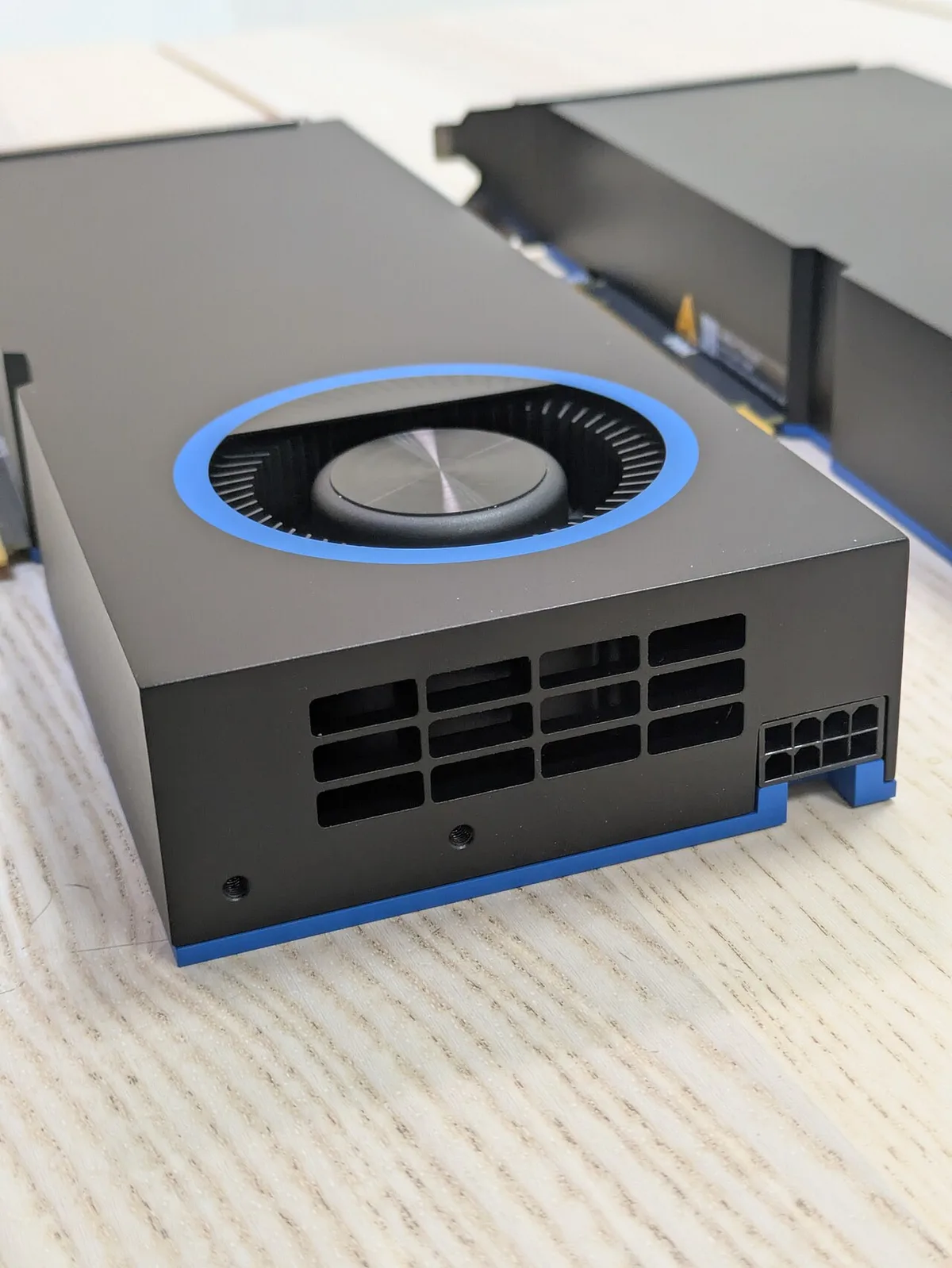
Image source: Wikimedia Commons / Biggo Finance (CC BY-SA)
| Option | Typical Power | Cable Count | Best For |
|---|---|---|---|
| 8-pin PCIe | Up to 150W each | 2 to 4 cables | Older or mid-range GPUs |
| 12VHPWR | Up to 600W | 1 cable | Early high-end GPUs |
| 12V-2×6 | Up to 600W | 1 cable | Newer high-end GPUs |
The biggest practical change is physical, not electrical. The revised plug is designed to seat more fully. That matters because a millimeter of gap can raise resistance.
Higher resistance means more heat at the same current.
If you are choosing parts for a new build, check the GPU and PSU labels first. Some older ATX 2.x units need an adapter. A native cable is often cleaner, but compatibility comes first.
Intel's ATX Power Supply Design Guide at intel.com is a useful reference for PSU requirements.
The Real Risks: Melting, Overheating, and Hardware Damage
The main risk is sustained heat at the connector. A partially seated plug has less contact area. Current still flows, but resistance rises.
Resistance turns electrical energy into heat. Over time, plastic can soften, discolor, or melt.
You may see warning signs before failure. Look for a brown or black mark on the housing. Smell for hot plastic.
Check for a plug that wiggles after latching. If any sign appears, power down and inspect the cable and GPU socket.
Adapter cables deserve extra caution. They stack connectors and can hide a loose 8-pin plug. If one 8-pin plug is not fully seated, heat can travel through the adapter.
The damage may show at the GPU end, even when the root cause is upstream.
Cable bend radius also matters. A sharp bend right at the plug can stress the contacts. Manufacturer guidance often calls for a gentle curve, not a right angle.
Leave slack so the cable does not pull sideways on the housing.
If you are unsure about a cable, replace it. Do not try to repair a melted connector. Plastic damage means the contact geometry may already be wrong.
A new cable is cheaper than a damaged GPU.
If you are planning a full gaming PC build, cable routing and storage layout both matter. A clean build can make connector inspection easier. For storage planning, see choosing the right NVMe SSD.
Safe Installation: Step-by-Step
Power down the PC and unplug it from the wall. Wait a few minutes so residual charge can dissipate. Never install or remove a GPU power cable while the system is live.
Inspect the cable and socket before you plug anything in. Look for bent pins, cracks, discoloration, or debris. If you see damage, stop and replace the part.
Align the plug with the socket. The keying should guide it into place. Push straight in with even pressure until the retention latch clicks.
Do not force the connector. If it resists, remove it and check alignment. Forcing it can bend the small sense pins and create a bad connection.
Route the cable with a gentle curve. Avoid a sharp bend right at the plug. Leave enough slack so the cable does not pull sideways on the housing.
After installation, do a visual check from the side. The housing should sit flush against the GPU socket. Then boot the system and monitor temperatures during the first session.
If you are also checking storage temperatures, read about how SSD temperature affects gaming performance. Thermal trends in one part of a build can reveal airflow problems elsewhere.
Common Mistakes That Cause Connector Failure
Partial insertion is the most common mistake. The plug may look connected while not being fully seated. That small gap can raise resistance and heat.
Forcing the plug is another common error. The connector is keyed, so it should only fit one way. If it does not slide in smoothly, stop and inspect both ends.
Sharp cable bends near the plug can stress the contacts. Manufacturer guidance often calls for a gentle bend radius. A tight angle can loosen the connection over time.
Damaged sense pins can also cause problems. These small pins help negotiate power safely. If they bend, power detection may fail or behave unpredictably.
Using a low quality adapter adds risk. Each extra joint is another possible failure point. If you use an adapter, check every 8-pin plug for full seating.
Ignoring early warning signs is dangerous. Discoloration, heat, or a wobbly plug means something is wrong. Power down and inspect before the problem gets worse.
When to Stop and Get Professional Help
Stop using the connector if you see melted plastic. A melted housing means the contact shape may already be damaged. Replacing the cable is safer than repairing it.
A burning smell is also a stop signal. So is excessive heat near the plug. If the connector feels hot after light use, do not continue troubleshooting under load.
Bent or broken sense pins need expert attention. These pins are small and easy to damage further. A technician can inspect the GPU socket and cable together.
If the plug will not seat without force, do not push harder. The issue may be a damaged socket or wrong cable. A repair shop can test the parts safely.
Repeated power trips or shutdowns also deserve help. They may point to a PSU, cable, or GPU fault. Continued use can turn a small issue into hardware damage.
Check warranty terms before replacing anything yourself. GPU and PSU makers may cover connector damage under specific conditions. UL certification and manufacturer documentation can help you understand safety standards.
Frequently Asked Questions
What is the difference between 12V-2×6 and 12VHPWR?
They serve the same basic power role, but 12V-2×6 is the revised design. It improves retention and seating. The goal is fewer partial-insertion failures.
Both can deliver up to 600W.
Can I use an adapter with an older power supply?
Yes, many builders do. An adapter converts older 8-pin PCIe plugs into one 12V-2×6 plug. Check every upstream plug for full seating.
A loose 8-pin can still cause overheating.
How do I know if the connector is fully seated?
Push until the retention latch clicks. Then inspect from the side. The housing should sit flush.
It should not wiggle or back out when lightly touched.
What should I do if the connector looks melted?
Power down and unplug the system. Do not try to clean or repair the plastic. Replace the cable and inspect the GPU socket.
Contact the manufacturer if warranty applies.
Is 12V-2×6 safe for gaming PCs?
Yes, when installed correctly. Most problems come from partial insertion, bad cable routing, or damaged parts. Careful handling and regular inspection greatly reduce risk.
Final Verdict: Is the 12V-2×6 Right for Your Build
The 12V-2×6 connector is right for many modern high-end GPUs. It delivers up to 600W through one cable. It also keeps cable management simpler than multiple 8-pin plugs.
It is not needed for every build. Mid-range and older GPUs often use 8-pin PCIe connectors. If your GPU does not require it, adding one offers no benefit.
As of 2026, native ATX 3.0 or ATX 3.1 cables remain the cleaner choice. They reduce extra connection points. Adapters can still work well when installed and inspected carefully.
Handle it like a high-current electrical part, not a small plastic clip. Seat it fully, route it gently, and inspect it often. If you see damage, replace it before powering on.
For broader build planning, how much storage a gaming PC really needs is worth reviewing alongside power and cooling decisions.