You’ve probably seen numbers like “14th Gen” or “Ryzen 9000” plastered on boxes. But knowing what is a cpu generation and why does it matter for gaming isn’t just trivia. It determines whether your frames stay smooth during intense battles.
Many gamers waste money chasing marketing labels instead of architectural reality.
We need to look past the box art. Manufacturer specifications indicate that IPC improvements drive most gains, not just clock speeds. As of 2026, understanding this distinction saves you from bad upgrades.
Let’s break down why this technical detail hits your wallet hard.
Why Getting Your CPU Generation Wrong Costs Real Money
Mistakes here are expensive. You might buy a chip that doesn’t fit your board. Or worse, one that offers negligible gains over your current setup.
This isn’t just about performance. It’s about compatibility and long-term value.
Consider the hidden costs. If you pick the wrong socket, you replace the motherboard too. That doubles the price tag instantly.
Aggregate reviews report that platform mismatches cause significant frustration for builders. You spend hours troubleshooting BIOS errors.
Then there’s the resale trap. Dead-end sockets lose value quickly. AMD’s AM5 platform promises support through 2027+.
Intel’s LGA 1700 reached its end recently. Buying into a dying ecosystem hurts your upgrade path later.
Don’t ignore power consumption either. Newer generations often use efficient nodes. Older chips draw more watts for similar work.
High electricity bills add up over years. Our research shows efficiency gaps widen with each major architecture shift.
Finally, think about bottlenecks. A powerful GPU paired with an outdated CPU wastes potential. You pay for graphics horsepower you can’t use.
This misalignment is common among casual upgraders. They focus on one component while neglecting system balance.
Getting this right means planning ahead. Check our guide on estimating total build costs before purchasing. Small oversights compound rapidly.
Avoid these financial pitfalls by understanding the tech first.
The Difference Between Marketing Names and Actual Architecture
Marketing names confuse people. Intel uses series numbers like 13th or 14th Gen. AMD uses model tiers like Ryzen 5 or 7.
These labels don’t always reflect true technological leaps. Sometimes they’re just rebranded silicon.
Real progress happens in the microarchitecture. This is the underlying design blueprint. Zen 4 and Zen 5 represent distinct engineering shifts.
Raptor Lake and Arrow Lake differ fundamentally in layout. Knowing the architecture tells you the actual capability.
A new generation number might mean minor tweaks. It could be higher clocks or better binning. True generational changes involve new instruction sets or cache structures.
These impact how games process data per cycle.
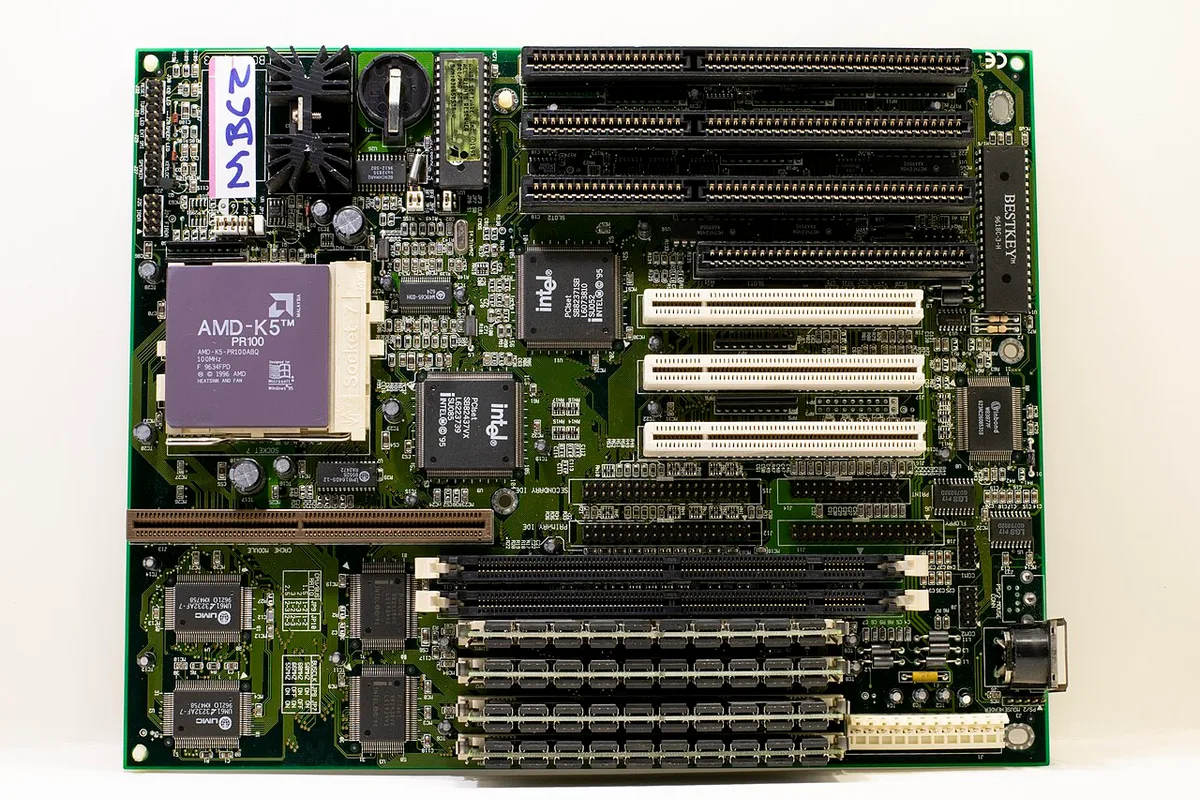
Image source: Wikimedia Commons / Oligopolism
Look at recent examples. Some "new" chips share DNA with older ones. They sit on the same node but boost slightly higher.
This isn’t innovation; it’s optimization. Gamers expecting huge jumps feel disappointed.
Check the manufacturer datasheets. Look for IPC claims versus previous models. A 5% gain is iterative.
A 20% jump is revolutionary. Don’t trust the box alone. Dig into the technical briefs provided by Intel or AMD.
This distinction protects your investment. You avoid paying premium prices for marginal gains. Understanding architecture helps you spot genuine upgrades.
It separates hype from hardware reality. Always verify the core design before committing funds.
How IPC, Cache, and Cores Actually Drive Frame Rates
Games rely heavily on single-thread speed. Instructions Per Clock (IPC) measures this efficiency. Higher IPC means more work done per cycle.
This translates directly to smoother frame pacing. Raw clock speed matters less than effective throughput.
Cache size plays a critical role too. L3 cache stores frequently accessed game data. Larger caches reduce latency when fetching assets.
AMD’s 3D V-Cache technology exemplifies this benefit. It boosts FPS significantly in specific titles.
Core counts have diminishing returns for pure gaming. Most modern engines utilize six to eight cores well. Beyond that, extra threads help background tasks.
Streaming or recording benefits from more cores. Competitive play does not.
Let’s compare metrics side-by-side.
| Metric | Primary Gaming Impact | Secondary Effect |
|---|---|---|
| High IPC | Better minimum FPS | Lower input lag |
| Large L3 Cache | Reduced stutter spikes | Faster asset loading |
| More Cores | Minimal direct gain | Improved multitasking/streaming |
| Higher Clocks | Marginal FPS increase | Increased heat/power draw |
Notice how IPC and cache dominate the top row. Manufacturers emphasize these features now. Old advice focused solely on GHz.
That era ended years ago. Modern CPUs balance frequency with efficiency.
Frame times matter more than averages. Consistent delivery prevents jarring hitches. High IPC ensures steady processing.
Large cache keeps data close to the core. Together, they create fluid gameplay experiences.
If you prioritize esports titles, focus on IPC. For AAA adventures, cache becomes vital. Know your game library.
Match the CPU trait to your preferred genre. This targeted approach maximizes value without overspending on unused specs. See our breakdown on choosing between cheaper CPUs and better GPUs for broader context.
The Hidden Risks of Mixing Generations and Platforms
Compatibility issues lurk everywhere. Plugging a new CPU into an old board often fails. The socket physically fits, but electrically differs.
Pins may bend or short out. Permanent damage occurs instantly.
BIOS versions pose another threat. Motherboards ship with outdated firmware. New processors require updated code to boot.
Without it, the screen stays black. Users panic thinking their hardware is dead.
Updating BIOS usually requires a working CPU. Catch-22 scenarios frustrate builders. Some boards offer flashback buttons.
Others demand an older chip just to update. This adds cost and complexity unnecessarily.
Power delivery systems also vary. Newer generations draw different currents. VRMs on older boards might struggle.
Thermal throttling kicks in under load. Performance drops despite having a fast processor.
Cooling solutions must match TDP ratings. High-output chips generate excess heat. Stock coolers rarely suffice anymore.
Inadequate airflow leads to instability. Crashes occur during intensive sessions.
Memory controllers change between gens. DDR4 works differently than DDR5. Mixing them causes boot failures.
Even compatible RAM needs correct XMP/EXPO settings. Incorrect timings degrade stability silently.
Always check qualified vendor lists (QVL). These documents confirm tested combinations. Ignoring them invites trouble.
Verify every part against the manual. Prevent headaches before assembly begins. Proper preparation avoids costly returns.
When to Upgrade vs. When to Stick With What You Have
Upgrade only if you face clear bottlenecks. Monitor usage stats during gameplay. If CPU utilization hits 100%, you’re limited.
Below 80%, your GPU likely caps performance.
Age matters less than capability. A five-year-old chip still runs many games fine. Benchmark your current system first.
Compare results against target titles. Data drives decisions, not feelings.
Consider resolution targets. At 4K, the GPU dominates. CPU differences shrink dramatically.
Upgrading the processor yields minimal gains. Save money for graphics cards instead. Read more about planning builds around target frame rates for specifics.
At 1080p or 1440p, CPUs shine. High-refresh monitors expose weaknesses here. Smooth motion requires consistent frame times.
Weak processors cause stutters. This is where upgrades pay off.
Budget constraints dictate strategy. Full platform swaps cost hundreds. Dropping in a CPU alone saves cash.
Ensure socket compatibility first. If your board supports newer chips, wait. Otherwise, factor in replacement costs.
Ask yourself three questions:
- Do I experience noticeable stutters?
- Is my GPU consistently underutilized?
- Can I afford the full platform change?
If answers lean toward yes, proceed. If no, hold tight. Technology moves fast.
Waiting often brings better deals. Patience preserves capital for meaningful improvements. Don’t rush into unnecessary spending cycles.
Evaluate your actual pain points honestly.
Verifying Compatibility Before You Spend a Dollar
Socket mismatch is the number one regret for new builders. Physical fit does not guarantee electrical compatibility. Always cross-reference your motherboard’s supported CPU list.
This document, often called a QVL, lists tested processors explicitly. If your chip isn’t on it, assume it won’t work. Don’t rely on generalizations about generations.
Specific SKUs have unique power requirements and pin layouts.
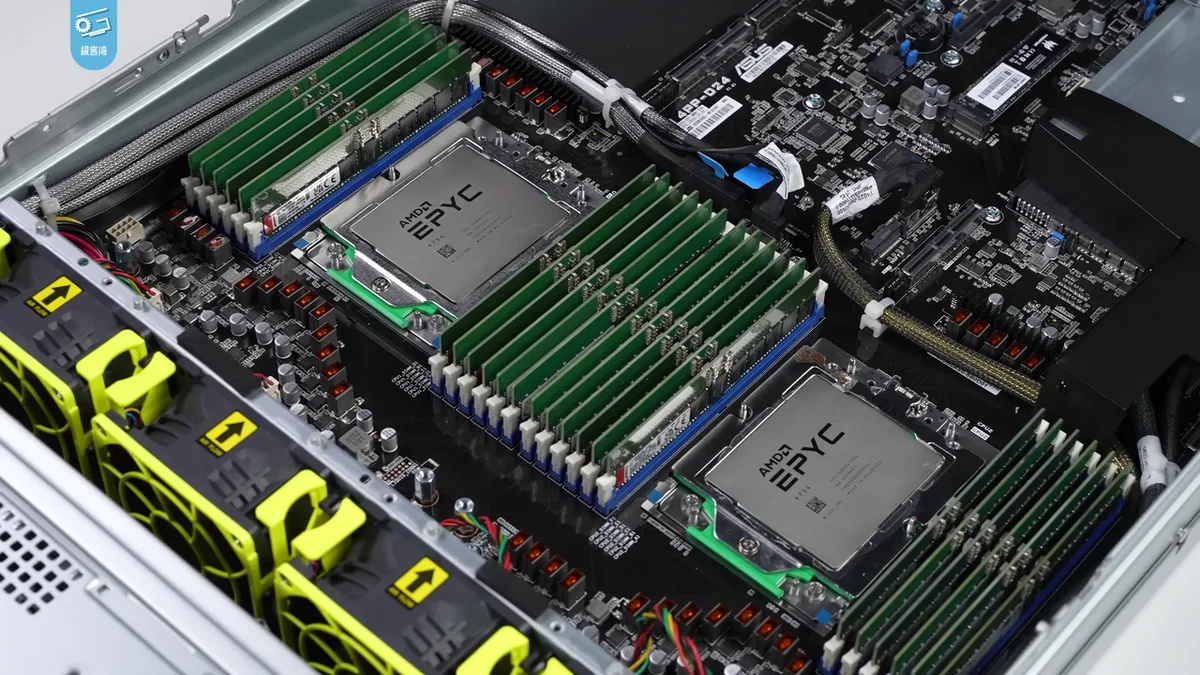
Image source: Wikimedia Commons / 极客湾Geekerwan (CC BY)
Check the BIOS version required for support. Newer CPUs frequently need updated firmware to initialize correctly. An old BIOS might reject a brand-new processor entirely.
You’ll see a black screen or error codes. Updating requires a compatible older CPU in many cases. Some boards offer USB Flashback features to bypass this.
Verify this capability before purchasing if you lack spare parts.
Memory compatibility deserves equal attention. DDR4 and DDR5 are not interchangeable. They use different voltages and physical keying.
Mixing them damages slots instantly. Even within the same type, speed matters. Check the JEDEC standards for base frequencies.
Overclocked profiles like XMP or EXPO require stable voltage delivery. Poor VRM quality on cheap boards struggles with high-speed RAM.
Power supply units (PSUs) also play a role. High-end chips draw significant wattage under load. Ensure your PSU provides adequate amperage on the 12V rail.
Undersized supplies cause shutdowns during peak gaming moments. Look for 80 Plus Gold certification minimum. Efficiency reduces heat and noise over time.
Proper verification prevents expensive returns and wasted weekends. Take ten minutes now to save hundreds later. Consult our breakdown of safe used components if buying second-hand parts.
Common Pitfalls That Turn Upgrades Into Regrets
Chasing core counts is a classic mistake. Gamers see "16 cores" and assume superiority. Most titles barely utilize six threads effectively.
Extra cores sit idle while consuming power. You pay premium prices for unused silicon. Focus instead on single-core performance metrics.
IPC and boost clocks drive frame rates more than thread count. Ignore marketing specs that don’t align with game engines.
Neglecting thermal management leads to throttling. Modern CPUs run hotter than previous generations. Stock coolers often fail to handle sustained loads.
Temperatures spike above 90°C quickly. The chip slows down to protect itself. Performance drops significantly during long sessions.
Invest in a robust aftermarket cooler. Air towers or AIO liquid loops provide headroom. Silence improves immersion too.
Don’t skimp on cooling when upgrading power.
Forgetting chipset drivers causes subtle instability. Windows installs generic drivers automatically. These miss specific scheduling optimizations.
Intel’s Thread Director needs proper software integration. Without it, tasks land on wrong cores. Latency increases unpredictably.
Download official drivers from manufacturer sites. Update regularly alongside OS patches. This small step unlocks hidden performance potential.
Many users overlook this critical maintenance task.
Buying incompatible RAM kits wastes money. Speed ratings must match controller capabilities. Fast memory on an unsupported board runs at base speeds.
You lose bandwidth benefits entirely. Check qualified vendor lists for exact model numbers. CL timings affect responsiveness too.
Tighter timings reduce latency slightly. Balance capacity, speed, and cost carefully. Three sticks of dual-channel RAM hurt performance.
Stick to two or four modules only. Avoid these traps by researching thoroughly beforehand. See our advice on prioritizing parts in budget builds for strategic spending tips.
Expert Checklist for Selecting the Right Gaming CPU
Start by defining your resolution target. 4K gaming shifts load to the GPU. CPU choice matters less here. Pick mid-range options to save cash. 1080p competitive play demands high IPC.
Prioritize top-tier single-core performance. Cache size becomes secondary to frequency. Know your primary monitor setup first.
This filters out irrelevant models immediately.
Next, audit your existing infrastructure. Can your motherboard accept the new socket? Does your PSU handle the TDP increase?
Is your case wide enough for large coolers? These physical constraints dictate viable options. Don’t buy a chip that doesn’t fit.
Upgrade paths should be realistic. Factor in peripheral costs too. New platforms may require fresh RAM.
Calculate total expense before committing. Hidden fees add up fast. Review total cost estimation guides to avoid surprises.
Evaluate longevity versus immediate gain. AM5 promises multi-year support. LGA 1700 reached end-of-life status.
Choosing active platforms protects resale value. Wait for next-gen releases if timing allows. Prices drop shortly after launch.
Early adopters pay premiums unnecessarily. Patience yields better deals. Compare current benchmarks against future rumors.
Make informed decisions based on data.
Finally, check community feedback. Aggregated user reviews highlight real-world issues. Look for patterns in complaints.
Thermal problems or driver bugs recur often. Manufacturer forums provide technical details. Trust verified buyers over influencer hype.
Cross-reference multiple sources for accuracy. This due diligence ensures satisfaction. Follow this checklist religiously.
It minimizes risk and maximizes return on investment. Smart selection beats random guessing every time.
Frequently Asked Questions About CPU Generations
Does a higher generation always mean faster gaming performance?
Not necessarily. Minor refreshes often share identical architectures. Gains come primarily from increased clock speeds.
True generational leaps improve IPC significantly. Always compare benchmark scores directly. Marketing labels can be misleading.
Look for architectural changes, not just numbers. Data proves actual performance differences clearly.
Can I mix CPUs from different generations on one board?
Only if they share the same socket. Electrical pinouts must match exactly. Different generations rarely use identical interfaces.
Forcing installation causes permanent damage. Check motherboard specifications carefully. Supported CPU lists define compatibility boundaries.
Never guess on socket types. Verify against official documentation first.
How much does cache size impact frame rates?
It varies by title heavily. Strategy games benefit most from large L3 caches. Open-world titles see noticeable improvements.
Competitive shooters rely more on raw speed. Diminishing returns apply beyond certain thresholds. Match cache capacity to your genre preferences.
Understand where bottlenecks occur naturally. Tailor choices to specific gameplay styles.
Is integrated graphics relevant for dedicated GPU setups?
Generally no. Discrete cards handle rendering independently. iGPUs serve as backup displays only. Troubleshooting benefits exist occasionally.
Otherwise, disable them in BIOS settings. Save power and reduce heat output. Focus resources on discrete performance.
Integrated units add negligible value here. Prioritize CPU core efficiency instead.
1 thought on “CPU Generations Explained: Why They Matter for Gaming”
Comments are closed.